Hash any text or file with MD5, SHA-1, SHA-256, SHA-384 and SHA-512 at once.
| Algorithm | Hash | Copy |
|---|
Everything runs in your browser. Your text and files are never uploaded or stored. MD5 and SHA-1 are shown for checksums and legacy systems only, not for security.
Need to check a download, compare two files or store a fingerprint of some text? This SHA256 generator follows the Secure Hash Standard in NIST FIPS 180-4 to create a SHA-256 hash instantly, along with MD5, SHA-1, SHA-384 and SHA-512. That way you can match whichever checksum a website or developer has published, and all the work happens in your own browser.
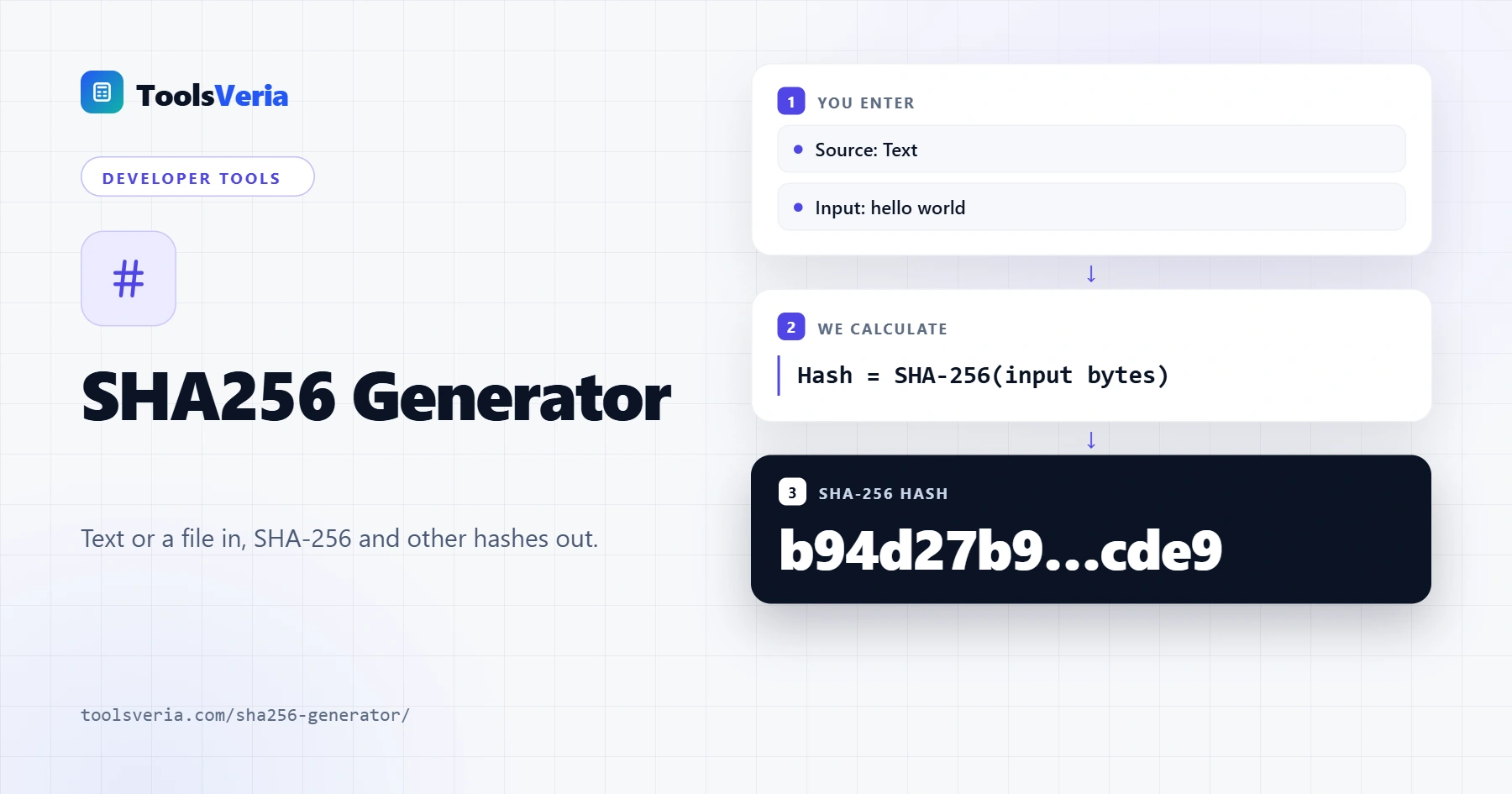
What Is a SHA-256 Hash?
A hash function turns any input, from a single word to a large file, into a fixed length string of characters. SHA-256 always produces 256 bits, shown as 64 hexadecimal characters. The same input always gives the same hash, yet changing just one letter produces a completely different result, which makes hashes ideal for spotting corrupted or tampered files.
Hashing is one way: you cannot turn a hash back into the original text. If you need a random identifier rather than a fingerprint of existing data, the UUID generator is the better tool. MD5 (128 bits) and SHA-1 (160 bits) are older and both have known collision attacks, so they are only suitable for basic checksums. SHA-256, SHA-384 and SHA-512 belong to the SHA-2 family and remain the standard choice for integrity checks and digital signatures.
How to Use the SHA256 Generator
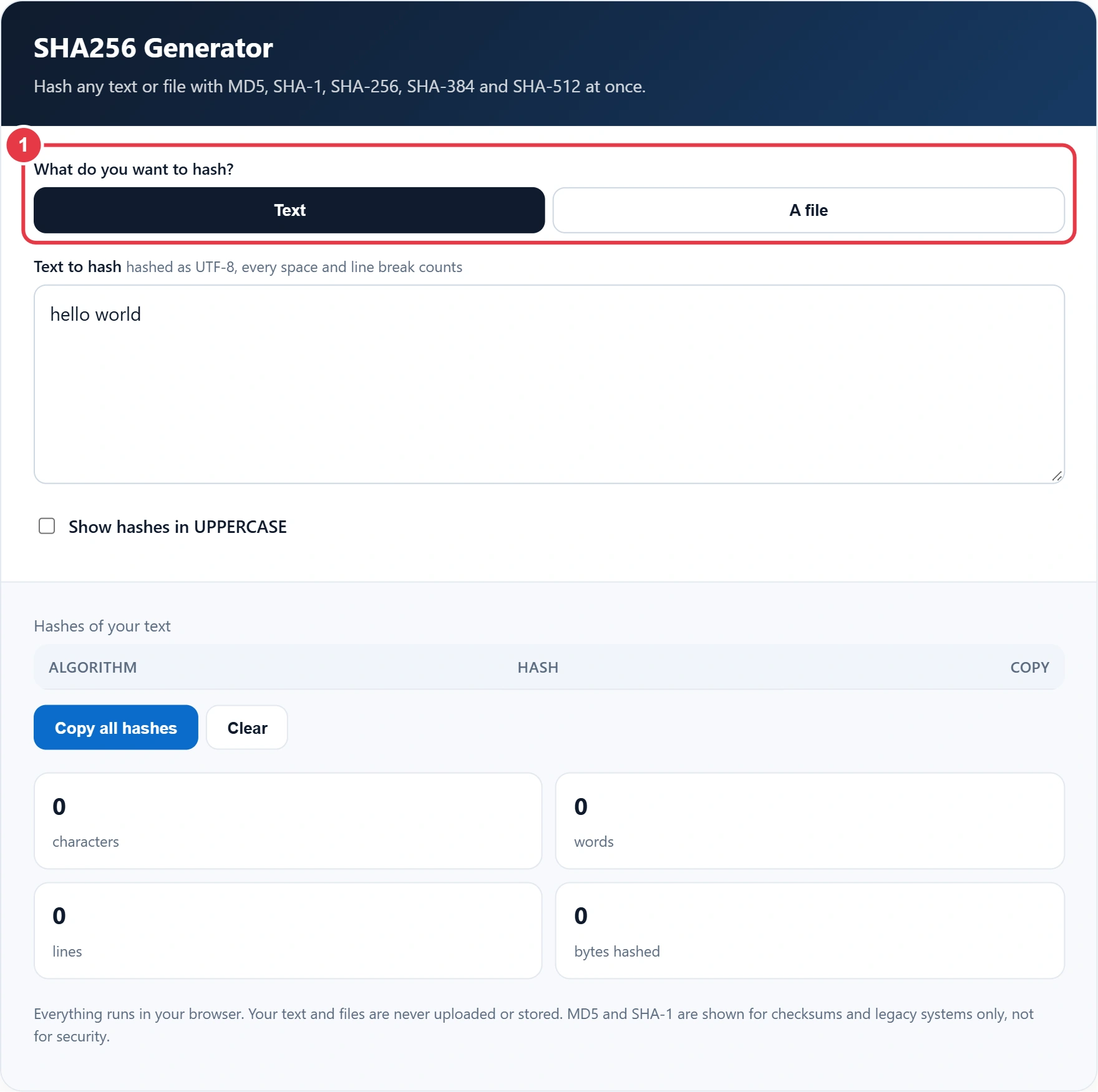
Step 1: Choose Text or a File
Select Text to hash something you type or paste, or A file to hash a document, image or installer. Like our image to Base64 converter, it reads files locally with your browser and never sends them to a server.
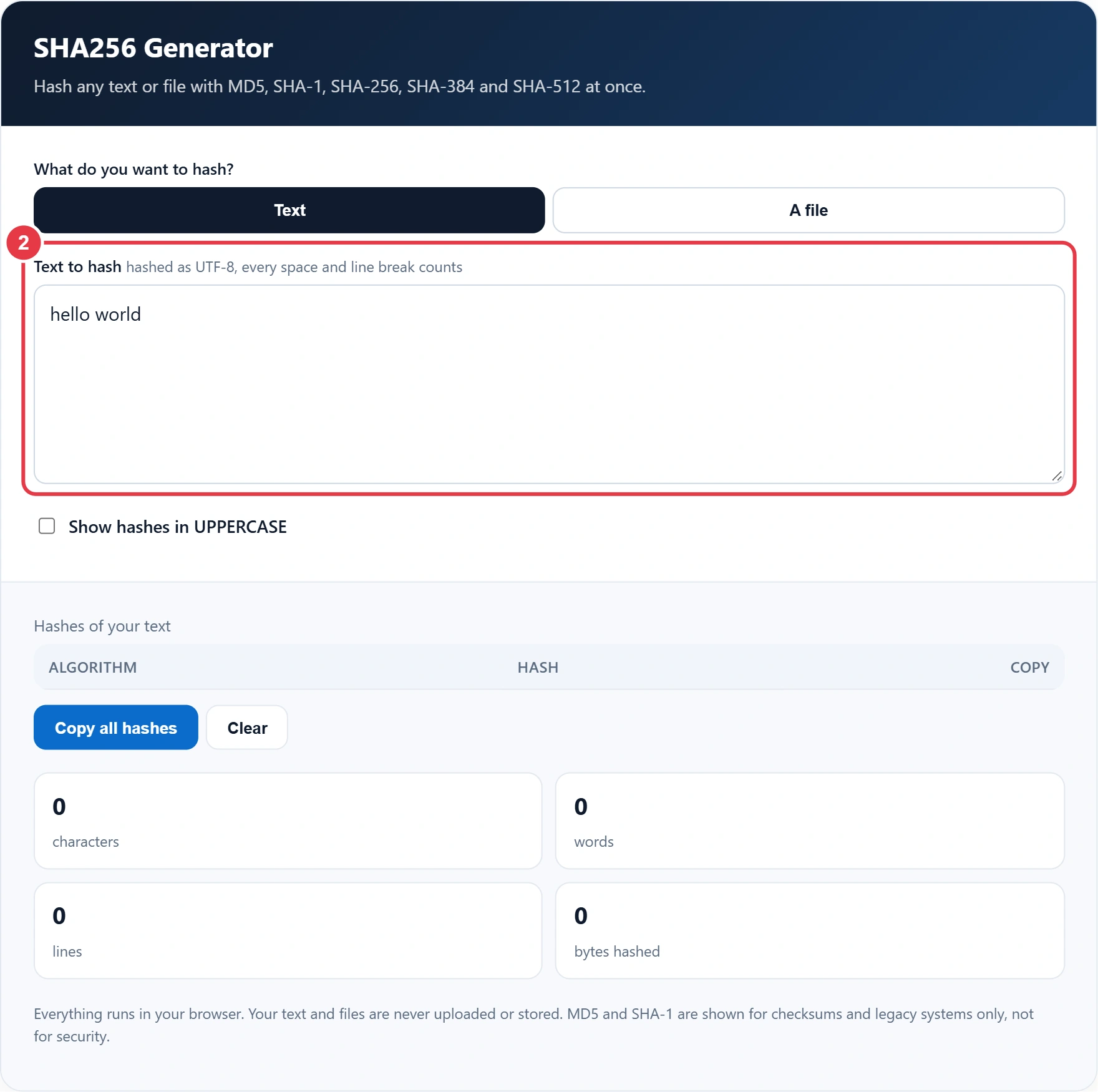
Step 2: Enter Your Text
Type or paste into the box. The sample "hello world" is loaded so you can see real results straight away. Remember that a trailing space or an extra line break changes the hash, so paste exactly what you want to check.
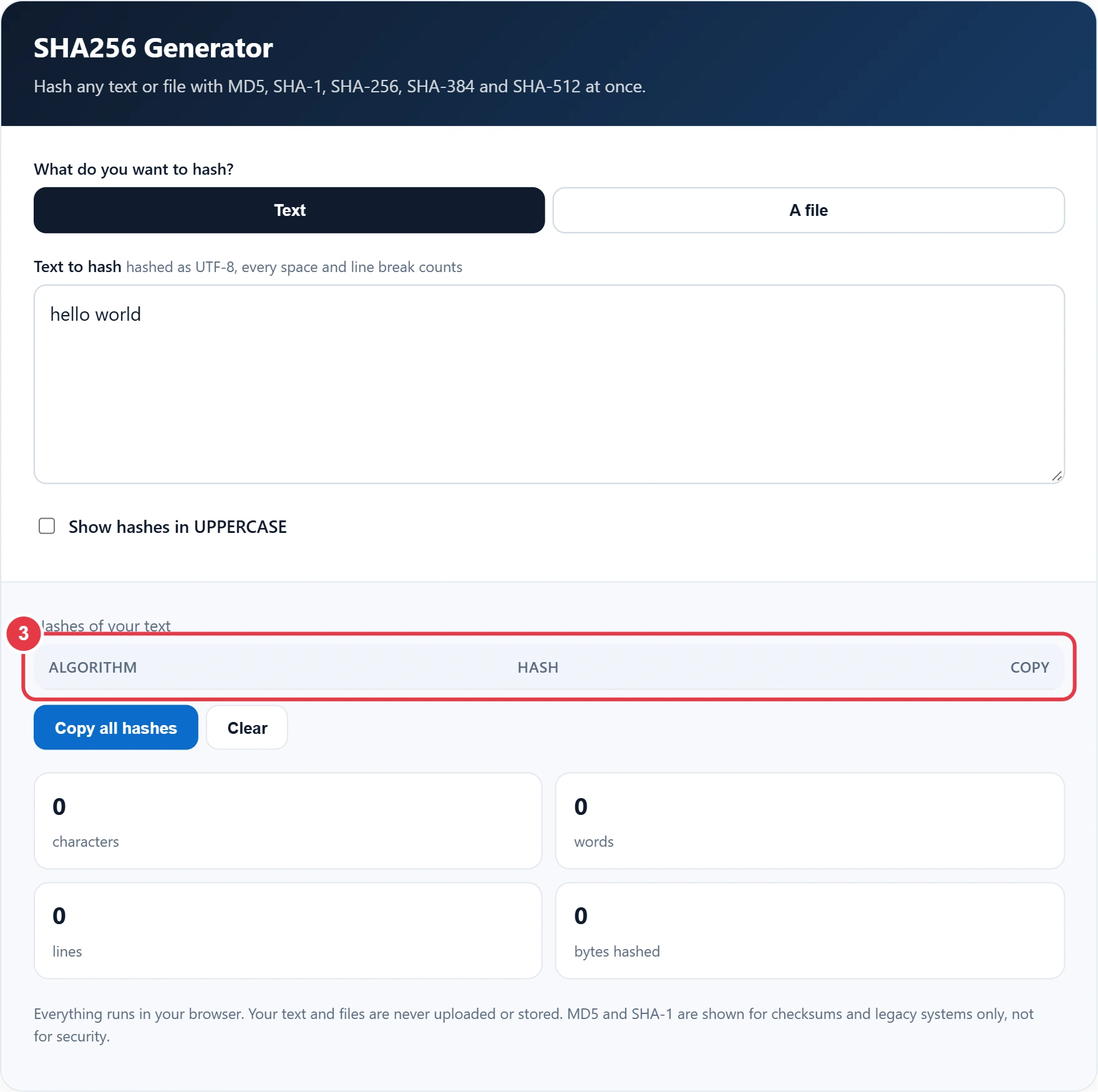
Step 3: Read the Hashes
The table updates as you type, showing every algorithm side by side. Tick the uppercase option if the checksum you are comparing against uses capital letters. Hex hashes are not case sensitive, so both forms describe the same value.
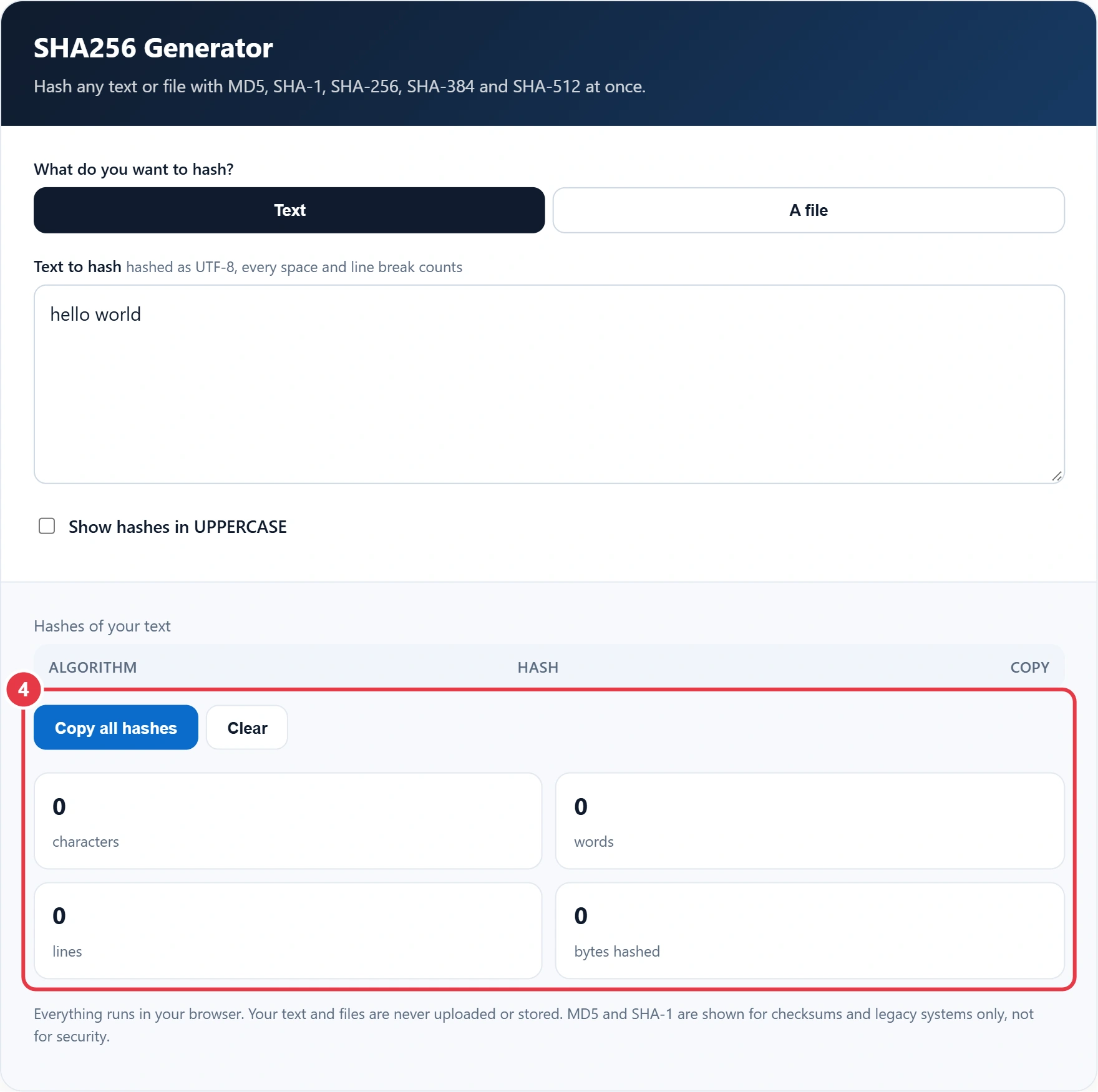
Step 4: Copy the Result
Press Copy next to any row, or Copy all hashes to grab the full list with labels. The stats show the characters, words and lines in your text and the exact number of bytes that were hashed.
Hash Algorithms Compared
| Algorithm | Output length | Hex characters | Use it for |
|---|---|---|---|
| MD5 | 128 bits | 32 | Quick checksums, legacy systems |
| SHA-1 | 160 bits | 40 | Older software and Git object IDs |
| SHA-256 | 256 bits | 64 | File integrity, signatures, APIs |
| SHA-384 | 384 bits | 96 | TLS certificates, higher security |
| SHA-512 | 512 bits | 128 | Long term integrity checks |
A plain hash is not the right way to store passwords, because fast hashes can be guessed at huge speed. The OWASP password storage guidance recommends a slow, salted algorithm such as bcrypt or Argon2 instead, which makes every guess far more expensive.
Frequently Asked Questions
How do I generate a SHA-256 hash?
Type or paste your text into the generator, or choose a file. The SHA-256 hash appears instantly as 64 hexadecimal characters, ready to copy.
Can a SHA-256 hash be decrypted?
No. Hashing is one way, so the original input cannot be recovered from the hash. Short or common inputs can sometimes be guessed by trying many values, which is why passwords need a slow, salted algorithm.
Is MD5 still safe to use?
MD5 is fine for spotting accidental corruption, but it is broken for security because different inputs can be made to share a hash. Use SHA-256 or stronger for anything security related.
How do I check a file's checksum?
Choose A file, select the download and compare the SHA-256 or MD5 result with the checksum published by the provider. If every character matches, the file is intact.
Why does my hash not match another tool?
The input is usually different. Check for a trailing space, an extra line break or a different text encoding, since this tool hashes text as UTF-8.
Are my files uploaded when I hash them?
No. Files and text are read and hashed inside your browser, so nothing leaves your device.