Paste text with unwanted line breaks and get clean, flowing text instantly.
Everything runs in your browser. Your text is never uploaded or stored.
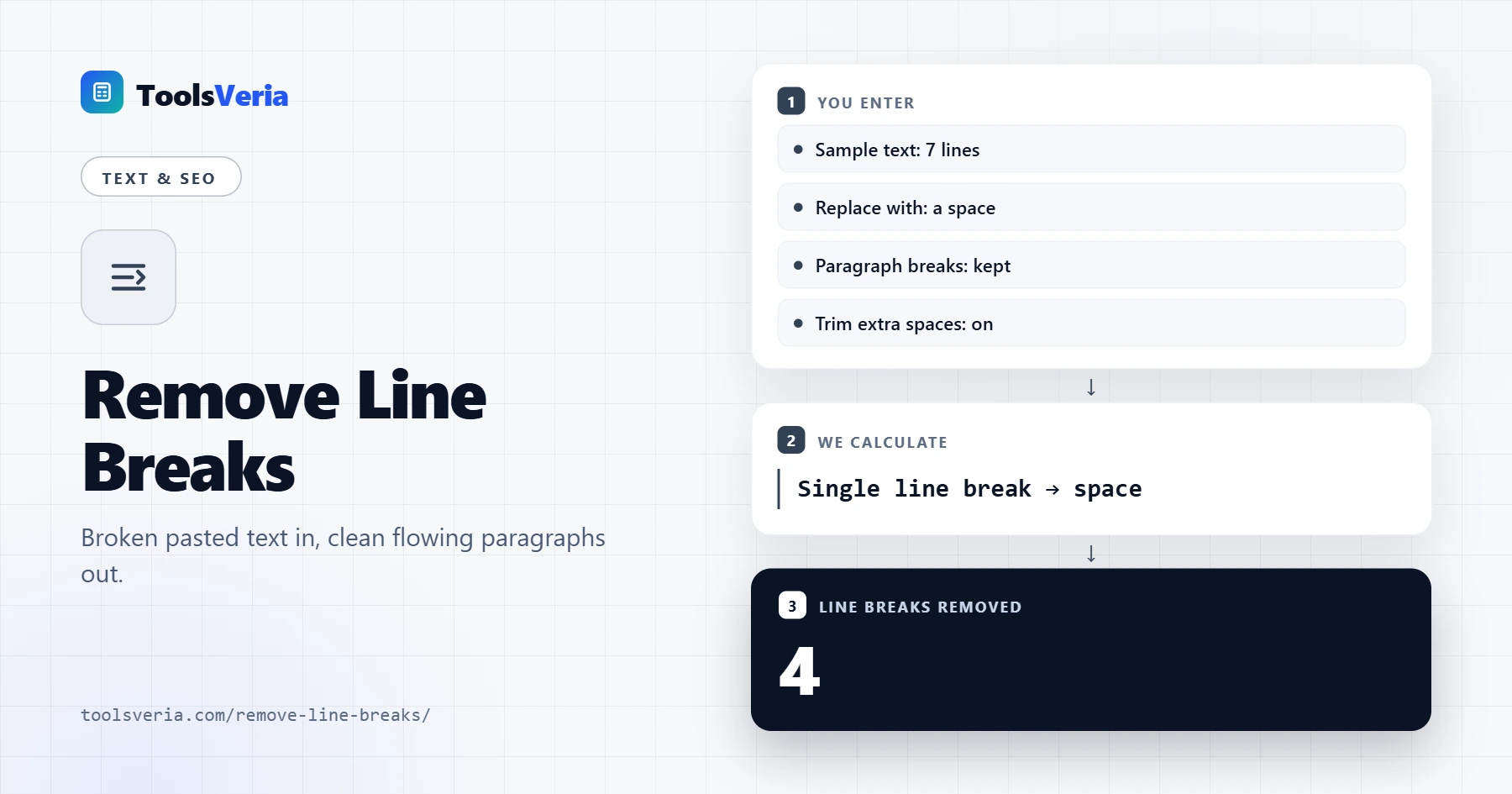
Copy a paragraph out of a PDF, an old email or a terminal window and you usually get a hard return at the end of every line. This remove line breaks tool joins those broken lines back into proper sentences, so you can paste clean text into a document, a form or a CMS. It handles all the common newline characters used by Windows, Mac and Linux, and it never sends your text anywhere.
What Does Removing Line Breaks Do?
A line break is an invisible character that tells software to start a new line. PDFs and fixed width emails insert one wherever the line ran out of space, not where a sentence actually ends. When you paste that text elsewhere, the breaks stay behind and leave ragged, choppy lines.
The tool finds every single line break and replaces it with a space, with nothing, or with any text you choose. If you keep paragraph breaks switched on, blank lines are treated as real paragraph boundaries and preserved, so only the unwanted breaks inside each paragraph disappear. Trimming then collapses double spaces left behind.
How to Use the Remove Line Breaks Tool
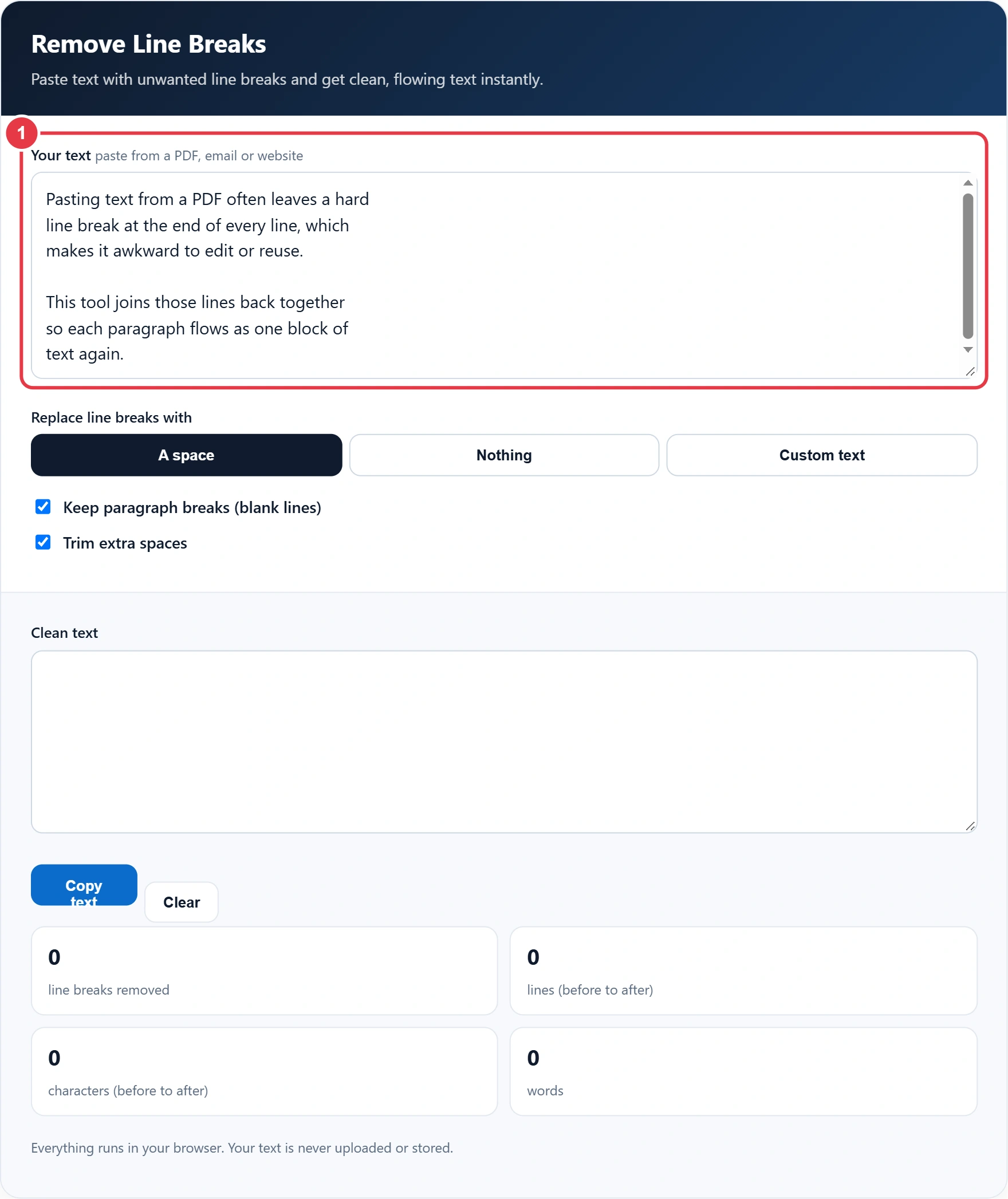
Step 1: Paste Your Text
Paste or type your text into the input box. A short sample is loaded already so you can see how the tool behaves before using your own content.
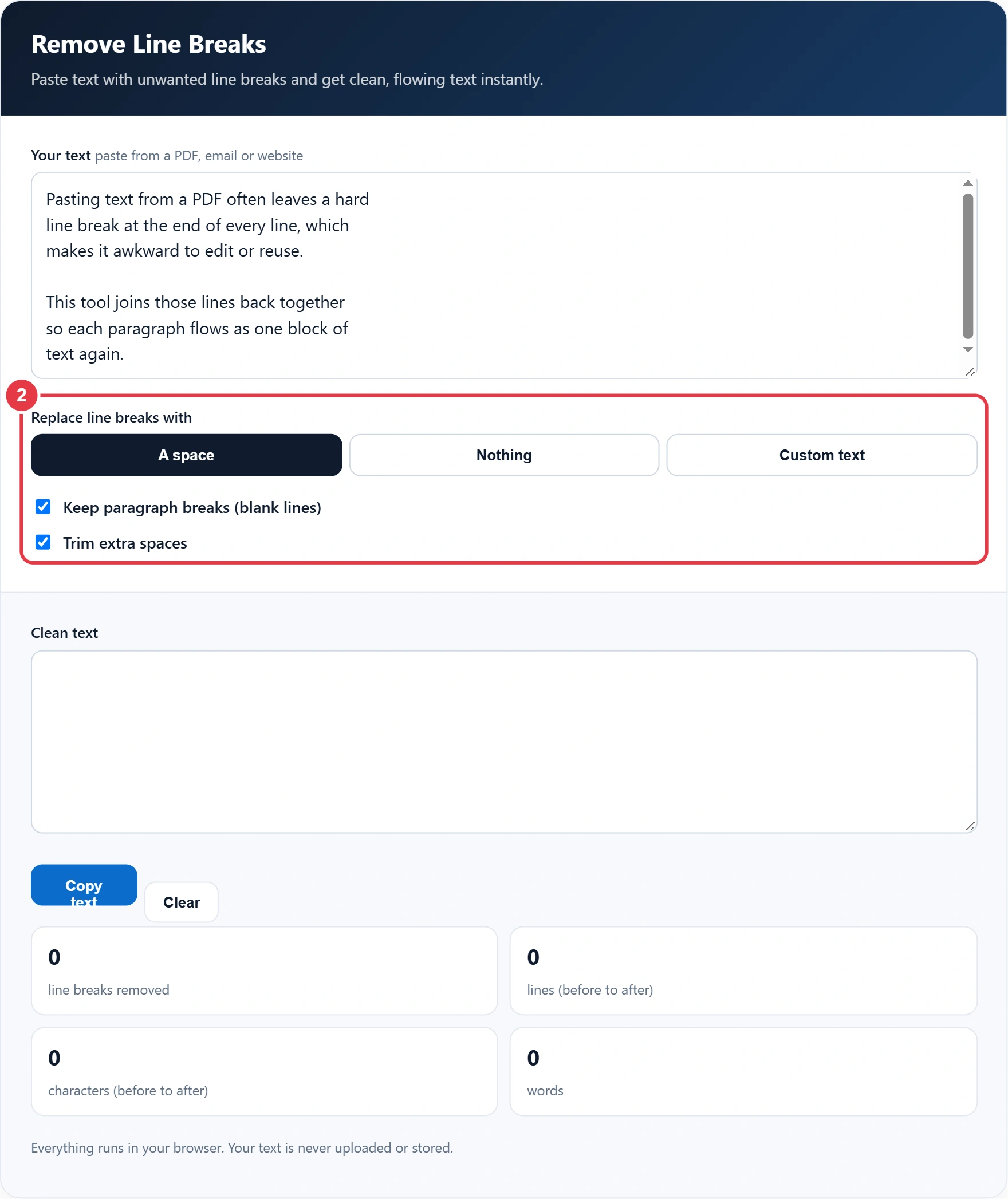
Step 2: Choose Your Options
Pick A space for normal prose, Nothing for text where words were split across lines, or Custom text to turn a list into a comma separated line. Keep paragraph breaks on to protect blank lines, and leave trimming on to remove stray spaces.
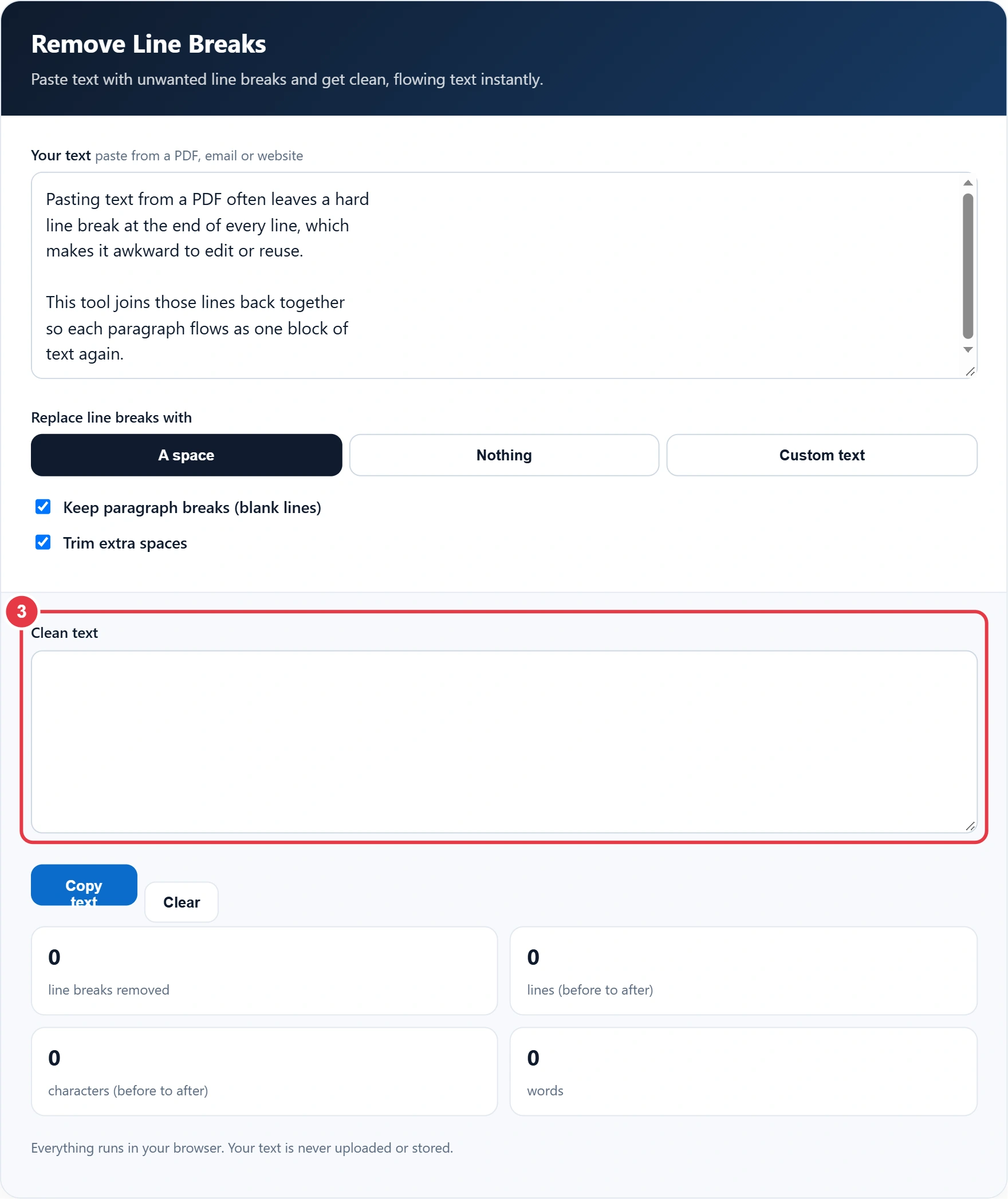
Step 3: Check the Clean Text
The output box updates as you type or change a setting. If the clean text is going into a page description, the meta tag generator turns it into ready to paste HTML tags. Read the result through quickly, especially if your source had hyphenated words at line ends, as those may need a manual fix.
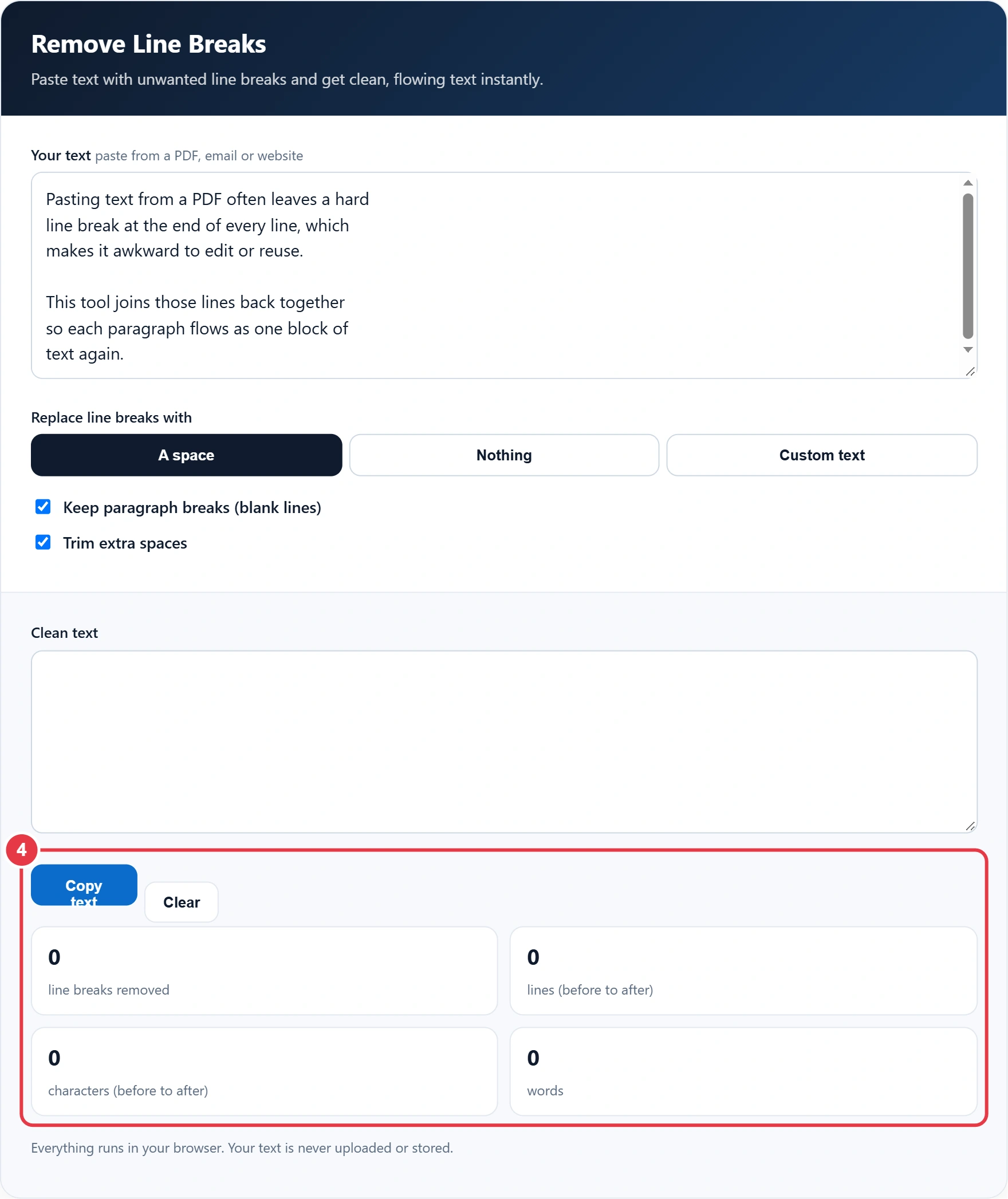
Step 4: Copy the Result
Press Copy text to send the result to your clipboard. If the text is headed for a new web page, the slug generator can turn its title into a tidy URL. The stats show how many line breaks were removed and how the line and character counts changed. Use Clear to start again.
Which Replacement Should You Use?
| Source text | Best setting | Why |
|---|---|---|
| PDF or ebook extract | Space, keep paragraphs | Restores normal sentences |
| Plain text email | Space, keep paragraphs | Removes the 72 character wrap |
| List of names or keywords | Custom ", " | Creates one comma separated line |
| Code or URLs split over lines | Nothing | Joins parts with no gap |
Many older emails were wrapped at a fixed width by the sending software, a practice known as hard line wrapping. Modern editors use soft wrapping instead, which is why removing the hard breaks makes text reflow neatly on any screen size.
Frequently Asked Questions
How do I remove line breaks from text?
Paste the text into the tool, choose to replace breaks with a space and copy the result. Every hard return inside a paragraph is removed instantly.
Can I keep my paragraphs while removing line breaks?
Yes. Leave Keep paragraph breaks ticked and blank lines between paragraphs are preserved while single breaks are joined.
Why does text from a PDF have line breaks?
PDFs store text line by line as it appears on the page, so copying it adds a break at the end of each visual line rather than each sentence.
How do I turn a list into a comma separated line?
Choose Custom text, enter a comma and a space, and untick Keep paragraph breaks. Each line becomes one item in a single comma separated line.
Is my text stored or uploaded?
No. The tool runs entirely in your browser, so nothing you paste leaves your device.
What is the difference between a line break and a paragraph break?
A line break starts a new line within the same paragraph. A paragraph break is usually a blank line, made from two line breaks in a row.