Convert page titles into short, clean and readable URL slugs.
Slugs use only letters, numbers and your chosen separator, so they are safe in any URL.
A good URL tells people and search engines what a page is about before they even click. This slug generator turns any title into a short, lowercase, hyphen separated slug, removing accents, symbols and filler words for you. Paste a whole list of titles and you get one slug per line, ready for WordPress, Shopify or any CMS. Google's own URL structure guidelines recommend simple, descriptive words with hyphens between them, which is exactly what this tool produces.
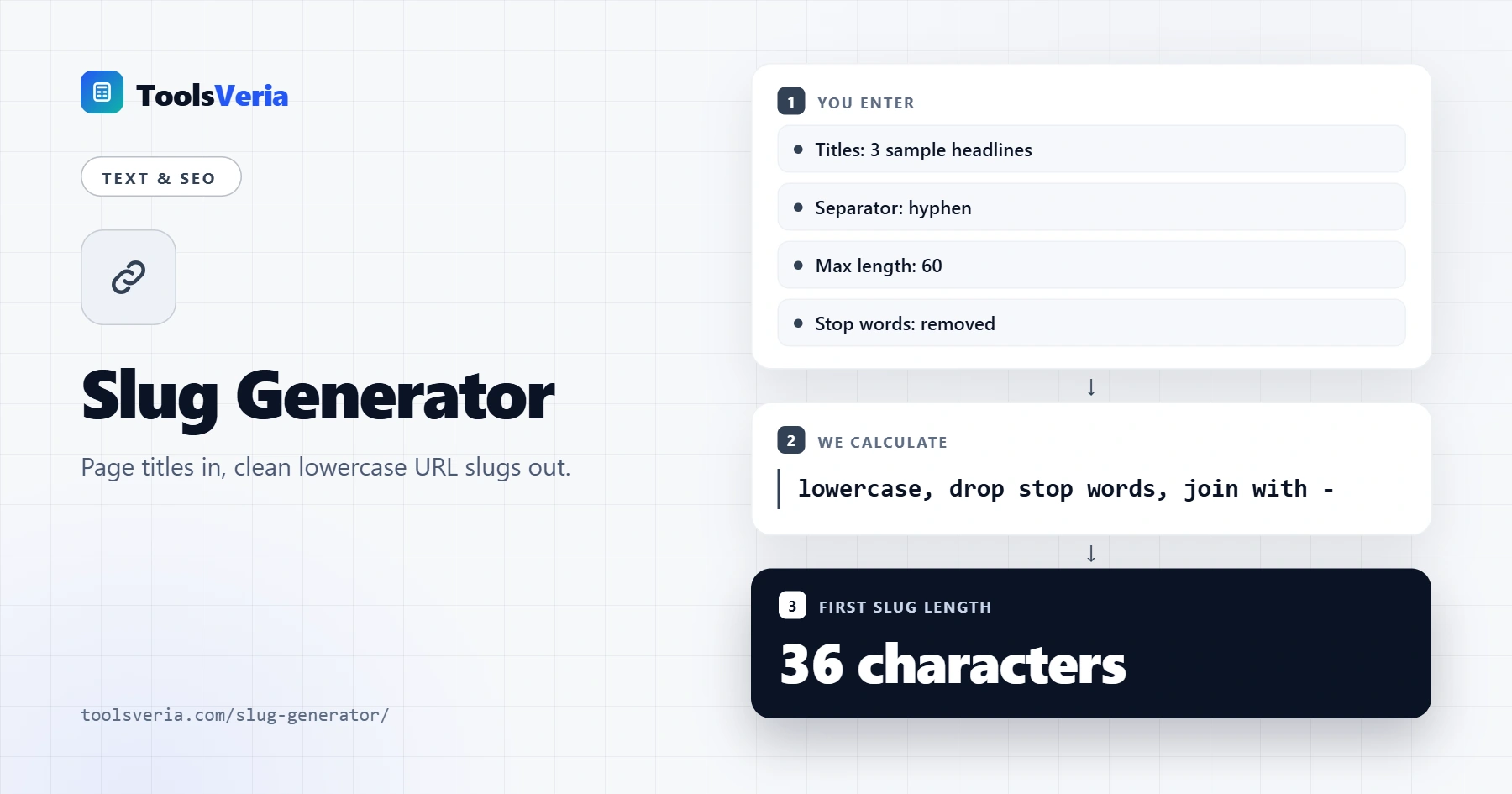
What Is a URL Slug?
The slug is the last part of a URL that identifies a specific page. In example.co.uk/blog/sourdough-starter-guide, the slug is sourdough-starter-guide. A clear slug is easier to read, share and remember, and it gives a small relevance signal when it contains the main topic of the page.
The generator works in a fixed order: it converts accented letters to plain ones, makes everything lowercase, replaces "&" with "and", removes every character that is not a letter or number, drops common stop words, and joins what is left with your separator. If a max length is set, it trims at the last whole word so slugs never end mid word.
How to Use the Slug Generator
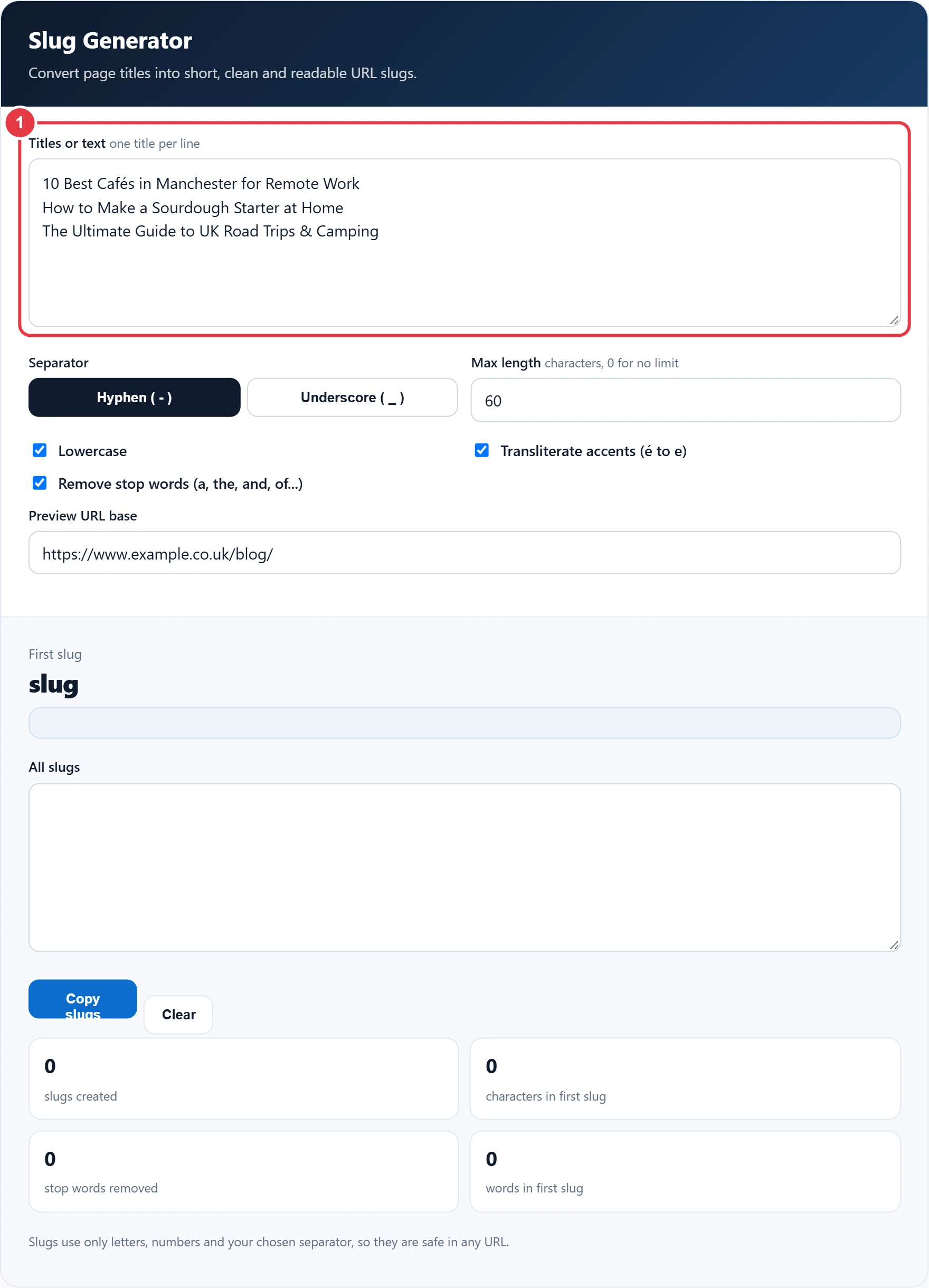
Step 1: Enter Your Titles
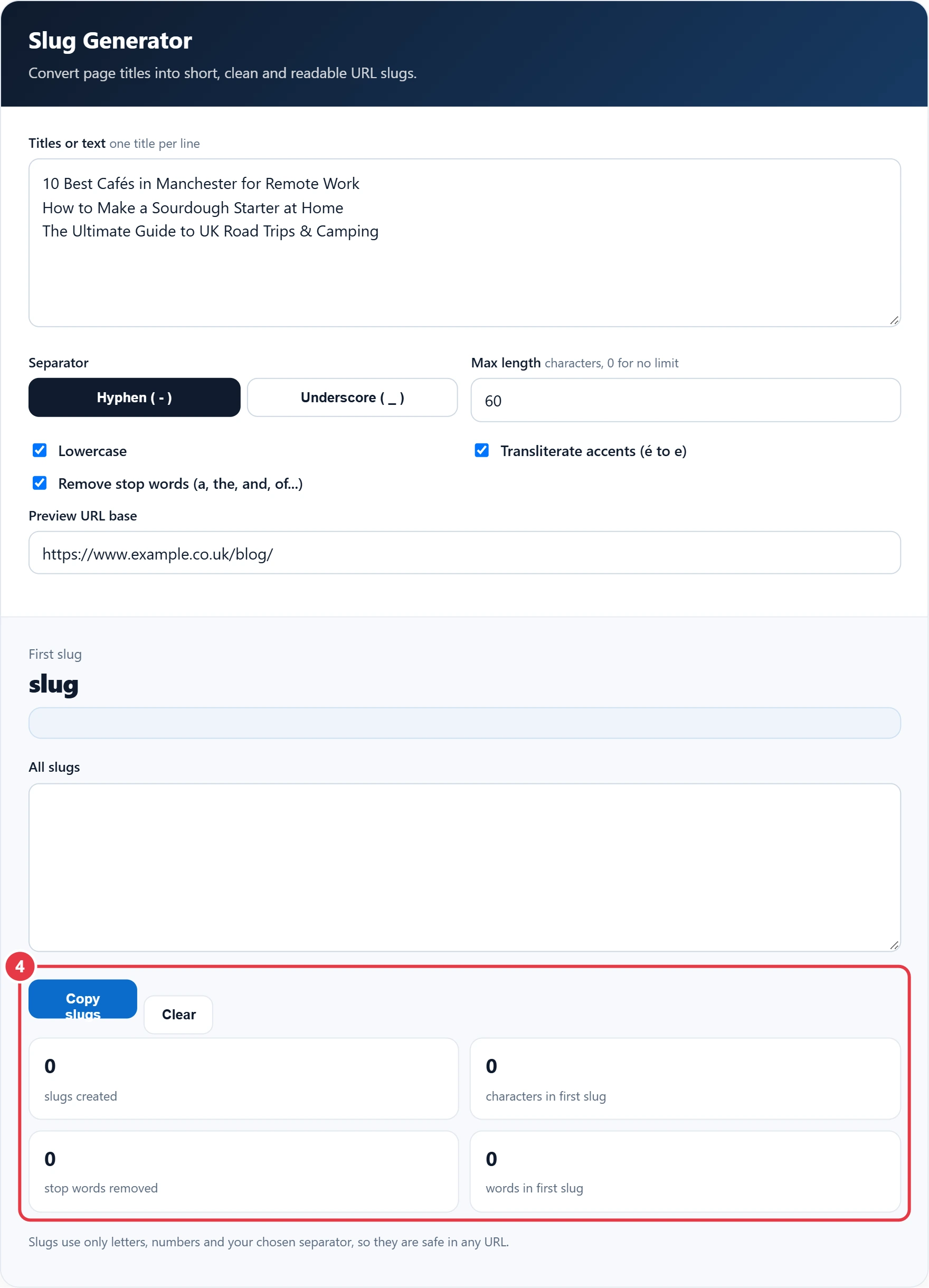
Type or paste a page title, product name or heading into the box. Add more titles on new lines to create several slugs at once.
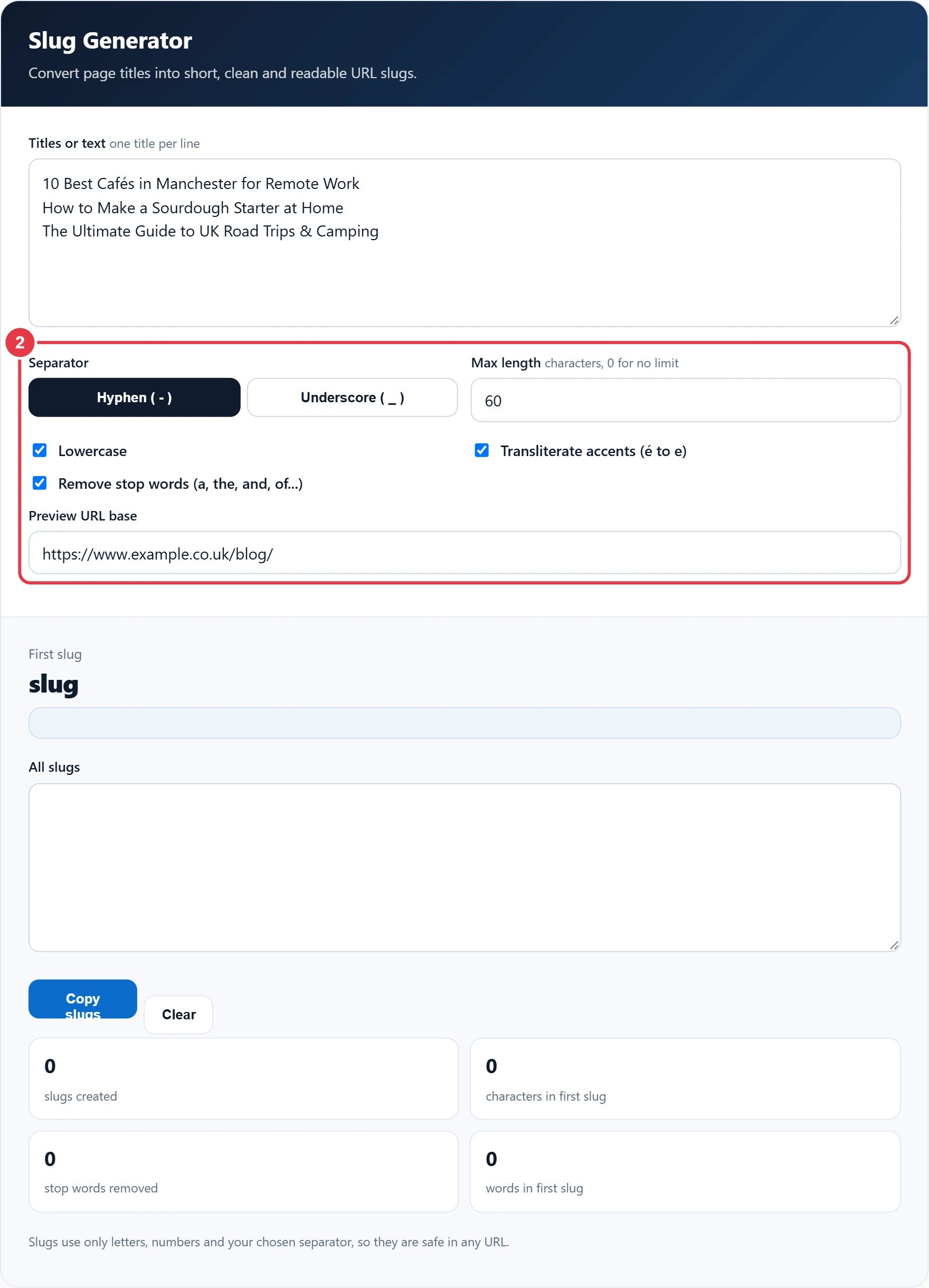
Step 2: Set Your Options
Choose a hyphen or underscore, set a maximum length, and decide whether to lowercase, remove stop words and transliterate accents. Hyphens are the safest choice for most websites.
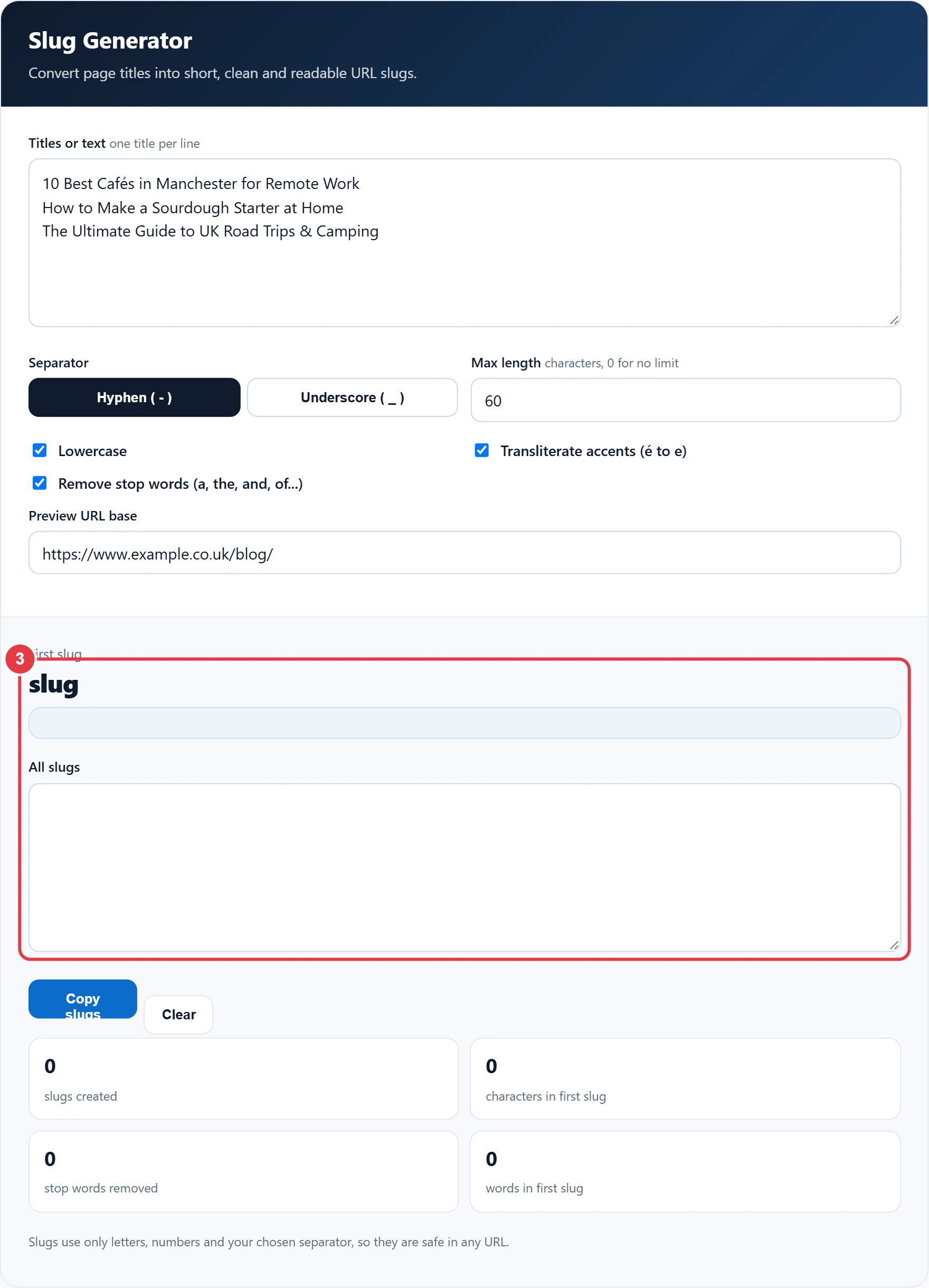
Step 3: Check the Slug and URL Preview
The first slug appears in large text with a full URL preview underneath. To see how it will look in Google next to your title, check it in the SERP preview tool before you publish. Change the preview base to your own domain to see exactly how the address will look.
Step 4: Copy Your Slugs
Press Copy slugs to copy every slug, one per line. When the page is ready, the meta tag generator builds the title and description tags to go with your new URL. The stats show how many slugs were made, the length of the first one and how many stop words were removed.
Slug Examples and Best Practice
| Title | Generated slug |
|---|---|
| 10 Best Cafés in Manchester for Remote Work | 10-best-cafes-manchester-remote-work |
| How to Make a Sourdough Starter at Home | how-make-sourdough-starter-home |
| The Ultimate Guide to UK Road Trips & Camping | ultimate-guide-uk-road-trips-camping |
- Keep slugs short, ideally three to six meaningful words.
- Use hyphens rather than underscores, as search engines read hyphens as word separators.
- Avoid dates and numbers that will go out of date, unless they are essential.
- Once a page is live, avoid changing its slug. If you must, add a 301 redirect from the old URL.
Slugs are a key part of what is often called a clean URL, an address made of readable words rather than query strings and ID numbers.
Frequently Asked Questions
What is a slug in a URL?
A slug is the readable part at the end of a URL that identifies a page, such as best-walking-boots in example.co.uk/best-walking-boots.
Should I use hyphens or underscores in slugs?
Use hyphens. Google recommends hyphens to separate words, while underscores can cause words to be read as one.
How long should a URL slug be?
Short and descriptive is best. Three to six words, or roughly 60 characters or fewer, works well for most pages.
Should I remove stop words from slugs?
Usually yes, as words like the, and and of add length without meaning. Keep them only if the slug reads oddly without them.
Does the slug affect SEO?
A descriptive slug helps users and search engines understand the page, but it is a small factor compared with content quality.
Can I change a slug after publishing?
You can, but you should add a 301 redirect from the old URL so visitors and existing links still reach the page.