Add or remove UK VAT at 20%, 5%, 0% or any rate, for one price or a whole list of lines.
UK rates checked October 2026: 20% standard, 5% reduced, 0% zero. Domestic electricity in Great Britain is zero rated from 1 October 2026 to 31 March 2027 (Northern Ireland stays at 5%). Each line is rounded to the nearest penny.
This VAT calculator adds or removes UK VAT for sole traders, small businesses and shoppers, using the 20%, 5% and 0% rates that apply in October 2026 as listed on the GOV.UK VAT rates page, plus any custom rate you need. Enter one price or a whole list of invoice lines and you get the net amount, the VAT and the gross total, with the formula shown for your exact figures.
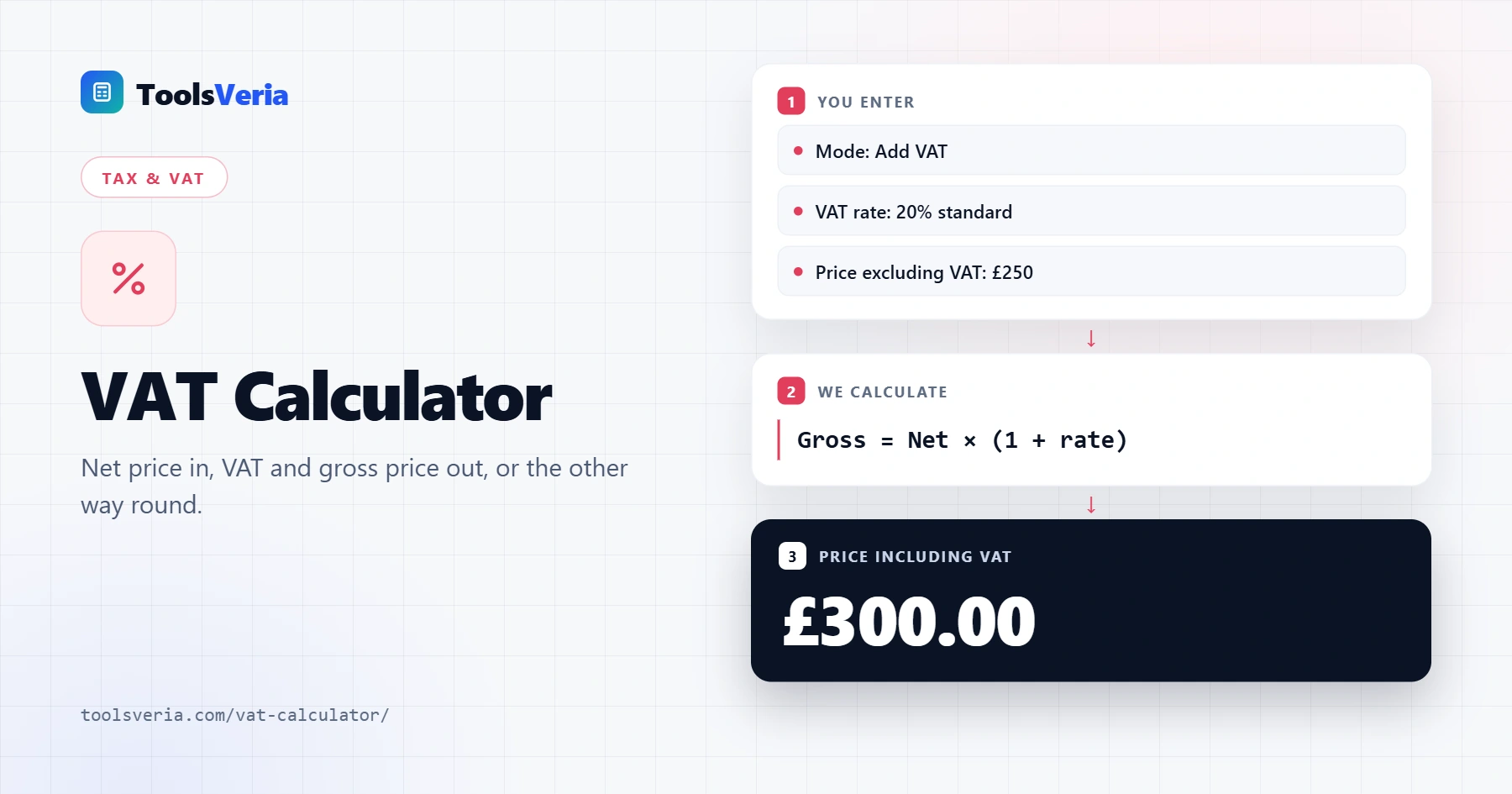
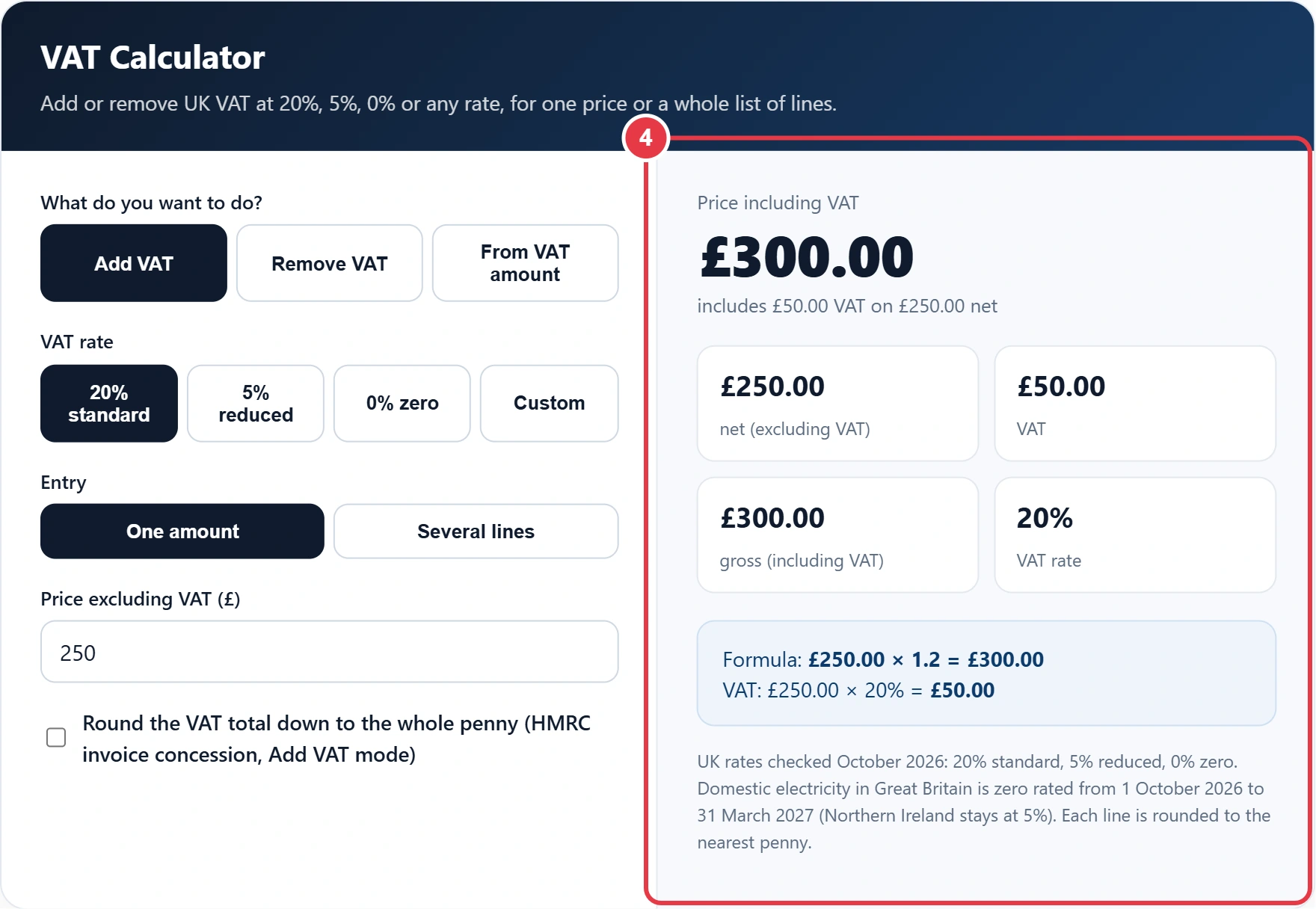
Quick answer: To add UK VAT at the standard 20% rate, multiply the net price by 1.2. To remove it, divide the gross price by 1.2, because VAT is one sixth of a 20% gross price. At 5% use 1.05. A VAT calculator does both instantly: £250 net becomes £300 gross, including £50 VAT.
In This Guide
What Is a VAT Calculator?
A VAT calculator is a tool that works out the Value Added Tax on a price, either by adding VAT to a net figure or by taking it out of a gross figure. Net means the price before VAT, gross means the price the customer pays, and VAT is the difference between the two.
The formulas are short. Gross = net × (1 + rate), so at 20% you multiply by 1.2. Net = gross ÷ (1 + rate), so at 20% you divide by 1.2. If you only know the VAT figure, net = VAT ÷ rate, which at 20% means multiplying the VAT by 5. This tool runs all three, and the Several lines option applies them to a full invoice where each line can carry a different rate.
How to Use the VAT Calculator
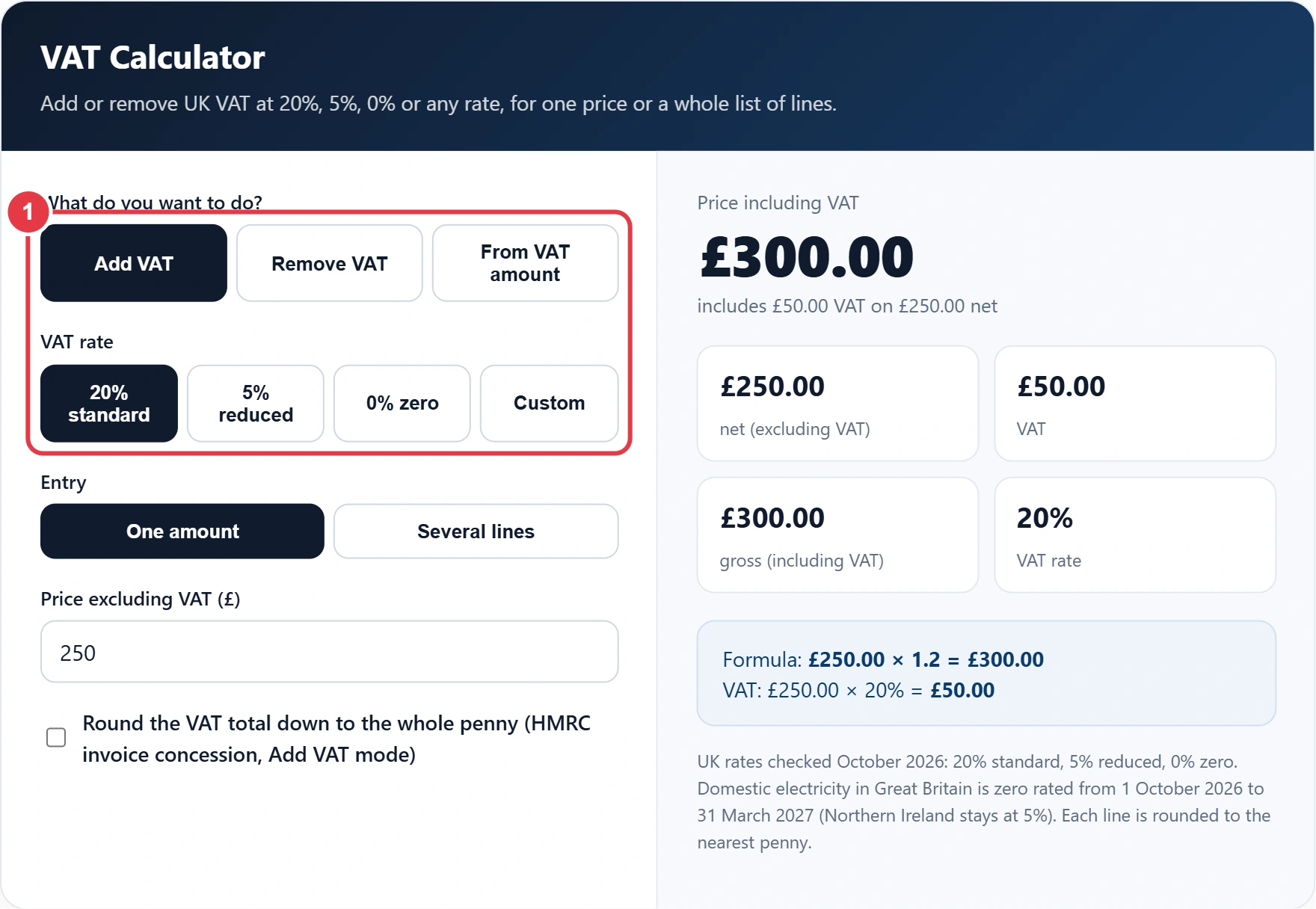
Step 1: Choose the Mode and VAT Rate
Pick Add VAT when you have a price before VAT, Remove VAT when you have a price that already includes it, or From VAT amount when a receipt only shows the VAT. Then choose 20%, 5%, 0% or Custom. Custom is handy for old invoices at 17.5%, the standard rate before 4 January 2011.
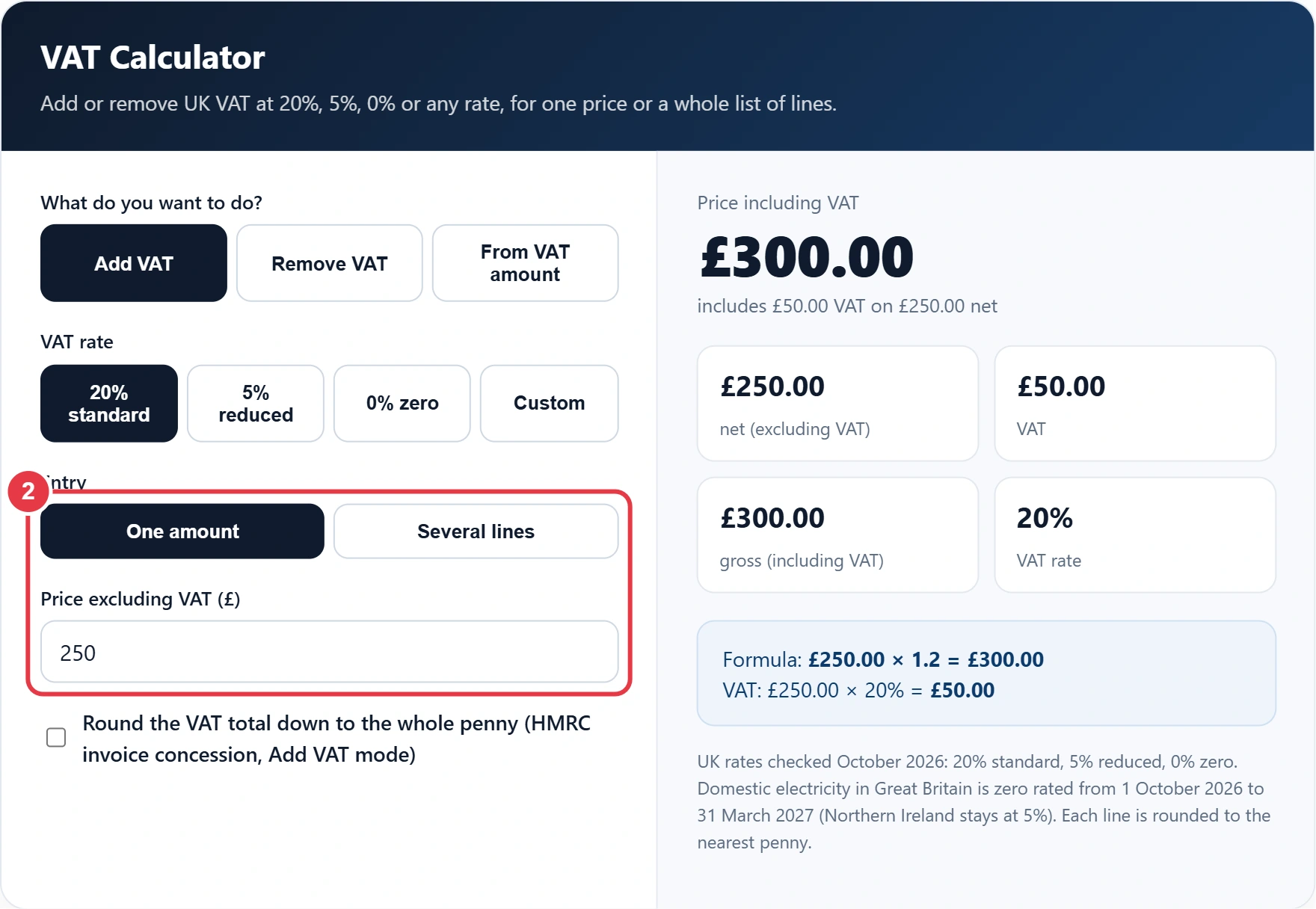
Step 2: Enter One Amount or Several Lines
For a single price, type it in the amount box. For a quote or invoice, switch to Several lines and put one item per line, with an optional label first and an optional rate after the amount, such as "Child car seat 120 5". Pound signs, thousand commas and negative figures for credit notes are all accepted, and any line the tool cannot read is listed so you can fix it.
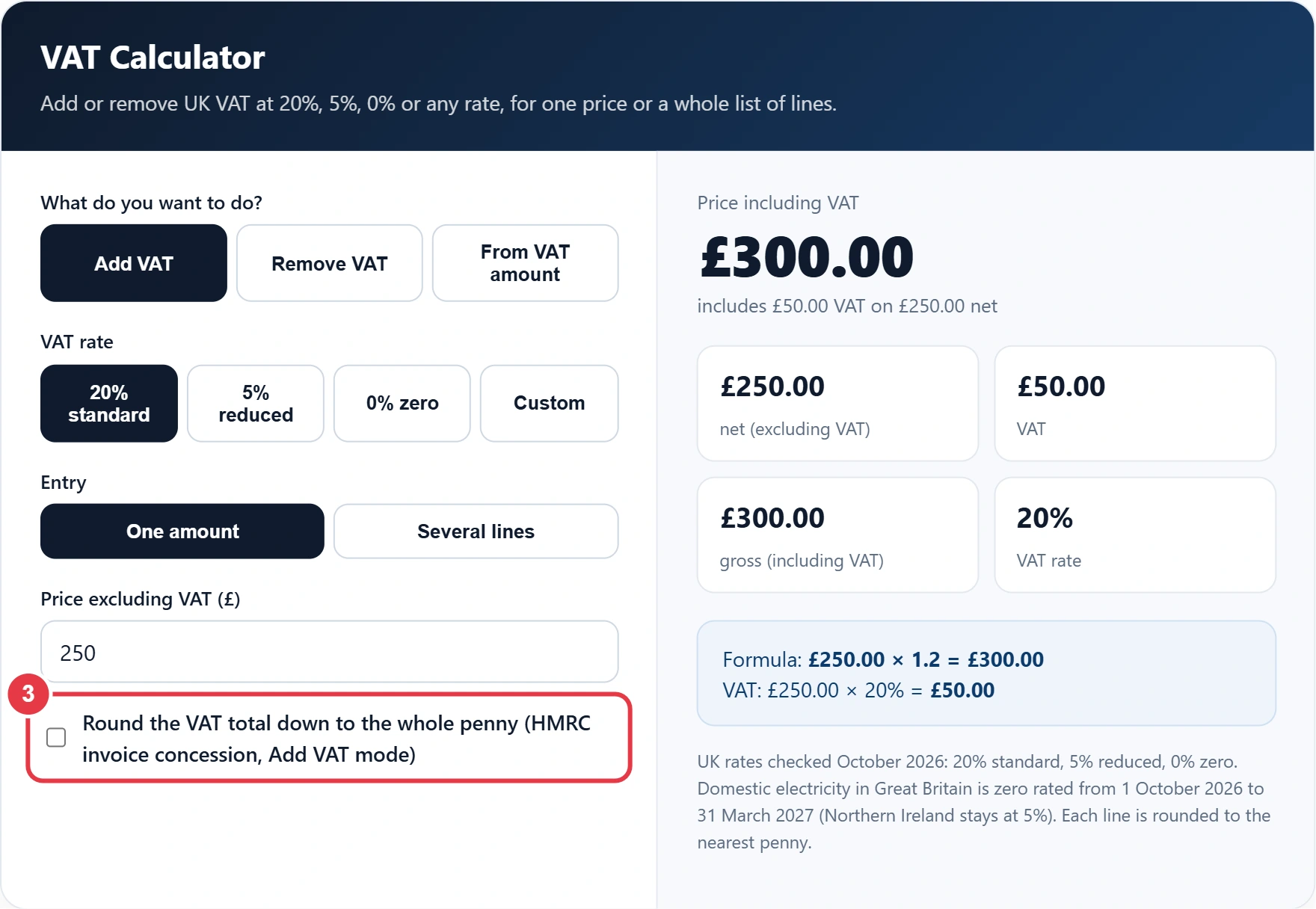
Step 3: Choose How to Round
By default each line is rounded to the nearest penny, which is how most till systems and accounting software work. Tick the rounding box to round the VAT on the invoice total down to the whole penny instead, a concession HMRC allows when you add VAT to net prices. The results panel shows both totals so you can see if they differ.
Step 4: Read the Results
The panel shows the net, VAT and gross figures, the rate used, and the formula for your numbers. With several lines you also get a table with subtotals for each rate and a blended rate for the whole invoice. If you only need to strip VAT out of prices, the reverse VAT calculator gives a simpler single purpose view, and it shows the VAT fraction for each rate too.
How Do You Work Out VAT at 20%?
To work out VAT at 20%, multiply the net price by 0.2 for the VAT and by 1.2 for the total including VAT. For example, £85 net carries £17 VAT and costs £102 in total.
Worked example: Sam runs a nursery goods shop and invoices a customer for a pram at £450, a child car seat at £139.99 and a changing bag at £34.99, all before VAT. The pram and the bag are standard rated, while the car seat is reduced rated at 5%. Rounded line by line, the VAT is £90.00, £7.00 and £7.00, a total of £104.00 on £624.98 net, so the invoice comes to £728.98. The exact VAT is £103.9975, so if Sam rounds the invoice total down under the HMRC concession, the VAT is £103.99 and the invoice is £728.97. Paste those three lines into the tool and it shows both figures.
What Are the UK VAT Rates in October 2026?
The UK has three VAT rates in October 2026: 20% standard, 5% reduced and 0% zero, with some supplies exempt altogether. The table shows the multiplier and divisor for each rate in the VAT calculator.
| Rate | Typical examples | Add VAT | Remove VAT | VAT share of gross |
|---|---|---|---|---|
| 20% standard | Most goods and services | × 1.2 | ÷ 1.2 | 1/6 |
| 5% reduced | Children's car seats, home gas, electricity in Northern Ireland | × 1.05 | ÷ 1.05 | 1/21 |
| 0% zero | Most food, children's clothes, domestic electricity in Great Britain until 31 March 2027 | × 1 | ÷ 1 | None |
| Exempt | Postage stamps, most financial and property transactions | No VAT | No VAT | None |
Two recent changes matter. Domestic electricity in England, Scotland and Wales is zero rated from 1 October 2026 to 31 March 2027 under HMRC's Revenue and Customs Brief 10 (2026), while Northern Ireland stays at 5%. The temporary 5% rate on children's meals and family attraction tickets ran only from 25 June to 1 September 2026, so those sales are back at 20%.
Zero rated and exempt are not the same. A zero rated sale is still a taxable supply, so it counts towards the registration threshold and the seller can reclaim VAT on costs. An exempt sale is outside that system, so related input VAT usually cannot be reclaimed.
How Do You Remove VAT From a Price?
To remove 20% VAT, divide the gross price by 1.2; the VAT is the gross price minus that result, or one sixth of the gross. So £300 including VAT is £250 net plus £50 VAT.
The most common mistake is taking 20% off the gross price. On £120, that gives £96, but the real net price is £100, because the VAT was 20% of £100, not of £120. In Excel or Google Sheets, use =A2/1.2 for the net figure, =A2*1.2 to add VAT and =A2-A2/1.2 for the VAT inside a gross price. For prices in euro, the VAT calculator for Ireland uses the Irish rates of 23%, 13.5% and 9% instead, and works the same way.
When Do You Have to Register for VAT?
You must register for VAT when your taxable turnover goes over £90,000 in any rolling 12 month period, or if you expect it to pass £90,000 in the next 30 days alone.
Once registered you charge VAT on your sales, reclaim the VAT on business costs and pay HMRC the difference on your VAT Return. You can ask to cancel your registration if turnover falls below £88,000, as set out in the GOV.UK VAT thresholds guidance, which also covers voluntary registration.
When you set prices, add VAT last. Work out any markup on the net price with the percentage calculator first, then use the VAT calculator to get the shelf price.
Figures checked October 2026 against GOV.UK, including the three rates, both thresholds and the electricity zero rate. The results are guidance only and are not tax advice.
</>Embed this calculator on your website
Add the free VAT Calculator to your own site or blog. Copy the code below and paste it into an HTML block. It resizes itself and works on phones.
How we checked this tool: the Tools Veria Editorial Team built this tool by hand, checked it against the official rules or published standards where they apply, and tested it against worked examples. Results are estimates for planning, not personal financial or tax advice. Read our editorial policy and disclaimer, or report an error.
Frequently Asked Questions
How do I add 20% VAT to a price?
Multiply the net price by 1.2 to add 20% VAT. For example, £75 × 1.2 = £90, which includes £15 VAT. To see the VAT on its own, multiply the net price by 0.2 instead, then add the two figures to check the total.
How do I calculate VAT backwards from a total?
Divide the total by 1.2 to find the price before 20% VAT, then subtract that from the total to get the VAT. For a £54 total, the net price is £45 and the VAT is £9, which is one sixth of £54.
What is the VAT fraction for 20% and 5%?
The VAT fraction is 1/6 at 20% and 1/21 at 5%. Multiply a VAT inclusive price by the fraction to find the VAT it contains, so £126 including 5% VAT holds £6 of VAT on a net price of £120.
Is there VAT on electricity in October 2026?
Domestic electricity in Great Britain has 0% VAT from 1 October 2026 to 31 March 2027, down from the 5% reduced rate. Households in Northern Ireland still pay 5% VAT on electricity, and domestic gas stays at 5% across the UK.
How do I work out net and gross from the VAT amount?
At 20%, multiply the VAT amount by 5 to get the net price, then add the VAT to get the gross price. So £40 of VAT means £200 net and £240 gross. At the 5% rate, multiply the VAT by 20 instead.
Does the VAT calculator round to the nearest penny?
Yes, the VAT calculator rounds each line to the nearest penny by default. You can switch to rounding the total VAT on an invoice down to the whole penny, which HMRC allows when VAT is worked out on net prices, and compare both totals.