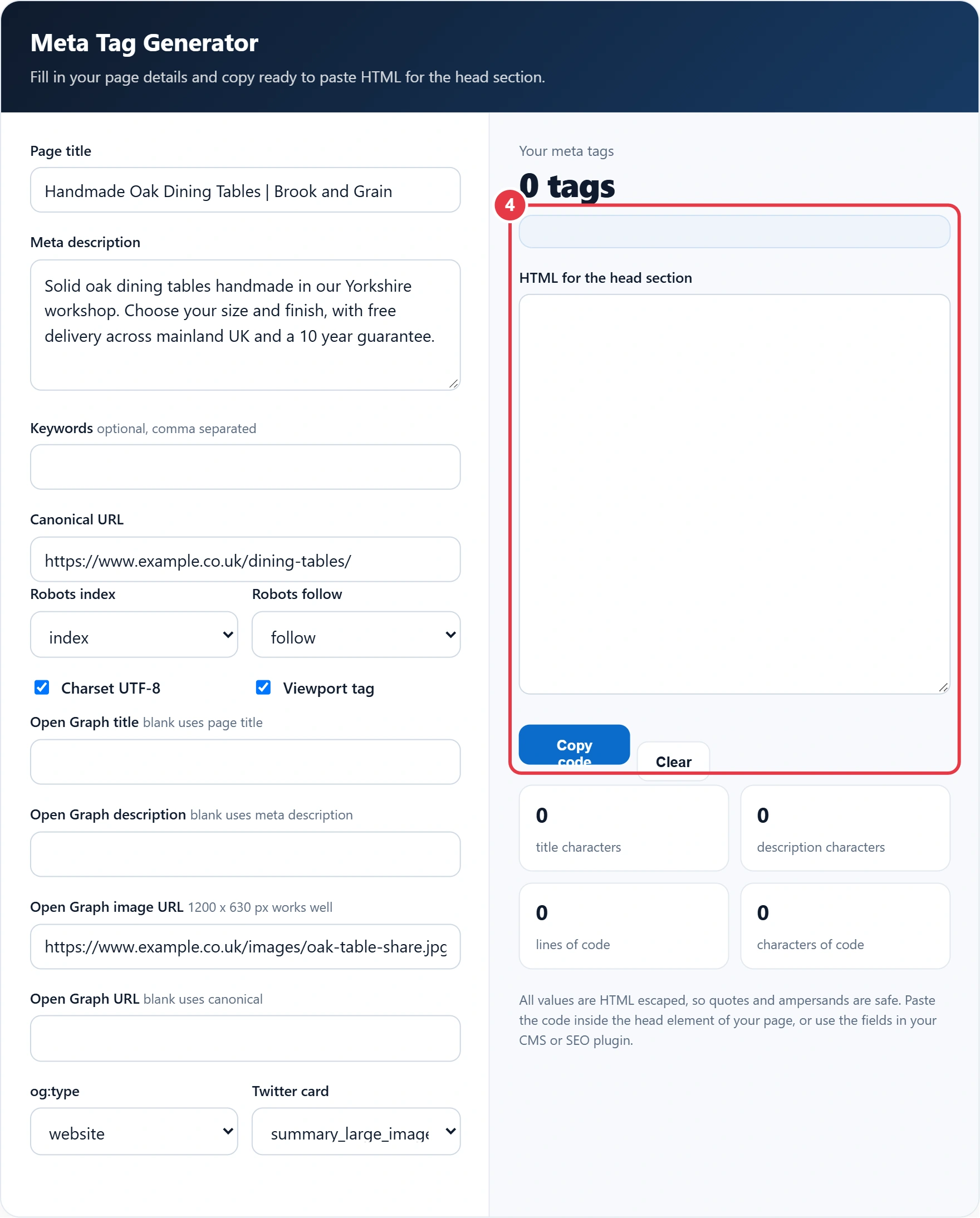
Fill in your page details and copy ready to paste HTML for the head section.
All values are HTML escaped, so quotes and ampersands are safe. Paste the code inside the head element of your page, or use the fields in your CMS or SEO plugin.
Meta tags tell search engines and social networks what a page is, how to show it and whether to index it. This meta tag generator uses the tags listed in Google's guide to meta tags Google understands, plus the social tags most sites need, and builds them into a clean, correctly escaped block of HTML. It covers the title, meta description, canonical link, robots rules, Open Graph and Twitter card tags.
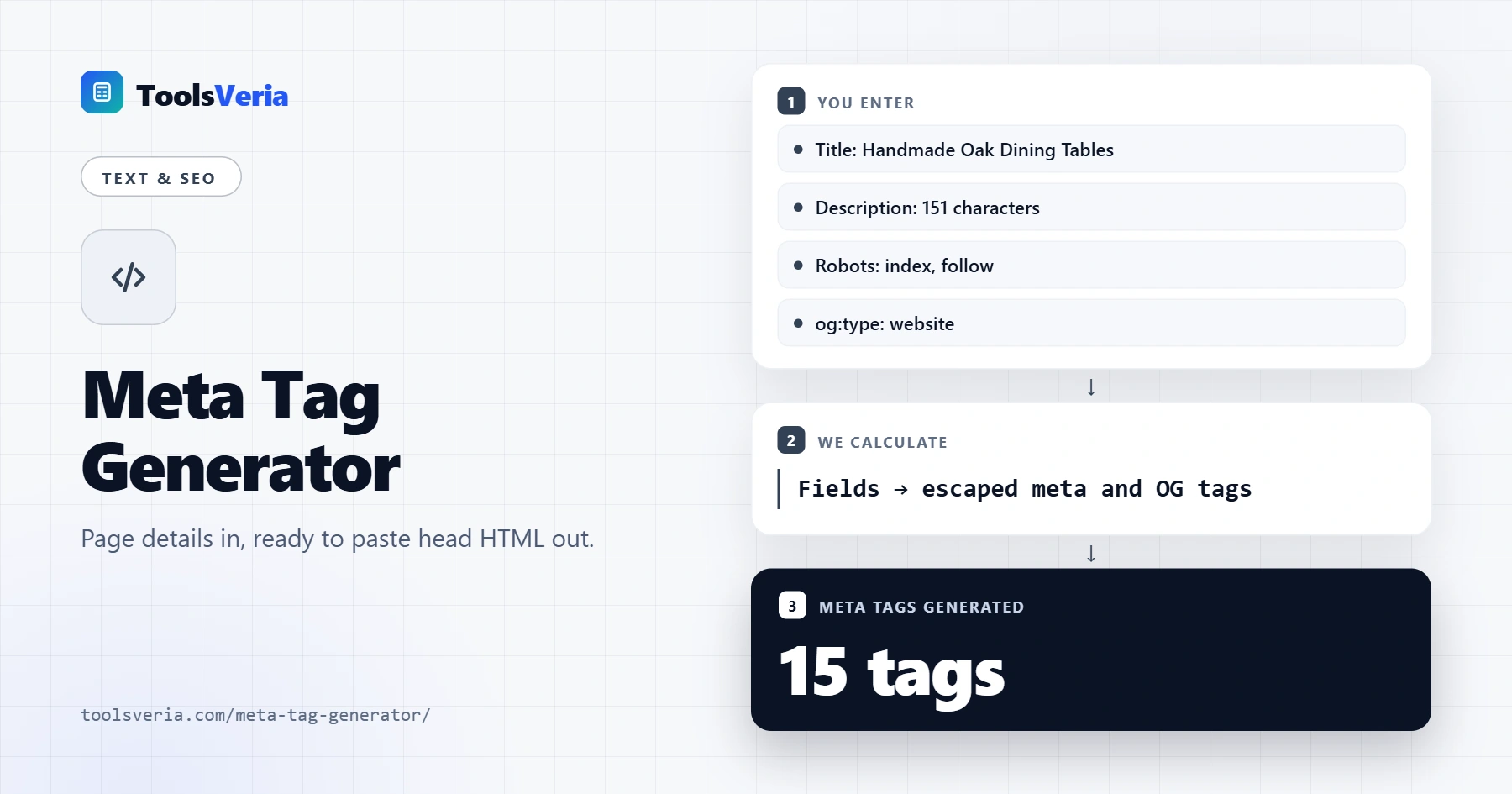
What Is a Meta Tag Generator?
Meta tags live in the head of an HTML page and are not shown on the page itself. The title and meta description often appear in search results, and the canonical link points to the preferred version of a URL, which is easier to keep tidy if you build it with the slug generator. The robots tag controls indexing. Open Graph tags decide the title, text and image shown when someone shares your link on social media or in a messaging app.
A generator saves you from typing these by hand and from small mistakes that break them. Every value is HTML escaped, so a quote mark or ampersand in your title becomes " or & and cannot close the attribute early. Blank Open Graph fields fall back to your main title, description and canonical URL, so you only need to fill them in when you want different wording for social shares.
How to Use the Meta Tag Generator
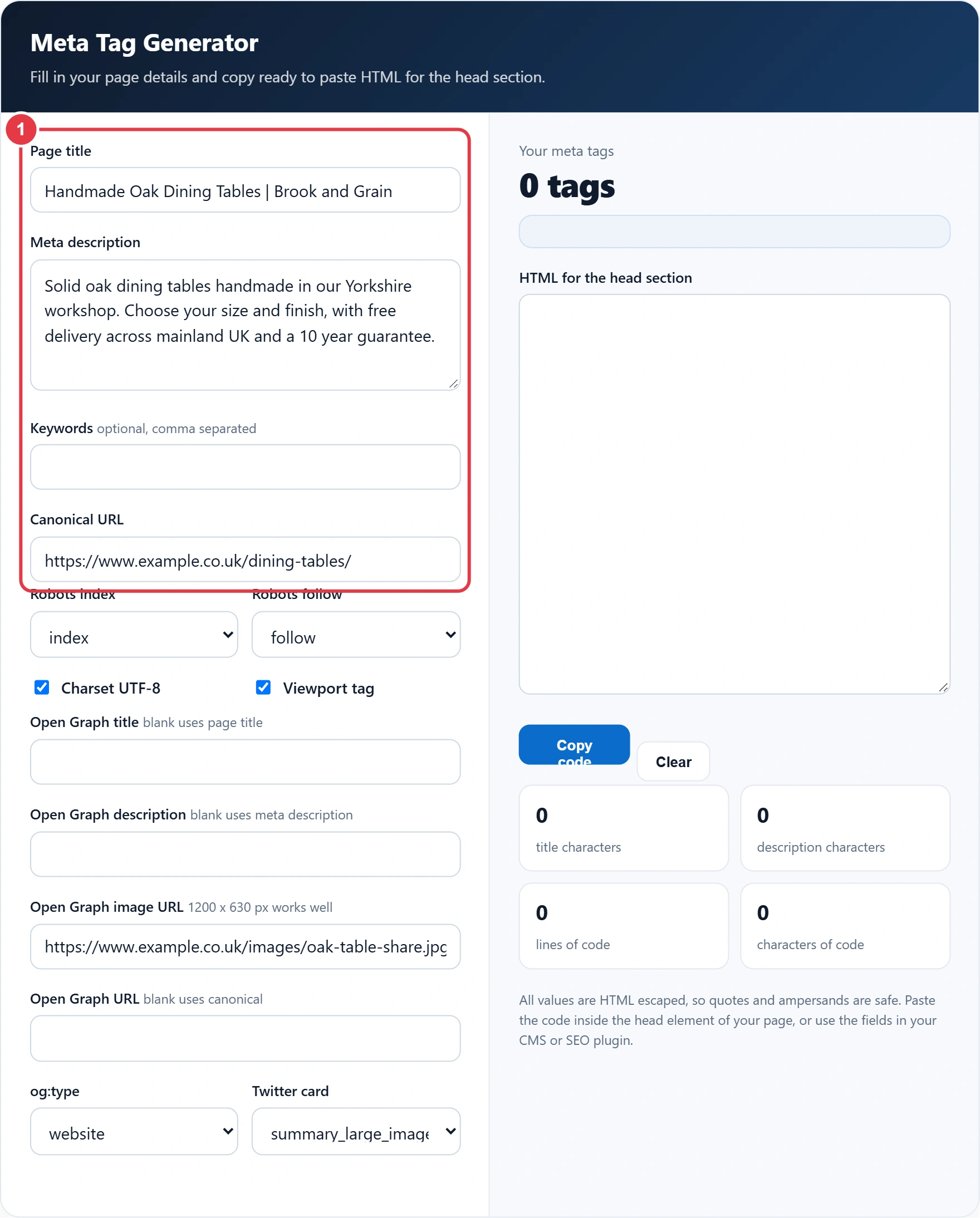
Step 1: Add Your Title, Description and Canonical
Enter the page title and meta description. The counters next to each label tell you whether the length is good or too long, and the SERP preview tool shows how the pair could look in Google results. Add keywords only if you need them for an internal search tool, then paste the canonical URL.
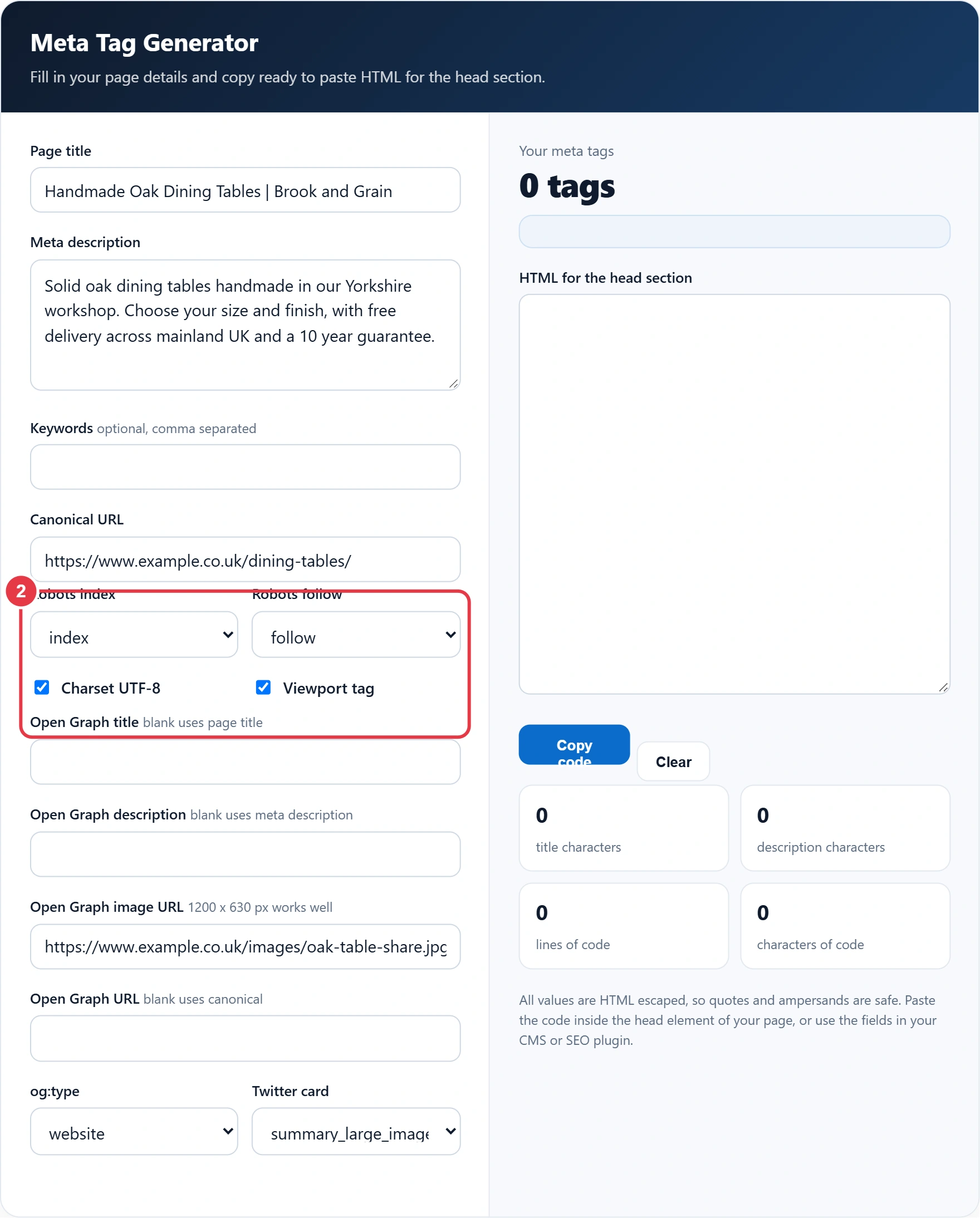
Step 2: Choose Robots and Technical Tags
Leave robots on index and follow for normal pages. Choose noindex for thank you pages, internal search results or staging copies. Keep the charset and viewport tags ticked unless your theme already adds them.
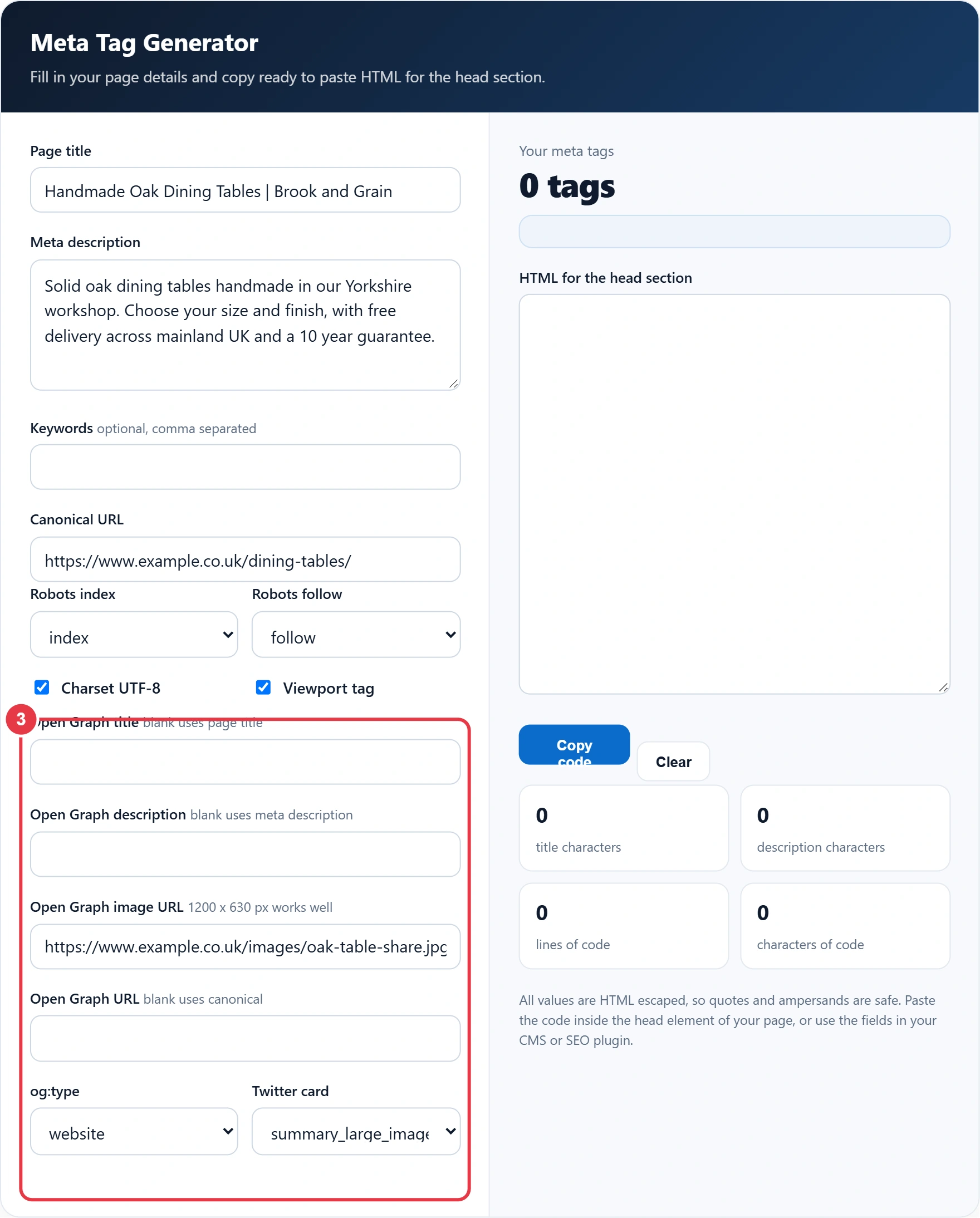
Step 3: Fill In Open Graph and Twitter Card
Add a share image URL and pick the og:type. Use article for blog posts and website for most other pages. A large image card suits most content.
Step 4: Copy the Code
Check the hints, then press Copy code and paste the block inside the head element of your page template.
Which Meta Tags Matter Most?
| Tag | What it does | Recommended |
|---|---|---|
| title | Main headline in search results and browser tabs | About 50 to 60 characters |
| meta description | Suggested snippet text under the title | About 120 to 160 characters |
| link rel="canonical" | Names the preferred URL for duplicate pages | One per page, absolute URL |
| meta robots | Allows or blocks indexing and link following | index, follow for normal pages |
| og:image | Image shown when the page is shared | 1200 x 630 px |
| meta keywords | Ignored by Google for ranking | Optional |
Open Graph was created so any page can become a rich object on social platforms, and the full list of properties is documented on the Open Graph protocol site. If you use WordPress with an SEO plugin, enter these values in the plugin fields instead of adding a second set of tags.
Frequently Asked Questions
What are meta tags in SEO?
Meta tags are HTML elements in the head of a page that describe it to search engines and browsers, such as the meta description and robots tag.
Is the meta keywords tag still used?
Google does not use the meta keywords tag for ranking. It is optional and only useful for some internal site search tools.
How long should a meta description be?
About 120 to 160 characters is a good target. Longer text is often truncated in search results.
Do I need Open Graph tags?
They are not a ranking factor, but they control how your link looks when shared on social media and messaging apps, which can improve clicks.
Where do I paste meta tags?
Paste them inside the head element of your HTML, before the closing head tag. In a CMS, use the SEO fields or a header code setting instead.
What does noindex, nofollow mean?
Noindex asks search engines not to show the page in results. Nofollow asks them not to follow the links on that page.