Change text to upper, lower, title, sentence or code friendly case in one click.
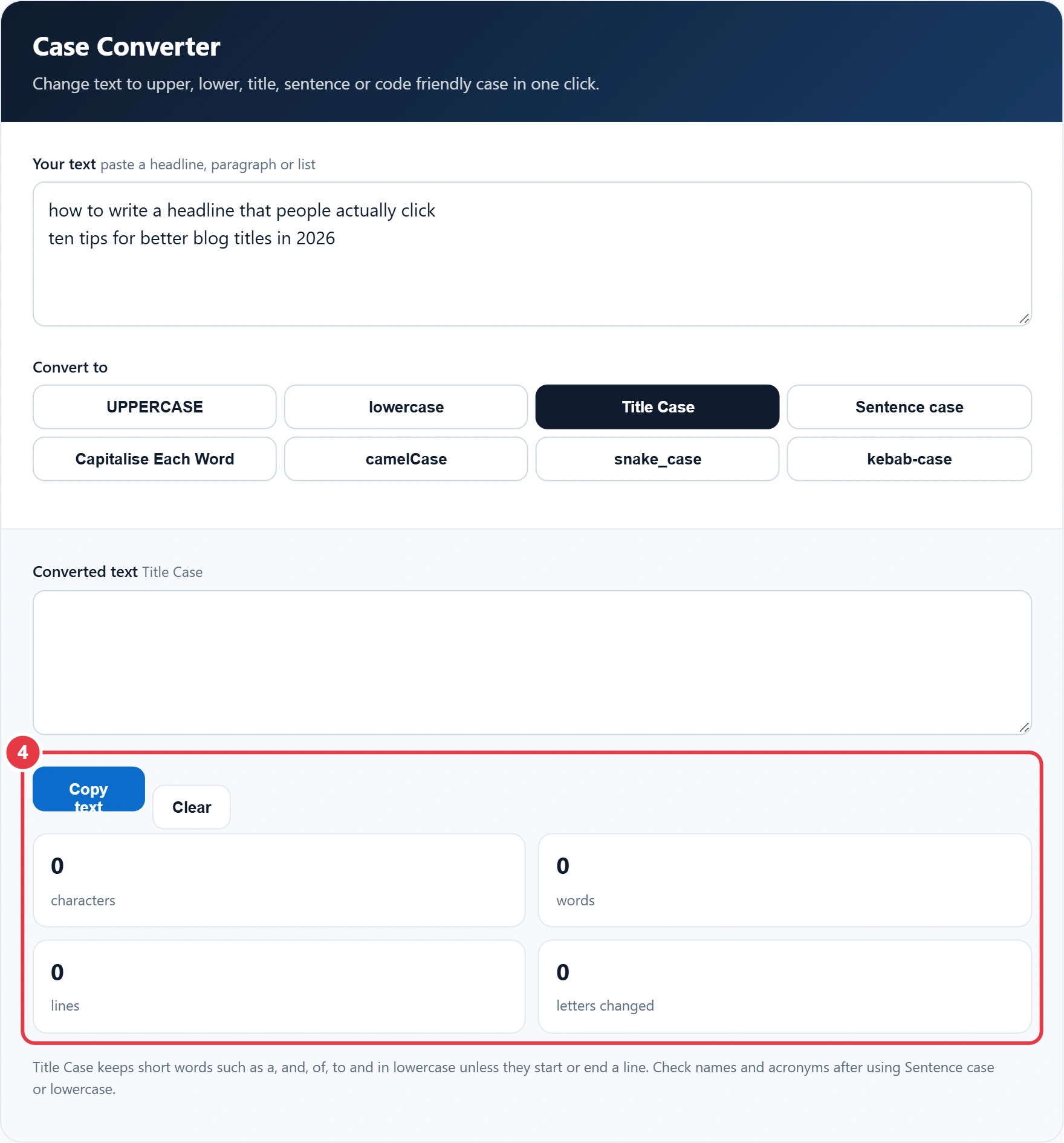
Title Case keeps short words such as a, and, of, to and in lowercase unless they start or end a line. Check names and acronyms after using Sentence case or lowercase.
Typed a whole paragraph with caps lock on, or need a headline in proper title case? This case converter changes the letter case of any text in one click, from UPPERCASE to lowercase and back, plus Title Case, Sentence case and the letter case styles programmers use for variable names. It saves you retyping and keeps headings, emails and code consistent.
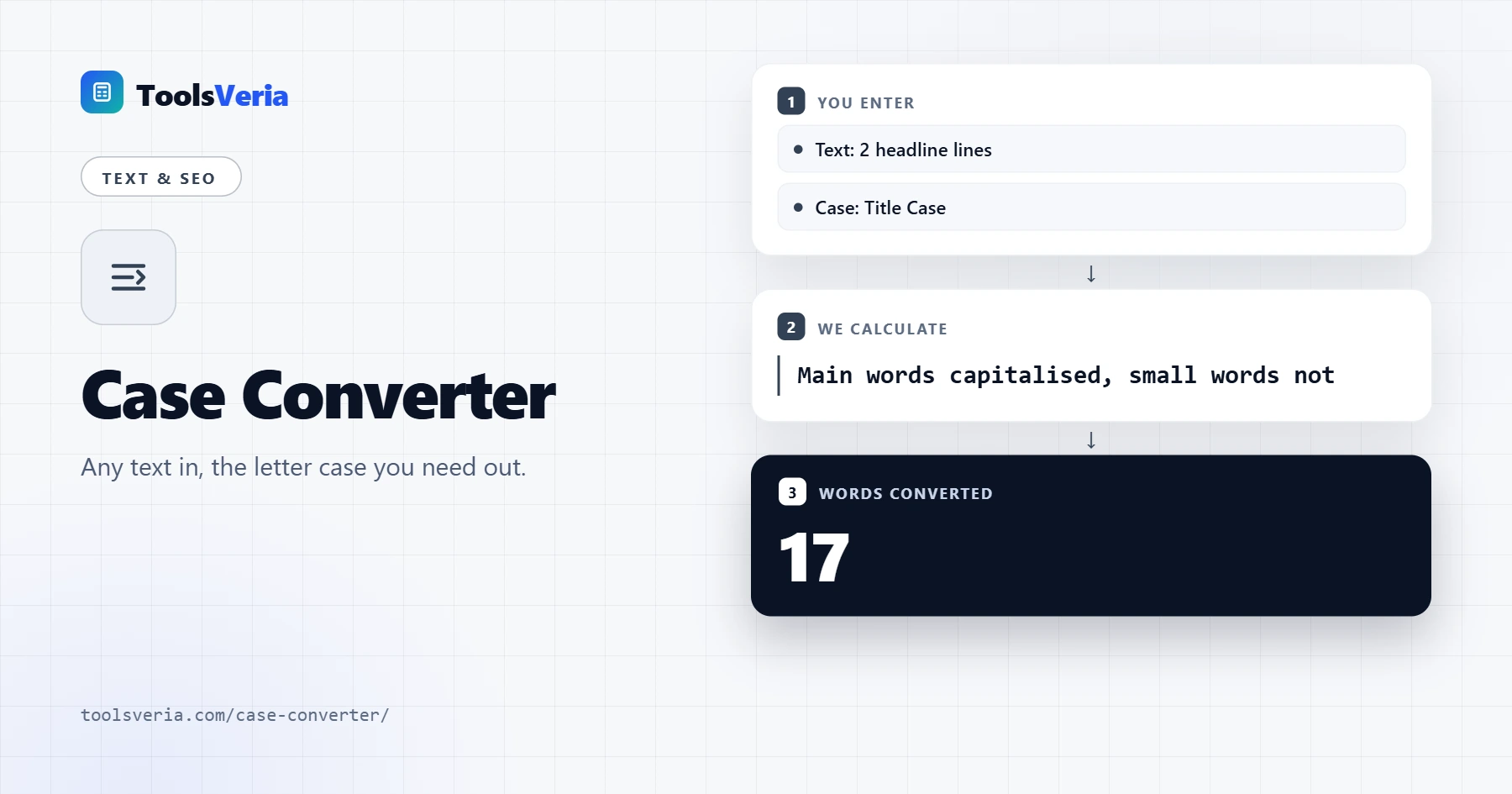
Quick answer: A case converter applies letter case rules to every letter in your text. Sentence case lowercases everything, then capitalises the first letter of each sentence and the word "I", while Title Case capitalises every word except short articles, conjunctions and prepositions, but always capitalises the first and last word.
In This Guide
What Is a Case Converter?
Letter case is whether a letter is a capital (upper case) or small (lower case). A case converter applies a set of rules to every letter in your text. Uppercase and lowercase are simple swaps. Sentence case lowercases everything, then capitalises the first letter of each sentence and the word "I".
Title Case follows the common headline rule: capitalise every word except short articles, conjunctions and prepositions such as a, and, of and in, but always capitalise the first and last word. Capitalise Each Word ignores that rule. The code styles strip punctuation and join words: camelCase capitalises each word after the first, snake_case uses underscores and kebab-case uses hyphens.
How Do You Use the Case Converter?
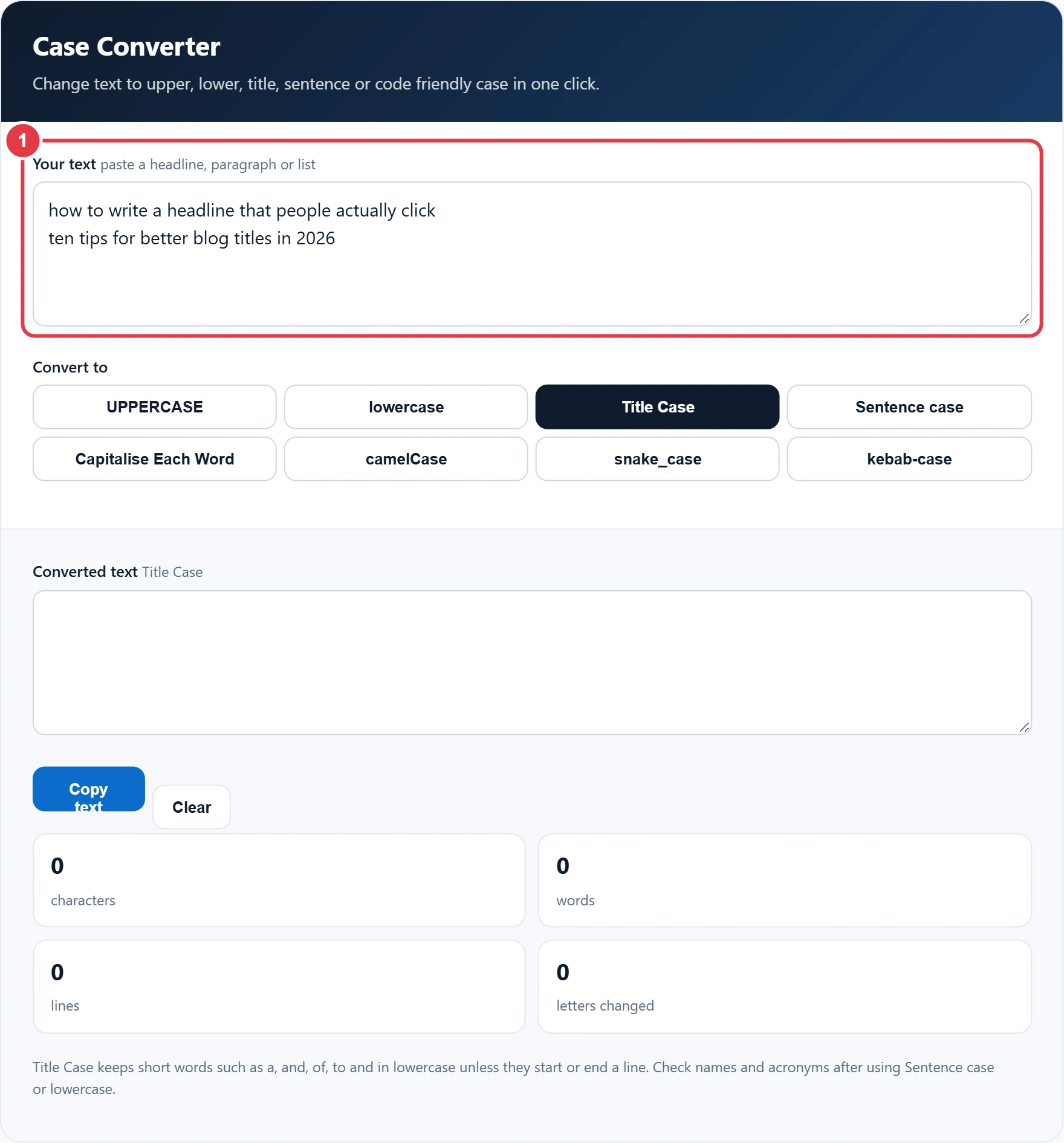
Step 1: Paste Your Text
Paste or type your text into the box, and two sample headlines are already loaded so you can see the result straight away. Paste or type your text into the box. Two sample headlines are loaded so you can see the result straight away.
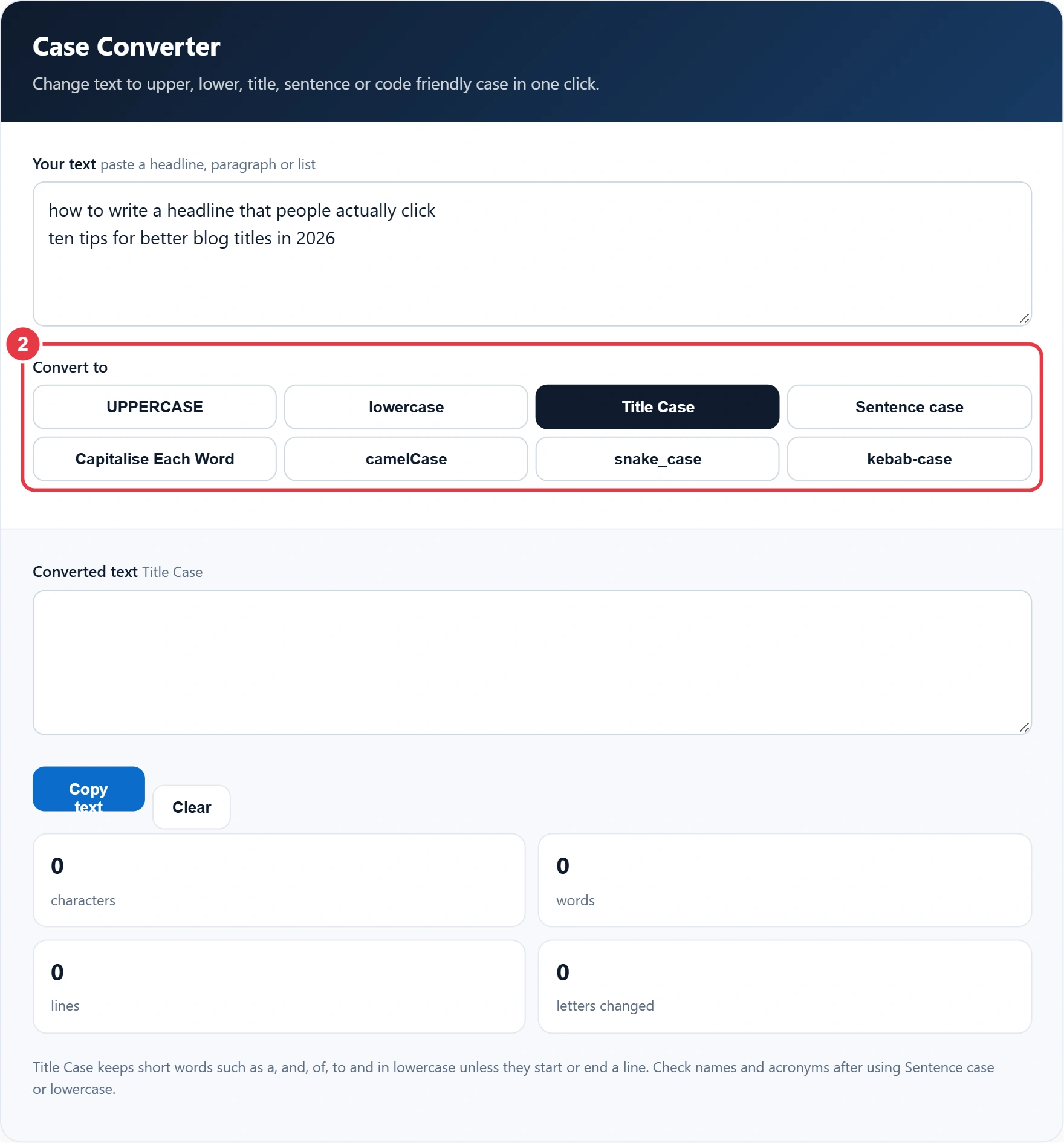
Step 2: Choose a Case
Click the case you want. You can switch between options as often as you like, because the original text in the input box is never changed.
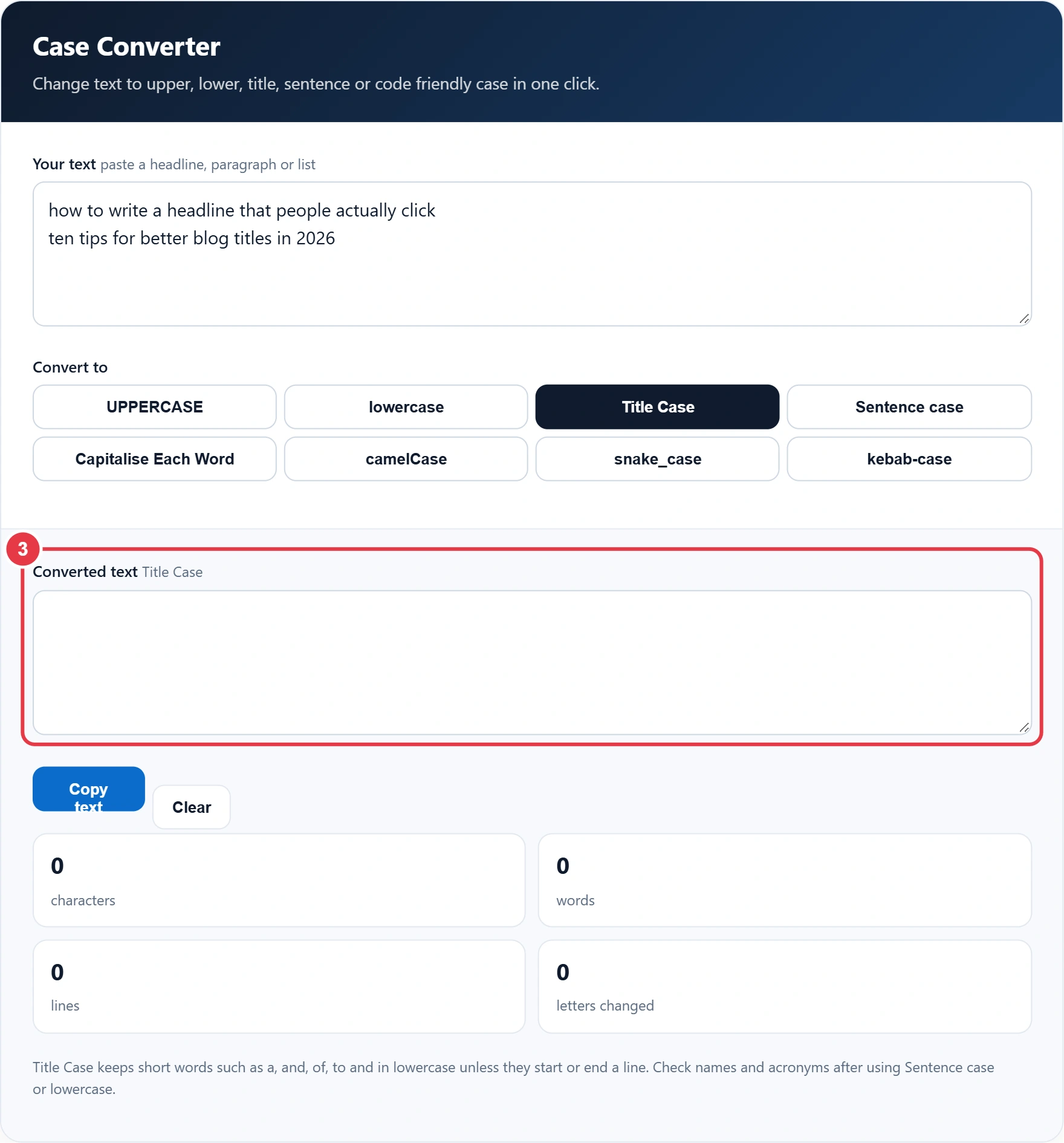
Step 3: Check the Converted Text
The converted text appears in the output box as you type. If you are building web addresses, the slug generator goes further than kebab-case by removing stop words and accents too. Read the result through, as automatic rules cannot tell that names such as London or acronyms such as NHS need capitals.
Step 4: Copy the Result
Press Copy text to send the result to your clipboard. The stats show characters, words, lines and how many letters changed, and the remove line breaks tool can tidy pasted text before you convert it. Use Clear to start again.
What Are the Main Case Styles and When Are They Used?
| Case | Example | Typical use |
|---|---|---|
| UPPERCASE | BETTER BLOG TITLES | Short labels and warnings |
| lowercase | better blog titles | Tags, email addresses |
| Title Case | Tips for Better Blog Titles | Headlines and book titles |
| Sentence case | Tips for better blog titles | UK news headlines, buttons |
| camelCase | betterBlogTitles | JavaScript variables |
| snake_case | better_blog_titles | Python, database columns |
| kebab-case | better-blog-titles | URLs and CSS classes |
Title Case suits headlines, sentence case suits UK news headlines and buttons, camelCase suits JavaScript variables, snake_case suits Python and kebab-case suits URLs and CSS classes. Many UK organisations prefer sentence case for headings because it is easier to read. The GOV.UK style guide recommends it for titles and headings, so choose the style your publication follows and apply it consistently.
</>Embed this calculator on your website
Add the free Case Converter to your own site or blog. Copy the code below and paste it into an HTML block. It resizes itself and works on phones.
How we checked this tool: the Tools Veria Editorial Team built this tool by hand, checked it against the official rules or published standards where they apply, and tested it against worked examples. Results are estimates for planning, not personal financial or tax advice. Read our editorial policy and disclaimer, or report an error.
Frequently Asked Questions
How do I change uppercase to lowercase?
Paste your text into the case converter and click lowercase. Copy the result and paste it back where you need it.
What words are not capitalised in title case?
Short articles, conjunctions and prepositions such as a, an, the, and, but, of, to and in usually stay lowercase unless they are the first or last word.
What is the difference between title case and sentence case?
Title case capitalises most words in a heading. Sentence case only capitalises the first word and proper nouns, like a normal sentence.
What is camelCase?
camelCase joins words with no spaces and capitalises each word after the first, for example betterBlogTitles. It is common in JavaScript.
Will the converter fix names and acronyms?
No. Rules cannot tell that a word is a name or acronym, so check words such as London, NHS or iPhone after converting.
Is my text saved?
No. The conversion runs in your browser and your text is never uploaded or stored.