Find your selling price from a markup, or the markup from a price, with the matching margin.
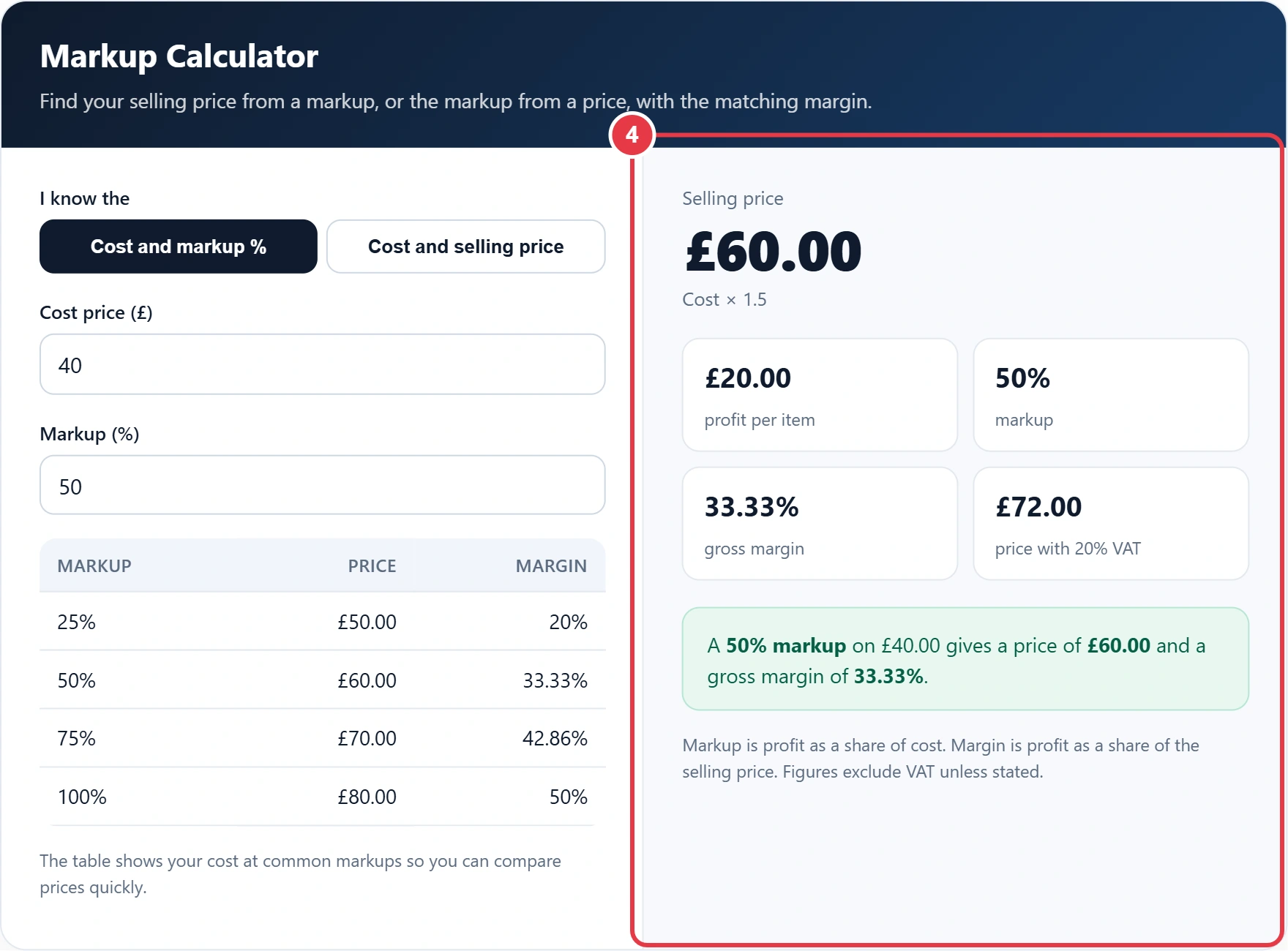
| Markup | Price | Margin |
|---|
The table shows your cost at common markups so you can compare prices quickly.
Markup is profit as a share of cost. Margin is profit as a share of the selling price. Figures exclude VAT unless stated.
Pricing a product starts with knowing how much to add to what it cost you. This markup calculator gives you the selling price, profit per item, markup percentage and the equivalent gross margin in one go. It follows the standard definition of markup in business terms, so you can start from a target markup or enter a price you already charge and see what you are actually making.
What Is Markup?
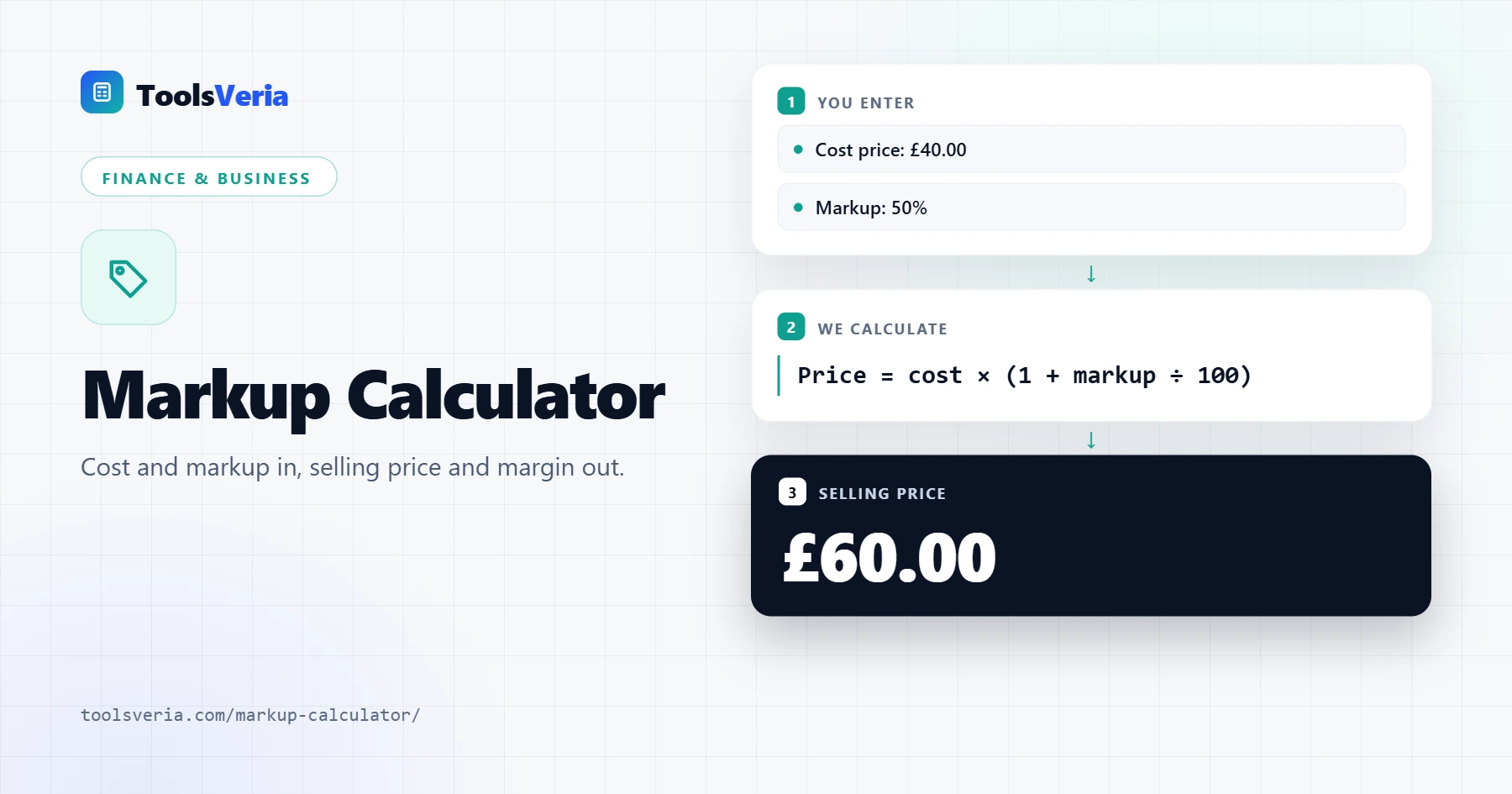
Markup is the amount you add on top of your cost, shown as a percentage of that cost. If an item costs you £40 and you sell it for £60, the £20 profit is a 50% markup, because £20 is half of £40. Retailers, wholesalers and trades often price this way because it is quick to apply to a cost list.
The formulas are: selling price = cost × (1 + markup ÷ 100) and markup % = (price minus cost) ÷ cost × 100. The equivalent gross margin is profit divided by the selling price, which is why a 50% markup only gives a 33.33% margin.
How to Use the Markup Calculator
Step 1: Choose What You Know
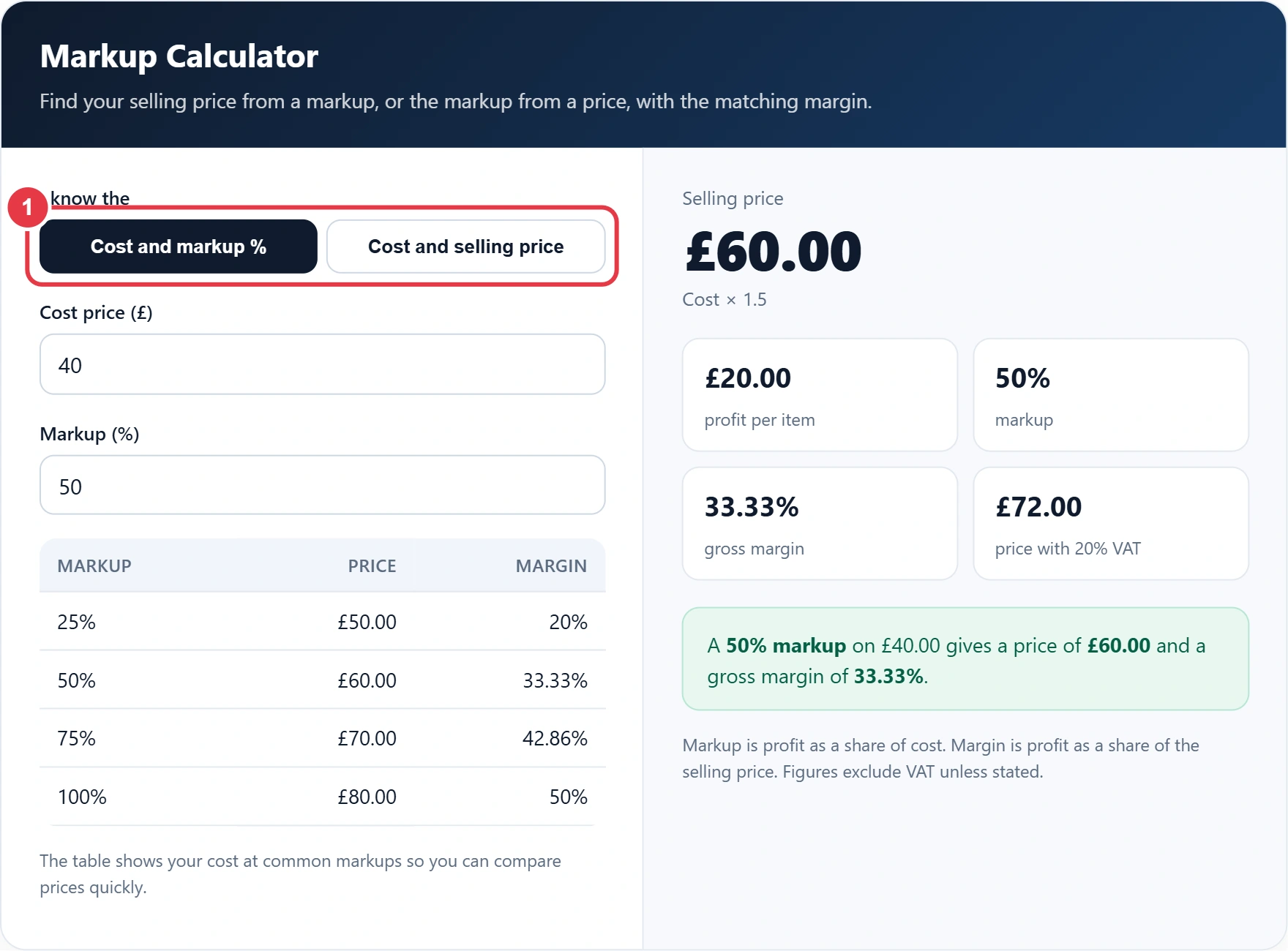
Pick Cost and markup % to find a selling price, or Cost and selling price to work out the markup you are already making on an existing product.
Step 2: Enter the Cost Price
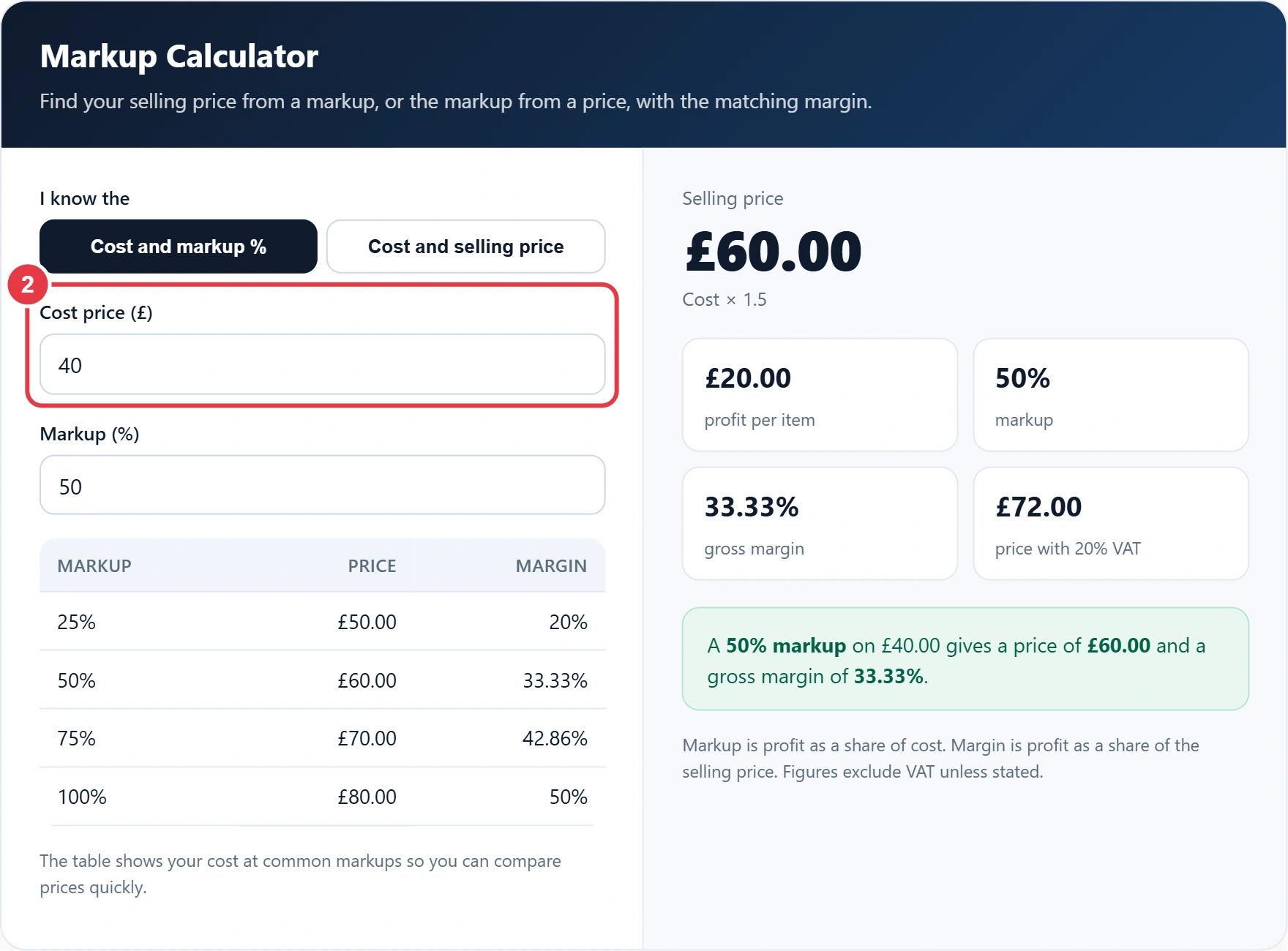
Enter what one unit costs you, excluding any VAT you can reclaim. Include delivery, packaging and other direct costs per item if you want the profit figure to be realistic.
Step 3: Enter the Markup or Selling Price
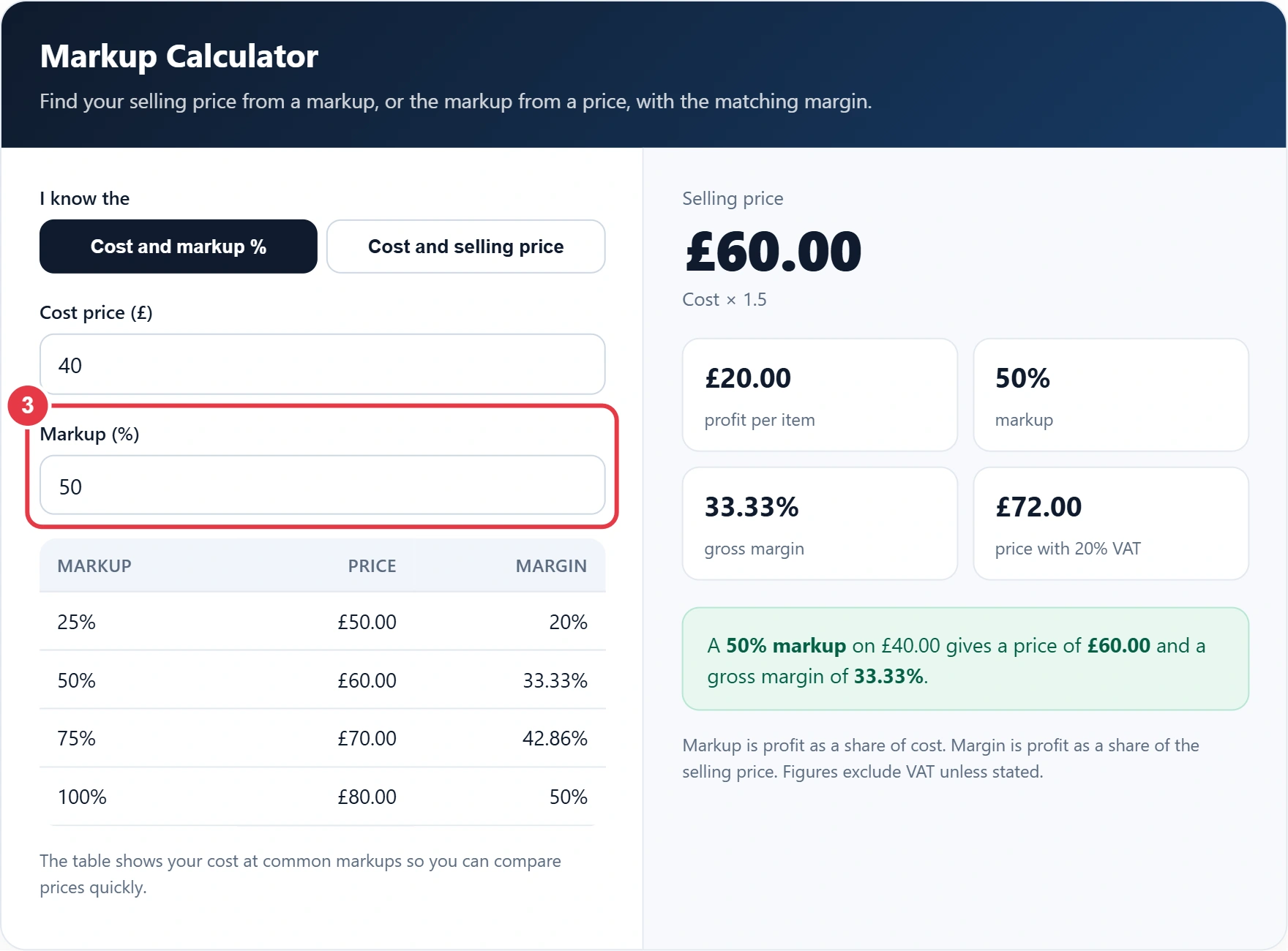
Type your markup percentage, or your selling price before VAT. The quick table under the inputs shows your cost at 25%, 50%, 75% and 100% markup for easy comparison.
Step 4: Read Your Results
You will see the selling price, the cost multiplier, profit per item, markup, gross margin and the price with 20% VAT added. If you start from a VAT inclusive supplier price, the reverse VAT calculator strips the VAT out first so your cost figure is right. A red warning appears if the price is below cost.
Markup vs Margin
Markup and margin describe the same profit from different starting points. Markup compares profit with cost, while margin compares it with the selling price, and the profit margin calculator works from that side if you set prices by target margin. Mixing them up is a common pricing mistake: if you want a 50% margin, you need a 100% markup. To convert, use margin = markup ÷ (100 + markup) × 100.
| Markup | Gross margin | Price on a £100 cost |
|---|---|---|
| 10% | 9.09% | £110 |
| 25% | 20% | £125 |
| 33.33% | 25% | £133.33 |
| 50% | 33.33% | £150 |
| 75% | 42.86% | £175 |
| 100% | 50% | £200 |
| 200% | 66.67% | £300 |
If your business is VAT registered, work out markup on prices before VAT, then add VAT on top at the correct rate. Most goods use the standard 20% rate, but check the UK VAT rates on gov.uk for reduced and zero rated items.
Frequently Asked Questions
How do I calculate markup percentage?
Subtract the cost from the selling price, divide by the cost and multiply by 100. Selling a £40 item for £60 is a (60 minus 40) ÷ 40 × 100 = 50% markup.
How do I add a markup to a cost price?
Multiply the cost by 1 plus the markup as a decimal. A 30% markup on £20 is £20 × 1.3 = £26.
What is the difference between markup and margin?
Markup is profit as a percentage of cost. Margin is profit as a percentage of the selling price, so margin is always the smaller number.
What markup gives a 50% margin?
A 100% markup gives a 50% margin. Doubling the cost means half the selling price is profit.
Should markup be calculated before or after VAT?
Before VAT. If you are VAT registered, VAT is not your income, so set your markup on net figures and add VAT afterwards.
Can markup be more than 100%?
Yes. Markup has no upper limit because it is based on cost. A 200% markup means the price is three times the cost.