Write backwards, flip text upside down or mirror it, all in one place.
Upside down and mirror modes use Unicode lookalike characters. Most apps show them, but a few fonts may not support every symbol.
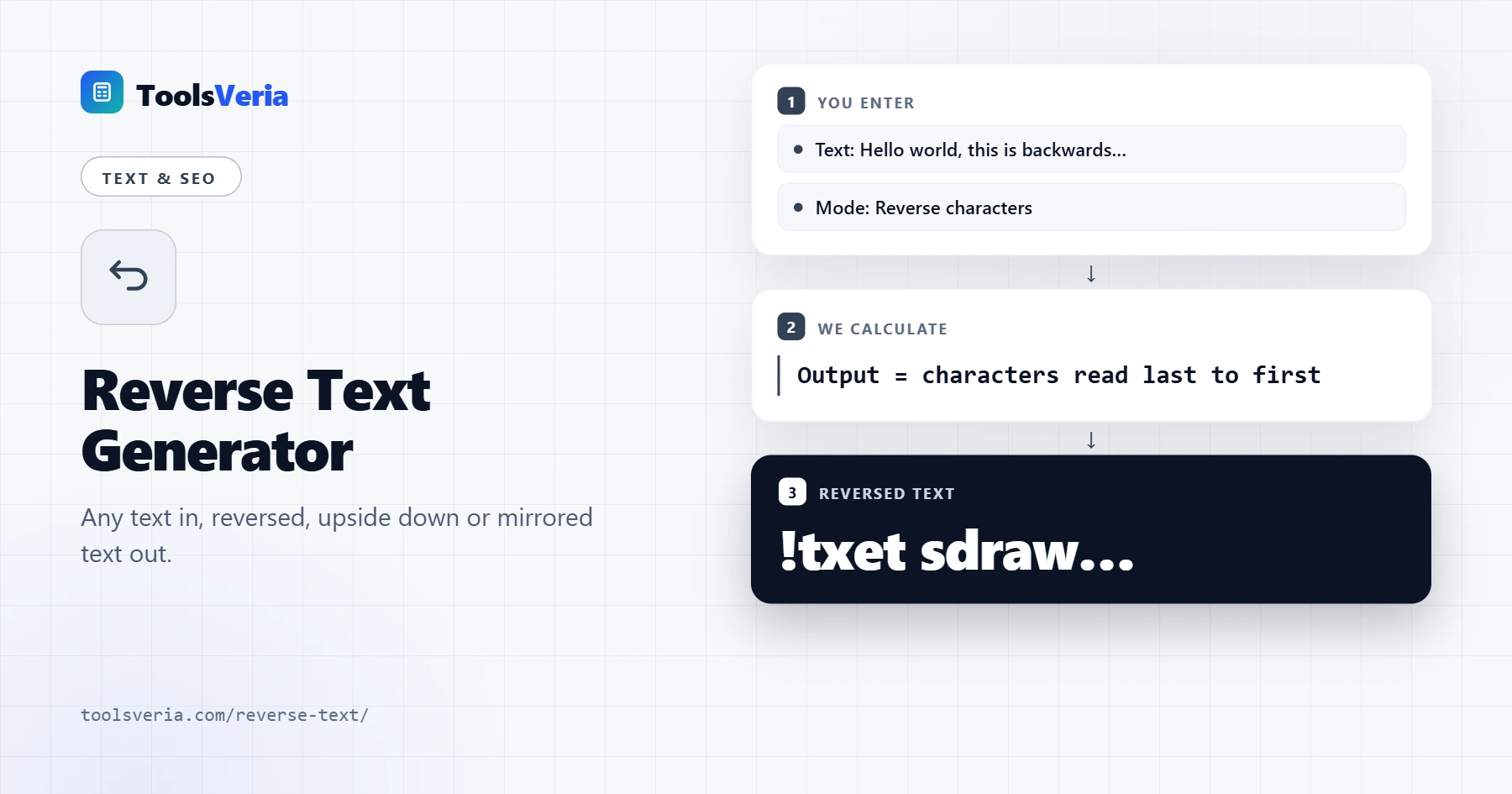
Need to write something backwards for a puzzle, a social media bio or a quick test? This reverse text generator flips any text in five different ways, from simple backwards letters to upside down and mirror writing. It works on several lines at once, updates as you type and lets you copy the result in one click. Fun forms of text transformation like these have been popular online since the early days of Unicode.
What Is Reverse Text?
Reverse text is ordinary text with its order turned around. Reversing characters reads the string from the last character to the first, so "hello" becomes "olleh". Reversing words keeps each word intact but swaps their order, while reversing each word keeps the order and spells every word backwards.
Upside down and mirror text go one step further. After reversing the order, each letter is swapped for a Unicode character that looks like a flipped or mirrored version of it, such as "ɐ" for "a" or "ɘ" for "e". The result is still plain text, so you can paste it into most apps, comments and messages.
How to Use the Reverse Text Generator
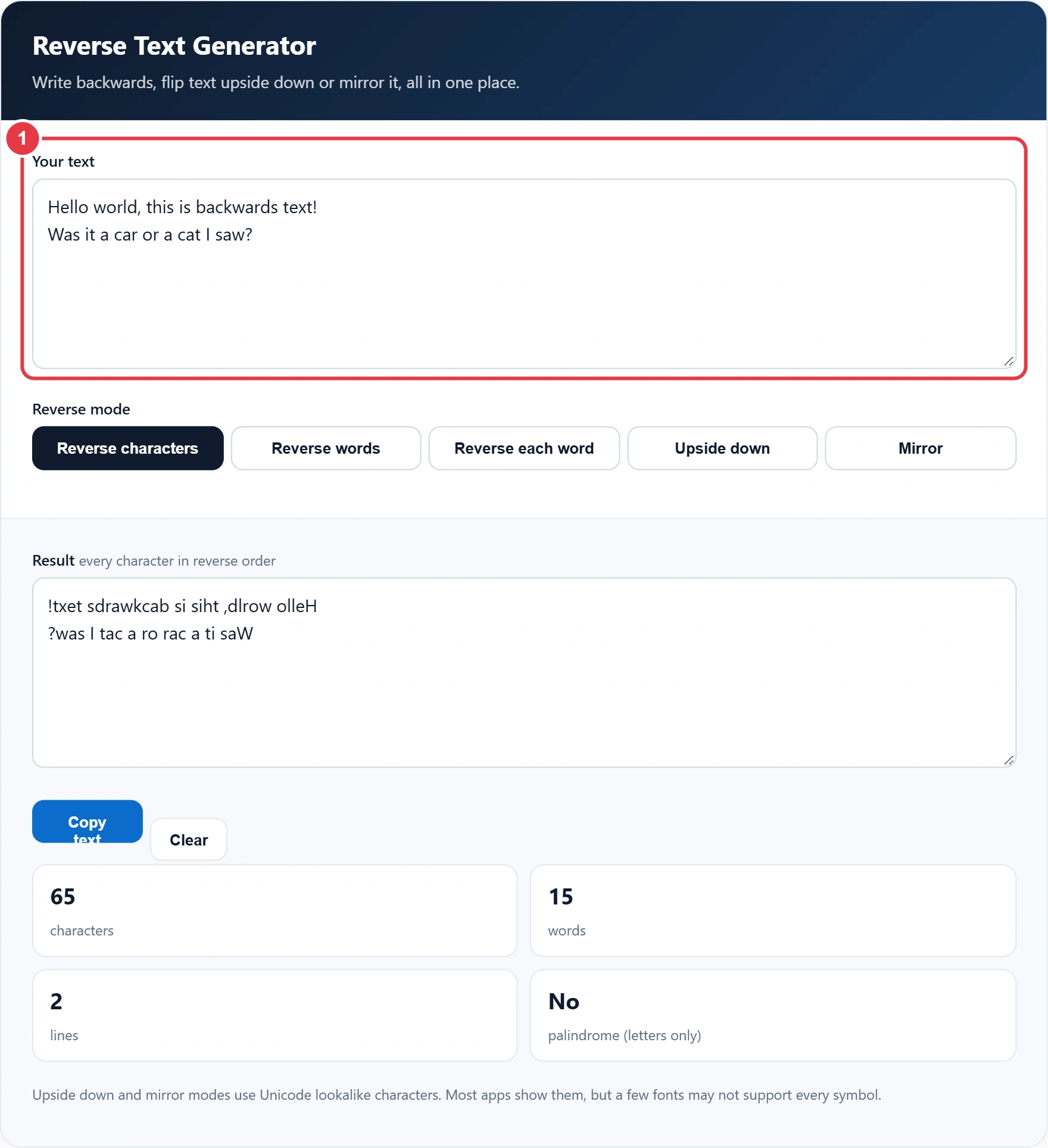
Step 1: Enter Your Text
Type or paste your text into the input box. If you want everything on one line first, run it through the remove line breaks tool, otherwise each line is reversed on its own so your layout stays tidy.
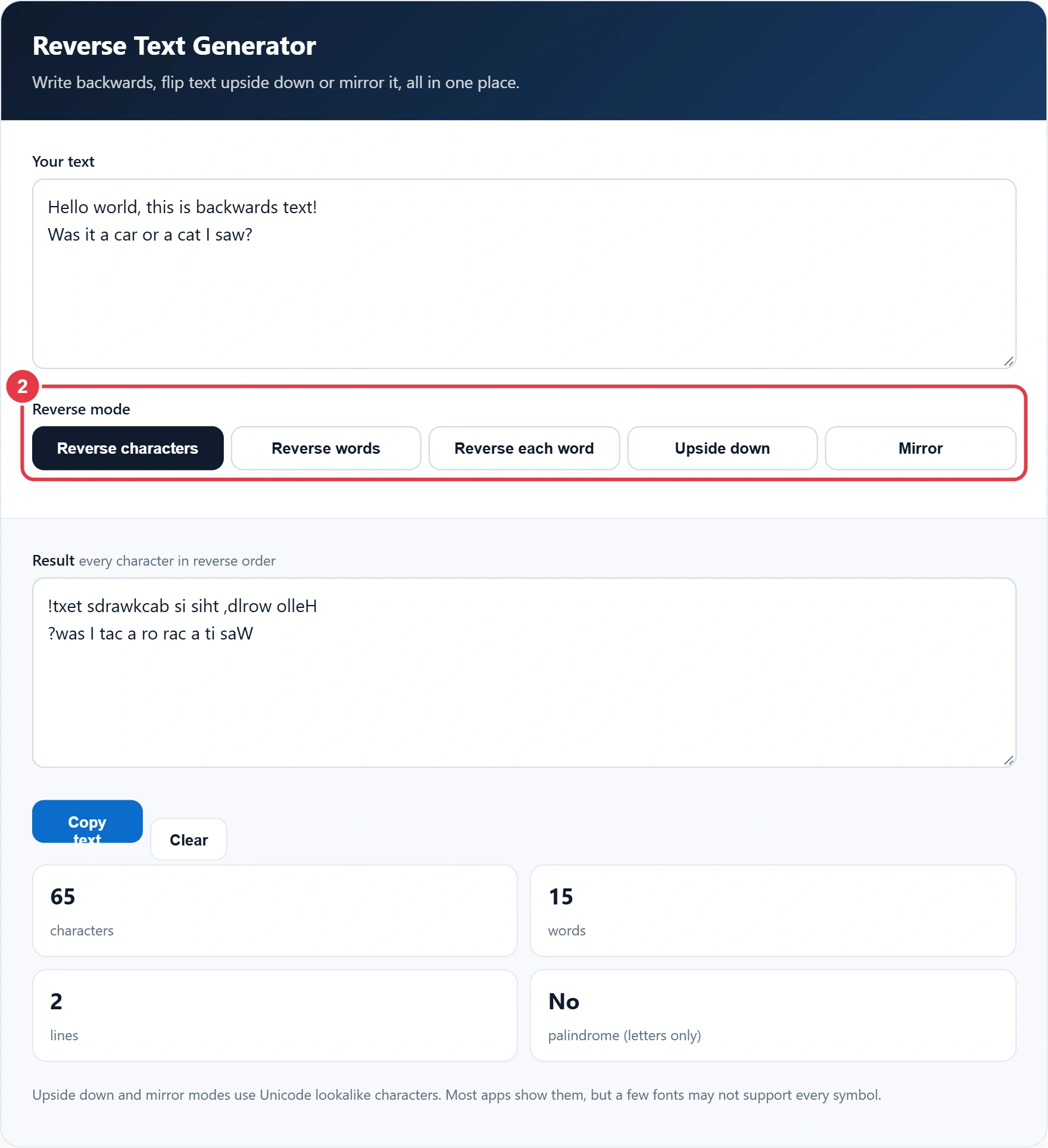
Step 2: Choose a Mode
Pick reverse characters, reverse words, reverse each word, upside down or mirror. Switch between them freely, as the input is never changed.
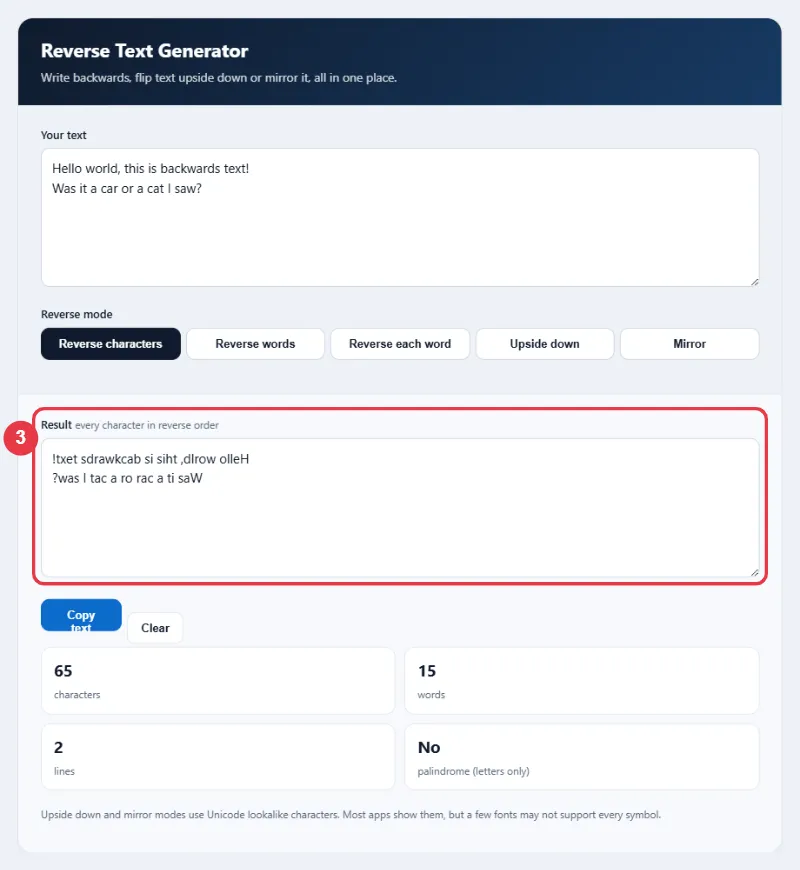
Step 3: Check the Result
The result box shows the converted text straight away, and the slug generator is the tool to use instead if you need text cleaned up for a URL rather than flipped. A short note describes what the selected mode did.
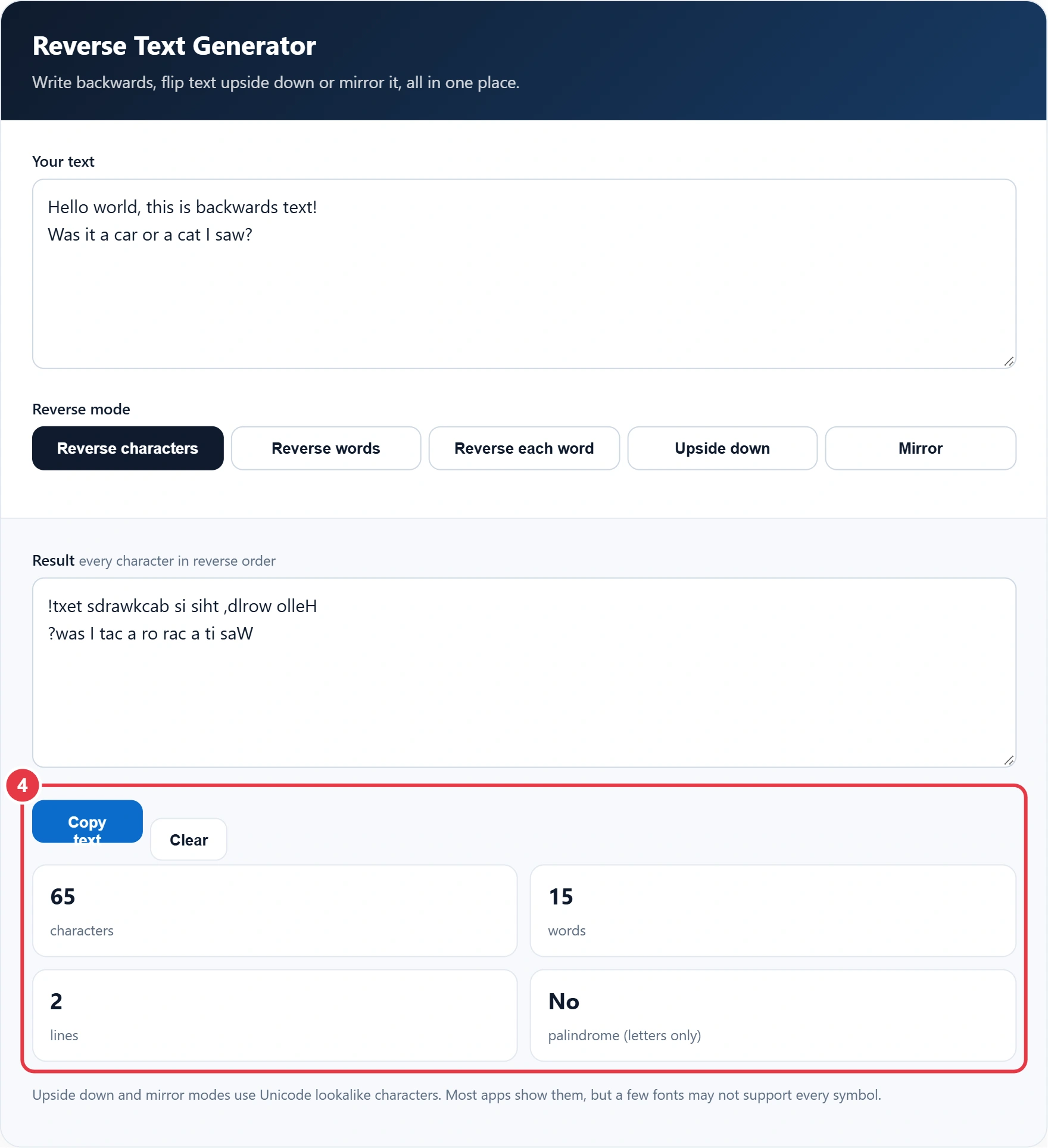
Step 4: Copy and Review the Stats
Press Copy text to put the result on your clipboard. The stats count characters, words and lines, and tell you whether your text is a palindrome when punctuation and spaces are ignored.
Reverse Text Examples
| Mode | Input | Output |
|---|---|---|
| Reverse characters | good morning | gninrom doog |
| Reverse words | good morning | morning good |
| Reverse each word | good morning | doog gninrom |
| Upside down | good morning | ƃuᴉuɹoɯ pooƃ |
| Mirror | bad idea | ɒɘbi bɒd |
Leonardo da Vinci famously filled his notebooks with mirror writing, which you can recreate with the mirror mode. Reversing characters is also a quick way to test for a palindrome, a word or phrase that reads the same in both directions, such as "Was it a car or a cat I saw?" or the single word "racecar".
Frequently Asked Questions
How do I write text backwards?
Type your text into the tool and choose Reverse characters. The whole line is flipped so the last letter comes first, ready to copy.
How do I make upside down text?
Choose Upside down mode. The tool reverses your text and swaps each letter for a Unicode lookalike that appears flipped.
Can I paste upside down text into social media?
Yes. The output is plain Unicode text, so it works in most social apps, messages and comments, though a few fonts may show some symbols differently.
What is the difference between reverse words and reverse each word?
Reverse words changes the order of the words but keeps them readable. Reverse each word keeps the order but spells every word backwards.
What is mirror text?
Mirror text looks like normal writing seen in a mirror. The order is reversed and letters such as b, d, p and q are swapped for their mirror images.
Is my text saved anywhere?
No. Everything happens in your browser and nothing is sent to a server.