Paste a JSON array of objects and get a clean CSV file for Excel, Google Sheets or a database.
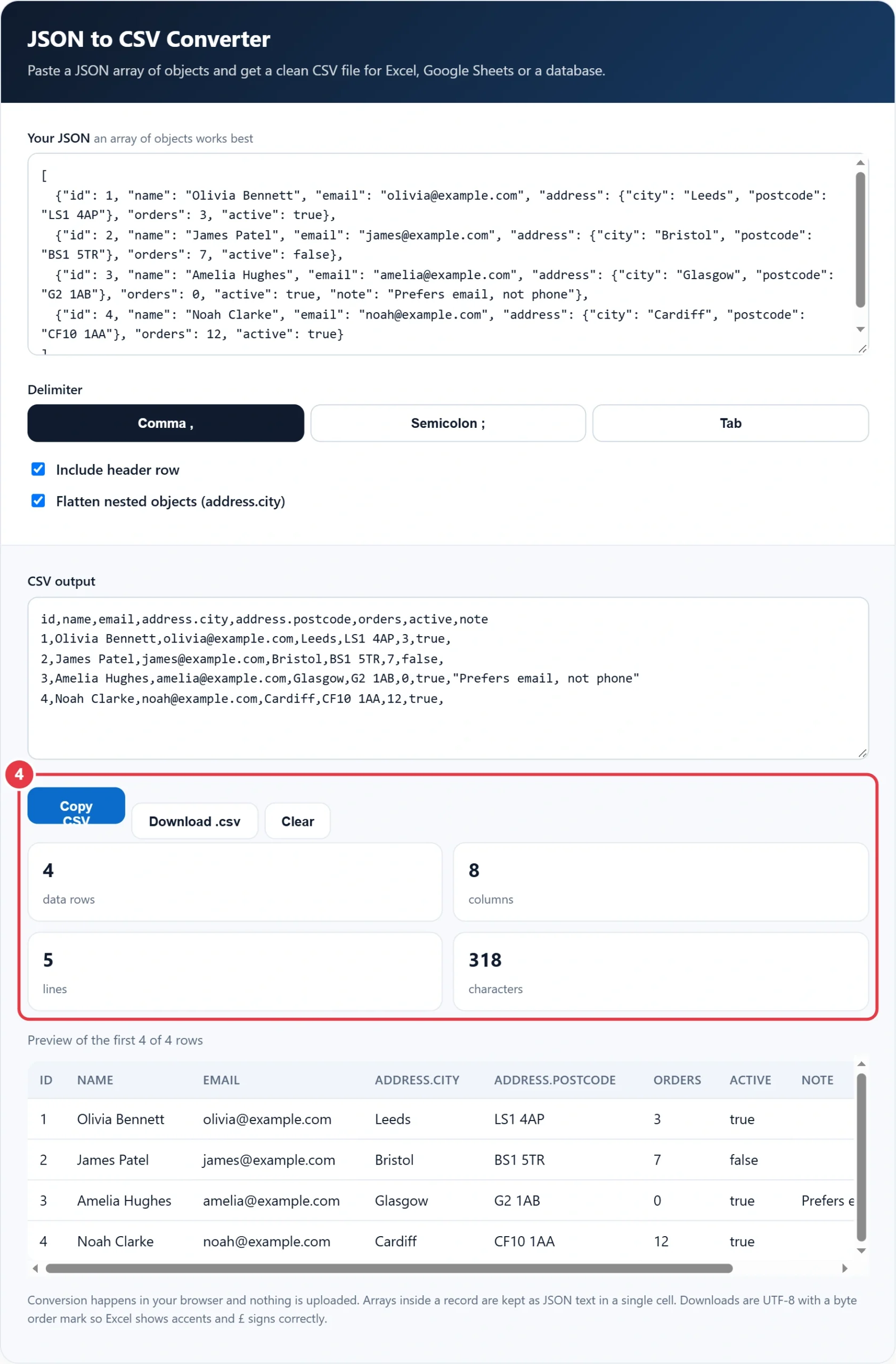
Conversion happens in your browser and nothing is uploaded. Arrays inside a record are kept as JSON text in a single cell. Downloads are UTF-8 with a byte order mark so Excel shows accents and £ signs correctly.
APIs, exports and config files often hand you data as JSON, but spreadsheets and many databases want rows and columns. This JSON to CSV converter turns a JSON array into a clean CSV file in one step, flattening nested objects into their own columns and quoting values exactly as the RFC 4180 CSV format describes. Preview the table, then copy the result or download a file ready for Excel or Google Sheets.
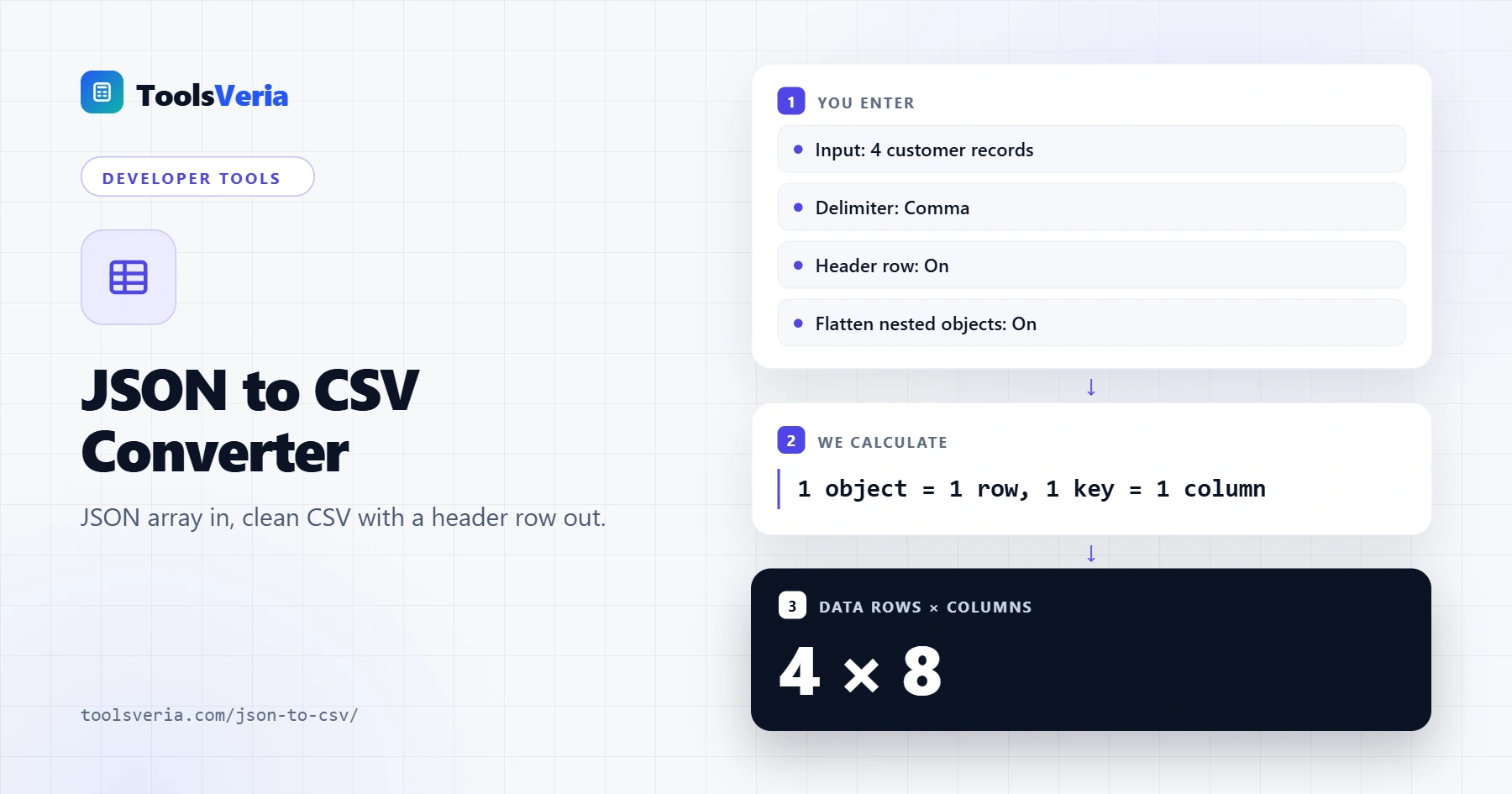
What Does Converting JSON to CSV Do?
JSON stores data as objects made of key and value pairs, and those objects can contain further objects and lists. CSV is flat: a header row of column names, then one line per record, with values separated by a delimiter. Converting means turning every object in your array into one row and every key into one column.
The tool collects every key it finds across all records, so a field that appears in only some objects still gets a column and is left blank where missing. With flattening on, a nested object such as address becomes columns like address.city and address.postcode. Any value containing the delimiter, a quote mark or a line break is wrapped in double quotes, and quotes inside are doubled, so spreadsheets read it correctly.
How to Use the JSON to CSV Converter
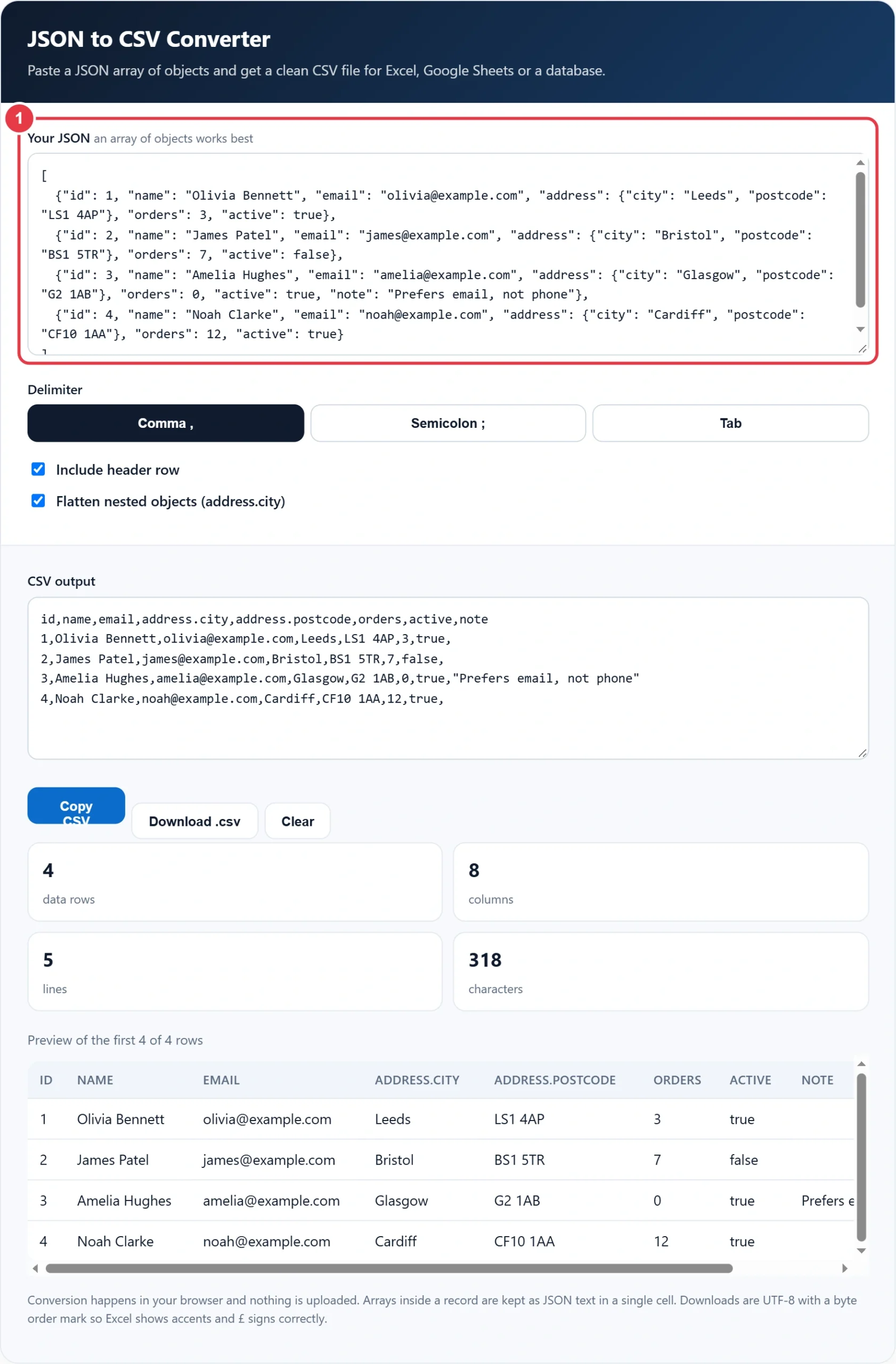
Step 1: Paste Your JSON
Paste a JSON array of objects into the box. A sample customer list is loaded so you can see how it works. If your JSON is an object that wraps an array, such as a typical API response with a data list, the tool finds that array for you.
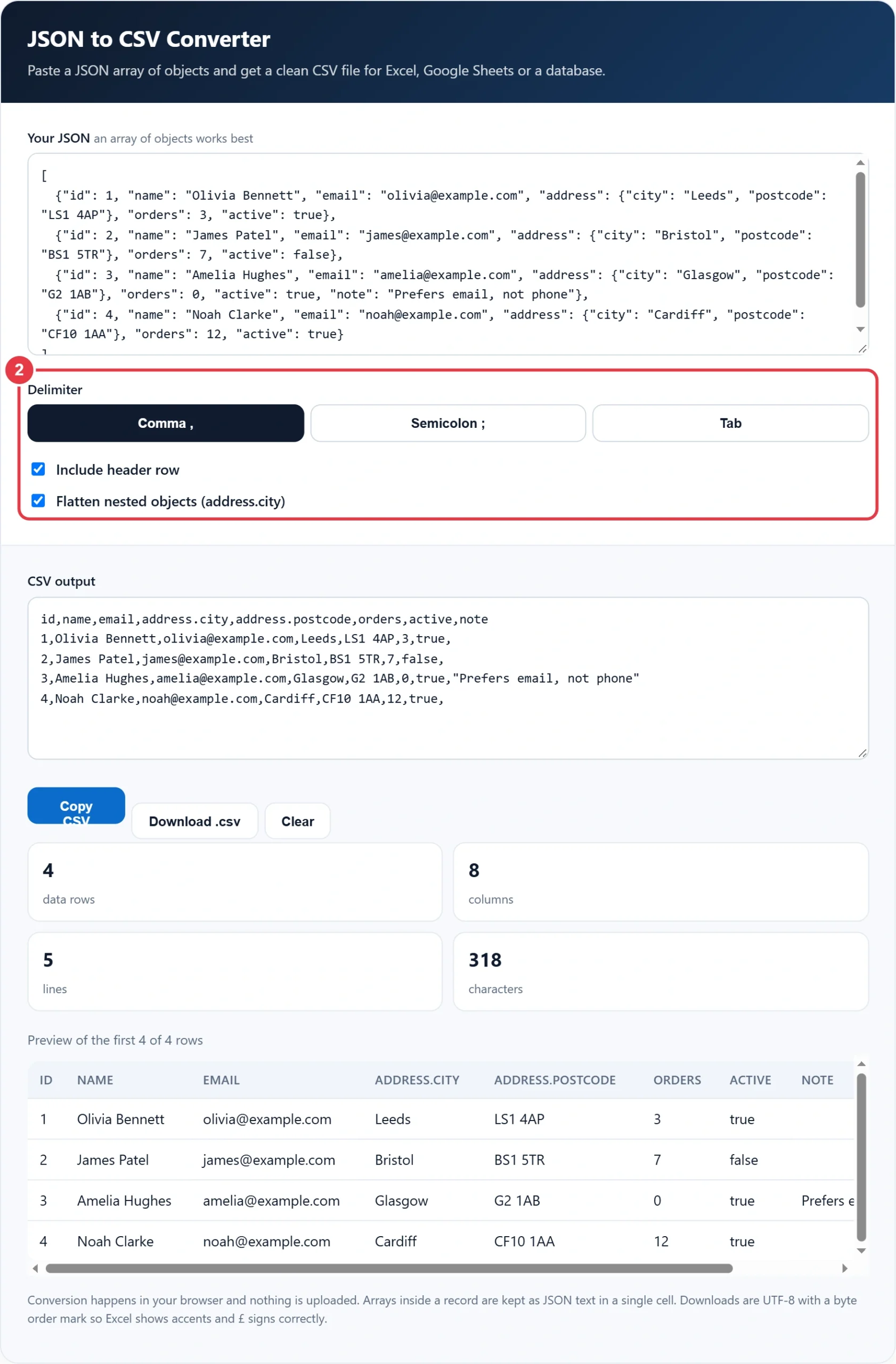
Step 2: Choose Your Options
Pick a comma for most tools, a semicolon if your Excel uses a comma as the decimal separator, or a tab for pasting straight into a spreadsheet. Untick the header row if you are appending to an existing file, and untick flattening to keep nested objects as JSON text.
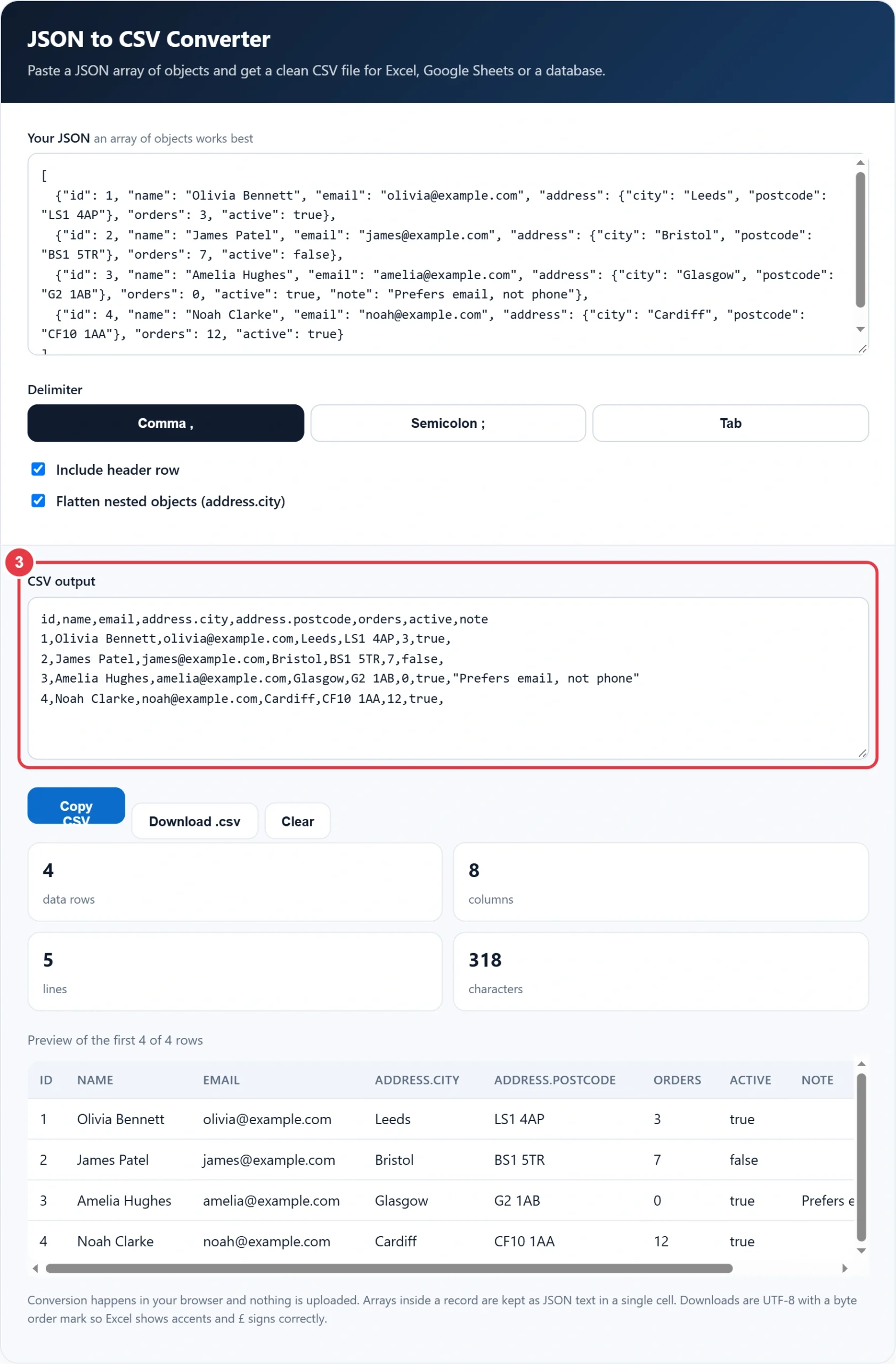
Step 3: Check the Output
The CSV updates as you type. The preview table shows the first five rows so you can confirm the columns line up. If a field holds Unix dates, the Unix timestamp converter turns them into readable dates before you share the sheet. If the JSON has a mistake, a message explains what went wrong instead.
Step 4: Copy or Download
Press Copy CSV to paste it elsewhere, or Download .csv to save a file. Need test records with IDs first? The UUID generator creates unique keys you can add to each object before converting. The stats show how many rows and columns were created.
Common JSON Errors and Fixes
| Problem | Example | Fix |
|---|---|---|
| Single quotes | {'name': 'Olivia'} | Use double quotes for keys and text |
| Trailing comma | {"id": 1,} | Remove the comma after the last item |
| Unquoted key | {name: "Olivia"} | Wrap every key in double quotes |
| Several objects, no array | {...} {...} | Wrap them in [ ] and separate with commas |
JSON is stricter than JavaScript, which is why these small slips cause errors. The official JSON syntax reference shows exactly which characters and structures are allowed.
Frequently Asked Questions
How do I convert JSON to CSV?
Paste your JSON array into the converter, choose a delimiter and copy or download the CSV. Each object becomes a row and each key becomes a column.
How are nested JSON objects handled?
With flattening on, nested keys become columns joined with a dot, such as address.city. With it off, the whole nested object is kept as JSON text in one cell.
Why does my CSV open in one column in Excel?
Your Excel may expect a semicolon because your region uses a comma for decimals. Choose the semicolon delimiter and download again.
What happens to arrays inside my JSON?
Arrays inside a record are written as JSON text in a single cell, so no data is lost and you can split them later if needed.
Is there a size limit?
There is no fixed limit, but very large files depend on your device's memory. Files of a few megabytes convert almost instantly.
Is my JSON uploaded anywhere?
No. The conversion runs entirely in your browser and your data never leaves your device.