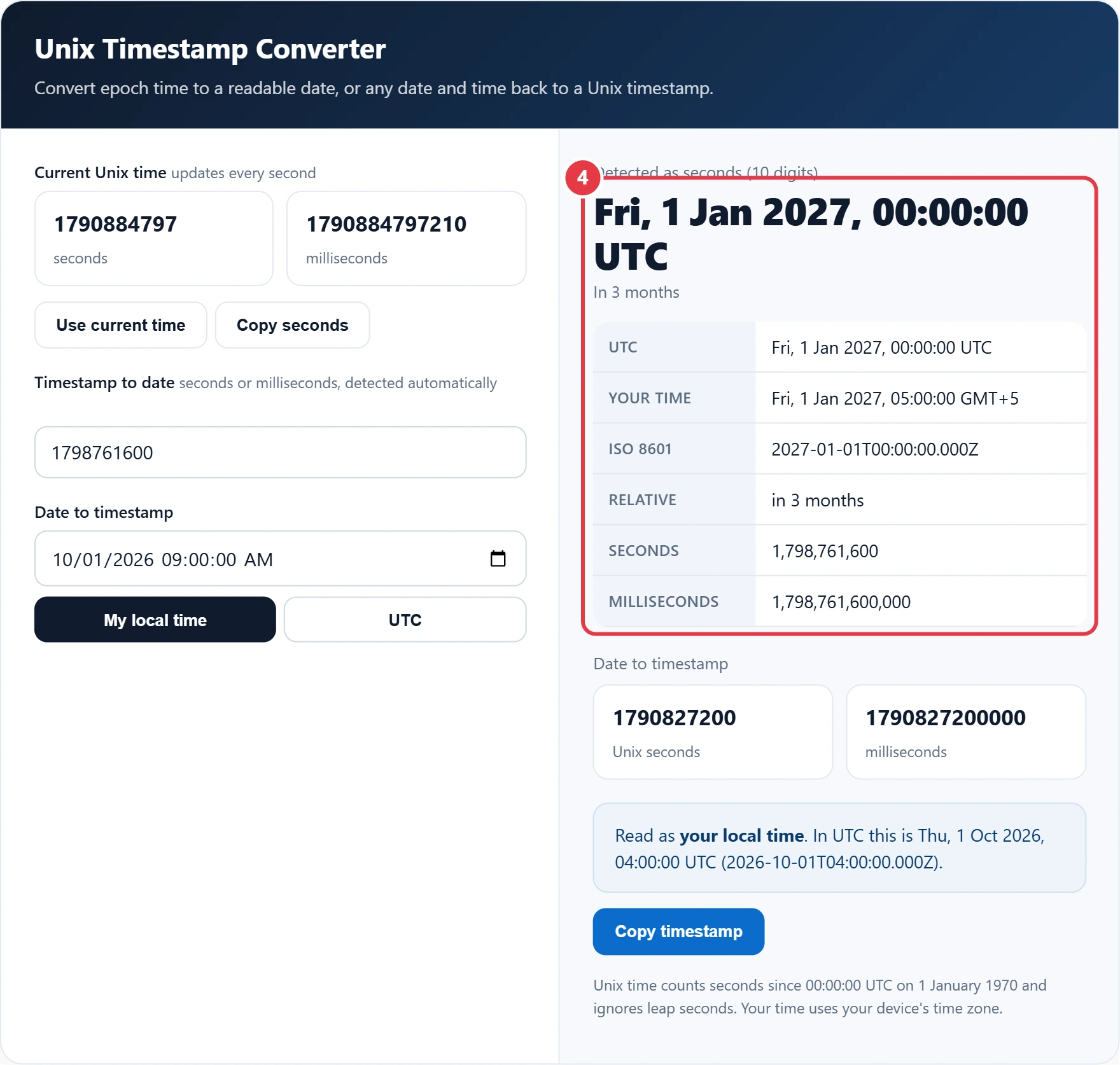
Convert epoch time to a readable date, or any date and time back to a Unix timestamp.
| UTC | - |
|---|---|
| Your time | - |
| ISO 8601 | - |
| Relative | - |
| Seconds | - |
| Milliseconds | - |
Unix time counts seconds since 00:00:00 UTC on 1 January 1970 and ignores leap seconds. Your time uses your device's time zone.
Found a long number like 1798761600 in a log file, database or API response? This Unix timestamp converter follows the standard definition of Unix time to turn it into a readable date in UTC, your own time zone and ISO 8601 format. It tells you how long ago or how far ahead that moment is, and works in reverse too, converting any date and time into epoch seconds and milliseconds right in your browser.
What Is a Unix Timestamp?
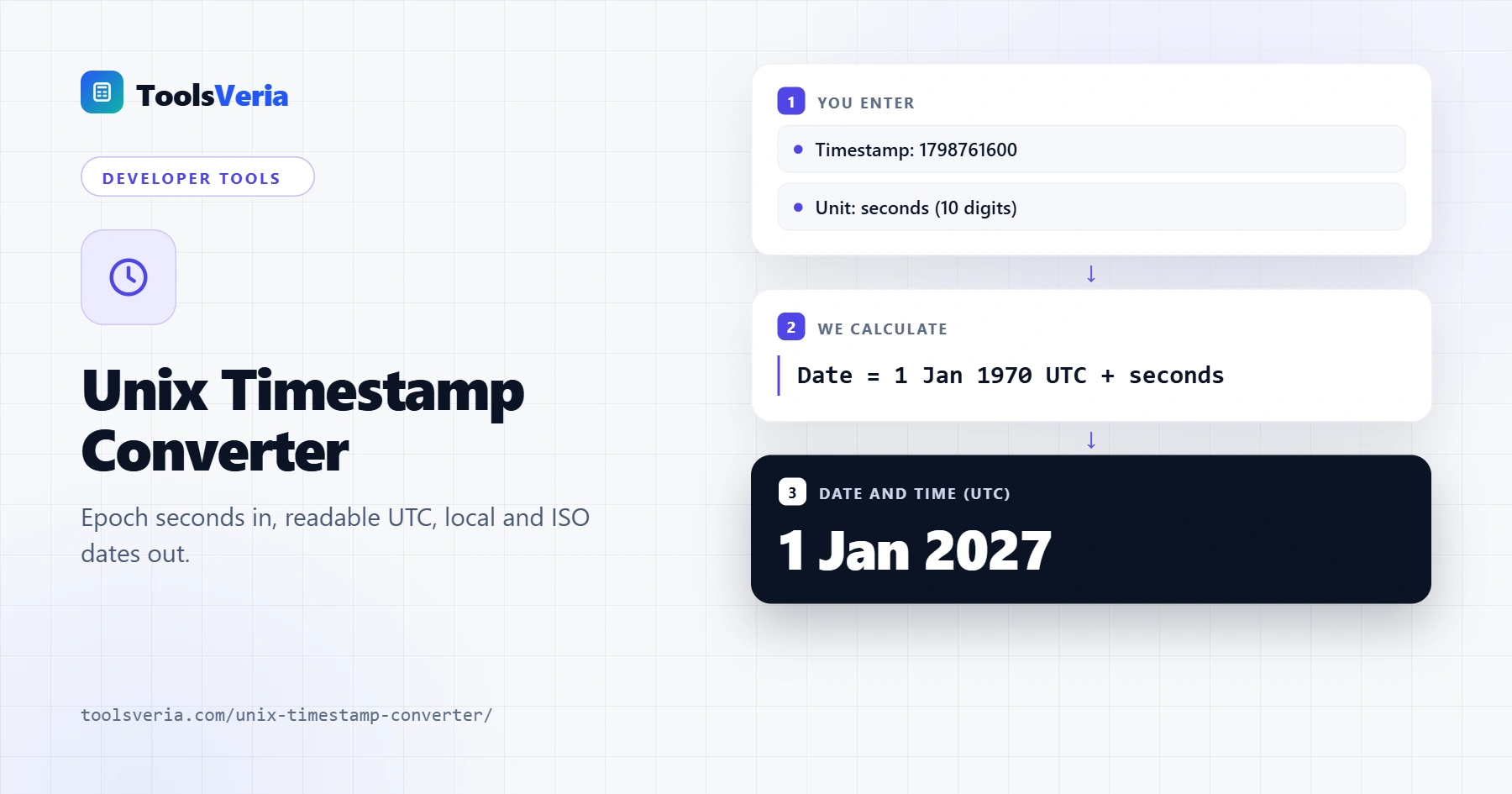
A Unix timestamp, also called epoch time, is the number of seconds that have passed since 00:00:00 UTC on 1 January 1970, known as the Unix epoch. Computers use it because a single number is easy to store, sort and compare, and it means the same moment everywhere in the world regardless of time zones or daylight saving.
The conversion is simple: date = 1 January 1970 UTC + timestamp seconds. A 10 digit value is usually seconds, while a 13 digit value is usually milliseconds, as used by JavaScript and many APIs. This converter checks the length and picks the right unit for you, and it also recognises 16 digit microseconds and 19 digit nanoseconds.
How to Use the Unix Timestamp Converter
Step 1: Check the Current Time
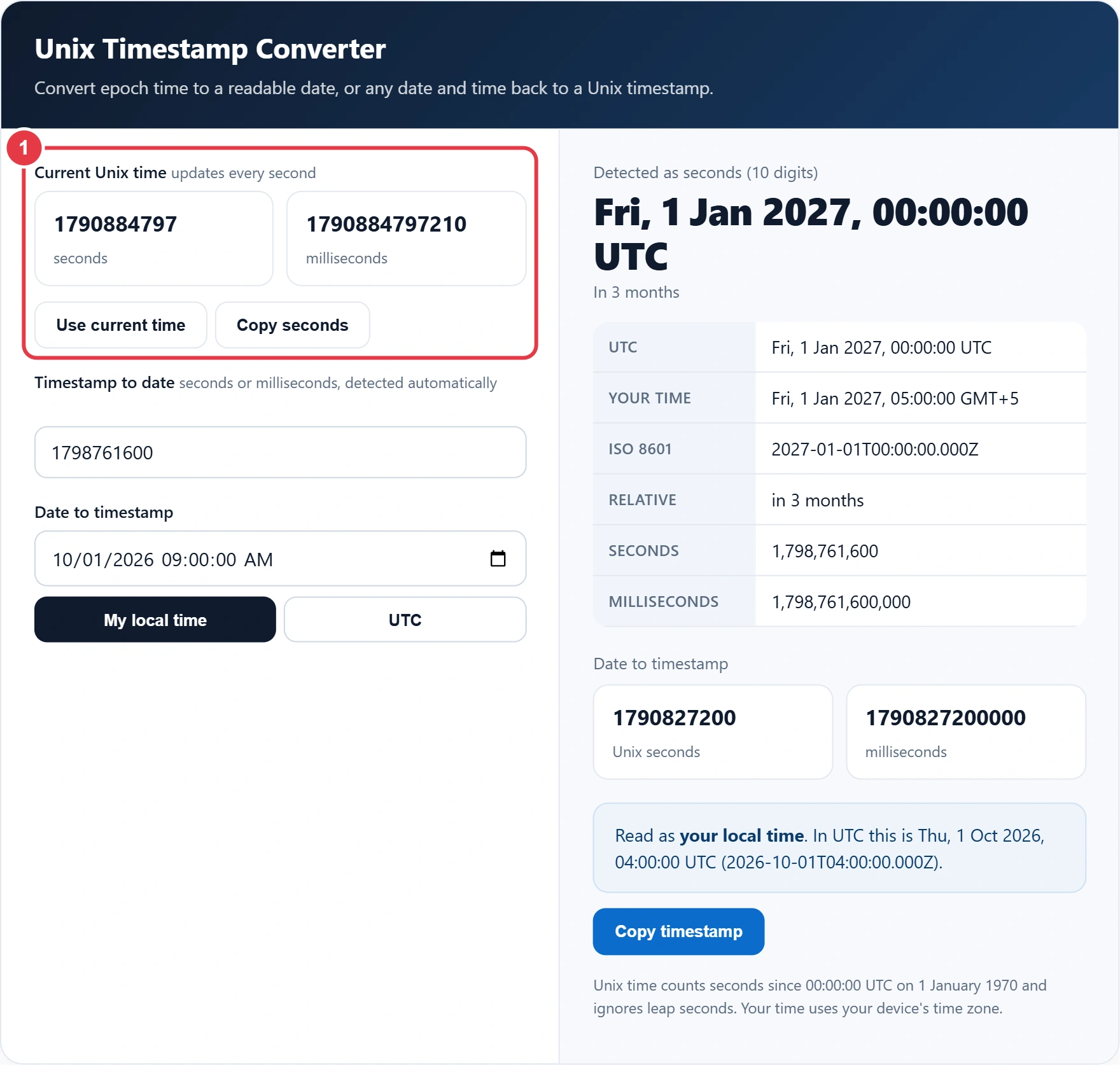
The live panel shows the current Unix time in seconds and milliseconds, updating every second. Press Use current time to convert it, or Copy seconds to paste it into your code.
Step 2: Convert a Timestamp to a Date
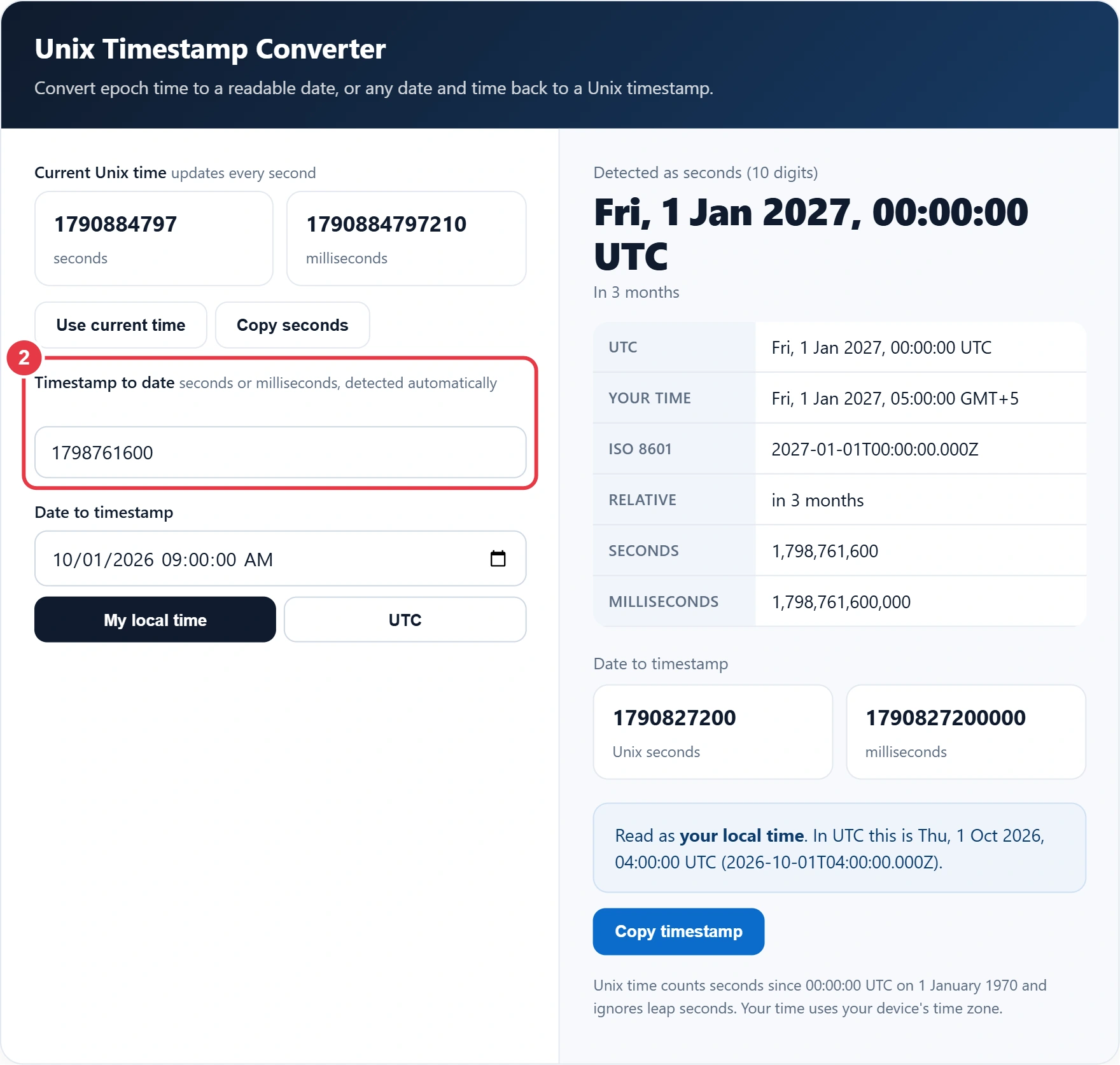
Paste your timestamp into the first box. Spaces and commas are ignored, so a formatted number works too. The result shows the date in UTC, in your local time zone, in ISO 8601 and as relative time.
Step 3: Convert a Date to a Timestamp
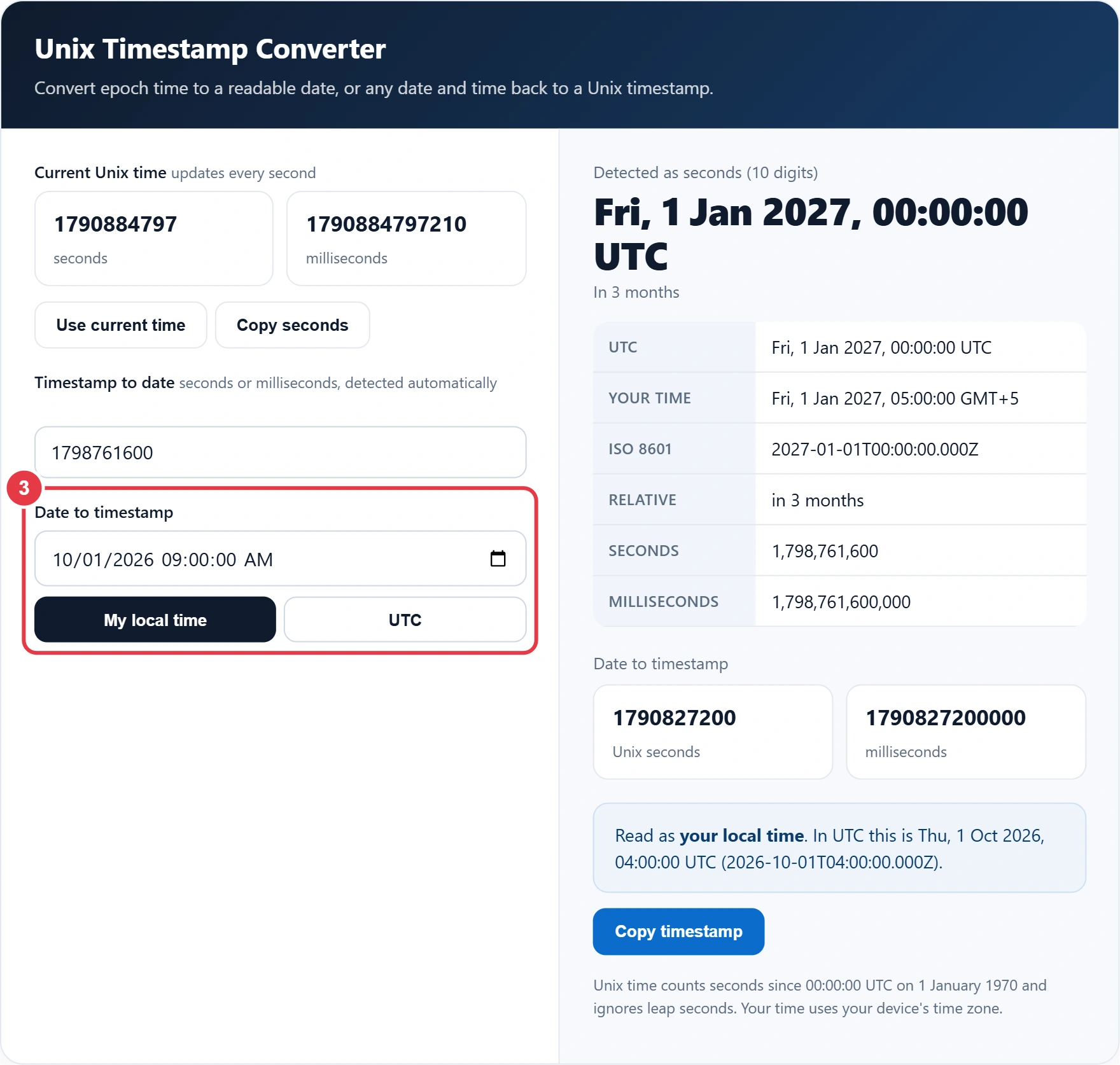
Pick a date and time, then choose whether it is in your local time or UTC. To find the gap between two times instead, use the time duration calculator. The time zone choice matters in the UK, where local time is one hour ahead of UTC during British Summer Time, so the same clock time gives a different timestamp.
Step 4: Read and Copy the Results
All results update as you type. Use Copy timestamp to grab the seconds value for a database query or an API request, and if you are scheduling a job, the cron expression generator builds the schedule line for you. Both tools run entirely in your browser.
Useful Unix Timestamps
| Timestamp (seconds) | Date and time (UTC) | Why it matters |
|---|---|---|
| 0 | 1 Jan 1970, 00:00:00 | The Unix epoch |
| 1000000000 | 9 Sep 2001, 01:46:40 | First 10 digit timestamp |
| 1767225600 | 1 Jan 2026, 00:00:00 | Start of 2026 |
| 1798761600 | 1 Jan 2027, 00:00:00 | Start of 2027 |
| 2147483647 | 19 Jan 2038, 03:14:07 | Largest signed 32 bit value |
Systems that still store time as a signed 32 bit number will overflow after 2147483647, an issue known as the Year 2038 problem. Modern operating systems and languages use 64 bit values, which push the limit billions of years into the future.
Frequently Asked Questions
How do I convert a Unix timestamp to a date?
Paste the timestamp into the converter and the date appears instantly in UTC, your local time and ISO 8601. Manually, add that many seconds to 00:00:00 UTC on 1 January 1970.
Is my timestamp in seconds or milliseconds?
A 10 digit timestamp is almost always seconds and a 13 digit one is milliseconds. The converter detects this automatically from the length.
Is Unix time in UTC or local time?
Unix time is always based on UTC, so it is the same number everywhere. Only the readable date changes with your time zone.
Does Unix time include leap seconds?
No. Unix time treats every day as exactly 86,400 seconds and ignores leap seconds.
How do I get the current Unix timestamp in JavaScript?
Use Math.floor(Date.now() / 1000) for seconds, or Date.now() for milliseconds.
What happens to Unix time in 2038?
On 19 January 2038 at 03:14:07 UTC, signed 32 bit timestamps reach their maximum and overflow. Systems using 64 bit time are not affected.