Find the hours and minutes between two times, with breaks, overnight shifts and multi day spans.
Without dates, an end time earlier than the start time is treated as the next day, so 22:00 to 06:00 gives 8 hours.
Decimal hours are rounded to two places. Clock changes in spring and autumn are not adjusted for.
Want to know exactly how long a shift, journey or meeting lasted? This time duration calculator finds the time between two times in hours and minutes, takes off any break, and copes with overnight spans that cross midnight. It works with the 24 hour clock or 12 hour am and pm times, depending on your device settings.
What Is a Time Duration Calculator?
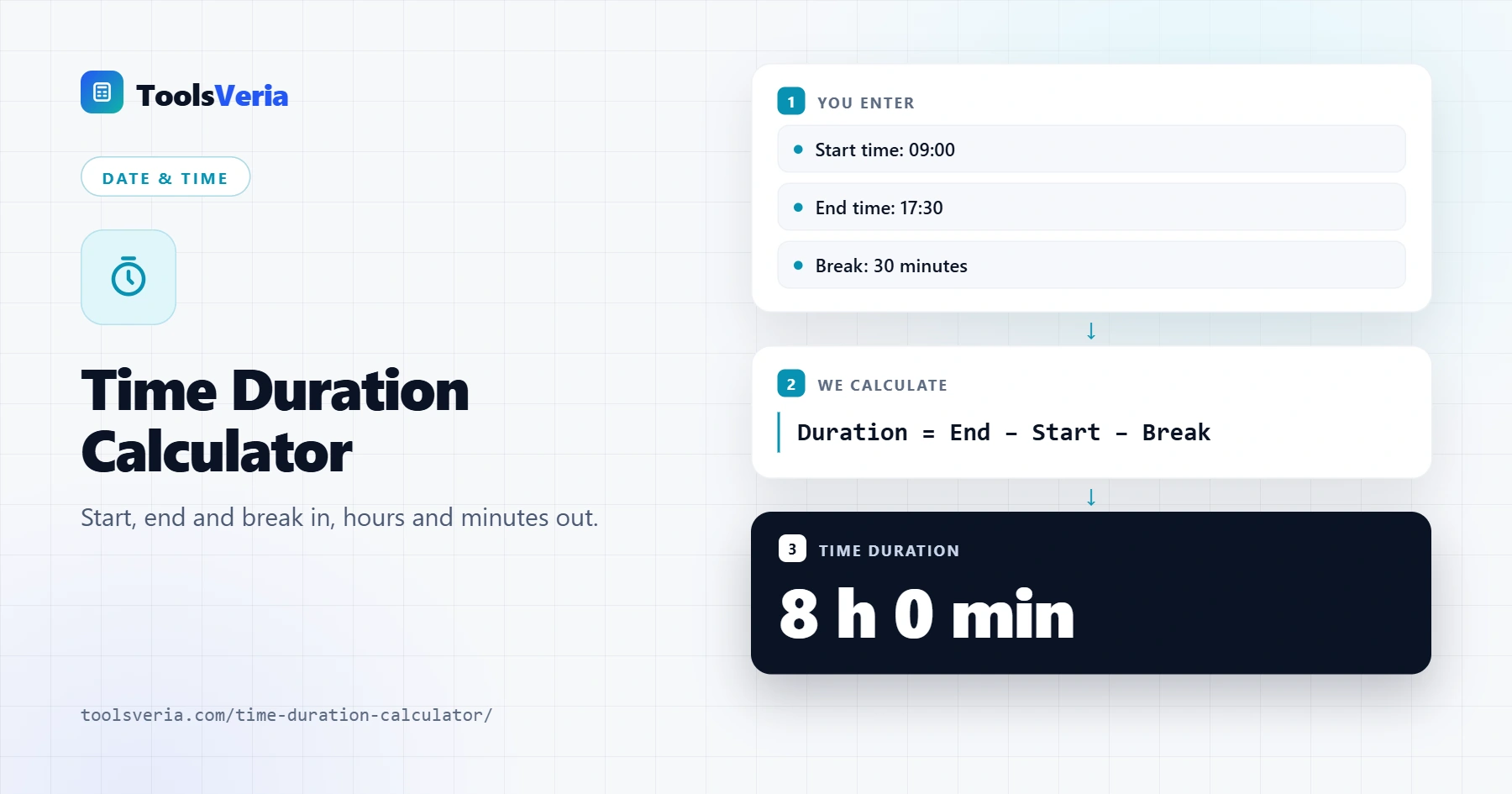
A time duration calculator works out the hours between times without the mental arithmetic. Counting from 08:45 to 17:20 in your head is fiddly because time runs in sixties, not tens. The calculator converts both times to minutes, subtracts one from the other and turns the answer back into hours and minutes.
The formula is duration = end time − start time − break. If the end time is earlier than the start, the span crosses midnight, so 24 hours (1,440 minutes) is added. For example, 22:00 to 06:00 is 6:00 + 24:00 − 22:00 = 8 hours. Decimal hours are the minutes divided by 60, so 7 hours 45 minutes is 7.75 hours.
How to Use the Time Duration Calculator
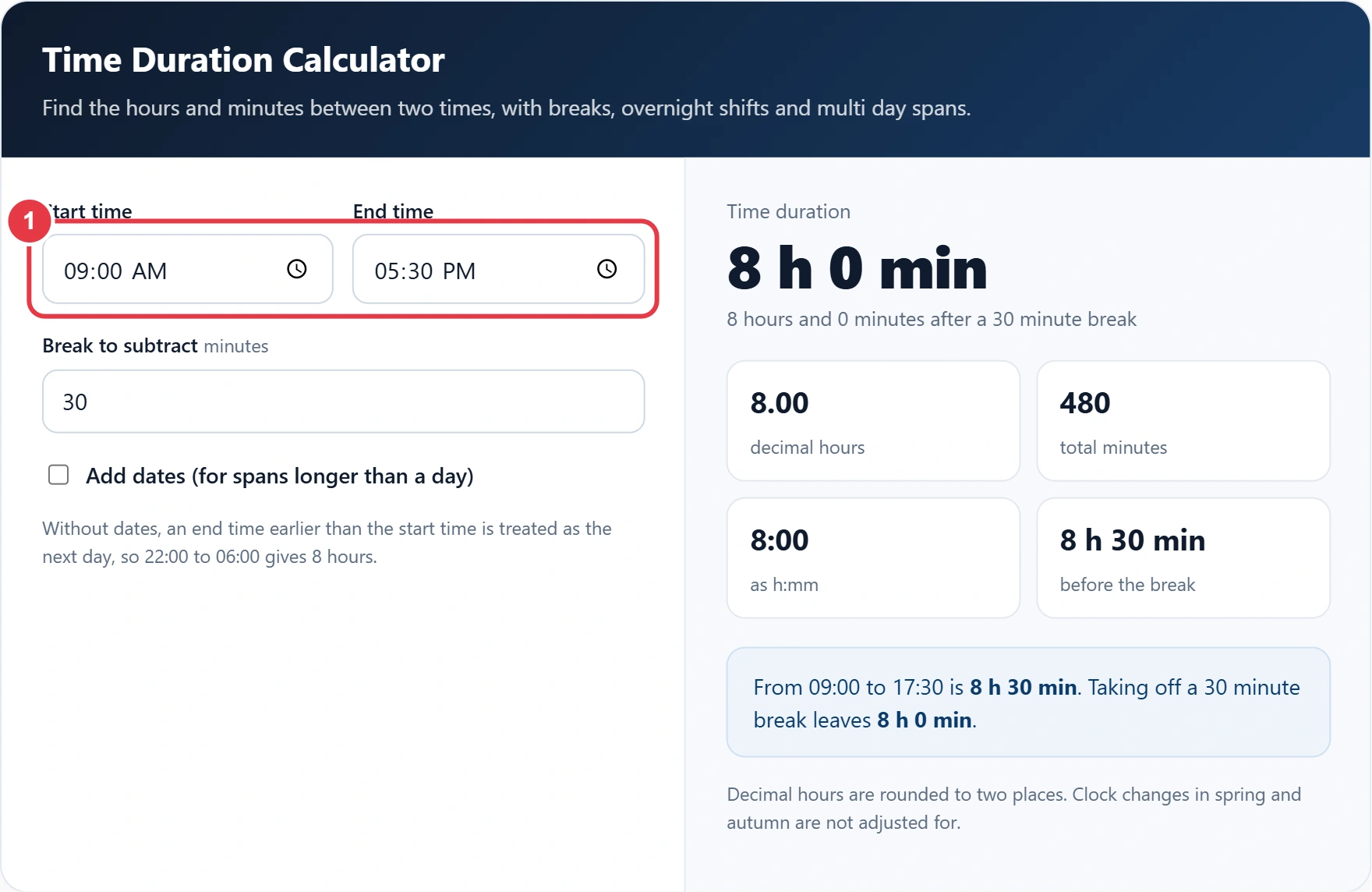
Step 1: Enter the Start and End Times
Type or pick the start time and the end time. If the end is earlier than the start, the calculator assumes the end falls on the next day.
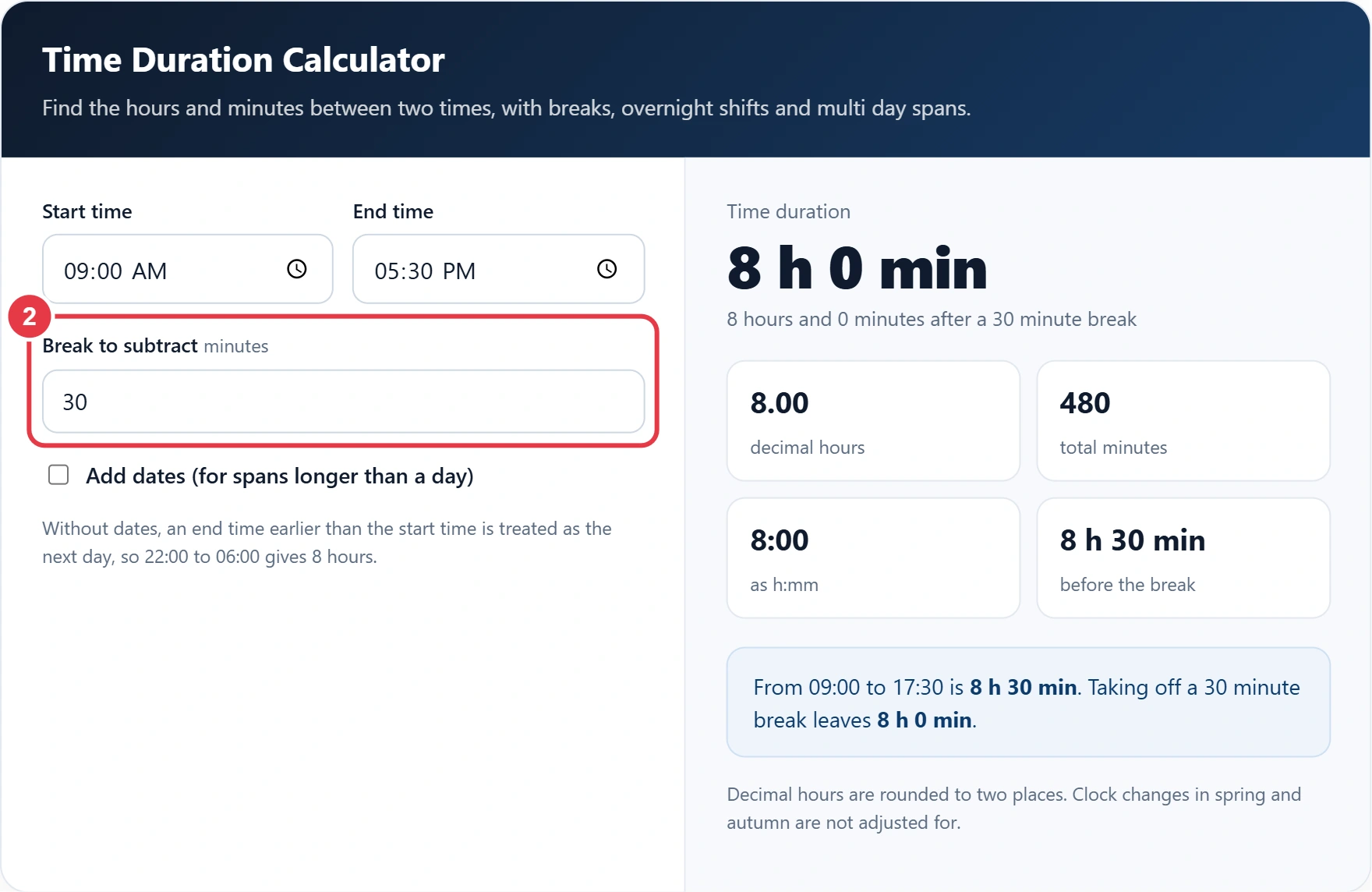
Step 2: Enter Any Break
Add your unpaid break in minutes, such as 30 for a lunch break, or leave it at 0 for the full time between the two times. To total a whole week of shifts, the time card calculator adds up each day and works out your gross pay for the week.
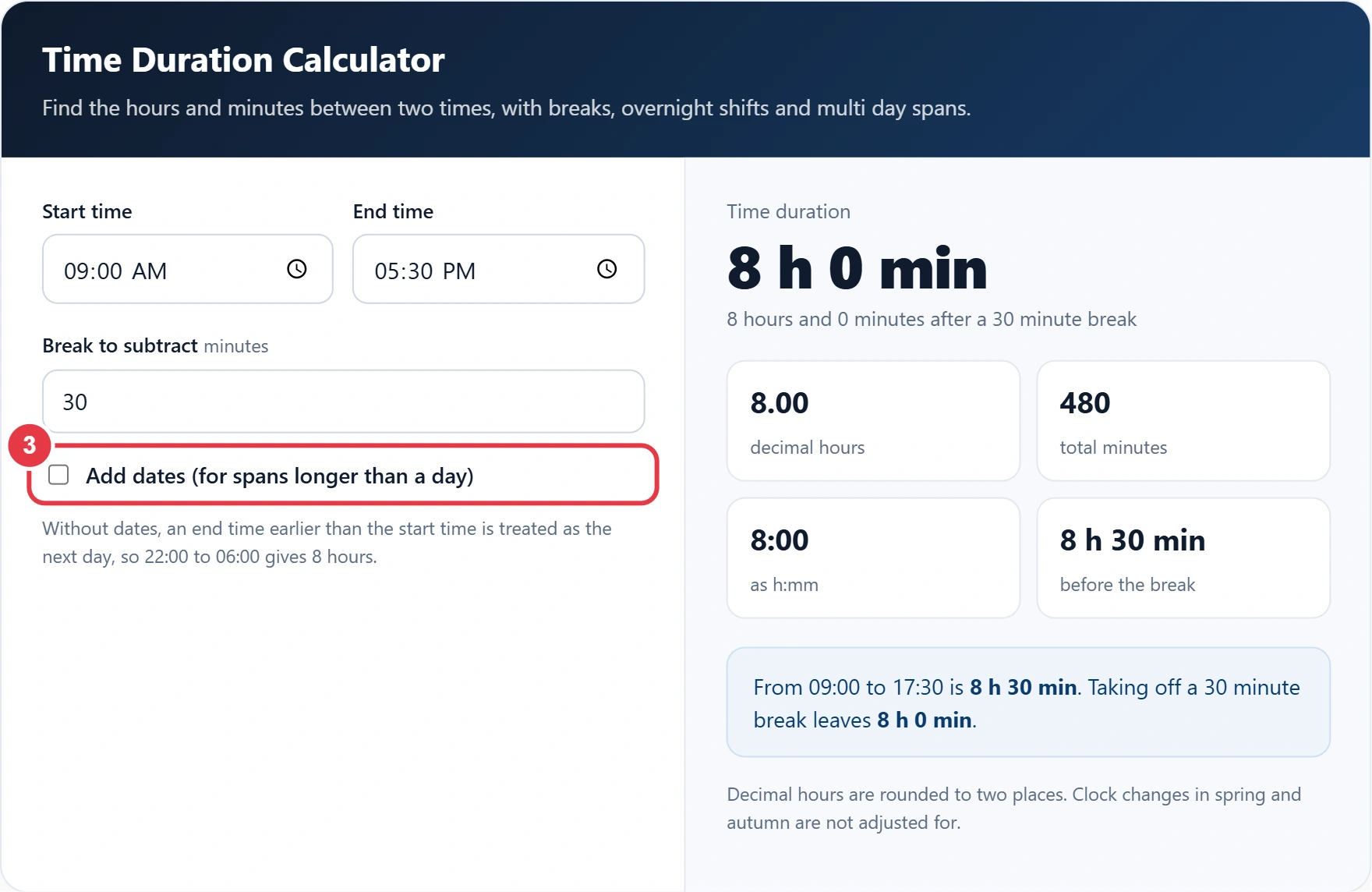
Step 3: Add Dates for Longer Spans
Tick Add dates when the span runs over more than one day, such as a 36 hour event or a trip from Friday morning to Sunday evening. If you only need to count working days between two dates, the working days calculator skips weekends and UK bank holidays instead. Otherwise, enter the start and end dates and the total is worked out across all of them.
Step 4: Read Your Results
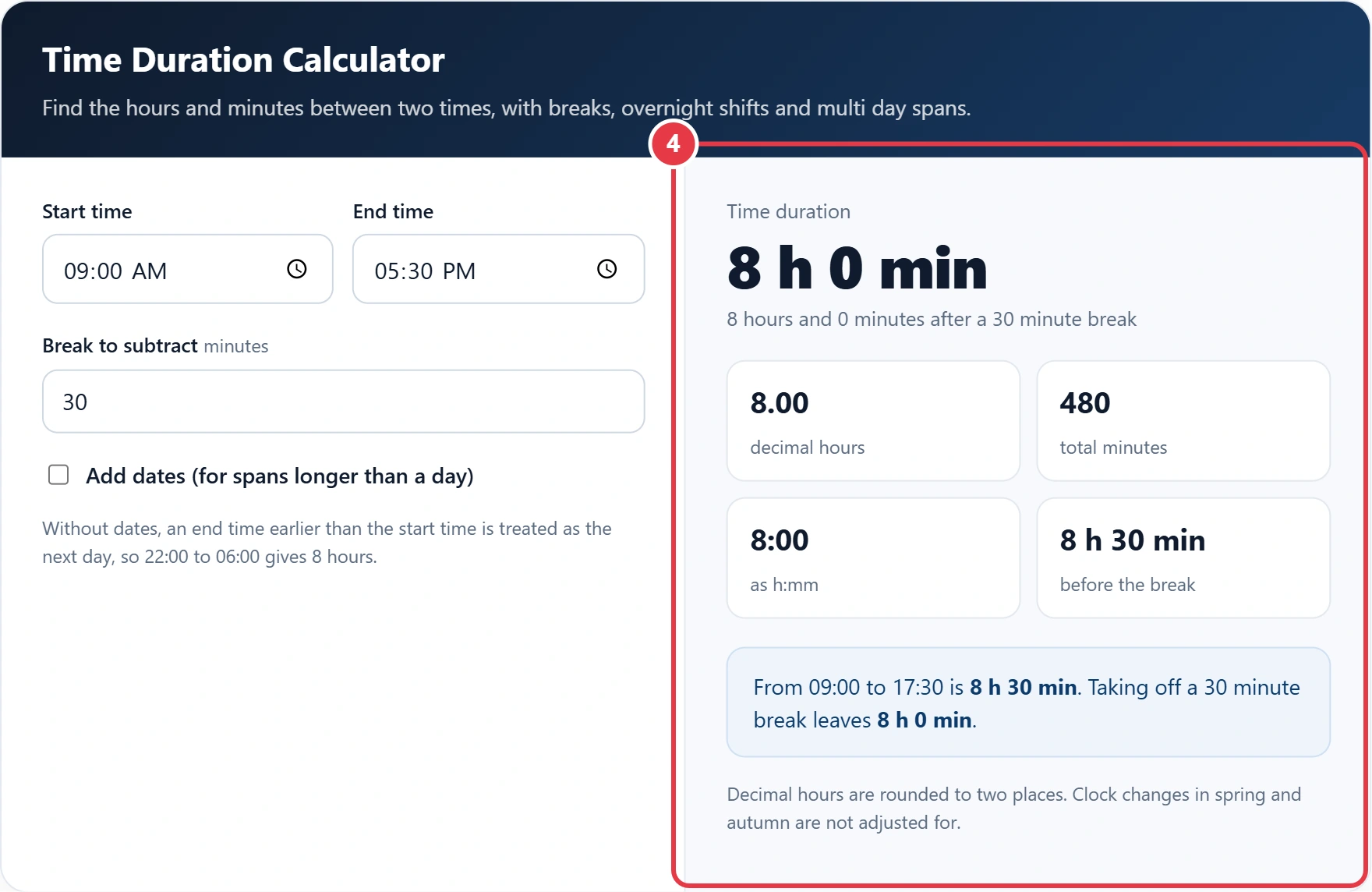
You get the duration in hours and minutes, decimal hours for timesheets and invoices, total minutes, and the time before the break was taken off.
Time Duration Examples
| Start | End | Break | Duration | Decimal hours |
|---|---|---|---|---|
| 09:00 | 17:30 | 30 min | 8 h 0 min | 8.00 |
| 08:45 | 17:20 | 45 min | 7 h 50 min | 7.83 |
| 22:00 | 06:00 | 0 min | 8 h 0 min | 8.00 |
| 07:15 | 19:45 | 60 min | 11 h 30 min | 11.50 |
To convert between formats, remember that 12 pm is midday and 12 am is midnight, as explained in this guide to the 12 hour clock. When a span crosses a clock change in March or October, add or take off one hour yourself.
Frequently Asked Questions
How do I calculate the time between two times?
Convert both times to minutes, subtract the start from the end, then divide by 60 for hours. The remainder is the minutes.
How do I calculate hours that go past midnight?
Add 24 hours to the end time before subtracting. For example, 22:00 to 06:00 is 30:00 minus 22:00, which is 8 hours.
How do I convert minutes to decimal hours?
Divide the minutes by 60. So 15 minutes is 0.25, 30 minutes is 0.5 and 45 minutes is 0.75 of an hour.
How many hours is 9am to 5pm?
9am to 5pm is 8 hours. With a 30 minute unpaid lunch break it is 7.5 hours of work.
Can I calculate a duration over several days?
Yes. Tick Add dates, enter the start and end dates with their times, and the calculator gives the total hours and minutes across the whole span.
Does the calculator use 12 or 24 hour time?
Both. The time boxes follow your device setting, so you will see am and pm or the 24 hour clock, and the result is the same either way.