Count the exact days, weeks, months and weekdays between any two dates.
Leap years are handled automatically. Weekdays include bank holidays, so use a working days calculator if you need to remove them.
Planning a holiday countdown, a notice period or a project deadline usually comes down to one question: how many days are left? This days between dates calculator counts the exact number of days between any two dates, applying the Gregorian calendar leap year rules so February is always handled correctly. It also shows the gap in weeks, months and years, and splits it into weekdays and weekend days.
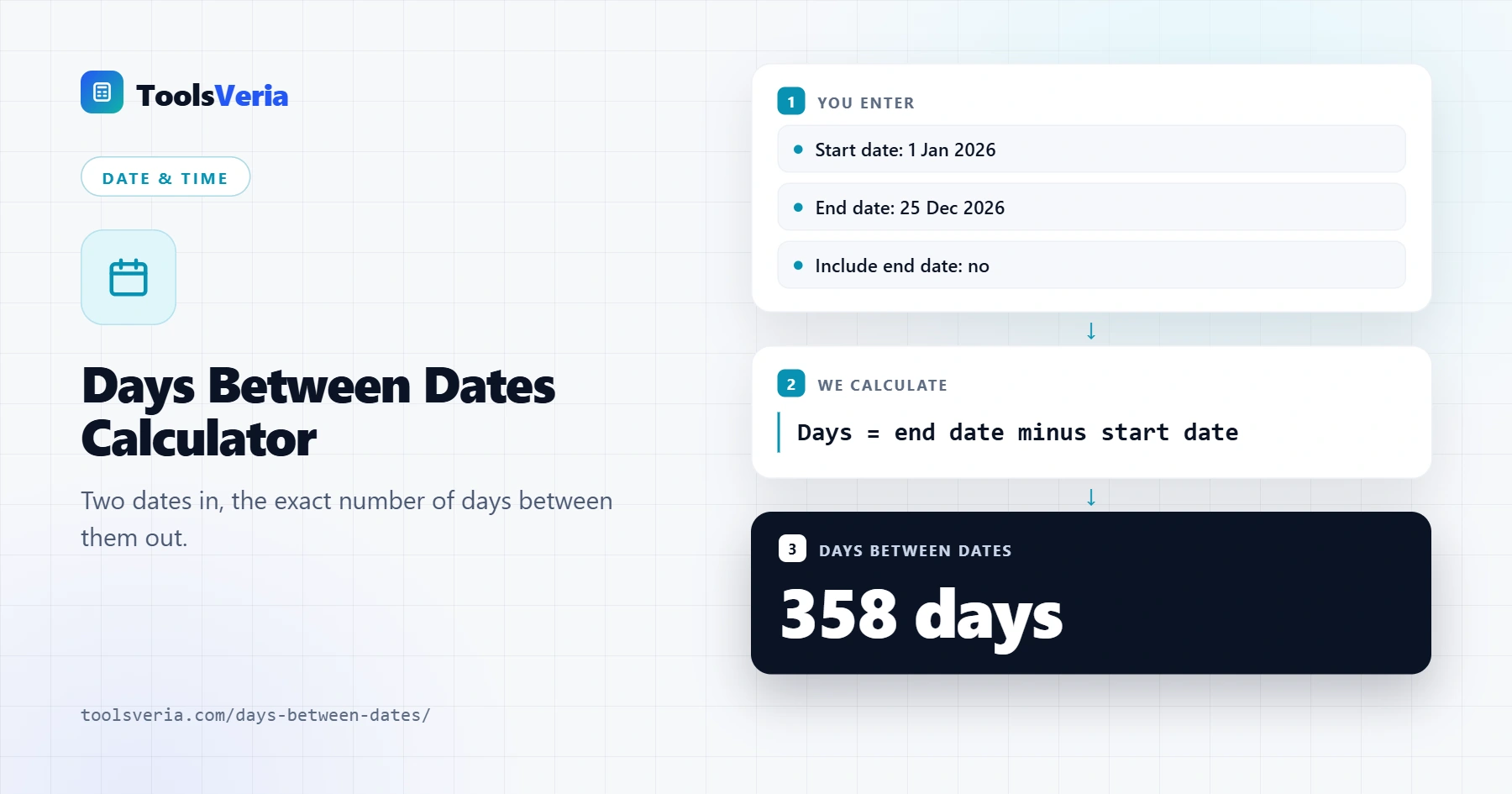
Quick answer: The number of days between dates is the end date minus the start date, plus 1 if you include the end date. Monday to the following Tuesday counts as one day by default, while Friday to Sunday inclusive covers three days. A full UK tax year from 6 April contains 365 days, or 366 when it includes 29 February.
In This Guide
What Is the Number of Days Between Dates?
The number of days between two dates is the end date minus the start date. By default, Monday to the following Tuesday counts as one day, the same way a countdown or a hotel booking counts nights. This works as a date difference calculator for any dates, past or future, across months and years of different lengths.
Tick Include the end date when both the first and last day matter, for example a 14 day notice period or an event that runs from Friday to Sunday, which covers three days rather than two. The formula is days = end date minus start date, plus 1 if the end date is included. Leap years add 29 February, so 2028 has 366 days.
How Do You Use the Days Between Dates Calculator?
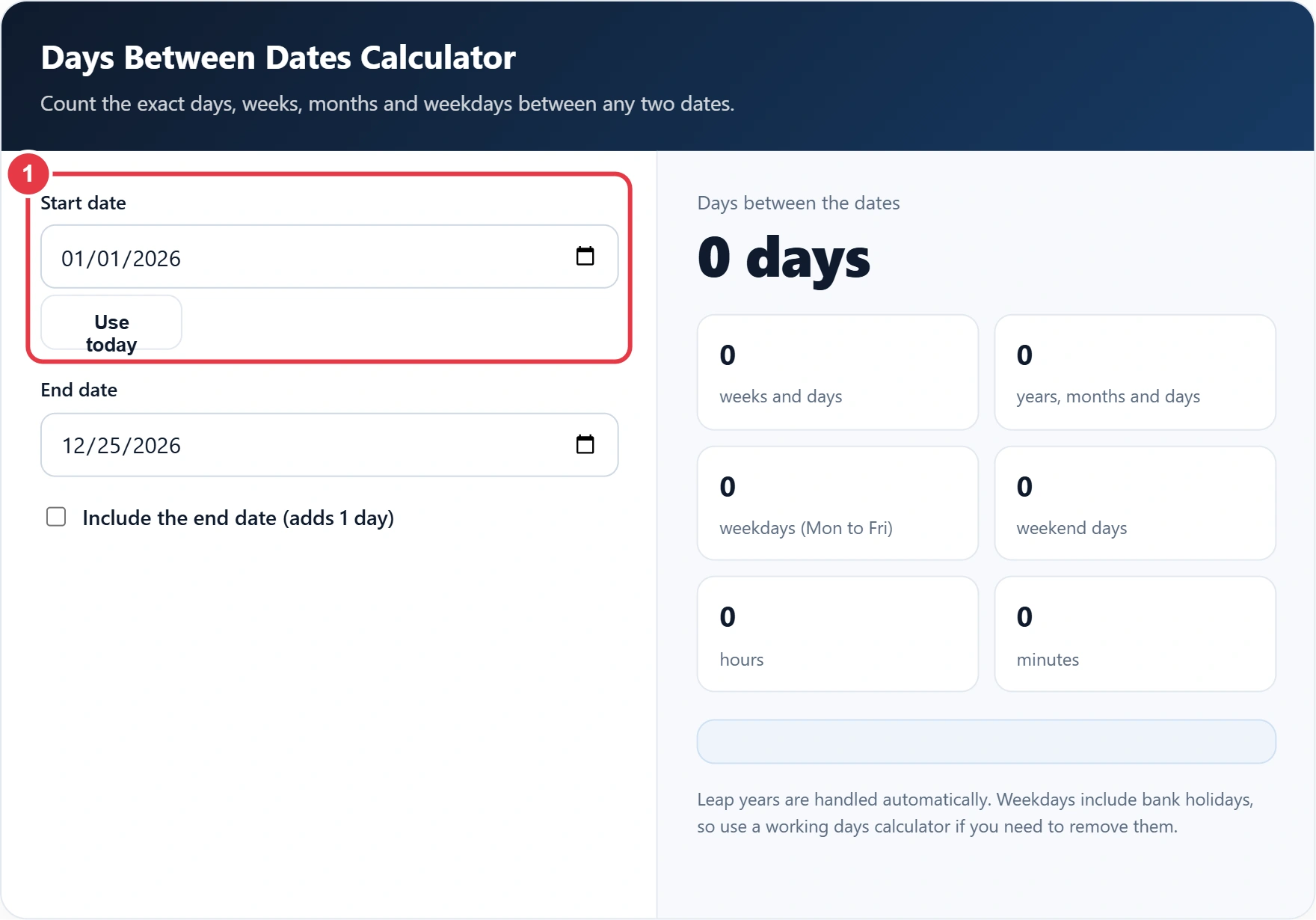
Step 1: Enter the Start Date
Pick the first date from the calendar or type it in, and press Use today to start from today's date, which is handy for a countdown to a birthday, wedding or end of term. Pick the first date from the calendar or type it in. Press Use today to start from today's date, which is handy for a countdown to a birthday, a wedding or the end of term.
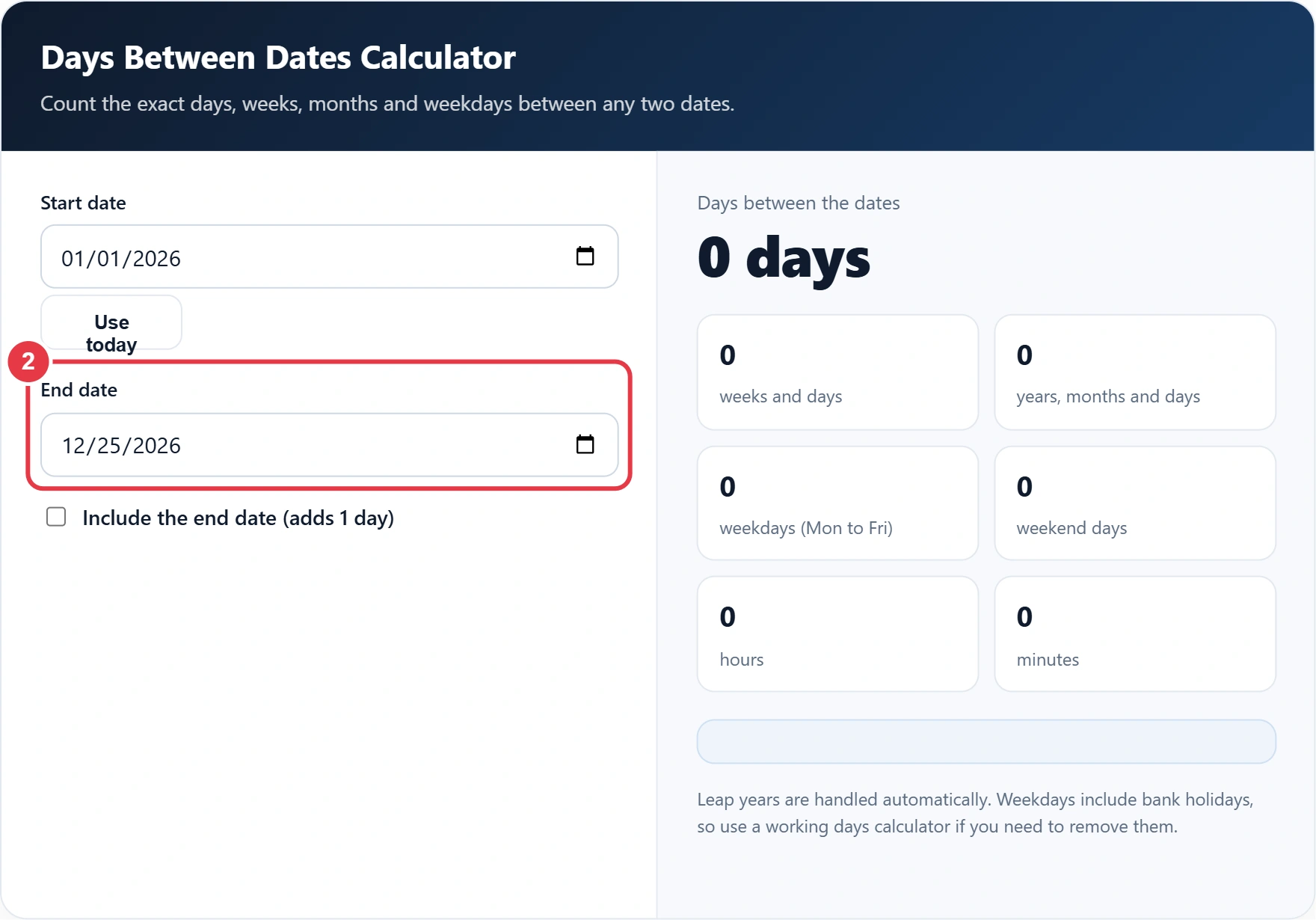
Step 2: Enter the End Date
Choose the second date. If it falls before the start date, the calculator swaps the two dates and tells you, so the answer is never negative.
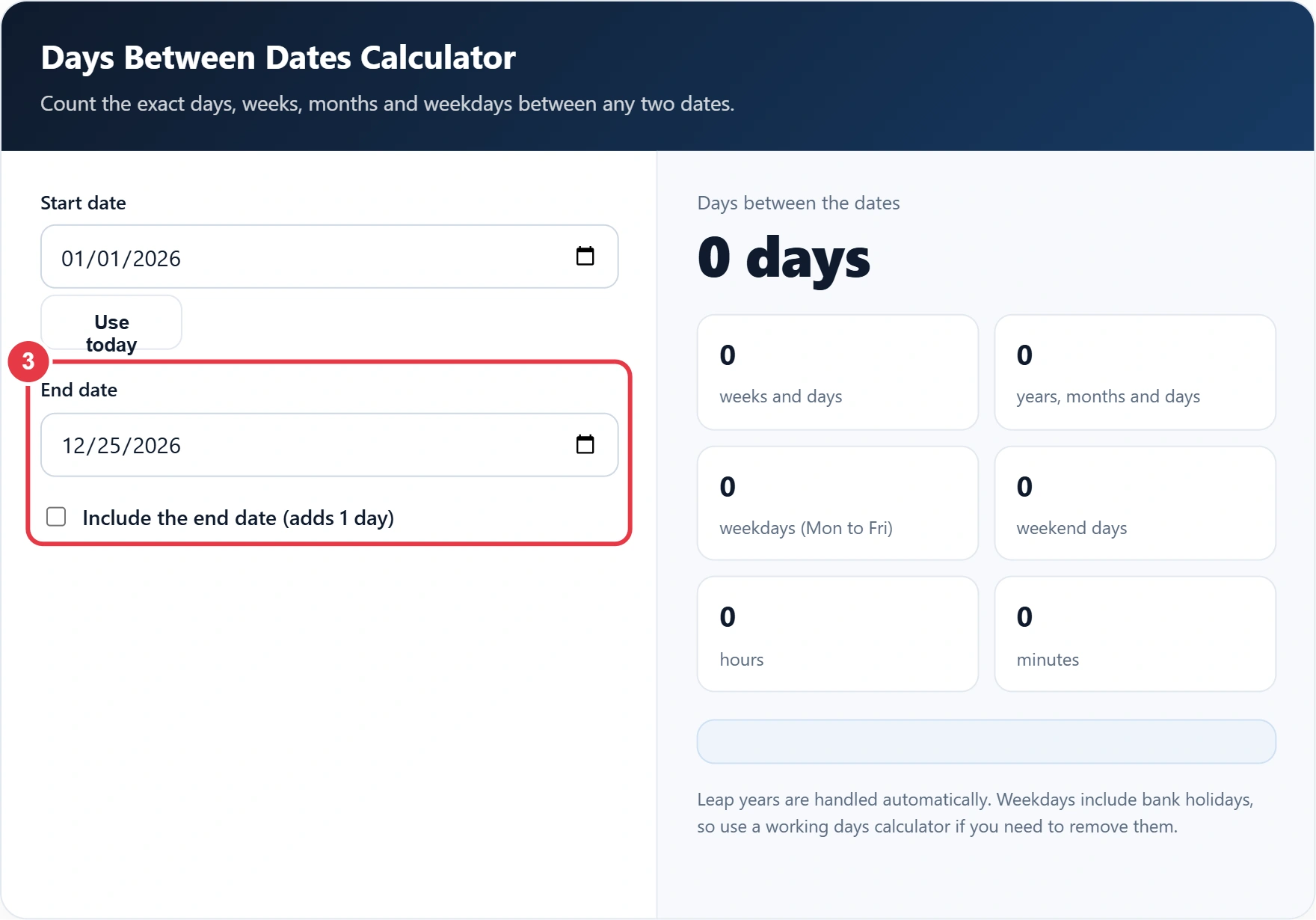
Step 3: Choose Whether to Include the End Date
Leave the box unticked for a simple gap between two dates, and tick it for inclusive ranges such as leave or rental periods. If you only need working days, the working days calculator removes weekends and the bank holidays for each UK nation, which is the figure most employers use.
Step 4: Read the Results
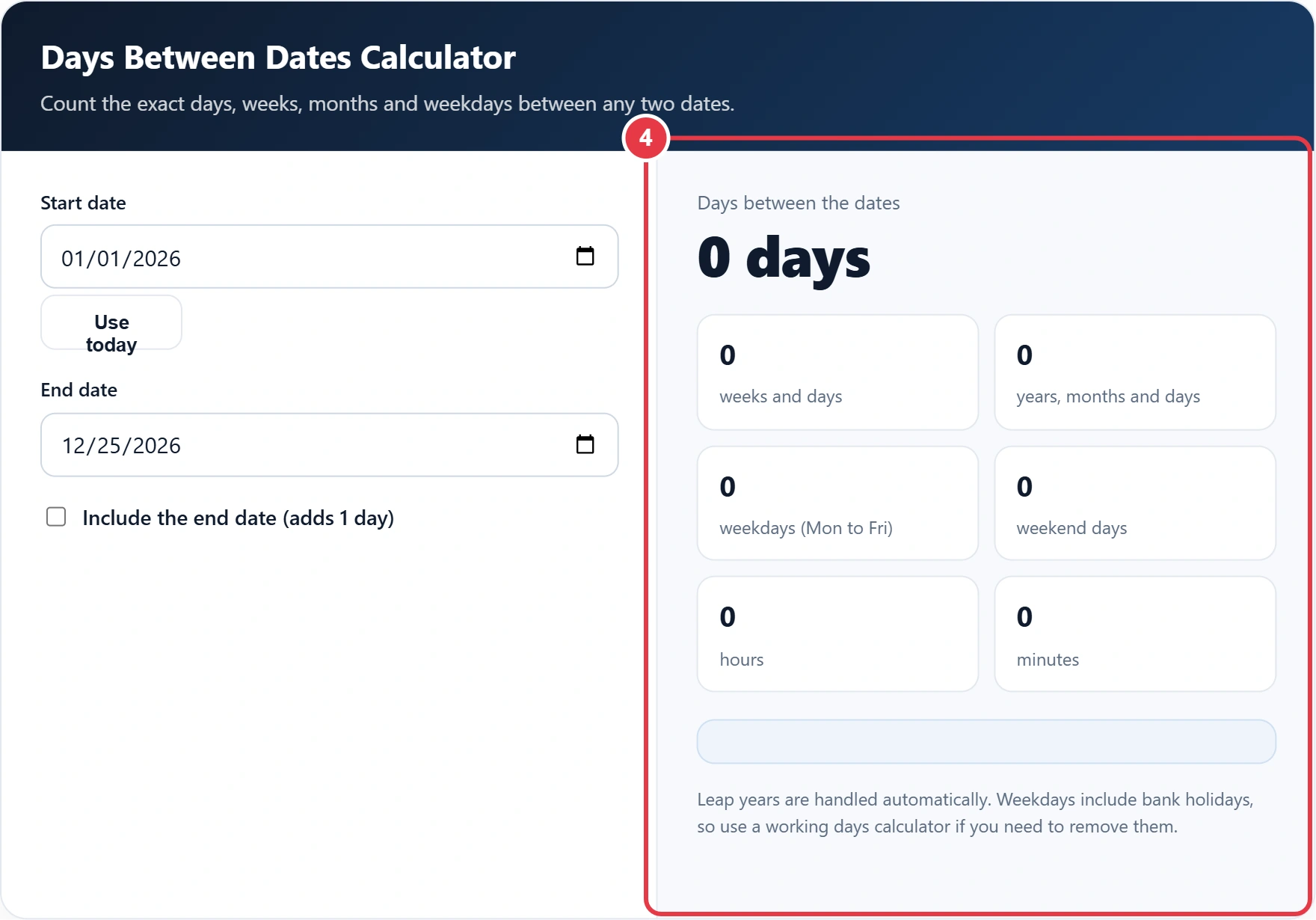
The total appears in days, with the same period shown in weeks, in years, months and days, and in hours and minutes. For gaps measured in clock time, the time duration calculator works out the hours and minutes between two times instead. The weekday figure shows how many Mondays to Fridays fall in the range.
How Many Days Are Between Common Dates?
| From | To | Days | Including end date |
|---|---|---|---|
| 1 Jan 2026 | 25 Dec 2026 | 358 | 359 |
| 6 Apr 2026 | 5 Apr 2027 | 364 | 365 |
| 1 Jan 2026 | 1 Jan 2027 | 365 | 366 |
| 1 Jan 2028 | 1 Jan 2029 | 366 | 367 |
| 1 Feb 2028 | 1 Mar 2028 | 29 | 30 |
There are 358 days from 1 Jan 2026 to 25 Dec 2026, or 359 including the end date, and 365 days from 1 Jan 2026 to 1 Jan 2027. The 6 April example covers a full UK tax year, which contains 365 days when both ends are counted, or 366 when it includes 29 February. Weekdays are not the same as working days, because the weekday figure still includes UK bank holidays, which you may need to subtract for pay or notice calculations.
</>Embed this calculator on your website
Add the free Days Between Dates Calculator to your own site or blog. Copy the code below and paste it into an HTML block. It resizes itself and works on phones.
How we checked this tool: the Tools Veria Editorial Team built this tool by hand, checked it against the official rules or published standards where they apply, and tested it against worked examples. Results are estimates for planning, not personal financial or tax advice. Read our editorial policy and disclaimer, or report an error.
Frequently Asked Questions
How do I calculate the days between two dates?
Subtract the start date from the end date. The calculator does this instantly and handles different month lengths and leap years for you.
Does the calculator include the end date?
Not by default. Tick Include the end date to add one day, which is useful for notice periods and bookings where both days count.
How many days are in a year?
A normal year has 365 days and a leap year has 366. Leap years usually fall every four years, such as 2028, but century years only count if they divide by 400.
How many weeks is 100 days?
100 days is 14 weeks and 2 days.
Are bank holidays excluded from the weekday count?
No. The weekday count includes bank holidays. Use a working days calculator if you need to remove them.
Does the order of the dates matter?
No. If the end date is earlier than the start date, the calculator swaps them and shows the same positive number of days.