Build a crontab schedule, read it in plain English and check when it will run next.
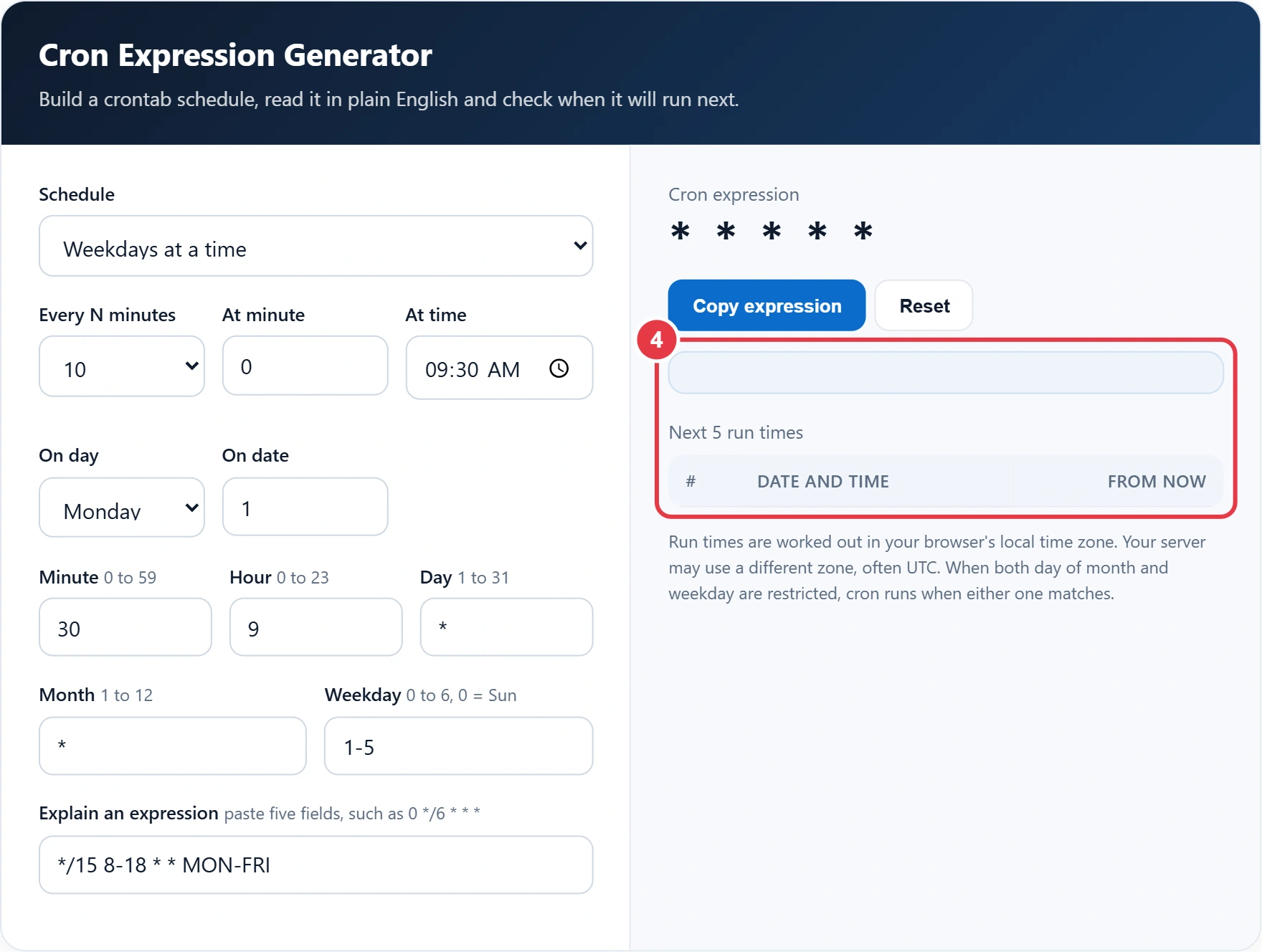
| # | Date and time | From now |
|---|
Run times are worked out in your browser's local time zone. Your server may use a different zone, often UTC. When both day of month and weekday are restricted, cron runs when either one matches.
Cron is the scheduler behind countless backups, reports and maintenance scripts, but its five field syntax is easy to get wrong. This cron expression generator lets you build a schedule from simple presets, edit each field directly and read the result in plain English. The syntax follows the standard format in the crontab manual page, and you can paste any existing expression to have it explained and see exactly when it will run next.
What Is a Cron Expression?
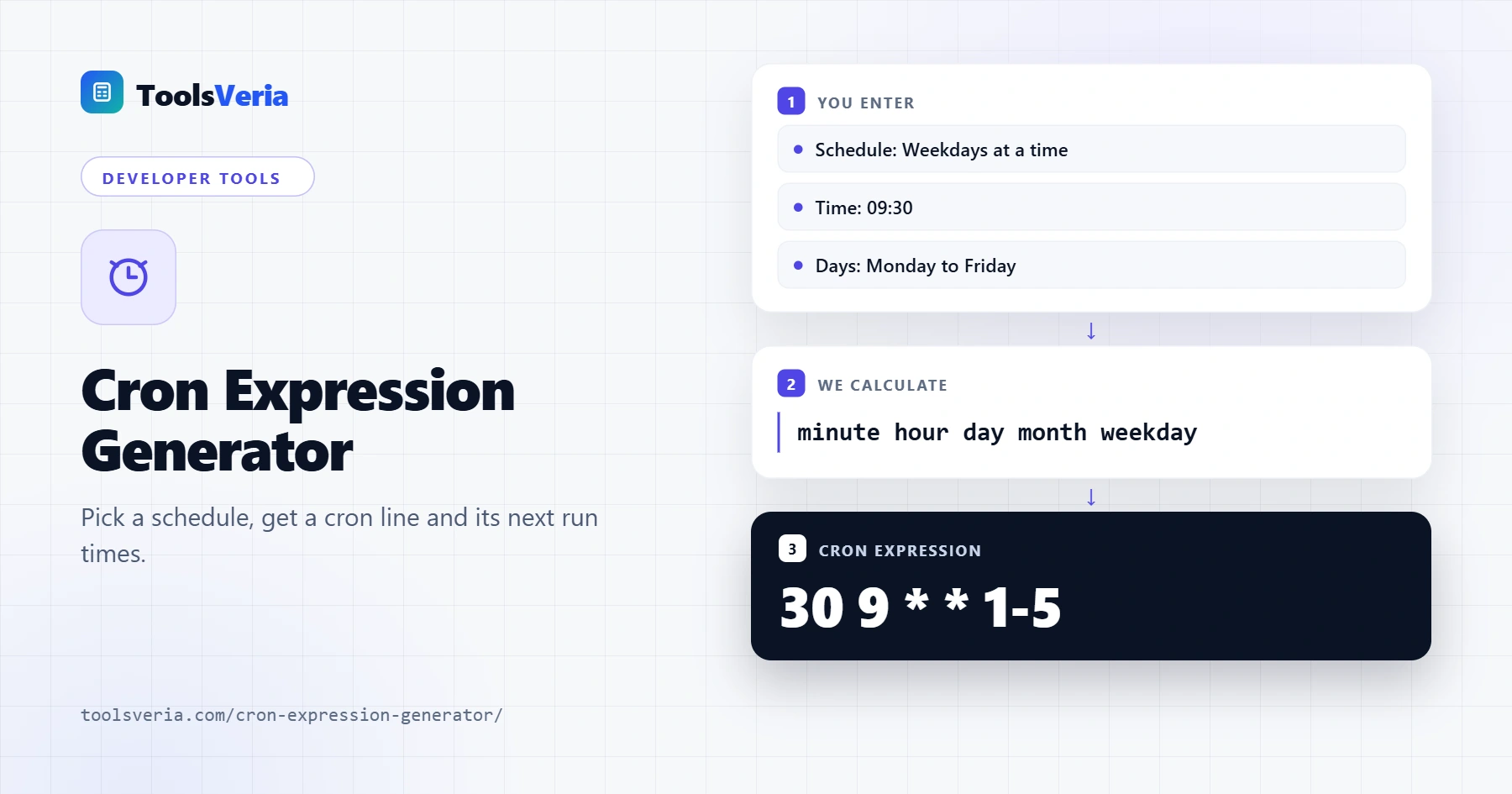
A cron expression is five fields separated by spaces: minute, hour, day of month, month and day of week. Each field accepts a single value, a star for every value, a list such as 1,15, a range such as 1-5, or a step such as */10, which means every tenth value. Months and weekdays can also be written as names, such as JAN or MON. For example, 30 9 * * 1-5 means 09:30 every Monday to Friday.
To find the next run times, the tool checks each minute from now against all five fields and skips whole months, days or hours that cannot match, so results are instant. One rule surprises many people: if both the day of month and the day of week fields are restricted, cron runs when either one matches, not only when both do. The tool follows this rule.
How to Use the Cron Expression Generator
Step 1: Choose a Schedule Preset
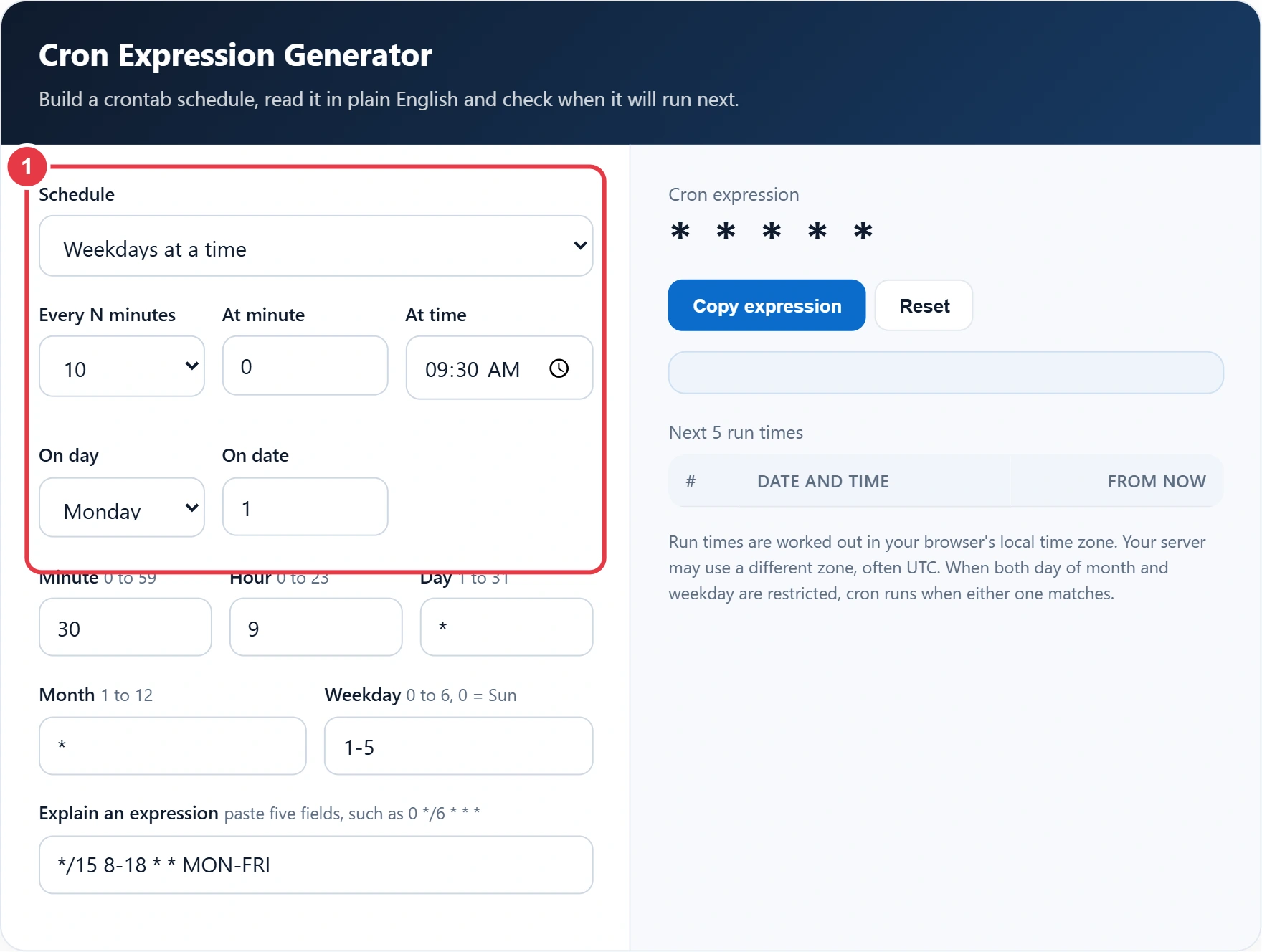
Pick a preset such as hourly, daily, weekly or monthly, then set the time, weekday or date. The five fields fill in for you.
Step 2: Fine Tune the Fields
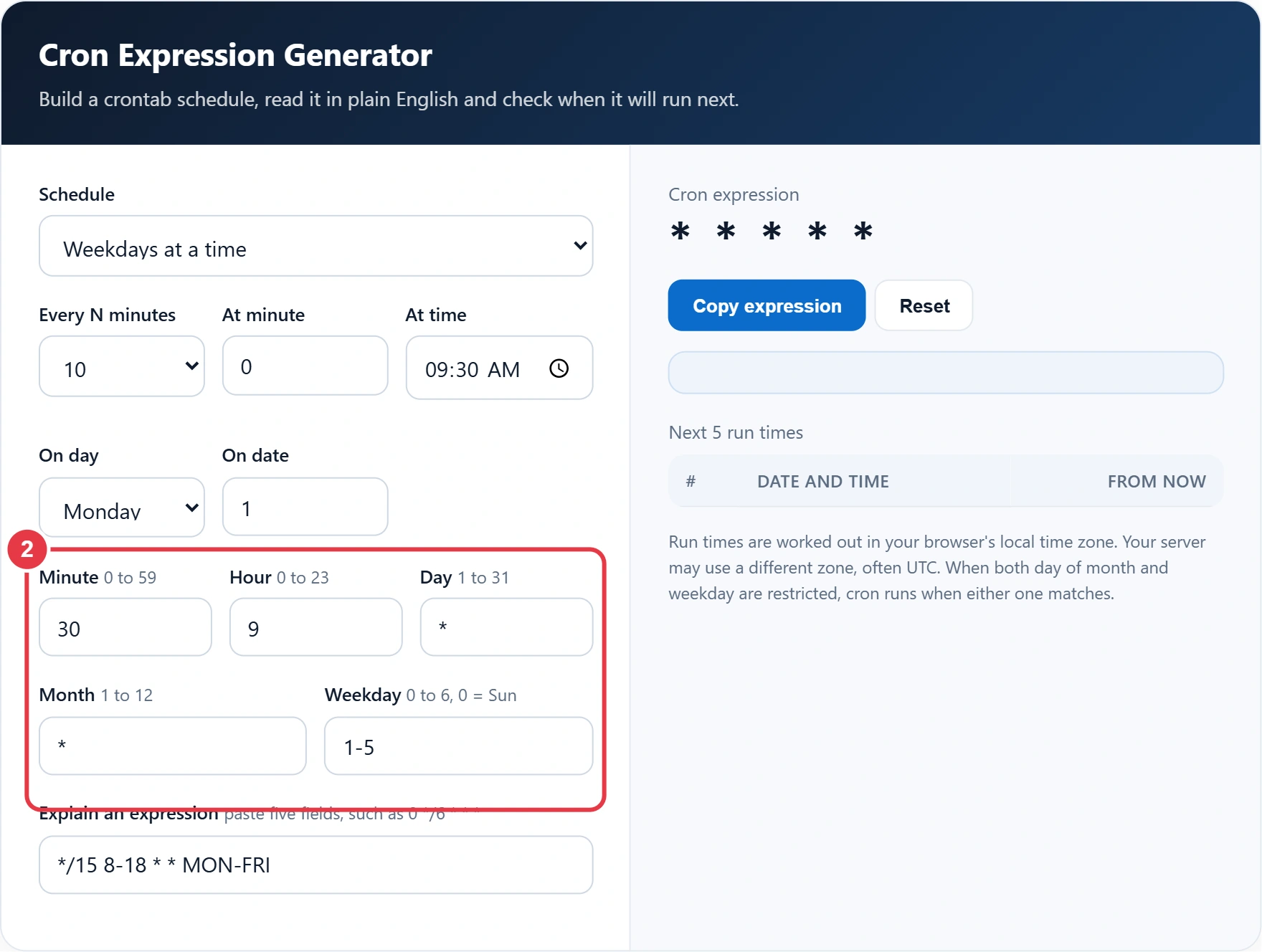
Edit any field directly to create a custom schedule, for example 0,30 in the minute field to run on the hour and half hour. Planning around office days? The UK working days calculator counts weekdays and bank holidays, which cron itself knows nothing about, so you can check how many runs fall in a month.
Step 3: Explain an Existing Expression
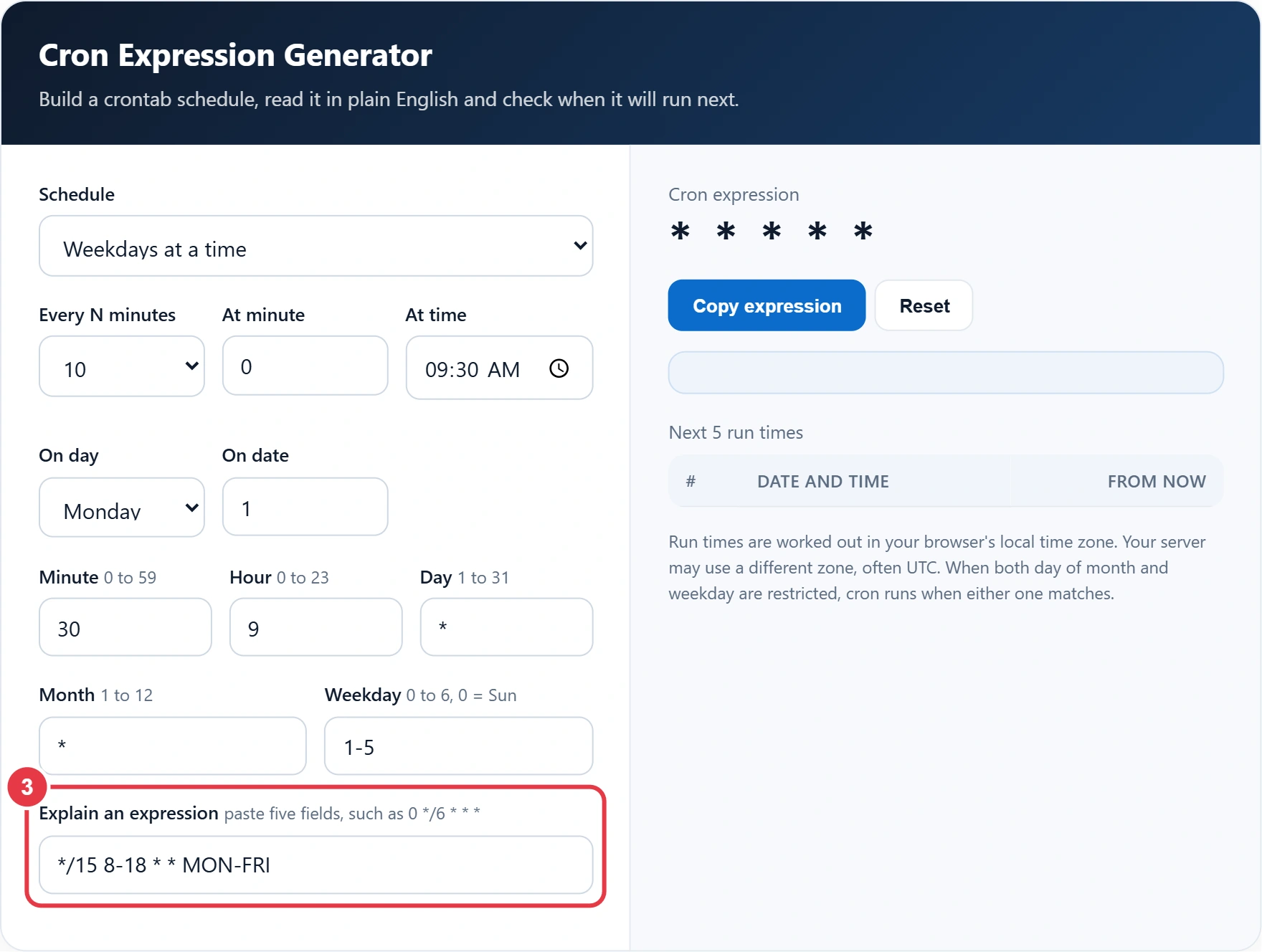
Paste a cron line from a server or a CI config into the explain box. If it is valid, it loads into the fields and the description updates. If not, you will see which field is wrong.
Step 4: Check the Next Runs and Copy
Read the plain English summary and the next five run times in your local time zone. To match a run against a log entry, the Unix timestamp converter turns epoch numbers into readable dates. When the schedule looks right, press Copy expression.
Common Cron Expression Examples
| Expression | Meaning |
|---|---|
| * * * * * | Every minute |
| */15 * * * * | Every 15 minutes |
| 0 * * * * | At the start of every hour |
| 0 2 * * * | Every day at 02:00 |
| 30 9 * * 1-5 | At 09:30, Monday to Friday |
| 0 0 1 * * | At midnight on the 1st of every month |
| 0 9 * * MON | Every Monday at 09:00 |
Remember that cron uses the time zone of the machine it runs on, and many servers and cloud schedulers run on UTC, a point this overview of cron covers alongside the history of the format. In the UK that means a job set for 09:00 UTC runs at 10:00 local time during British Summer Time, so convert your hours before saving the job.
Frequently Asked Questions
What do the five fields in a cron expression mean?
In order they are minute, hour, day of month, month and day of week. A star in a field means every value.
What does */5 mean in cron?
It is a step value. */5 in the minute field means every 5 minutes, at minutes 0, 5, 10 and so on.
Is Sunday 0 or 7 in cron?
Both work in standard cron. 0 and 7 both mean Sunday, and 1 to 6 are Monday to Saturday.
How do I run a cron job every weekday?
Use 1-5 in the day of week field. For example, 0 8 * * 1-5 runs at 08:00 Monday to Friday.
Which time zone does cron use?
Cron uses the system time zone of the server, which is often UTC. Check the server setting before choosing your hours.
Does this tool support seconds?
No. It uses the standard five field crontab format. Some schedulers such as Quartz add a seconds field, which is not covered here.