Enter a week of start, end and break times to get total hours, overtime and gross pay.
Time boxes follow your device setting, so you can enter 12 hour (am/pm) or 24 hour times. A shift that ends before it starts is counted as finishing the next day.
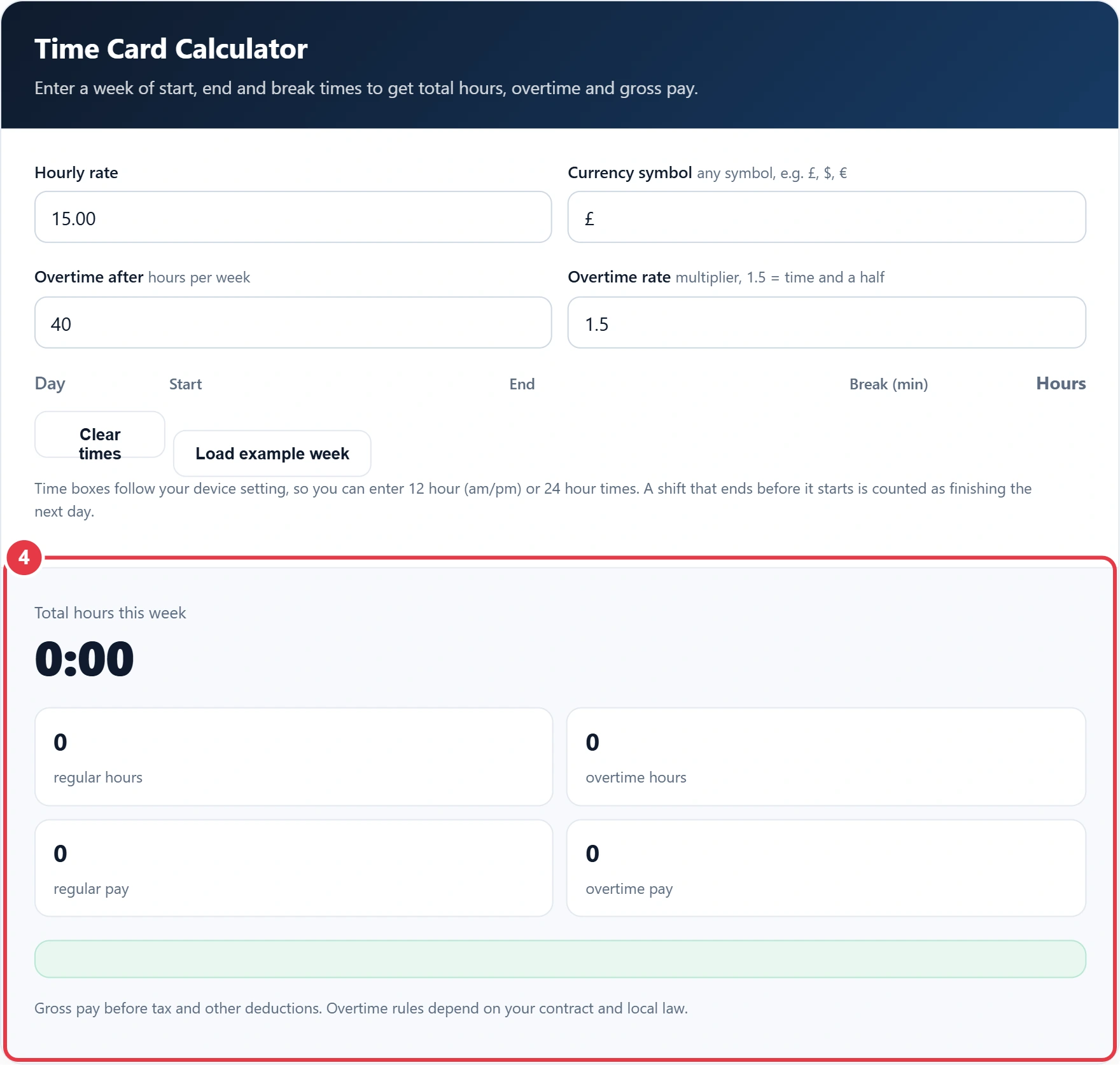
Gross pay before tax and other deductions. Overtime rules depend on your contract and local law.
Filling in a weekly timesheet by hand is slow and easy to get wrong. This time card calculator adds up your start, end and break times for each day and shows your weekly hours in h:mm and decimal. UK workers can compare the total with the GOV.UK rules on maximum weekly working hours, which set a 48 hour average limit. It also splits regular and overtime hours and works out gross pay at any rate and in any currency.
What Is a Time Card Calculator?
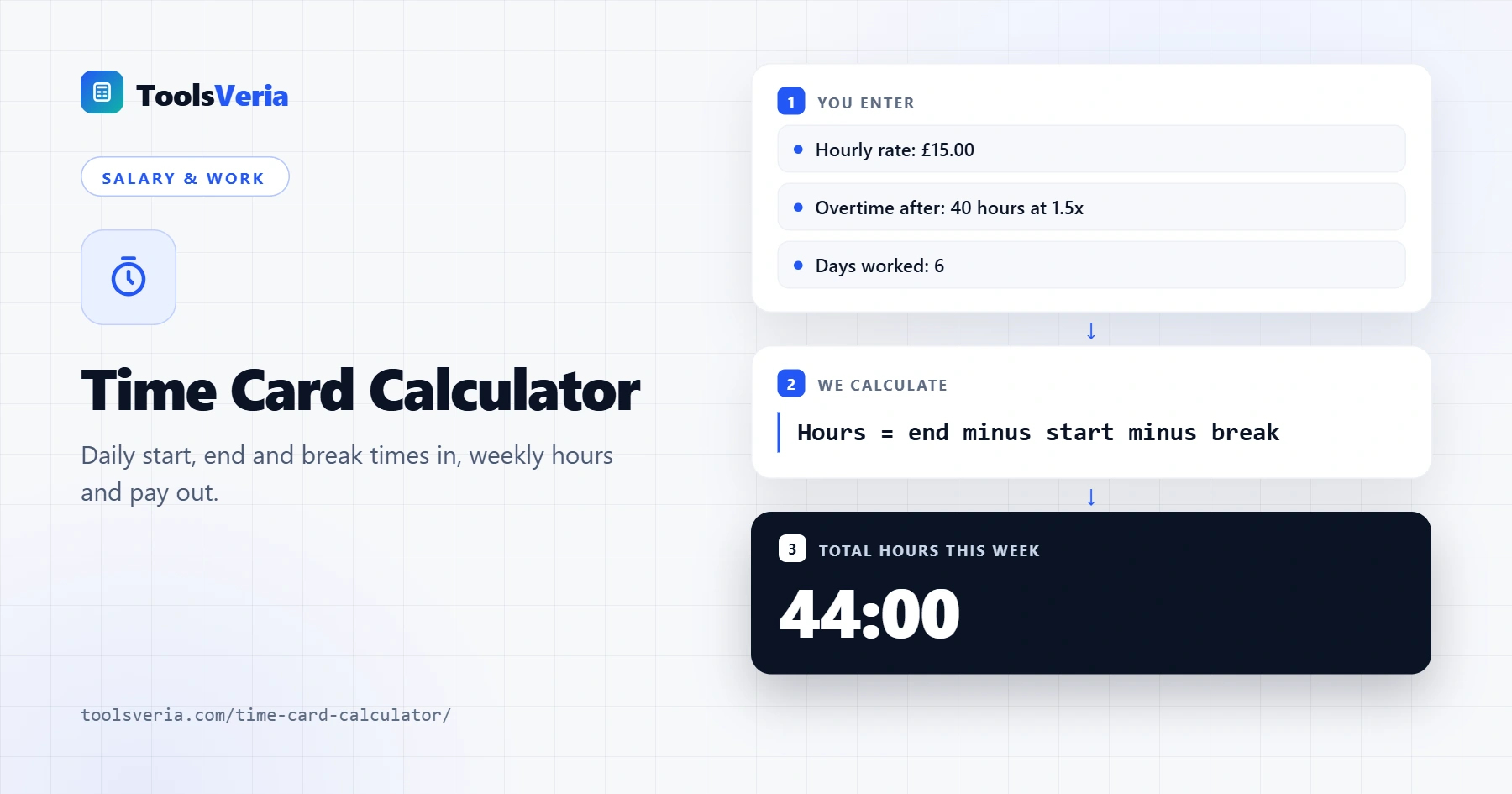
A time card calculator, also called a timesheet calculator or work hours calculator, turns clock in and clock out times into paid hours. For each day it takes the end time, subtracts the start time and the unpaid break, then adds the days together for the week.
Pay is then split in two: regular pay = regular hours × hourly rate and overtime pay = overtime hours × hourly rate × overtime multiplier. With the defaults, any hours above 40 a week are paid at 1.5 times the normal rate. So 44 hours at 15 an hour gives 40 × 15 = 600 plus 4 × 22.50 = 90, a gross total of 690.
How to Use the Time Card Calculator
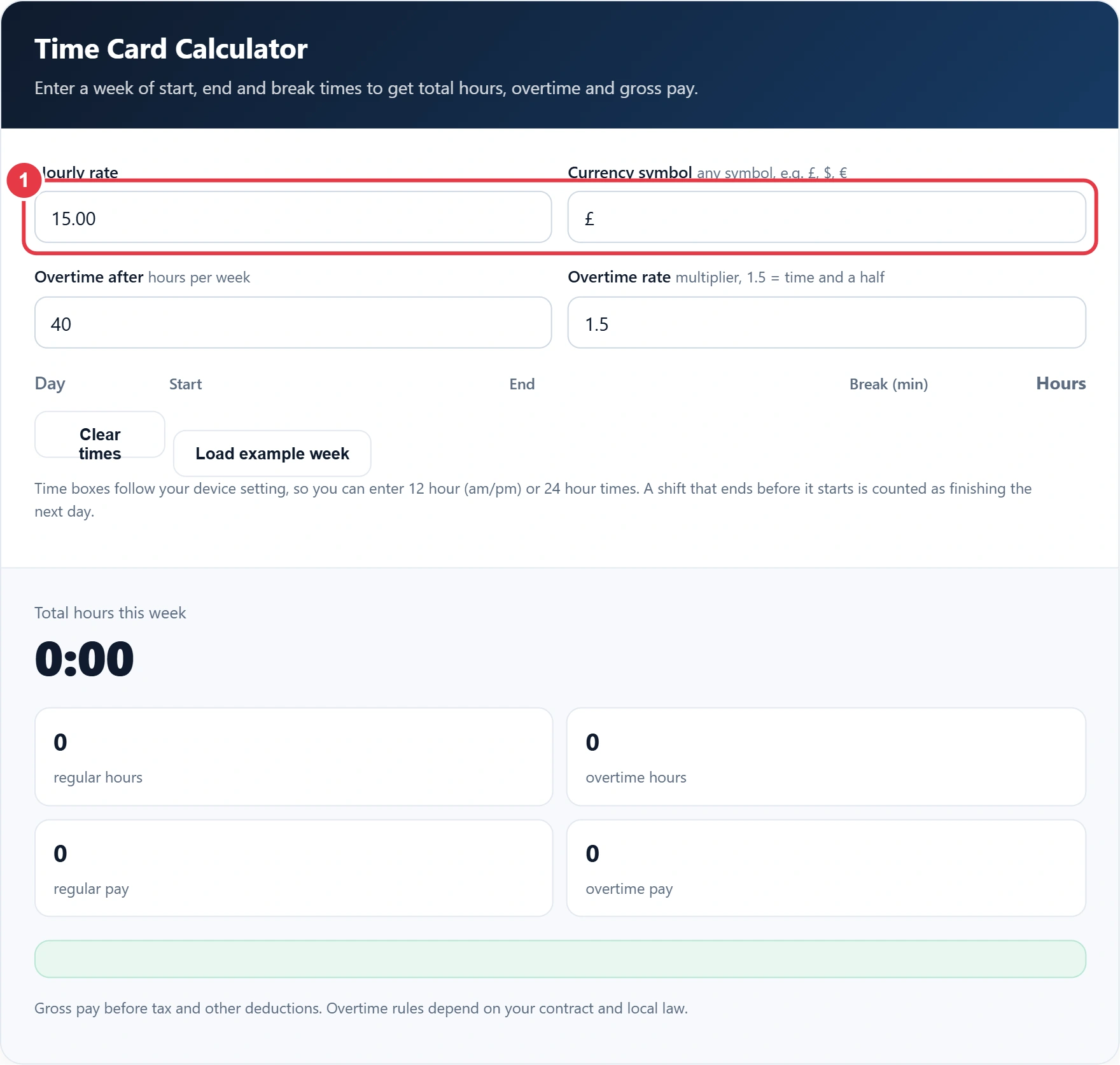
Step 1: Enter Your Rate and Currency
Type your hourly rate and the currency symbol you are paid in, such as £, $ or €. The symbol is only used for display, so any currency works.
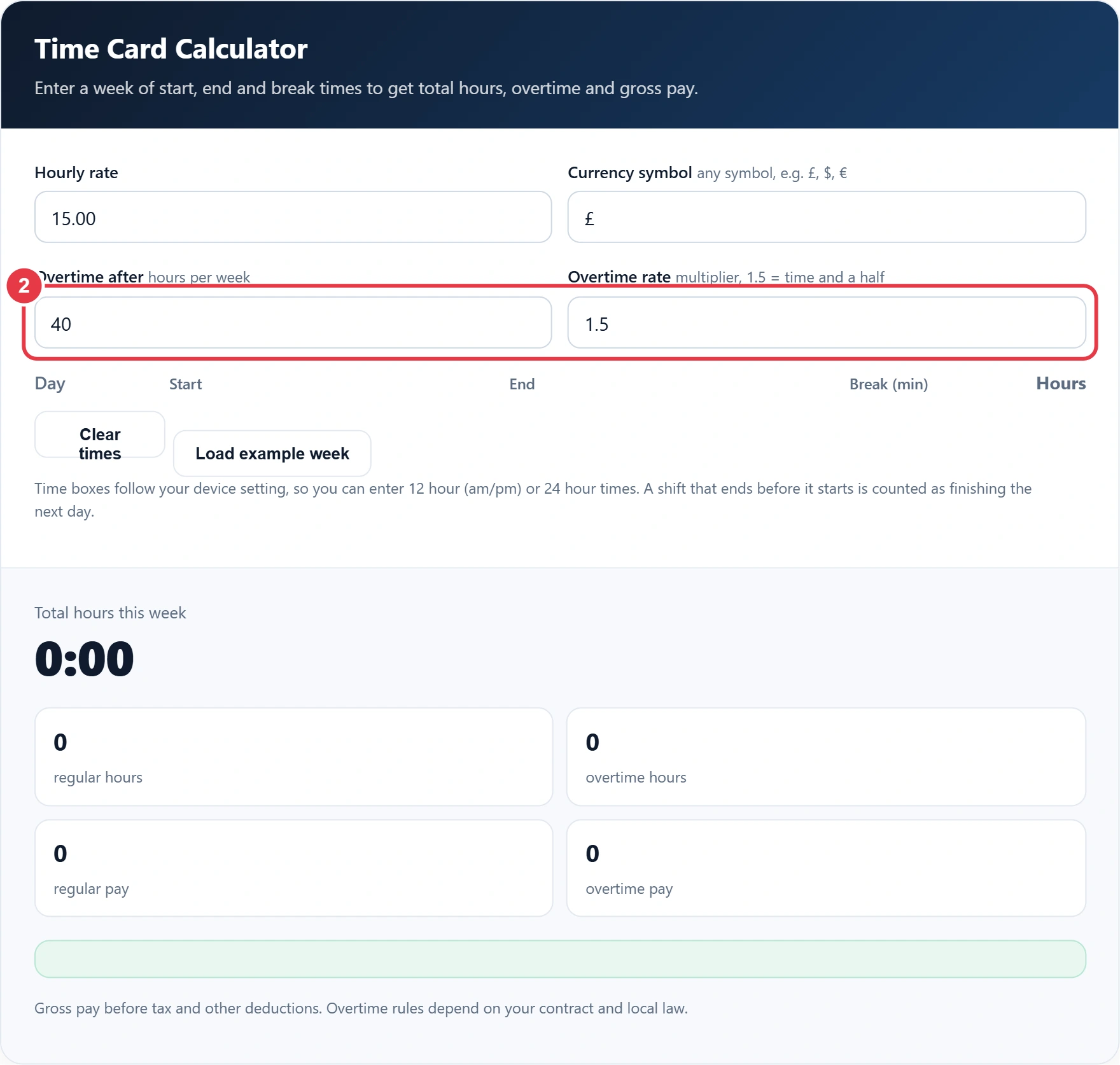
Step 2: Set Your Overtime Rules
Enter the weekly hours after which overtime starts and the overtime multiplier. Use 1.5 for time and a half or 2 for double time, or try the overtime calculator if different hours are paid at different rates. If you are not paid overtime, set the multiplier to 1.
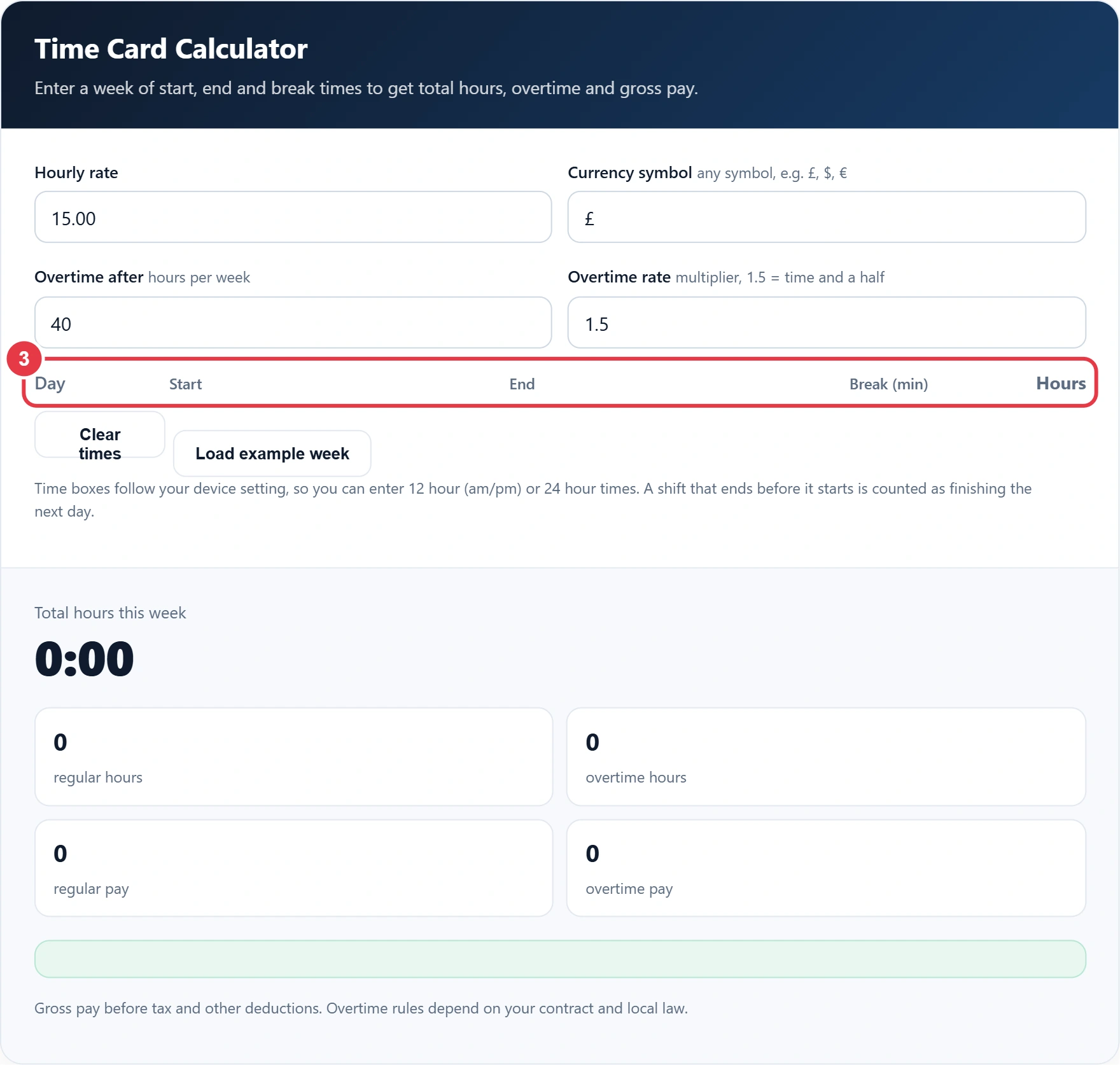
Step 3: Enter Each Day's Times
Fill in the start time, end time and break minutes for every day you worked. The time boxes accept 12 hour or 24 hour times depending on your device, and night shifts that finish after midnight are handled automatically. If you only need the gap between two times, the time duration calculator is quicker. Leave days off blank so they count as zero.
Step 4: Read Your Totals
You will see your daily hours next to each row, the weekly total in h:mm and decimal hours, your regular and overtime hours, and your gross pay for the week.
Minutes to Decimal Hours
| Minutes | Decimal hours | Minutes | Decimal hours |
|---|---|---|---|
| 5 | 0.08 | 35 | 0.58 |
| 10 | 0.17 | 40 | 0.67 |
| 15 | 0.25 | 45 | 0.75 |
| 20 | 0.33 | 50 | 0.83 |
| 25 | 0.42 | 55 | 0.92 |
| 30 | 0.50 | 60 | 1.00 |
Payroll systems usually want decimal hours, so 7 hours 45 minutes is entered as 7.75, not 7.45. Overtime rules vary by country. In the UK there is no legal right to extra pay for overtime, as set out in the GOV.UK overtime guidance, so check your contract for your actual rate.
Frequently Asked Questions
How do I calculate hours worked on a time card?
For each day, subtract the start time from the end time, then take off any unpaid break. Add the daily totals together for the weekly hours.
How do I convert hours and minutes to decimal?
Divide the minutes by 60 and add them to the hours. For example, 8 hours 20 minutes is 8 + 20 ÷ 60 = 8.33 hours.
How is overtime calculated?
Hours above the weekly threshold are paid at your normal rate times the overtime multiplier. At 1.5, an hourly rate of 15 becomes 22.50 for each overtime hour.
Can I use this time card calculator for night shifts?
Yes. If the end time is earlier than the start time, the shift is treated as finishing the next day, so 22:00 to 06:00 counts as 8 hours.
Does it work with 12 hour and 24 hour time?
Yes. The time boxes follow your device's clock setting, so you can enter times as am and pm or on the 24 hour clock.
Is the pay shown before or after tax?
The pay shown is gross pay, before tax, social security and any other deductions.