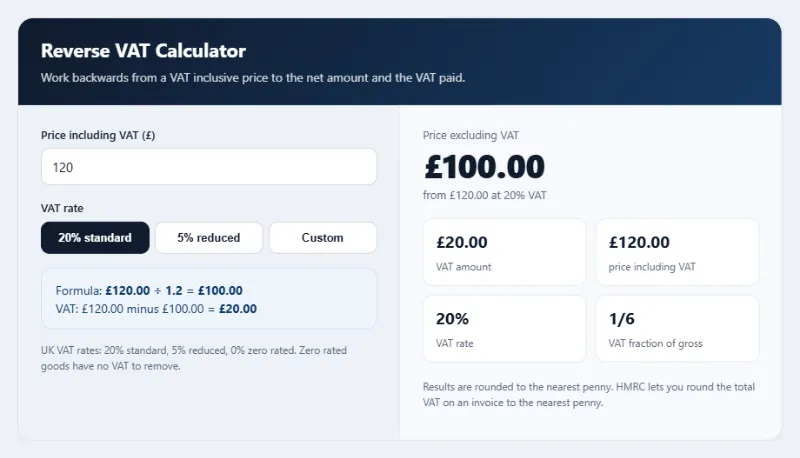
Work backwards from a VAT inclusive price to the net amount and the VAT paid.
UK VAT rates: 20% standard, 5% reduced, 0% zero rated. Zero rated goods have no VAT to remove.
Results are rounded to the nearest penny. HMRC lets you round the total VAT on an invoice to the nearest penny.
Got a receipt or quote that includes VAT and need the figure without it? This reverse VAT calculator removes VAT from any gross price and shows the net amount, the VAT paid and the exact formula used. It covers the UK standard and reduced VAT rates set out on gov.uk, plus a custom rate for older invoices, and every figure updates as you type.
What Is a Reverse VAT Calculator?
A reverse VAT calculator, also called a remove VAT or VAT exclusive calculator, works backwards from a price that already includes VAT. It is useful for bookkeeping, expense claims, comparing supplier prices and checking that an invoice adds up.
The formula is: net price = gross price ÷ (1 + VAT rate). At 20% that means dividing by 1.2, so £120 ÷ 1.2 = £100, and the VAT is £20. A quick shortcut is the VAT fraction: at 20% the VAT is one sixth of the gross price, and at 5% it is one twenty first.
How to Use the Reverse VAT Calculator
Step 1: Enter the Price Including VAT
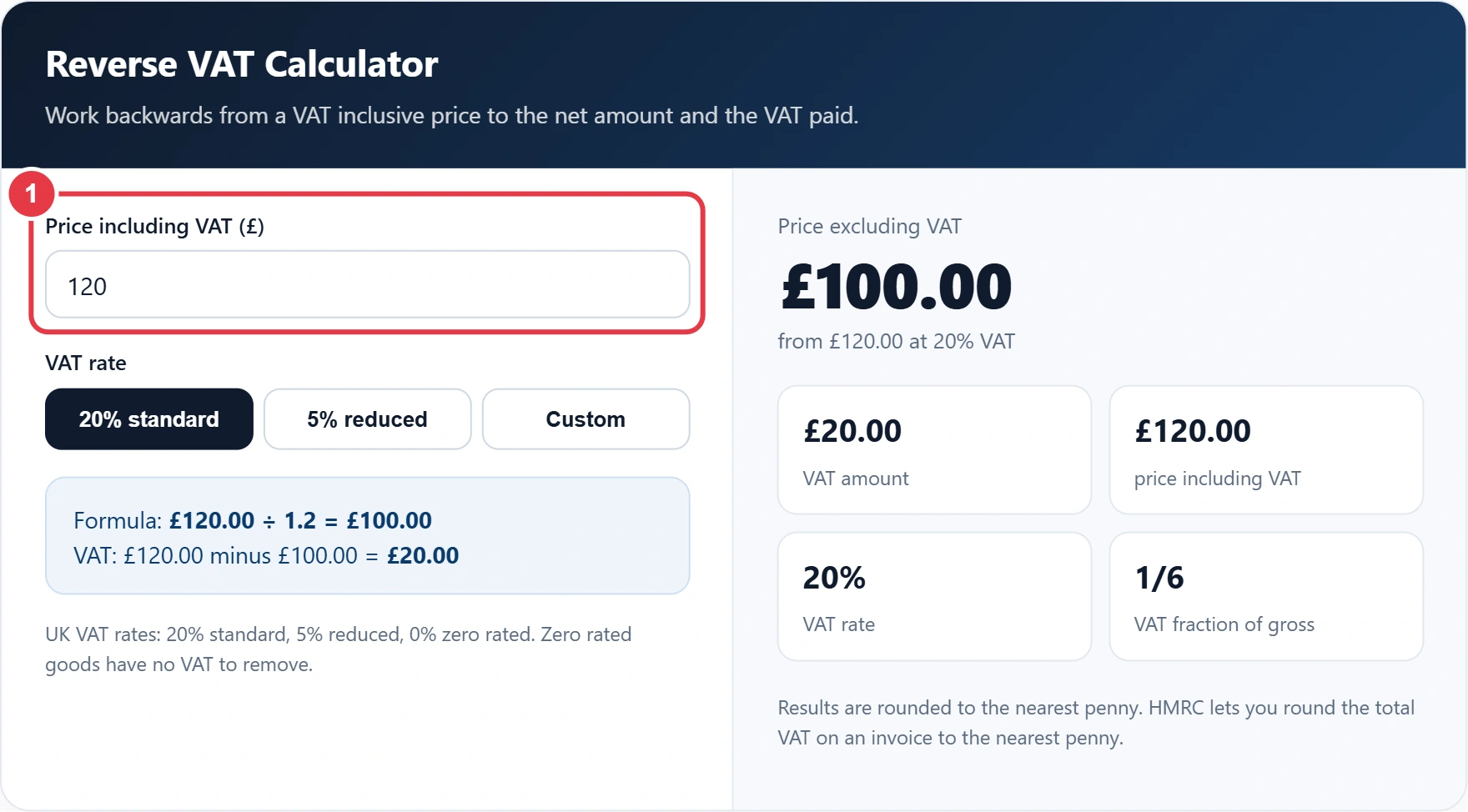
Type the total you paid or were quoted, with VAT included. This is usually the bottom line on a till receipt or the gross total on an invoice.
Step 2: Choose the VAT Rate
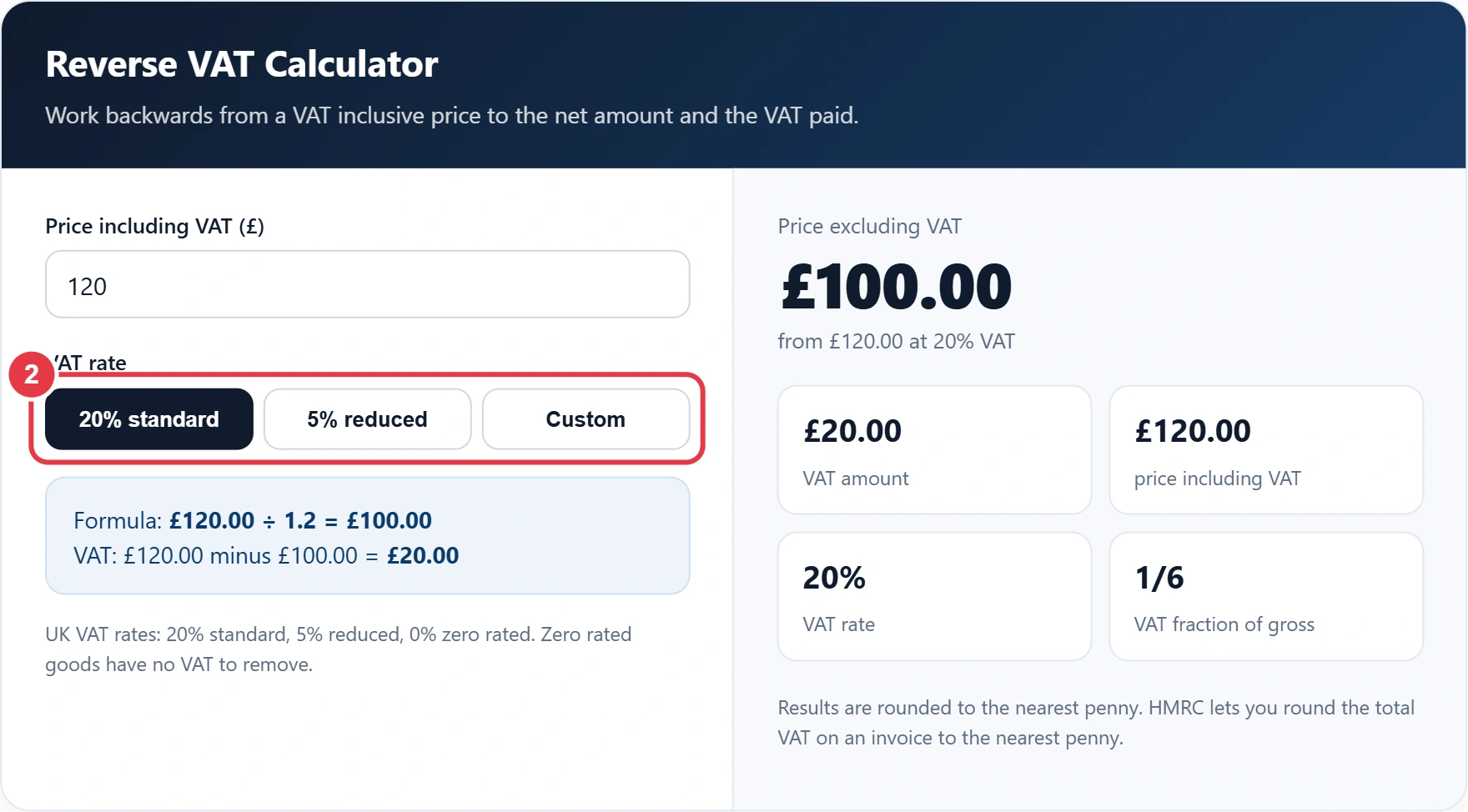
Select 20% for most goods and services, or 5% for items such as domestic energy and children's car seats. For an Irish invoice, the Ireland VAT calculator already has the 23%, 13.5% and 9% rates built in, so you do not need to type them. Choose Custom for any other rate, for example 17.5% on an invoice from before 2011.
Step 3: Check the Formula
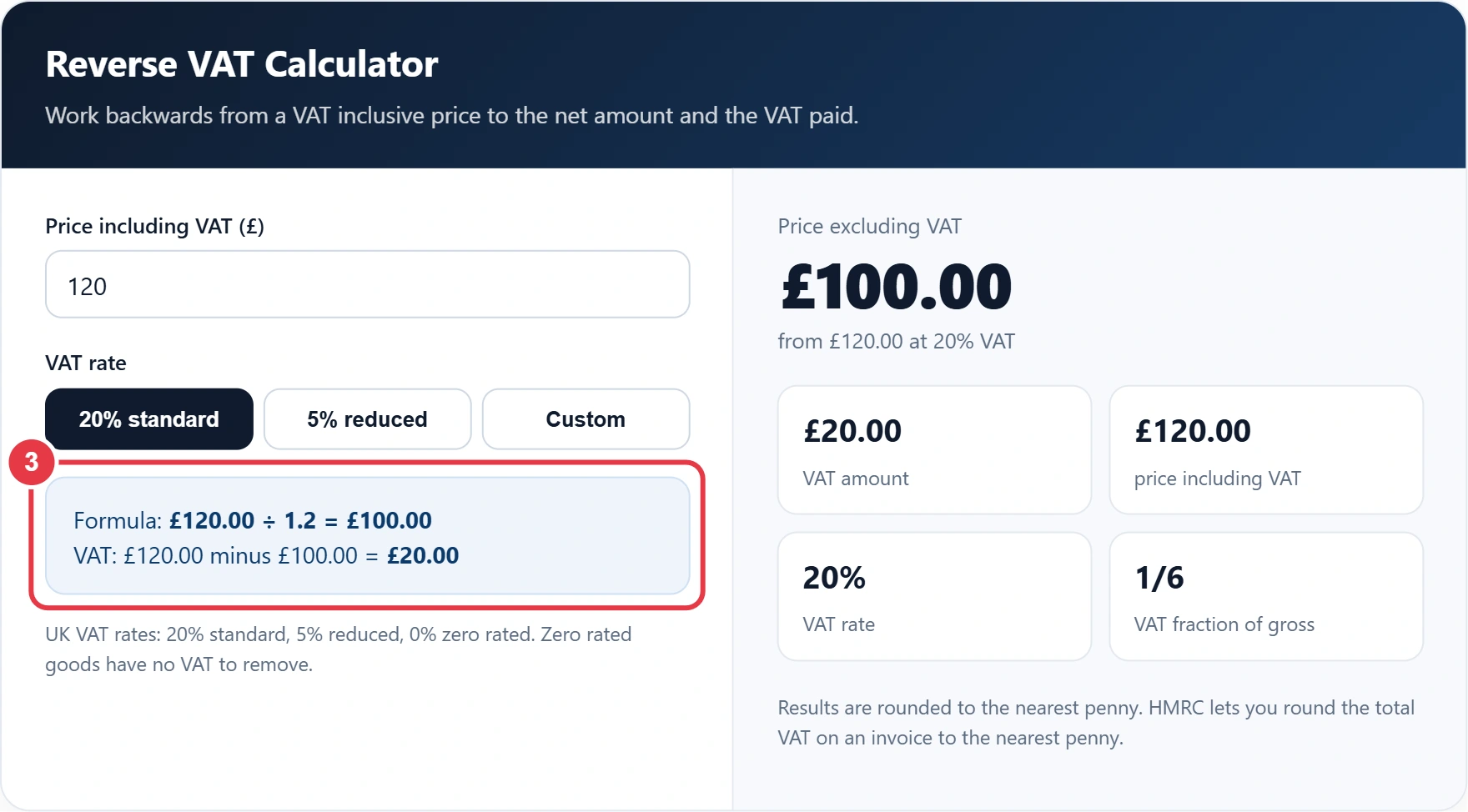
The formula box shows the exact division used and how the VAT was found, so you can copy the working into a spreadsheet or explain it to a client.
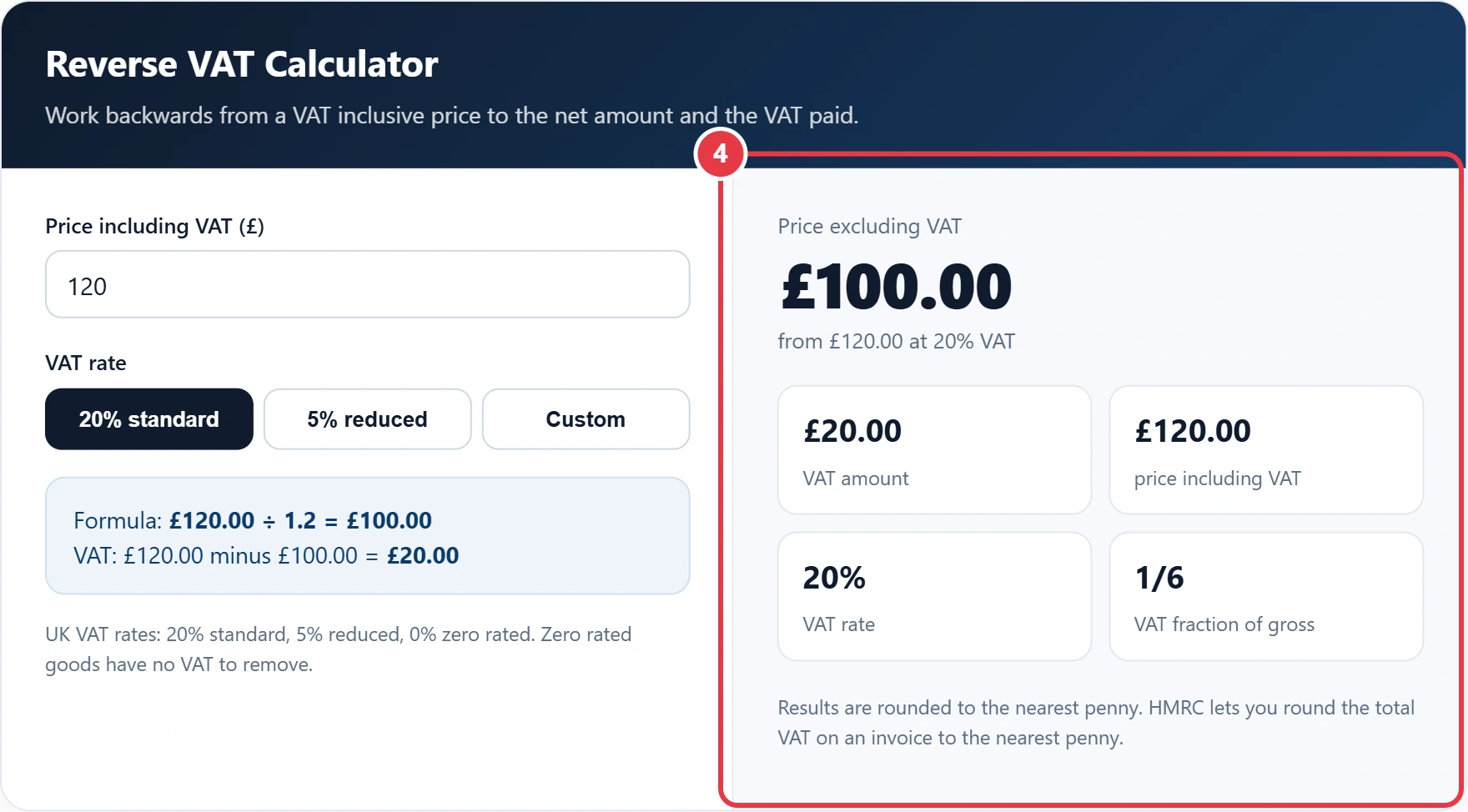
Step 4: Read the Results
You will see the net price, the VAT amount, the gross price and the VAT fraction of the total, all updated as you type and rounded to the nearest penny. If you resell the item, the markup calculator can use that net figure as your cost price, so VAT never inflates your margin.
Reverse VAT Examples
| Price inc VAT | Rate | Calculation | Net price | VAT |
|---|---|---|---|---|
| £120 | 20% | £120 ÷ 1.2 | £100.00 | £20.00 |
| £60 | 20% | £60 ÷ 1.2 | £50.00 | £10.00 |
| £49.99 | 20% | £49.99 ÷ 1.2 | £41.66 | £8.33 |
| £1,000 | 20% | £1,000 ÷ 1.2 | £833.33 | £166.67 |
| £105 | 5% | £105 ÷ 1.05 | £100.00 | £5.00 |
Never just take 20% off the gross price. On £120 that gives £96, which is £4 too low, because the VAT was added to the net price, not the total. HMRC's VAT guide (VAT Notice 700) explains how VAT is charged and recorded if you need more detail.
Frequently Asked Questions
How do I remove 20% VAT from a price?
Divide the price by 1.2. For example, £240 ÷ 1.2 = £200, so the VAT was £40.
Why can I not just take 20% off?
Because VAT is 20% of the net price, not of the total. Taking 20% off £120 gives £96, but the correct net price is £100.
What is the VAT fraction?
It is the share of a VAT inclusive price that is VAT. At 20% it is 1/6, and at 5% it is 1/21.
How do I remove 5% VAT?
Divide the gross price by 1.05. For example, £210 ÷ 1.05 = £200, so the VAT was £10.
What are the current UK VAT rates?
The standard rate is 20%, the reduced rate is 5% and some goods, such as most food and children's clothes, are zero rated at 0%.
Can I use this for an old 17.5% VAT invoice?
Yes. Choose Custom and enter 17.5. The calculator then divides the gross price by 1.175.