See how often your keyword and other words appear in any piece of text.
| Top keywords | Count | Density |
|---|
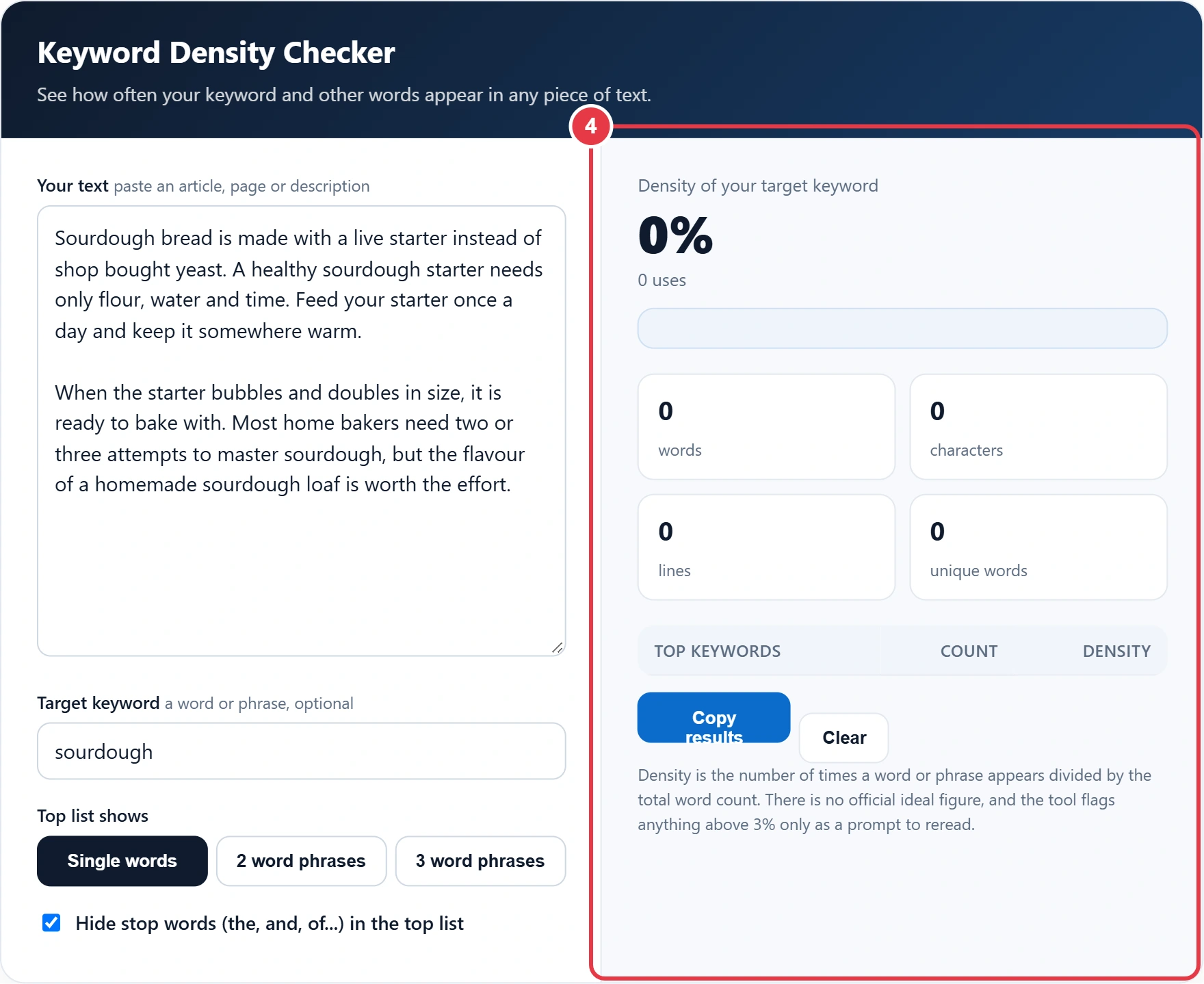
Density is the number of times a word or phrase appears divided by the total word count. There is no official ideal figure, and the tool flags anything above 3% only as a prompt to reread.
Wondering whether you have mentioned your main keyword too often, or not enough? This keyword density checker counts how many times a word or phrase appears in your text and shows it as a percentage of the total word count. It also lists the most used words and phrases, which makes it easy to spot repetition before you publish. Everything runs in your browser, so drafts stay private.
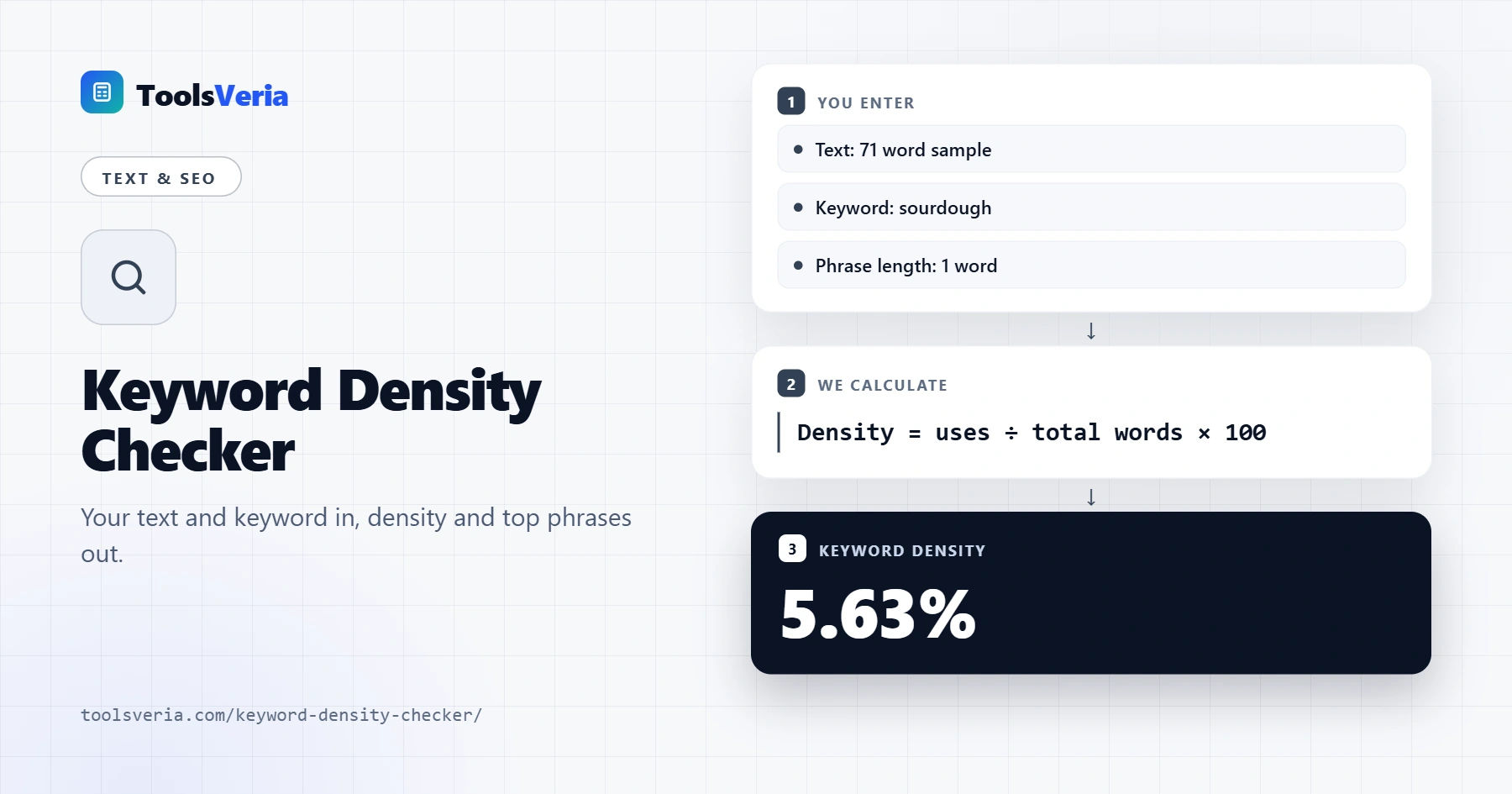
Quick answer: A keyword density checker uses the formula uses ÷ total words × 100, counting a phrase each time the whole phrase appears in order. If a keyword appears 4 times in a 71 word text, its density is 4 ÷ 71 × 100 = 5.63%. There is no official ideal density, so treat the figure as a check for repetition.
In This Guide
What Is Keyword Density?
Keyword density is the share of all the words in a text taken up by one keyword. The formula is uses ÷ total words × 100. In the 71 word sample loaded in the tool, "sourdough" appears 4 times, so its density is 4 ÷ 71 × 100 = 5.63%. A phrase is counted each time the whole phrase appears in order.
There is no official ideal density. Search engines are far better at understanding topics than they once were, and Google's spam policies list keyword stuffing as something to avoid, so density works best as a quick check for repetition rather than a target to hit.
How Do You Use the Keyword Density Checker?
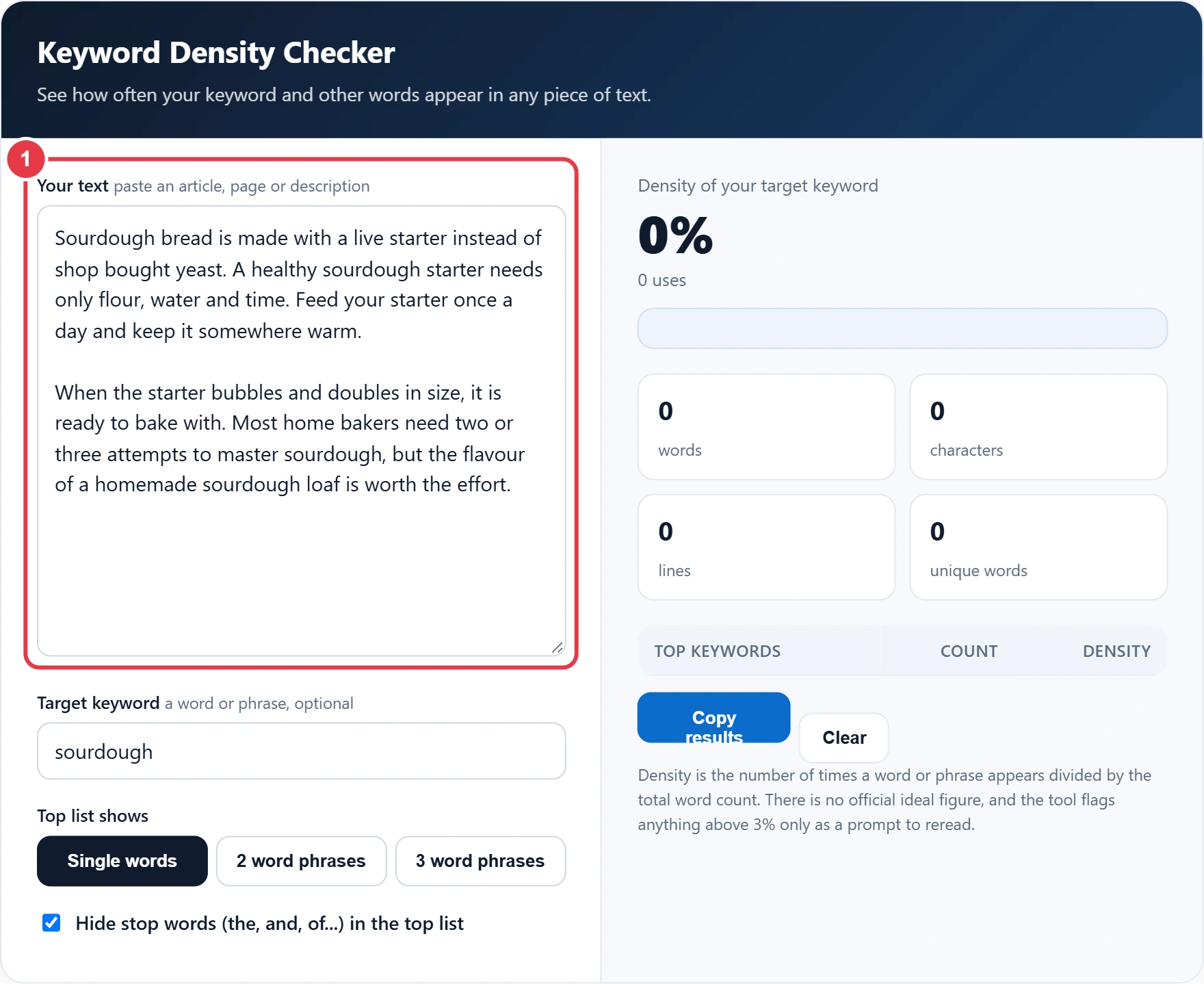
Step 1: Paste Your Text
Paste the body copy of your article, product page or description, and leave out menus and footers, as they would skew the word count. Paste the body copy of your article, product page or description. Leave out menus and footers, as they would skew the word count.
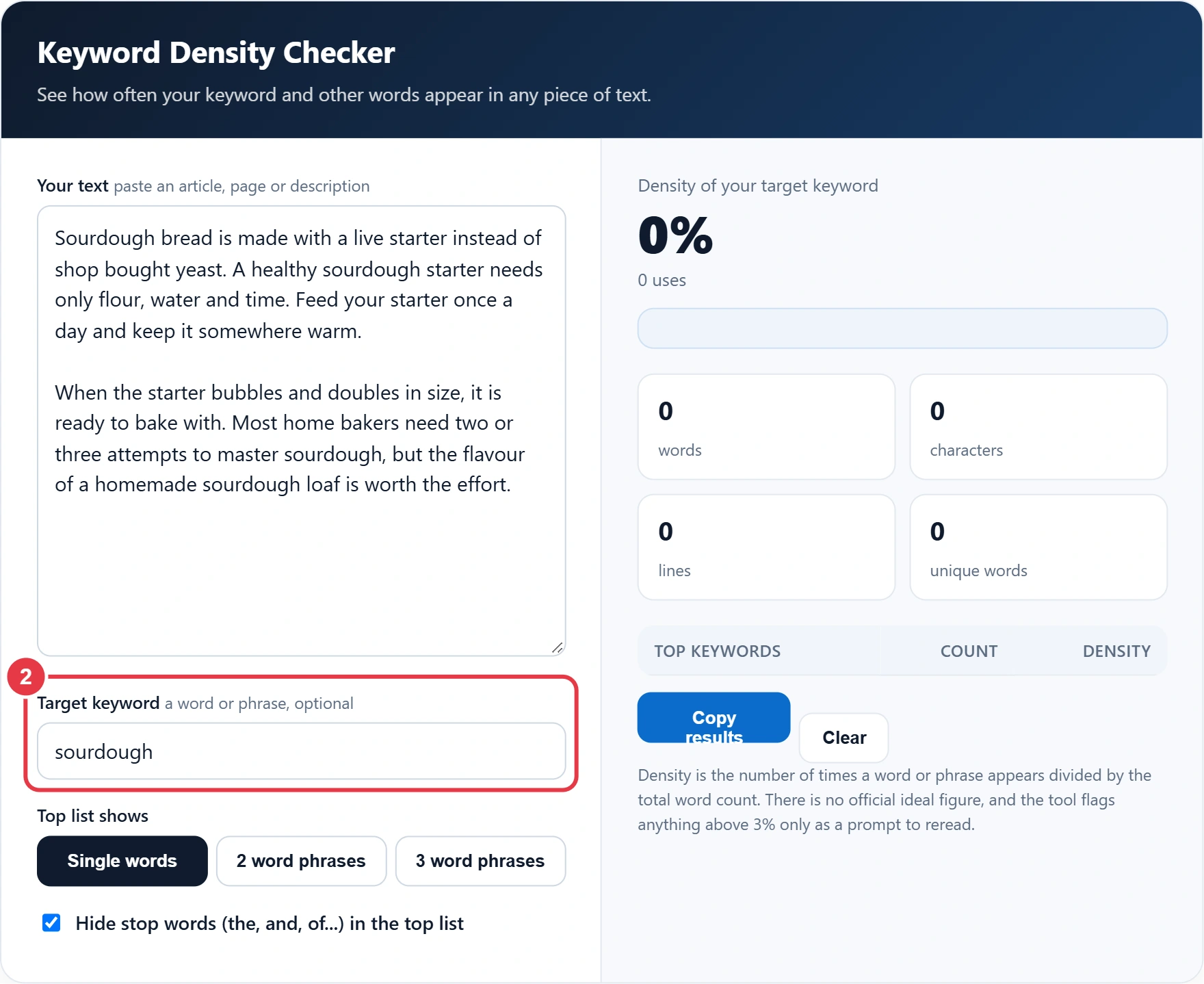
Step 2: Enter Your Target Keyword
Type the word or phrase you want the page to rank for. Matching ignores capitals and punctuation, so "Sourdough," and "sourdough" count as the same word.
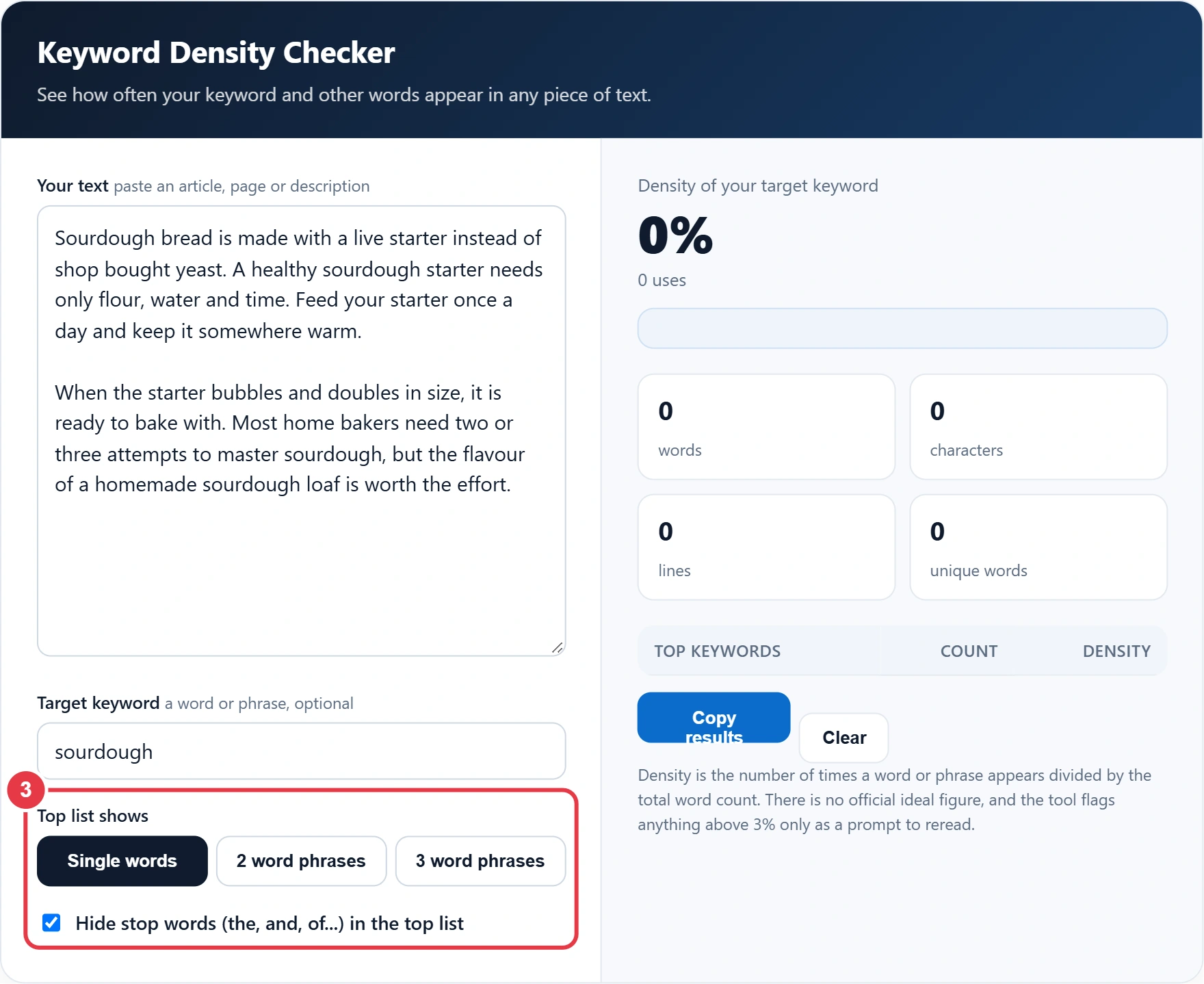
Step 3: Choose Words or Phrases
Switch the top list between single words and two or three word phrases. Hiding stop words such as the, and and of keeps the list focused on meaningful terms, while the total word count still includes every word.
Step 4: Review the Results
The big figure shows your keyword density, with a note on how often it appears. Once the copy reads well, the SERP preview tool lets you check how your title and description will look in Google. The top list shows the eight most used terms, and Copy results copies them for a report.
How Do You Keep Keyword Density Natural?
- Use the main keyword in the title, the first paragraph and at least one heading, where it fits naturally.
- Use related terms and synonyms rather than repeating one exact phrase.
- If one word dominates the top list, rewrite a few sentences with pronouns or variations.
- Short texts show high densities quickly, so judge a 70 word description differently from a 1,500 word guide.
- Read the copy aloud. If it sounds repetitive to you, it will to readers too.
Use the main keyword in the title, the first paragraph and at least one heading where it fits, and vary the wording with related terms and synonyms rather than repeating one exact phrase. Good keyword use also carries through to your page tags. The meta tag generator helps you write a title and description that include the keyword once, clearly, without stuffing it.
</>Embed this calculator on your website
Add the free Keyword Density Checker to your own site or blog. Copy the code below and paste it into an HTML block. It resizes itself and works on phones.
How we checked this tool: the Tools Veria Editorial Team built this tool by hand, checked it against the official rules or published standards where they apply, and tested it against worked examples. Results are estimates for planning, not personal financial or tax advice. Read our editorial policy and disclaimer, or report an error.
Frequently Asked Questions
What is a good keyword density?
There is no official ideal. Many writers find that around 1% to 2% reads naturally, but clear, helpful writing matters far more than any exact percentage.
How is keyword density calculated?
Divide the number of times the keyword appears by the total number of words, then multiply by 100. For example, 4 uses in 200 words is 2%.
Does keyword density affect SEO?
Not directly as a target. Search engines look at relevance and quality, but very high density can look like keyword stuffing, which Google treats as spam.
Does the checker count phrases?
Yes. Enter a phrase as your target keyword to count it, and switch the top list to 2 or 3 word phrases to see common phrases.
Are stop words included in the word count?
Yes. Stop words always count towards the total. The option only hides them from the top keywords list.
Is my text uploaded?
No. The checker runs entirely in your browser, so your text never leaves your device.