Generate random usernames and gamer tags in the style you like.
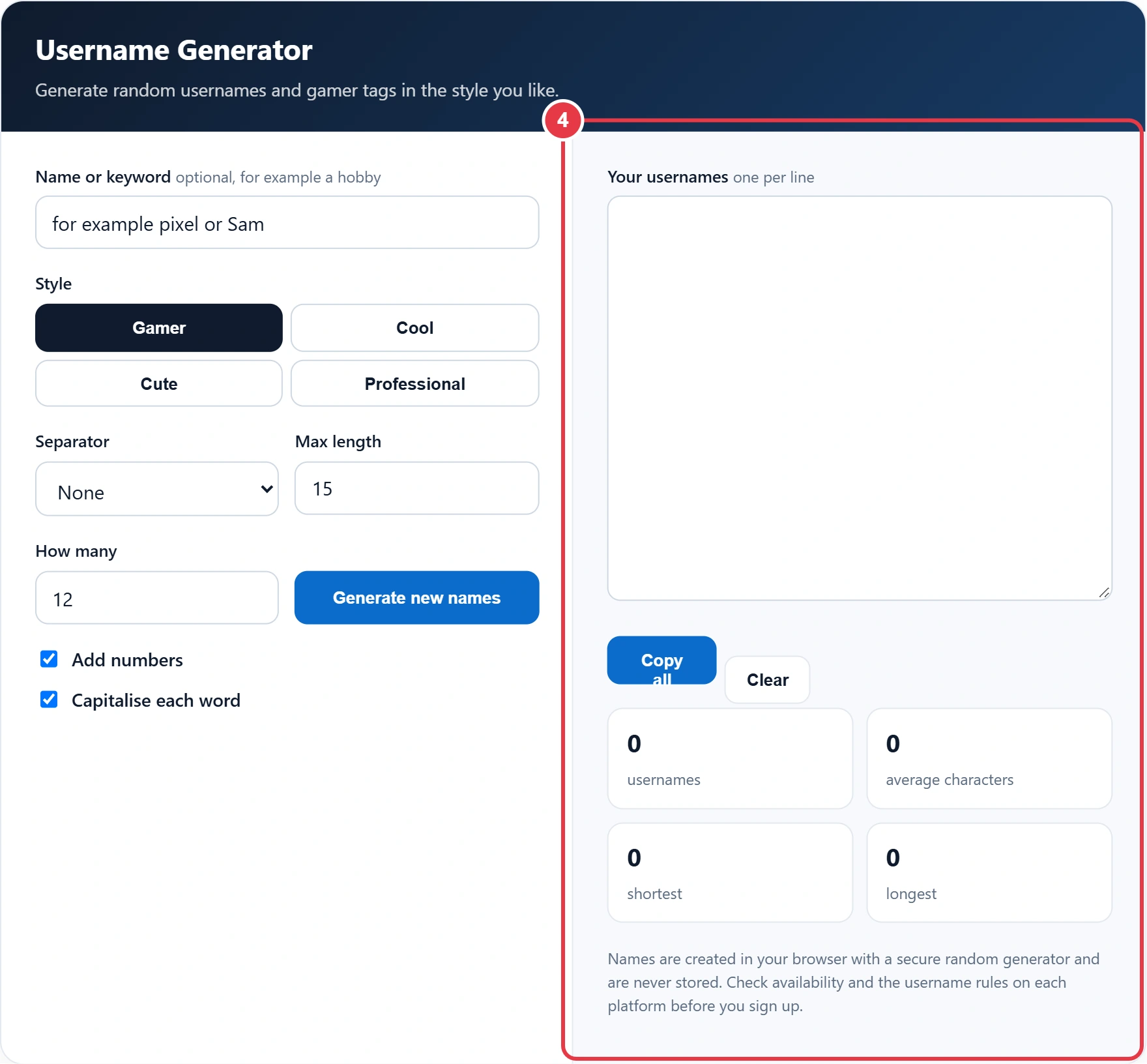
Names are created in your browser with a secure random generator and are never stored. Check availability and the username rules on each platform before you sign up.
Every good name seems to be taken when you sign up for a new game or app. This username generator creates a fresh list of random usernames in seconds, from punchy gamer tags to cute handles and clean professional names. Each list is built in your browser using a secure random number generator, so the combinations are unpredictable and nothing you type is saved.
Quick answer: A username generator combines adjective + noun + an optional number, using themed word lists for Gamer, Cool, Cute and Professional styles. The Gamer, Cool and Cute lists each hold 16 to 18 words of each type, giving at least 256 word pairs per style before numbers are added.
In This Guide
What Is a Username Generator?
A username generator combines words from themed lists to suggest names you can use online. Each style has its own list of adjectives and nouns, so Gamer gives names such as ShadowViper, while Cute gives names such as SleepyOtter. The Gamer, Cool and Cute lists each hold 16 to 18 words of each type, giving at least 256 word pairs per style before numbers are added.
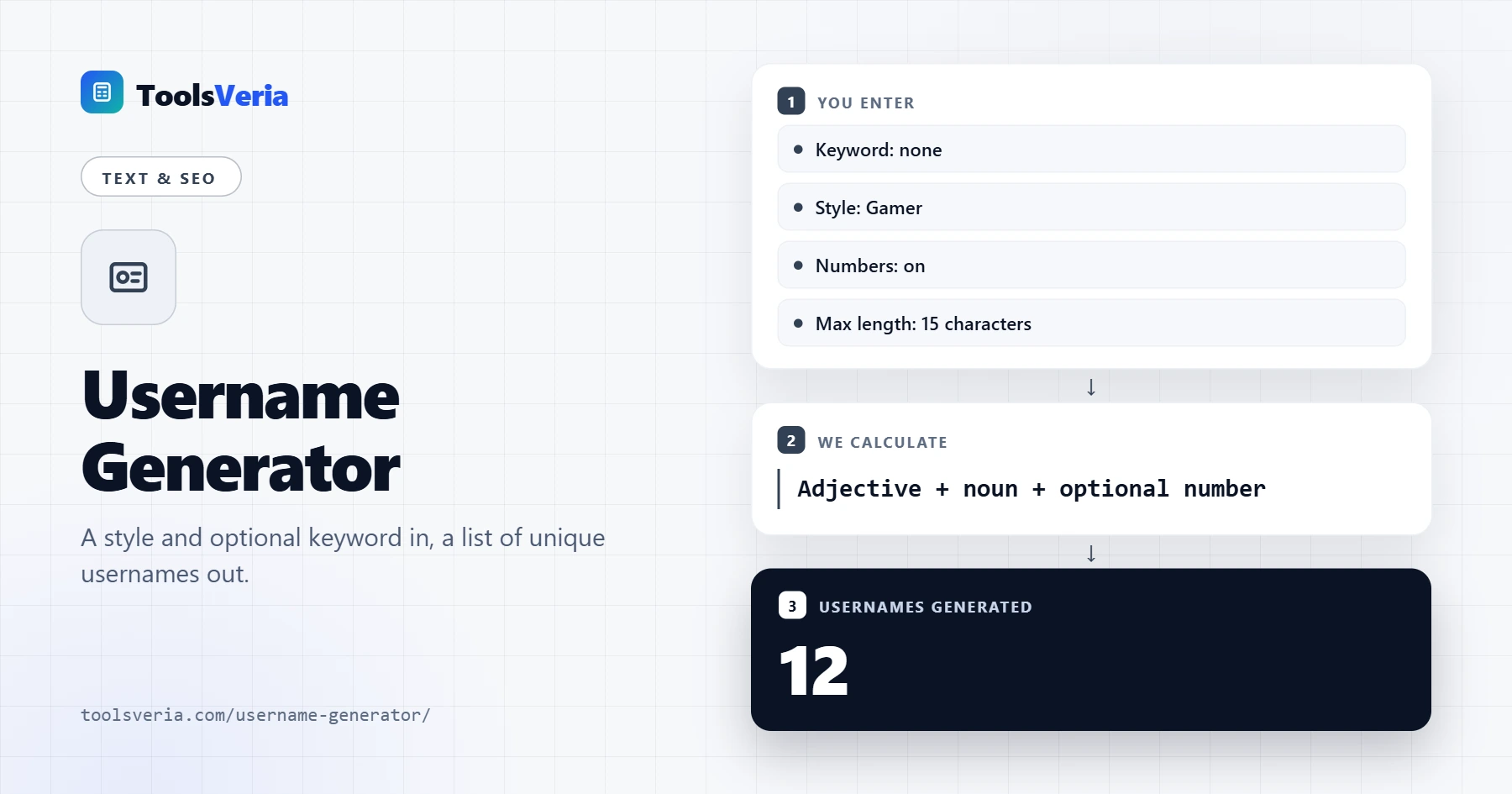
The formula is adjective + noun + optional number. If you add a keyword, it replaces one of the words or sits between them, for example FrostSam or SamFalcon. Any name longer than your maximum is dropped, and duplicates are removed, so every name in the list is unique.
How Do You Use the Username Generator?
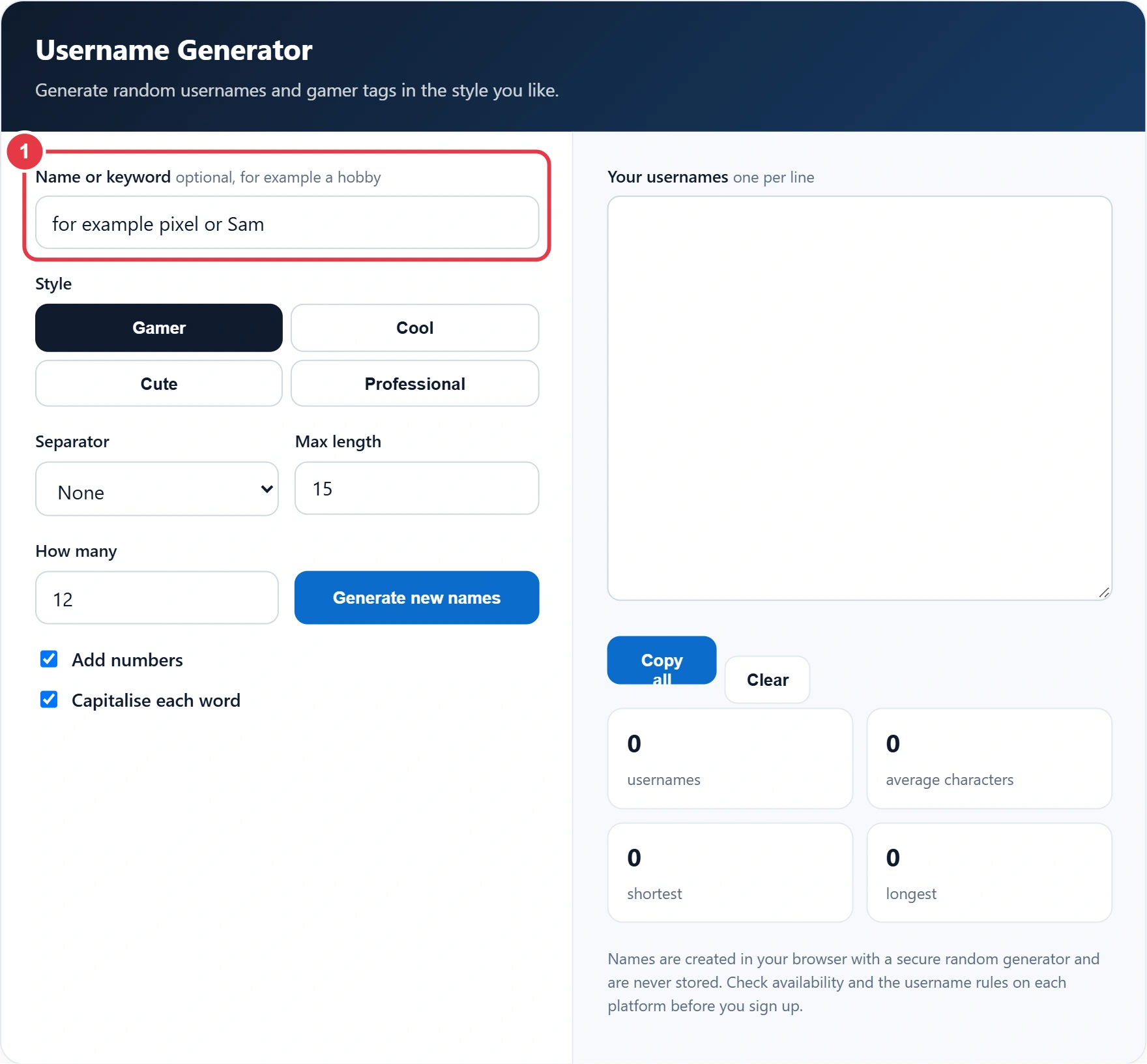
Step 1: Add a Name or Keyword
Type a nickname, hobby or favourite word, or leave the box empty for fully random names, and avoid your full name or birth year if you want to stay anonymous. Type a nickname, hobby or favourite word, or leave the box empty for fully random names. Avoid your full name or birth year if you want to stay anonymous.
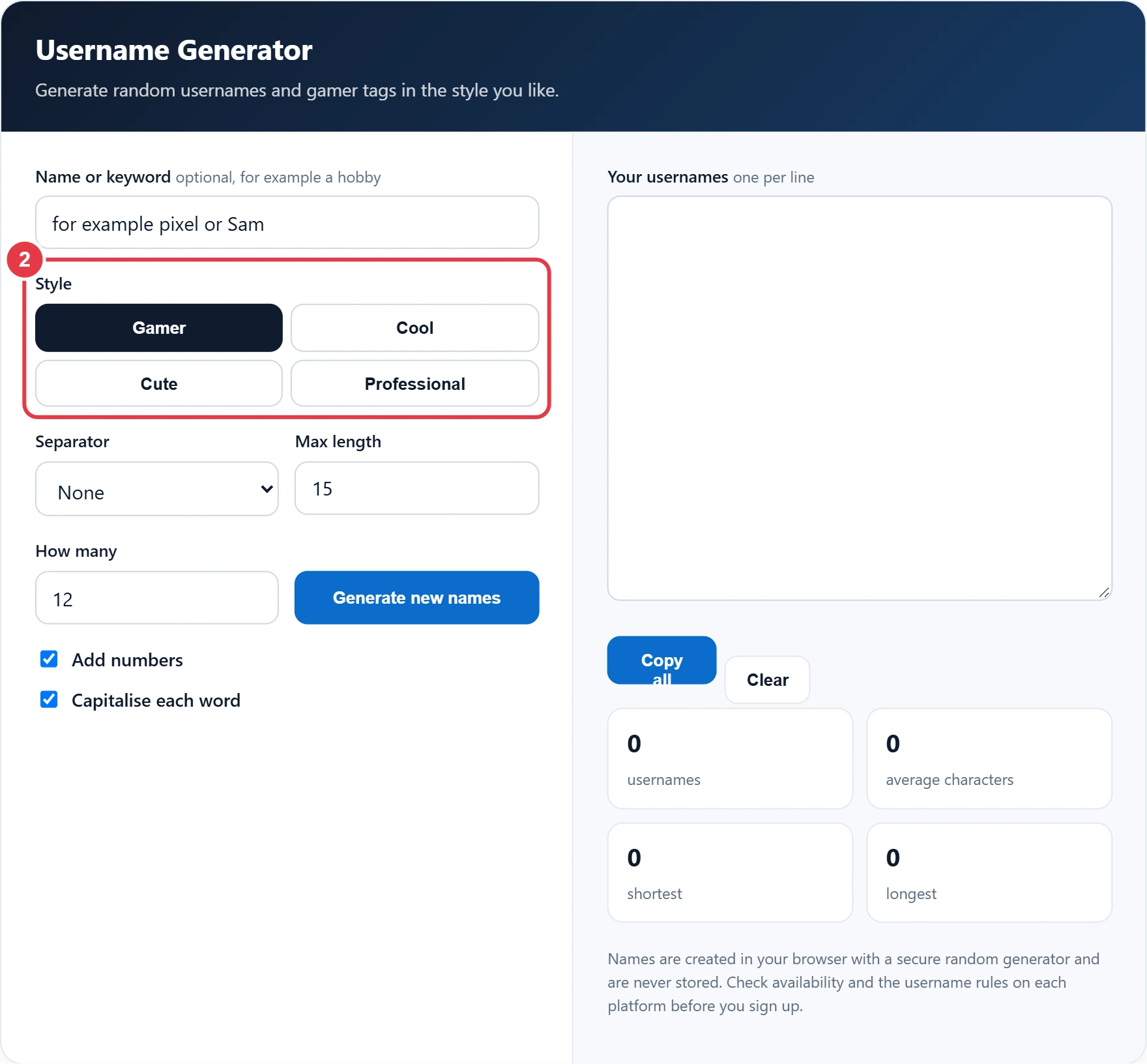
Step 2: Choose a Style
Pick Gamer for bold gamer tags, Cool for creative handles, Cute for friendly names or Professional for a brand, portfolio or work account.
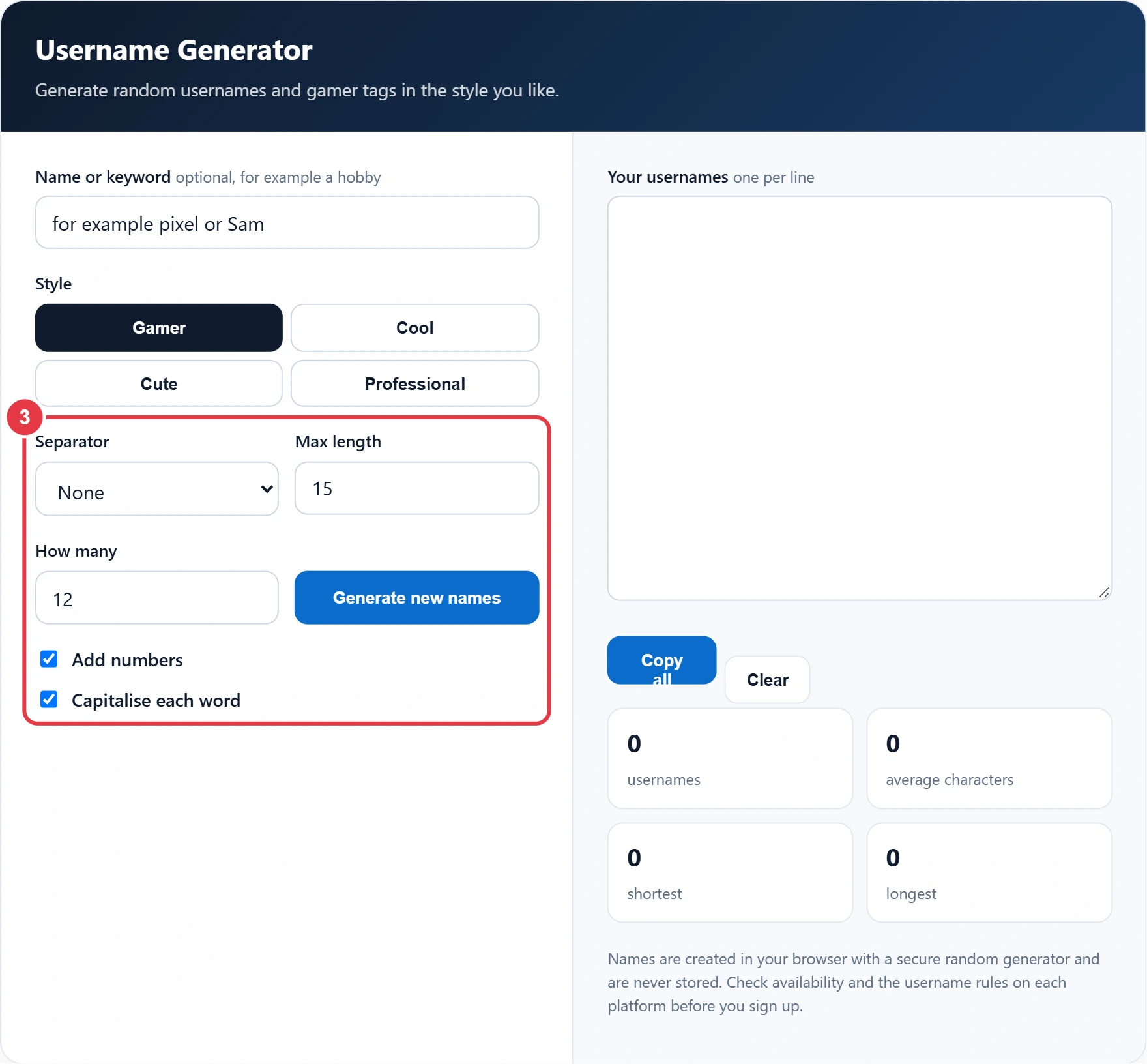
Step 3: Set Your Options
Choose a separator, a maximum length and how many names you want, then decide whether to add numbers and capitals. If you need a random identifier for software rather than a person, the UUID generator is the better choice, as it creates codes that are practically unique. Press Generate new names for a fresh list at any time.
Step 4: Pick and Copy a Name
Scan the list, then press Copy all and keep your favourites. To make a chosen name stand out in a bio, the small text generator turns it into tiny small caps, although most sites only allow plain letters in the username itself. The stats show the average, shortest and longest name.
How Do You Choose a Good Username?
- Keep it short and easy to say, so friends can find you by typing it.
- Use the same name across platforms if you are building a brand or channel.
- Check the rules first, as length limits and allowed symbols vary between sites and games.
- Avoid personal details such as your surname, school, address or date of birth.
- Never use a username as your password or part of it.
A good username is short and easy to say, used consistently across platforms, fits each site's rules, and avoids personal details such as your surname, school, address or date of birth. Your username is public, so treat it as part of your online safety. The NCSC advice on staying secure online also covers strong passwords and two step verification for the accounts you create.
</>Embed this calculator on your website
Add the free Username Generator to your own site or blog. Copy the code below and paste it into an HTML block. It resizes itself and works on phones.
How we checked this tool: the Tools Veria Editorial Team built this tool by hand, checked it against the official rules or published standards where they apply, and tested it against worked examples. Results are estimates for planning, not personal financial or tax advice. Read our editorial policy and disclaimer, or report an error.
Frequently Asked Questions
How do I come up with a good username?
Combine a word you like with a descriptive word, keep it short and add a number only if the name is taken. A generator gives you many ideas to choose from quickly.
What makes a good gamer tag?
A good gamer tag is short, memorable and easy to read in a lobby or on a leaderboard, such as ShadowViper or NeonFox.
Are the usernames really random?
Yes. Names are built with the browser's secure random generator, so each list is different and cannot be predicted.
Can I use my name in a username?
Yes. Enter it as the keyword and it is combined with other words. Use a nickname rather than your full name if you want privacy.
Will the usernames be available?
The generator cannot check other sites, so a name may already be taken. Try a few options or add a number if your first choice is in use.
Are the generated names saved?
No. Everything runs in your browser and the names disappear when you close the page.