Six everyday percentage questions in one place, with the working shown for your numbers.
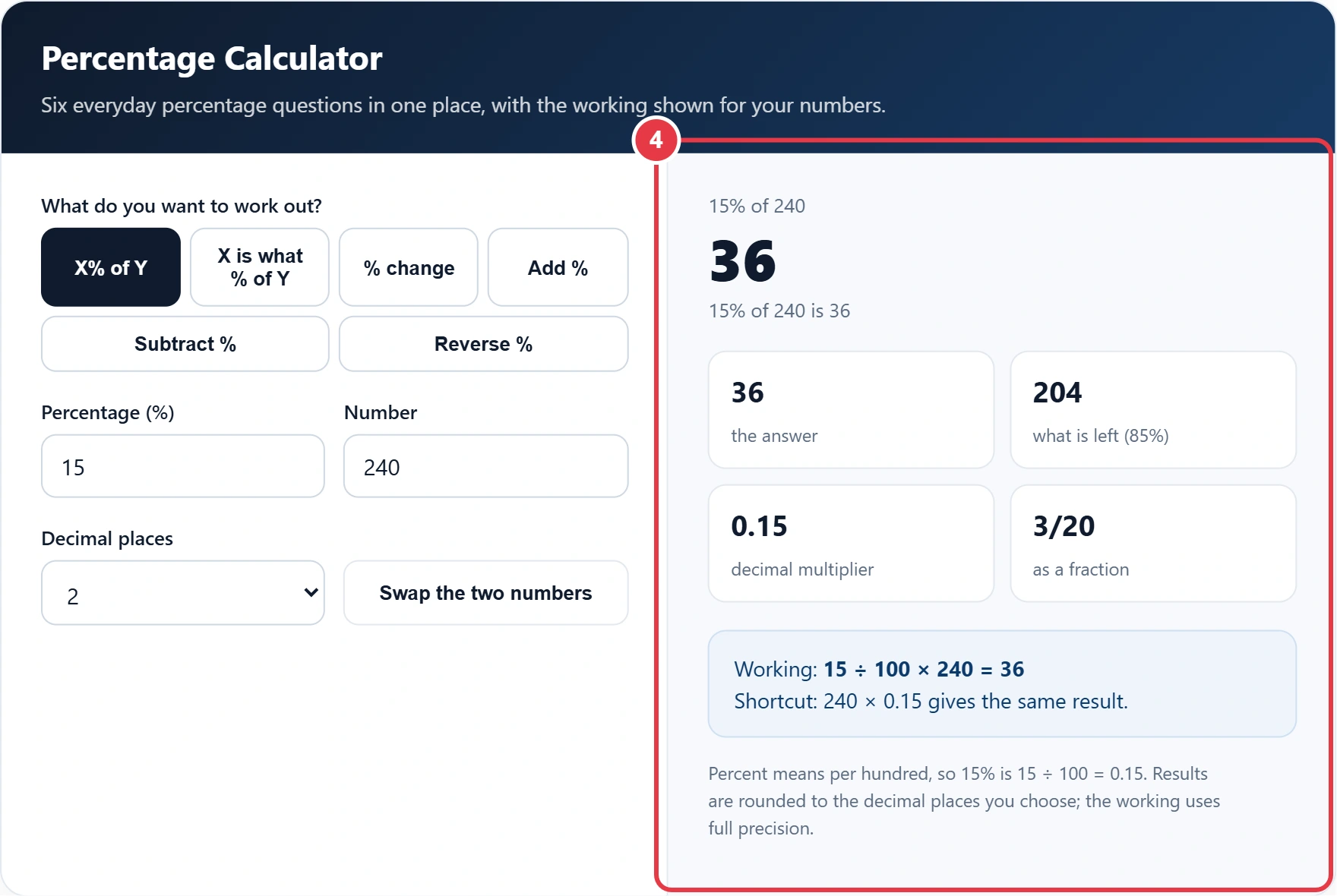
Percent means per hundred, so 15% is 15 ÷ 100 = 0.15. Results are rounded to the decimal places you choose; the working uses full precision.
This percentage calculator answers the six percentage questions people in the UK ask most, from pay rises and sale prices to exam marks and VAT. It works out a percentage, meaning a number expressed per hundred, of any value, and it shows the working for your own numbers, so you can check the method as well as the answer.
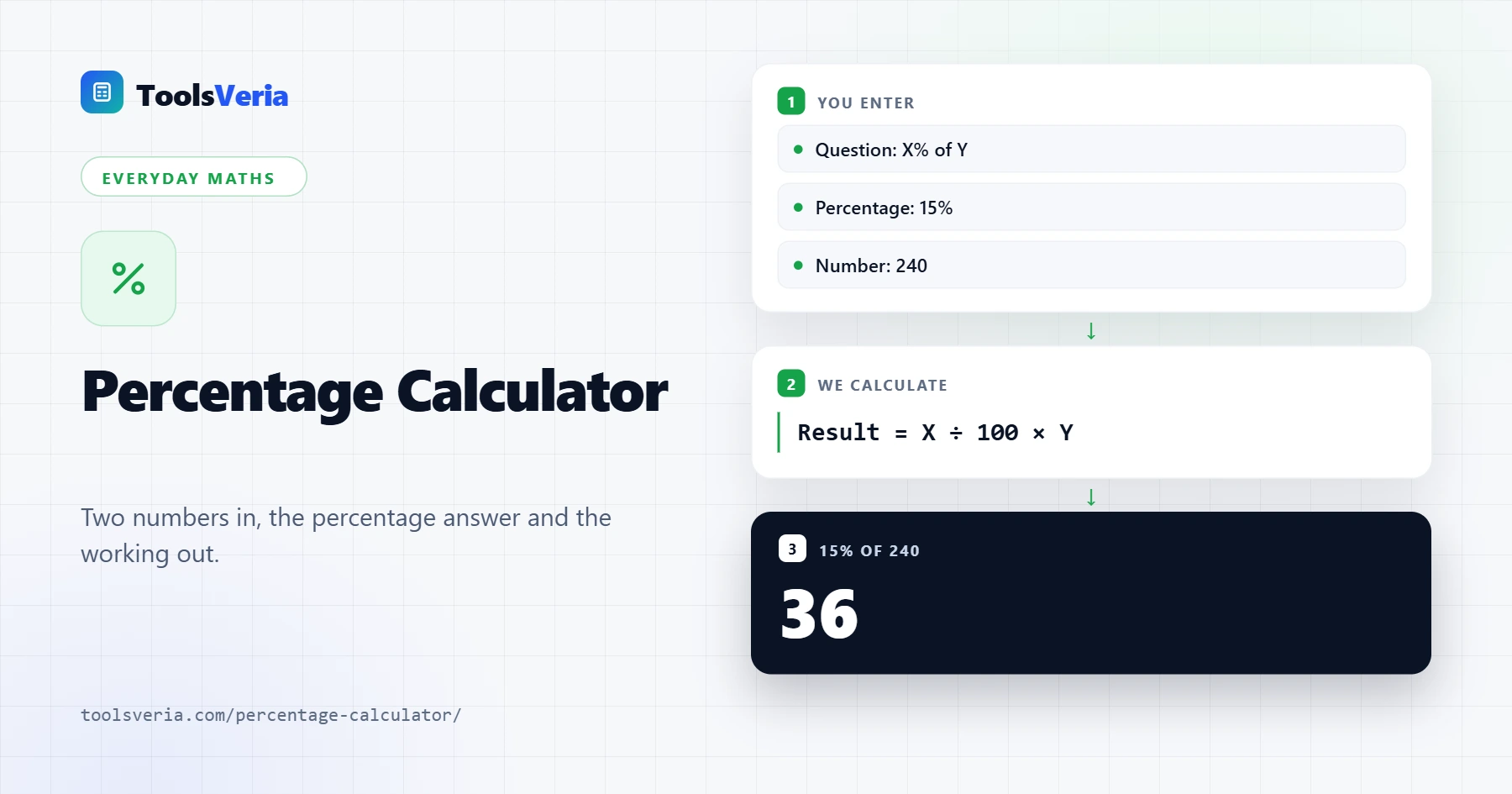
Quick answer: To find a percentage of a number, divide the percentage by 100 and multiply by the number, so 15% of 240 is 0.15 × 240 = 36. To find what percentage X is of Y, divide X by Y and multiply by 100. A percentage calculator does both, plus change, add, subtract and reverse.
In This Guide
What Is a Percentage Calculator?
A percentage calculator is a tool that solves any sum where one number is a share of another out of 100. Every mode rests on one idea: X% means X ÷ 100, so 15% is 0.15 and 120% is 1.2.
In plain words, the formulas are: X% of Y = X ÷ 100 × Y; X as a percentage of Y = X ÷ Y × 100; percentage change = (new minus original) ÷ original × 100; add X% = number × (1 + X ÷ 100); subtract X% = number × (1 minus X ÷ 100); and reverse percentage = final value ÷ (1 ± X ÷ 100). The tool also gives the decimal multiplier and the fraction, which helps with homework and spreadsheets.
How to Use the Percentage Calculator
Step 1: Choose Your Question
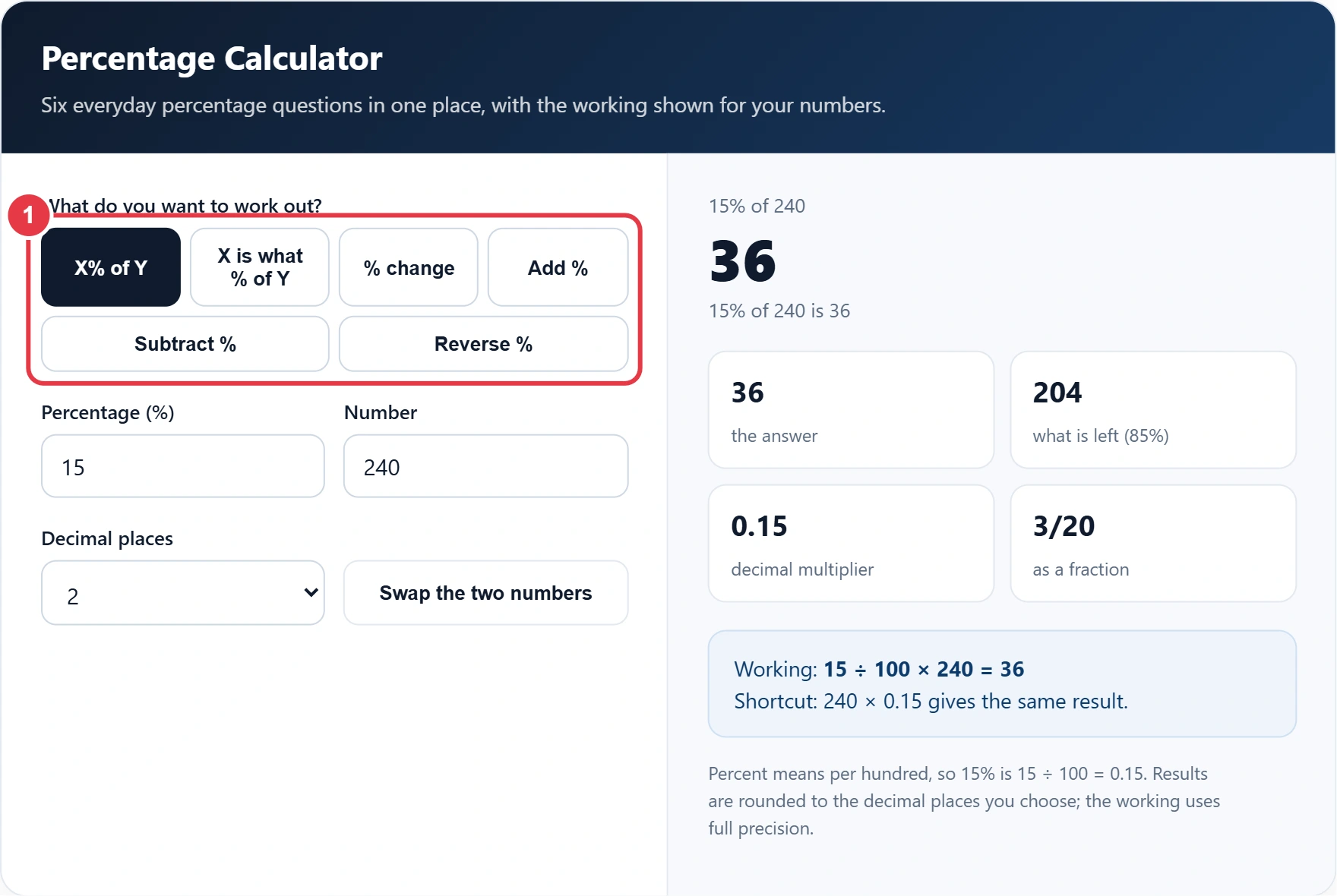
Pick the button in the percentage calculator that matches what you need: X% of Y, X is what % of Y, % change, Add %, Subtract % or Reverse %. The input labels change to match, so you always know which number goes where.
Step 2: Enter the Two Numbers
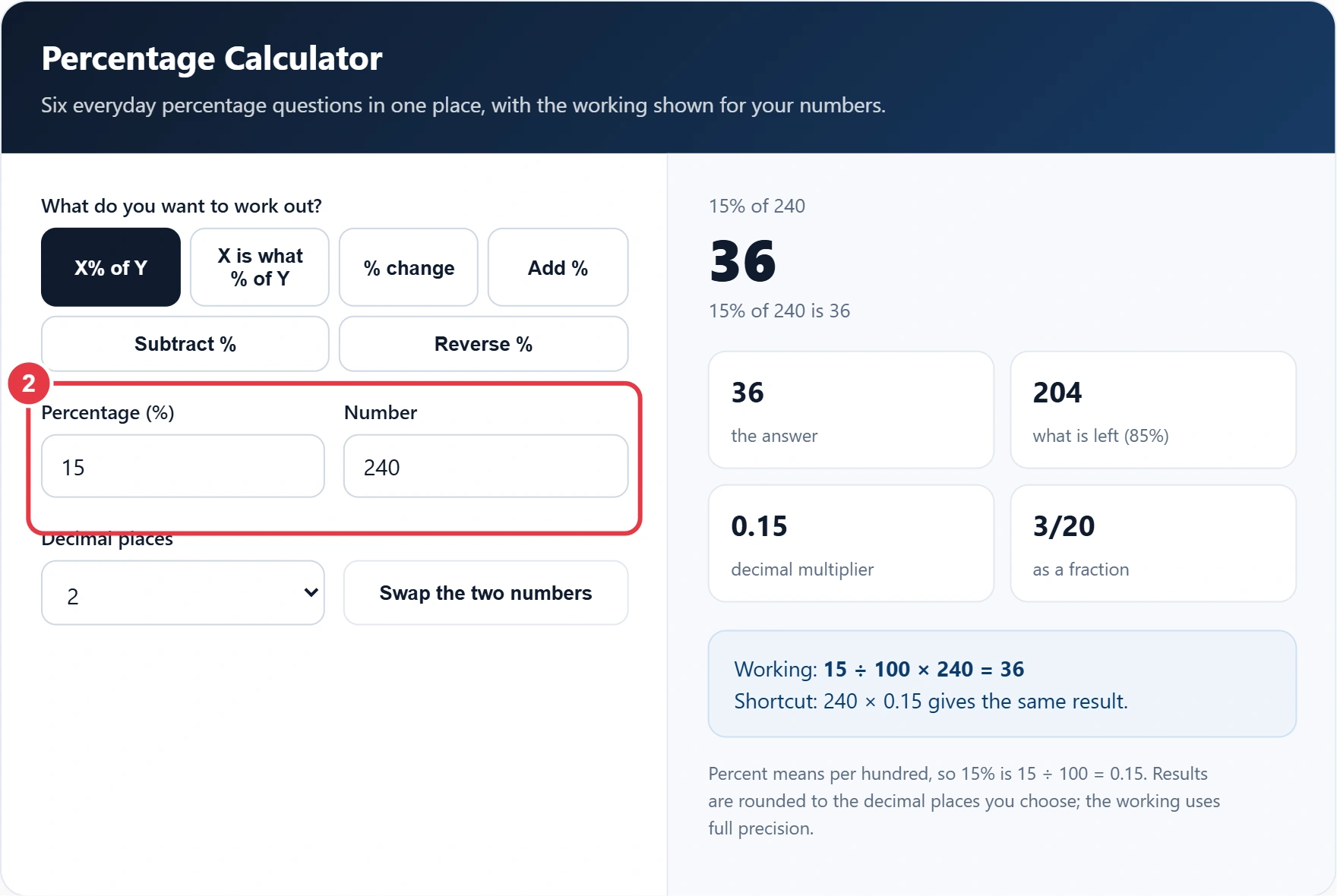
Type the two values. Decimals and negative numbers are fine, and the answer updates as you type. For a reverse percentage, also say whether the final value came after an increase or a decrease. If you only need the change between two numbers, the percentage increase calculator gives a focused view of that single job.
Step 3: Set the Decimal Places
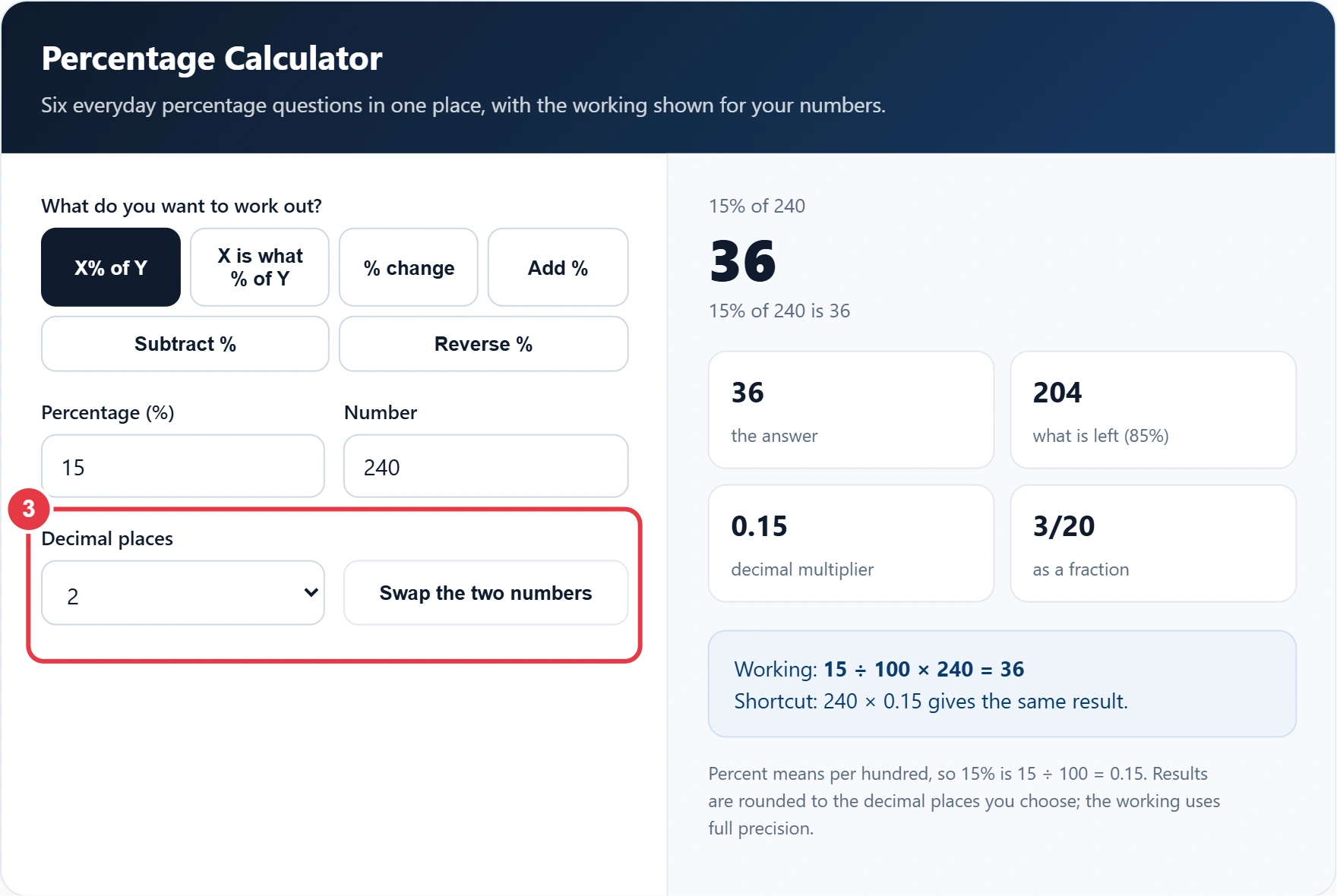
Choose from 0 to 4 decimal places. Use 2 for money and 0 or 1 for marks and survey results. The swap button flips the two numbers, which is handy when you have typed them the wrong way round.
Step 4: Read the Answer and the Working
The large figure is your answer, with a sentence in plain English underneath. The four boxes add the related figures, such as what is left, the multiplier and the fraction, and the blue panel shows each step of the sum. If something cannot be calculated, such as a change from zero, the panel explains why.
How Do You Work Out a Percentage of a Number?
To work out a percentage of a number, divide the percentage by 100 and multiply by the number. For example, 4% of £28,500 is 0.04 × 28,500 = £1,140.
Worked example: Aisha earns £28,500 and is offered a 4% pay rise. The rise is £1,140, so her new salary is £28,500 × 1.04 = £29,640. A year later her employer says the rise was worth "only 3.85%" of her pay. That is also true, because £1,140 is 3.85% of £29,640: the same amount is a smaller percentage of a bigger total. Always check which number is the 100%.
How Do You Calculate a Reverse Percentage?
To calculate a reverse percentage, divide the final value by the multiplier that produced it: 1.2 after a 20% rise, or 0.85 after a 15% fall. A jacket that costs £68 after 15% off was £68 ÷ 0.85 = £80 before the sale.
The common mistake is to add the 15% back on, which gives £78.20 and is wrong, because the discount was 15% of £80, not of £68. The same rule removes VAT. With the standard rate of 20% shown on the GOV.UK VAT rates page, a £150 price including VAT is £150 ÷ 1.2 = £125 before VAT.
For invoices with several lines and mixed rates, the VAT calculator repeats this for each line and totals the results, while this percentage calculator is quicker for a single price.
Percentage Formulas and Mental Maths Shortcuts
The table sums up every mode of the percentage calculator with one example each, so you can do the same sums by hand.
| Question | Formula | Example |
|---|---|---|
| X% of Y | X ÷ 100 × Y | 15% of 240 = 36 |
| X is what % of Y | X ÷ Y × 100 | 36 of 240 = 15% |
| Percentage change | (new minus old) ÷ old × 100 | 80 to 100 = +25% |
| Add X% | number × (1 + X ÷ 100) | £80 plus 15% = £92 |
| Subtract X% | number × (1 minus X ÷ 100) | £65 minus 30% = £45.50 |
| Reverse after a rise | final ÷ (1 + X ÷ 100) | £150 after +20% = £125 |
| Reverse after a fall | final ÷ (1 minus X ÷ 100) | £68 after 15% off = £80 |
For mental maths, find 10% by dividing by 10, halve that for 5%, and divide by 100 for 1%. A quarter is 25% and an eighth is 12.5%. So 15% of £60 is £6 plus £3, which makes £9, and 17.5% of £40 is £4 plus £2 plus £1, which makes £7.
What Is the Difference Between Percent and Percentage Points?
A percentage point is the simple gap between two percentages, while a percent change compares that gap with the starting rate. If a savings rate moves from 4% to 5%, it has risen by 1 percentage point, which is a 25% increase in the rate itself.
When news reports and banks describe a change in interest rates or inflation, they usually quote points, and the definition of a percentage point is worth knowing before you compare offers. In % change mode, the calculator gives both figures.
To compare two values without treating either one as the starting point, the percentage difference calculator divides the gap by the average of the two values instead.
Percentages also do not add up in a chain. A 10% rise followed by a 10% fall leaves you 1% down, because £100 becomes £110 and then £99. Multiply the multipliers instead: 1.1 × 0.9 = 0.99. Figures checked October 2026; the VAT example uses the current UK standard rate.
</>Embed this calculator on your website
Add the free Percentage Calculator to your own site or blog. Copy the code below and paste it into an HTML block. It resizes itself and works on phones.
How we checked this tool: the Tools Veria Editorial Team built this tool by hand, checked it against the official rules or published standards where they apply, and tested it against worked examples. Results are estimates for planning, not personal financial or tax advice. Read our editorial policy and disclaimer, or report an error.
Frequently Asked Questions
How do I calculate what percentage one number is of another?
Divide the part by the whole and multiply by 100. For example, 45 out of 60 is 45 ÷ 60 × 100 = 75%. This works for test scores, budgets and survey results, as long as the whole is not zero.
How do I add a percentage to a number?
Multiply the number by 1 plus the percentage as a decimal. To add 15% to £80, multiply by 1.15 to get £92. That one step is quicker than working out 15% of £80, which is £12, and adding it on.
How do I take a percentage off a price?
Multiply the price by 1 minus the percentage as a decimal. For 30% off £65, multiply by 0.7 to get £45.50, a saving of £19.50. Two discounts in a row multiply together rather than add up.
How do I find the original price before a percentage increase?
Divide the new price by 1 plus the percentage increase as a decimal. If a price rose by 20% to £150, the original was £150 ÷ 1.2 = £125. Taking 20% off £150 gives £120, which is wrong.
Is a 50% increase then a 50% decrease back to the start?
No, a 50% increase followed by a 50% decrease leaves you 25% below where you started. For example, £100 rises to £150 and then halves to £75, because the second percentage is taken from the larger figure.
How do I calculate percentages in Excel or Google Sheets?
Use =A1*B1/100 for B1 percent of A1, =A1/B1*100 for A1 as a percentage of B1, and =(B1-A1)/A1*100 for the percentage change. Format the cell as a number, not a percentage, when you multiply by 100 yourself.