Find the percentage increase or decrease between two values, or add a percentage to a number.
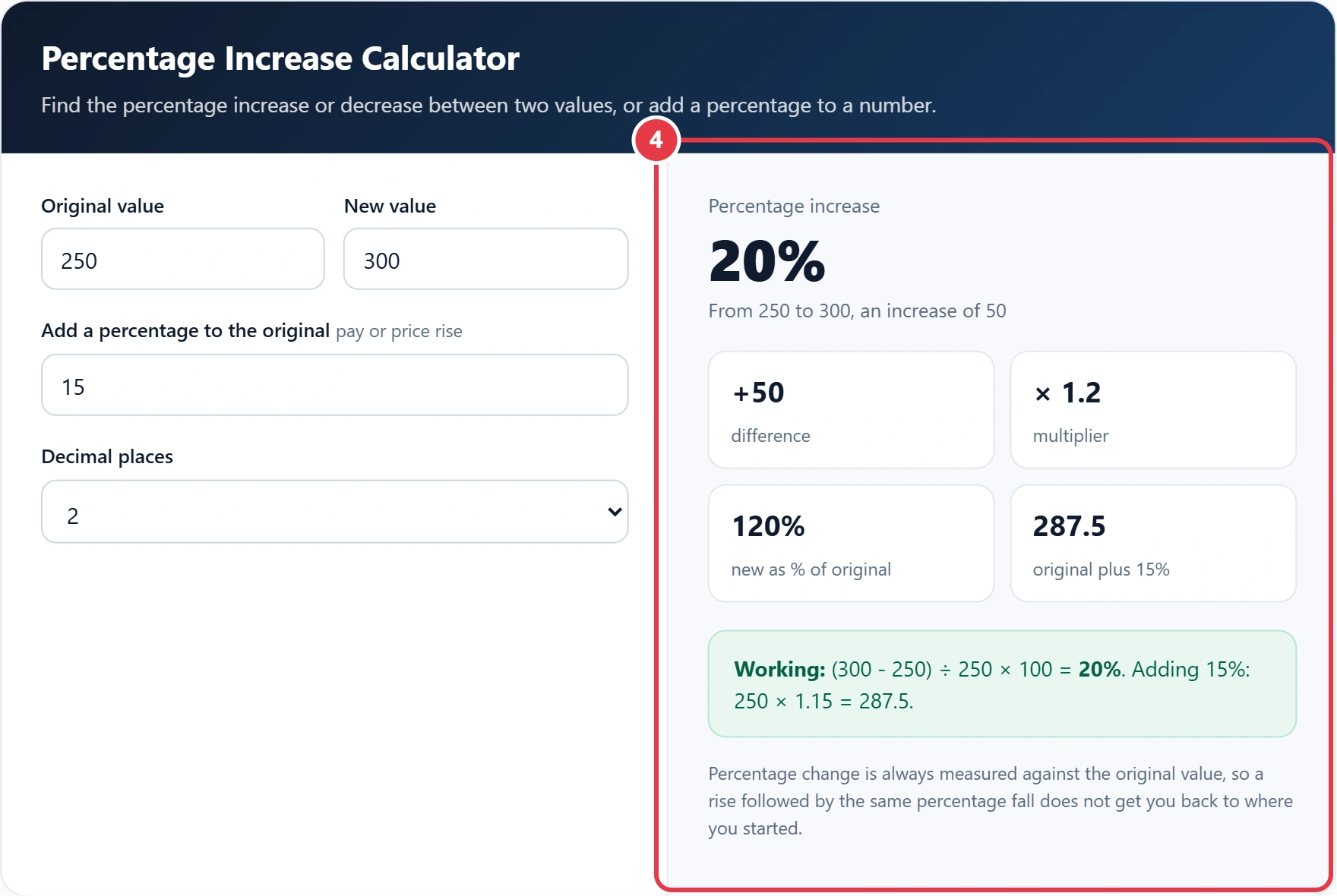
Percentage change is always measured against the original value, so a rise followed by the same percentage fall does not get you back to where you started.
Prices, pay, rent and website traffic all change over time, and the clearest way to compare those changes is as a percentage. This percentage increase calculator works out the percent change between any two numbers, tells you whether it is a rise or a fall, and can also add a percentage to a value for a pay rise or price increase. Every answer uses the standard relative change formula, and the working is shown step by step underneath the result, so you can check each figure yourself and reuse the method in a spreadsheet or report.
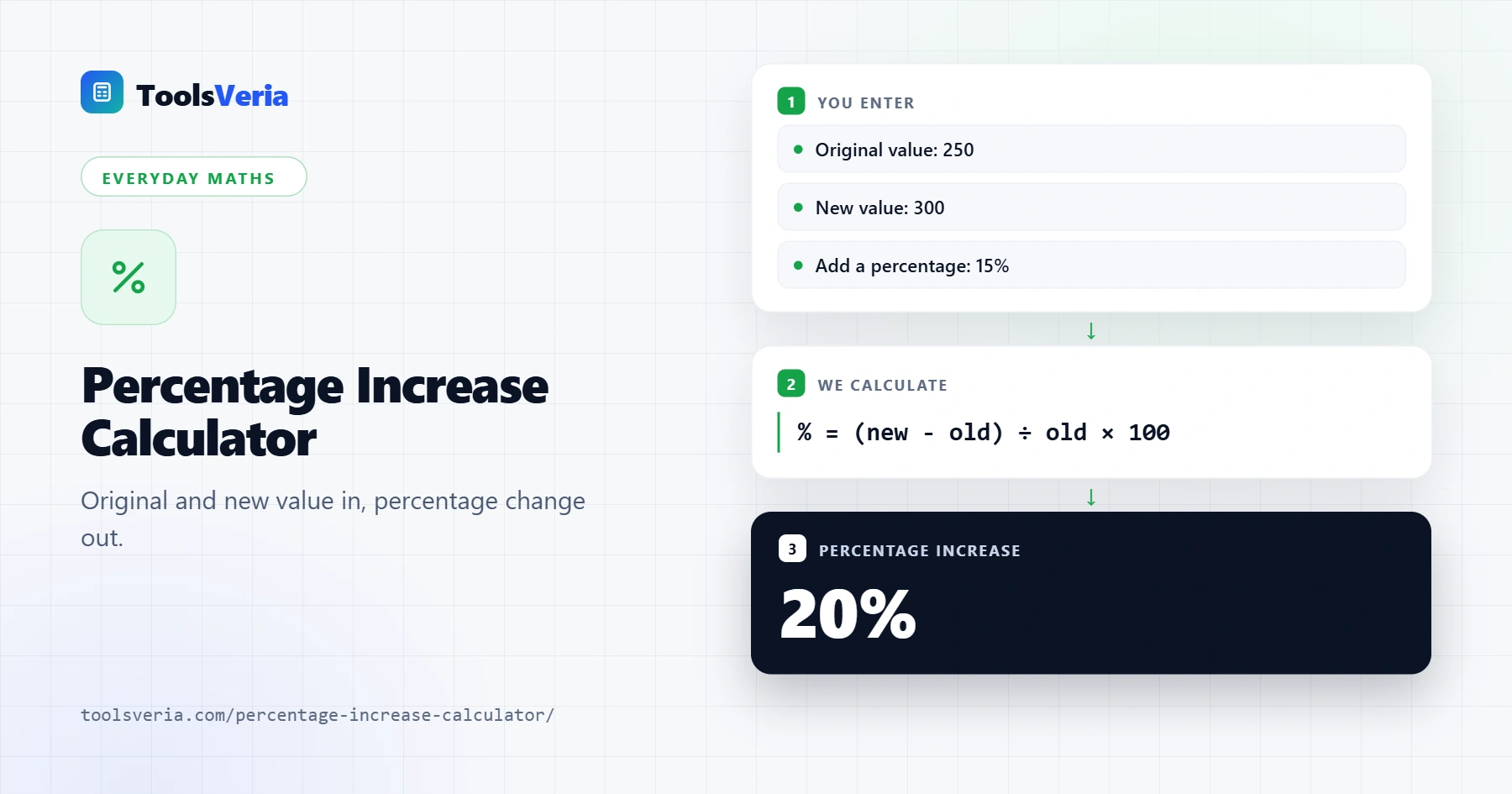
Quick answer: A percentage increase calculator uses the formula (new value minus original value) ÷ original value × 100. If a price rises from 250 to 300, the difference is 50, and 50 ÷ 250 × 100 = 20%. A negative answer is a percentage decrease, and adding 15% to 250 means 250 × 1.15 = 287.5.
In This Guide
What Is a Percentage Increase?
A percentage increase describes how much a value has grown compared with where it started. Measuring change against the original figure makes very different numbers comparable: a £50 rise on £250 is far bigger in relative terms than a £50 rise on £5,000.
The formula is percentage change = (new value minus original value) ÷ original value × 100. If a price rises from 250 to 300, the difference is 50, and 50 ÷ 250 × 100 = 20%. When the answer is negative, it is a percentage decrease. To add a percentage instead, multiply by 1 plus the rate, so 250 plus 15% is 250 × 1.15 = 287.5.
How Do You Use the Percentage Increase Calculator?
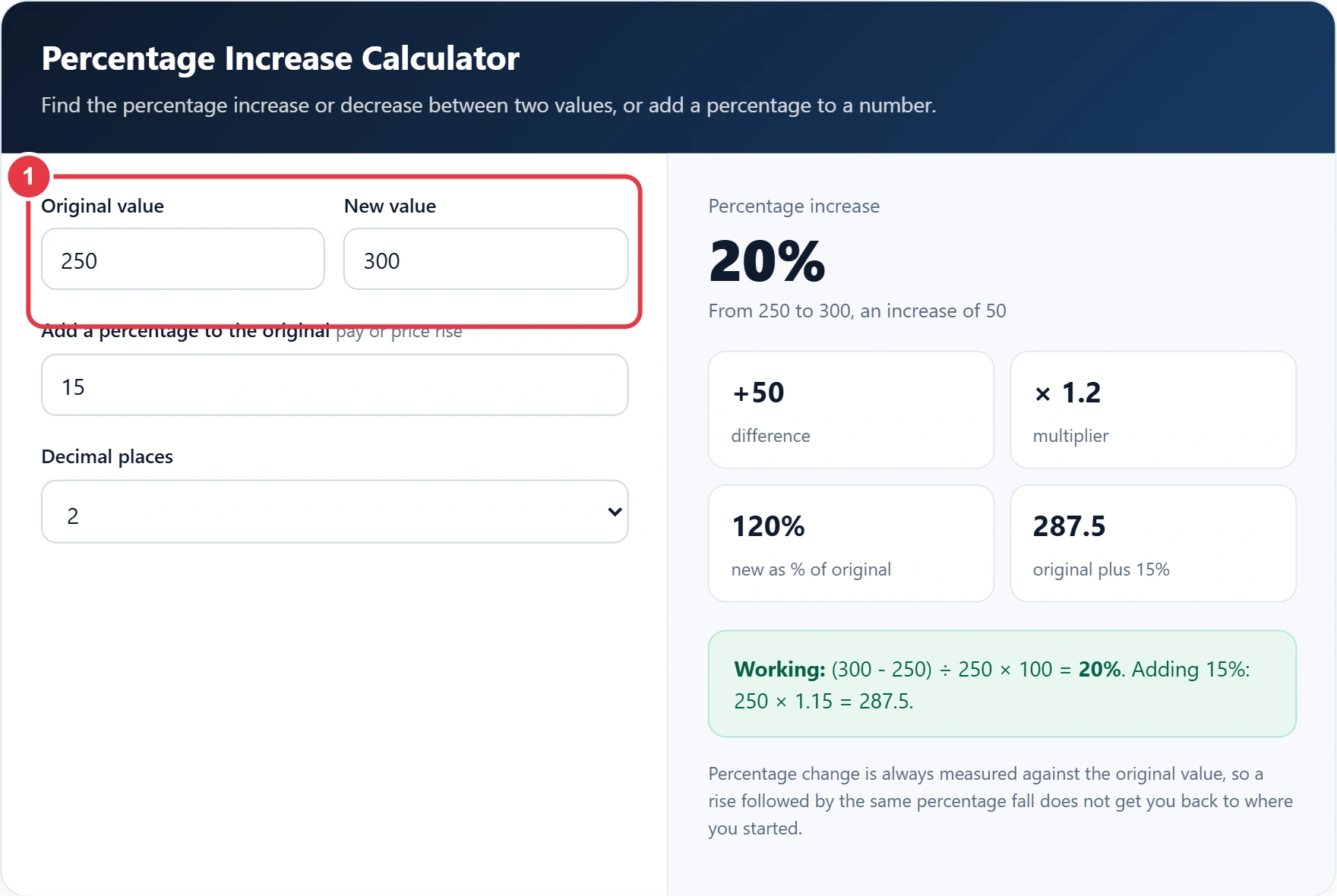
Step 1: Enter the Original and New Values
Type the starting figure in Original value and the later figure in New value, the right way round, because the change is always measured against the original. Type the starting figure in Original value and the later figure in New value. Getting these the right way round matters, because the change is always measured against the original. If you just want the gap between two numbers with neither as the starting point, the percentage difference calculator uses their average as the base instead.
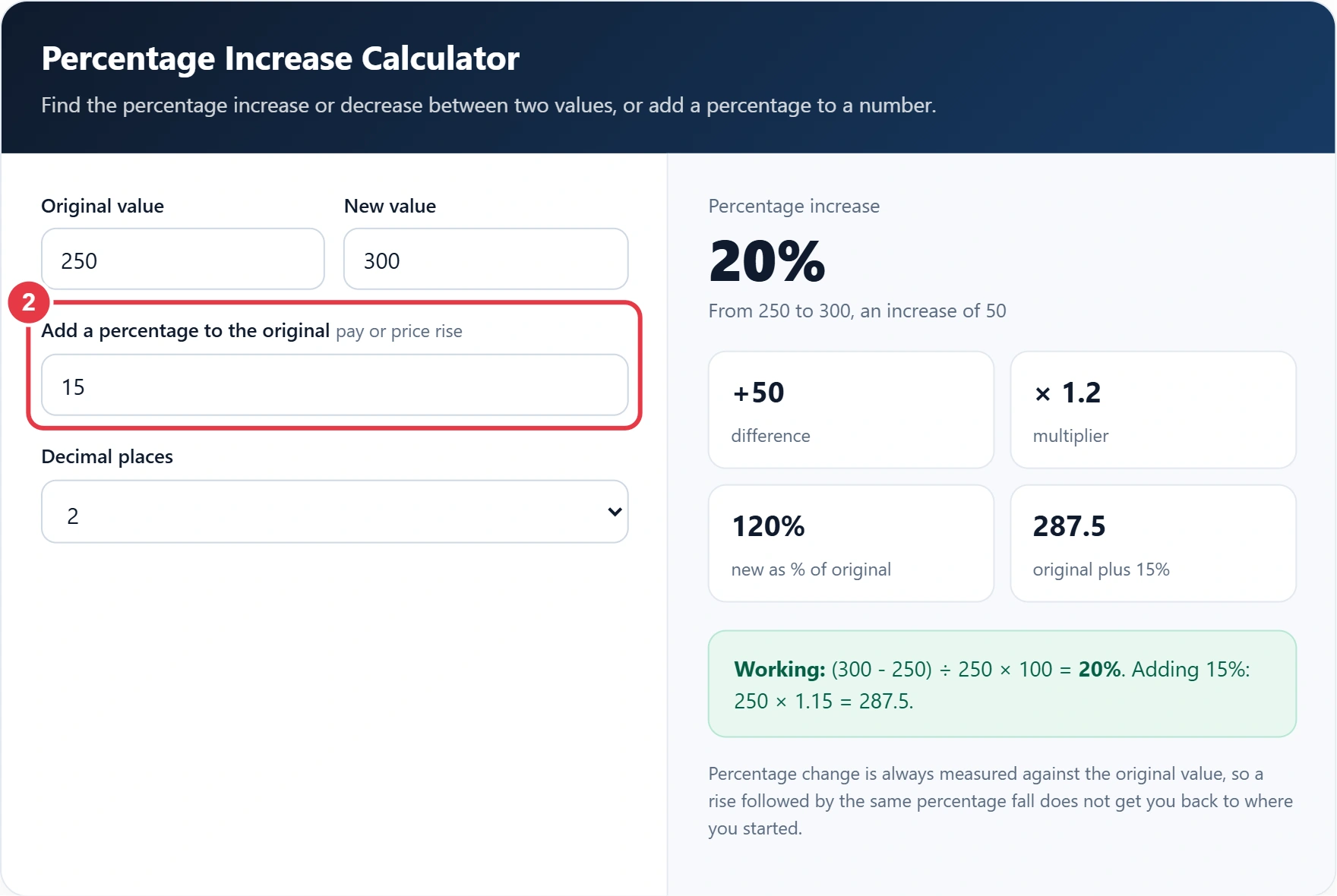
Step 2: Add a Percentage if You Need To
Enter a percentage to see the original value increased by that amount, which is useful for pay rises, price rises and growth targets. For a reduction, the discount calculator takes a percentage off a price and shows the saving, so you can compare both directions quickly.
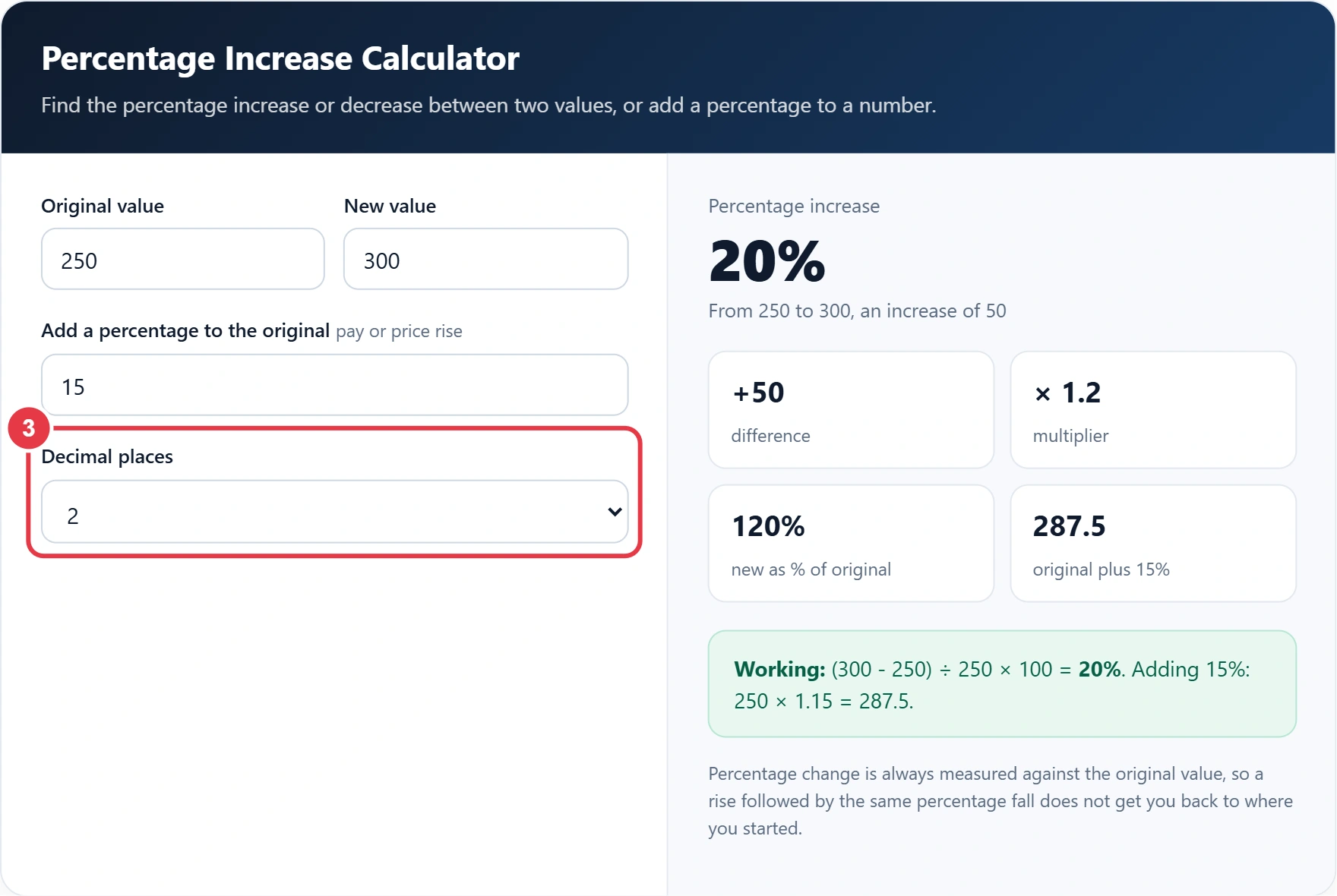
Step 3: Choose the Decimal Places
Pick how many decimal places to show. Two places suit most purposes, while whole numbers are fine for quick headlines.
Step 4: Read the Results
The percentage change appears in large type, labelled as an increase or a decrease. Below it you will see the difference, the multiplier, the new value as a percentage of the original and the result of adding your percentage, with the full working underneath.
What Does a Percentage Increase Look Like in Practice?
| Original | New | Change | Percentage change |
|---|---|---|---|
| 250 | 300 | +50 | 20% increase |
| £28,000 | £29,400 | +£1,400 | 5% increase |
| £1.20 | £1.50 | +£0.30 | 25% increase |
| 80 | 70 | -10 | 12.5% decrease |
| 133.9 | 138.4 | +4.5 | 3.36% increase |
For example, a rise from 250 to 300 is a 20% increase, and a salary rise from £28,000 to £29,400 is a 5% increase. The last row uses the ONS Consumer Prices Index annual averages for 2024 and 2025. The Office for National Statistics inflation figures are themselves percentage changes in this index, which shows how the same simple formula sits behind headline numbers you see in the news every month.
</>Embed this calculator on your website
Add the free Percentage Increase Calculator to your own site or blog. Copy the code below and paste it into an HTML block. It resizes itself and works on phones.
How we checked this tool: the Tools Veria Editorial Team built this tool by hand, checked it against the official rules or published standards where they apply, and tested it against worked examples. Results are estimates for planning, not personal financial or tax advice. Read our editorial policy and disclaimer, or report an error.
Frequently Asked Questions
How do you calculate a percentage increase?
Subtract the original value from the new value, divide by the original value and multiply by 100. From 250 to 300 is 50 ÷ 250 × 100 = 20%.
How do you calculate a percentage decrease?
Use the same formula. If the answer is negative, it is a decrease, so 80 to 70 gives -12.5%, a 12.5% decrease.
How do I add a percentage to a number?
Multiply the number by 1 plus the percentage as a decimal. To add 15% to 250, work out 250 × 1.15 = 287.5.
What is the difference between percentage increase and percentage difference?
Percentage increase measures change from an original value. Percentage difference compares two values with no starting point and uses their average as the base.
Can a percentage increase be more than 100%?
Yes. If a value more than doubles, the increase is over 100%. Going from 50 to 150 is a 200% increase.
Why does a 10% rise and a 10% fall not cancel out?
The fall is worked out on the new, higher value. 100 rises 10% to 110, then a 10% fall takes off 11, leaving 99.