Enter any list of numbers to find the mean, median, mode and range.
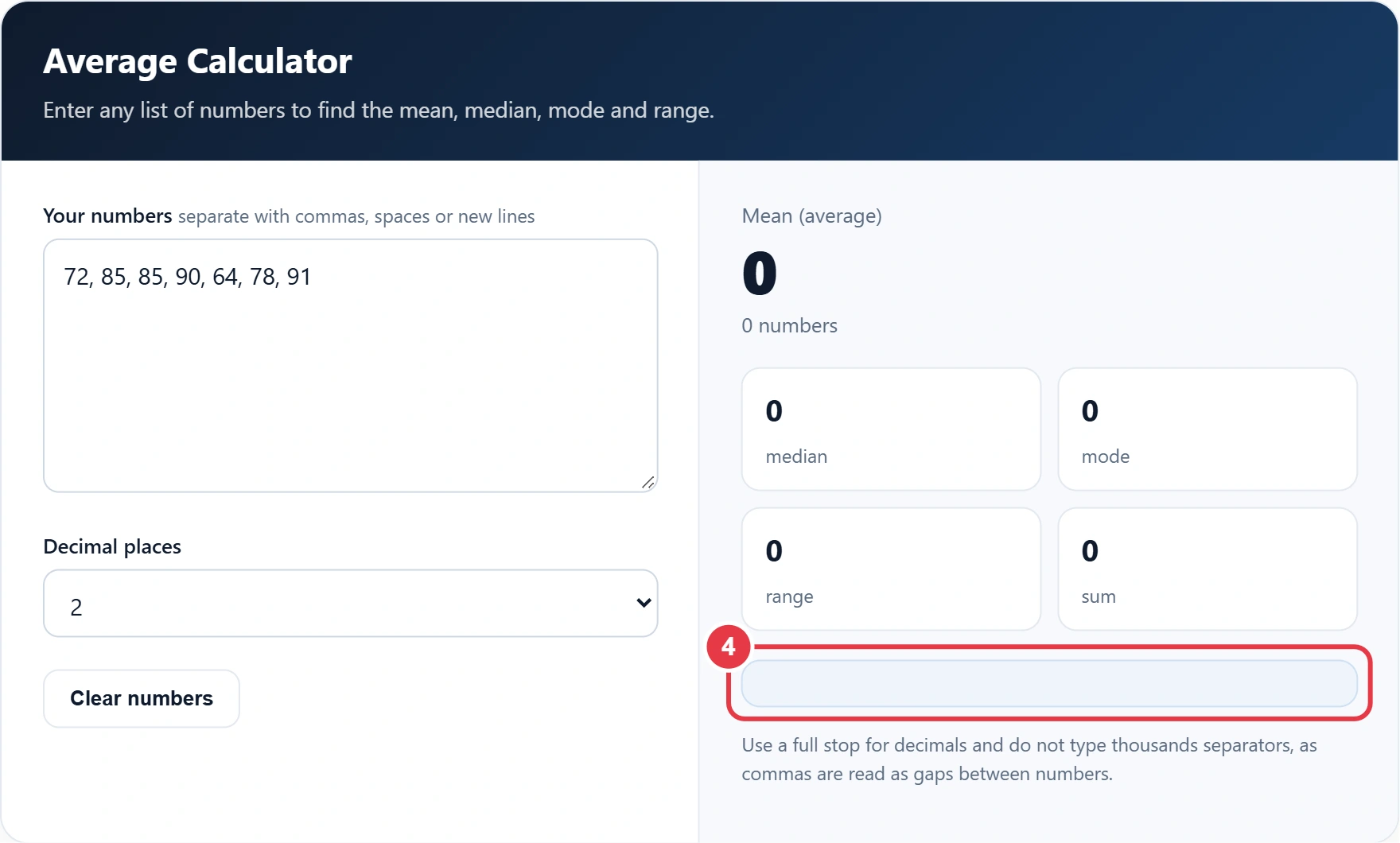
Use a full stop for decimals and do not type thousands separators, as commas are read as gaps between numbers.
Whether you are totting up test scores, monthly bills or match results, this average calculator gives you the mean, median, mode and range of any list of numbers in one go. Paste your figures, and the tool sorts them, adds them up and shows the working, so you can see exactly how the arithmetic mean is found and check it against your own sums. It accepts whole numbers, decimals and negative values.
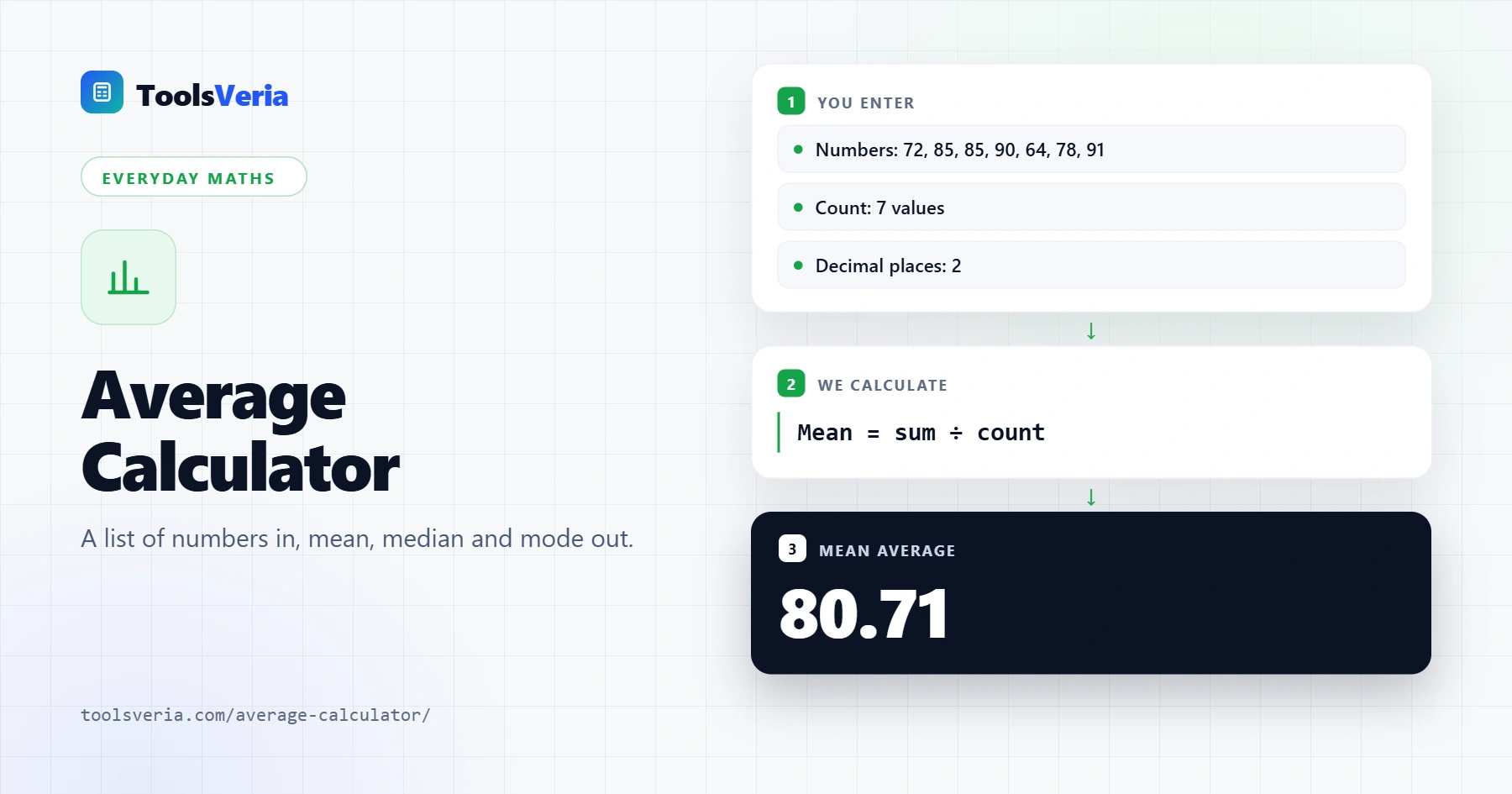
Quick answer: An average calculator finds the mean by dividing the sum of values by the number of values. For 72, 85, 85, 90, 64, 78 and 91, the sum is 565 across 7 values, so the mean is 80.71, while the median and mode are both 85 and the range is 27.
In This Guide
What Is an Average?
An average is a single number that represents a whole set of values. In everyday use it usually means the mean, but there are three common types. The mean is the total divided by how many numbers there are. The median is the middle value once the list is sorted. The mode is the value that appears most often.
The formula for the mean is mean = sum of values ÷ number of values. For the scores 72, 85, 85, 90, 64, 78 and 91, the sum is 565 and there are 7 values, so the mean is 565 ÷ 7 = 80.71. Sorted, the middle value is 85, which is the median, and 85 also appears twice, so it is the mode. The range is the highest minus the lowest: 91 minus 64 is 27.
How Do You Use the Average Calculator?
Step 1: Enter Your Numbers
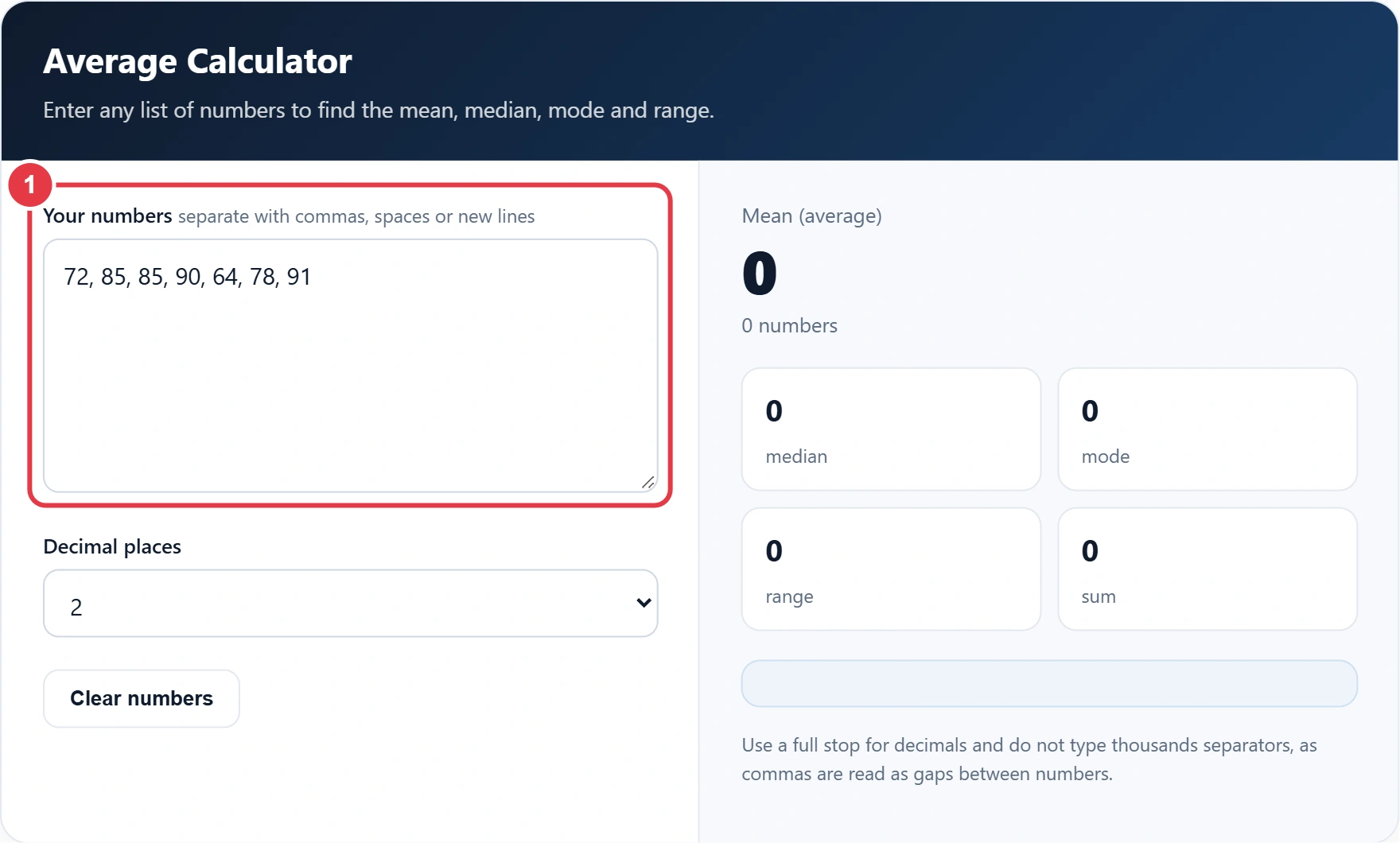
Type or paste your numbers into the box, separated by commas, spaces or new lines, so a column copied from a spreadsheet works fine. Type or paste your numbers into the box. You can separate them with commas, spaces or new lines, so a column copied from a spreadsheet works fine. Leave out thousands separators, because a comma is treated as a gap between two numbers.
Step 2: Choose the Decimal Places
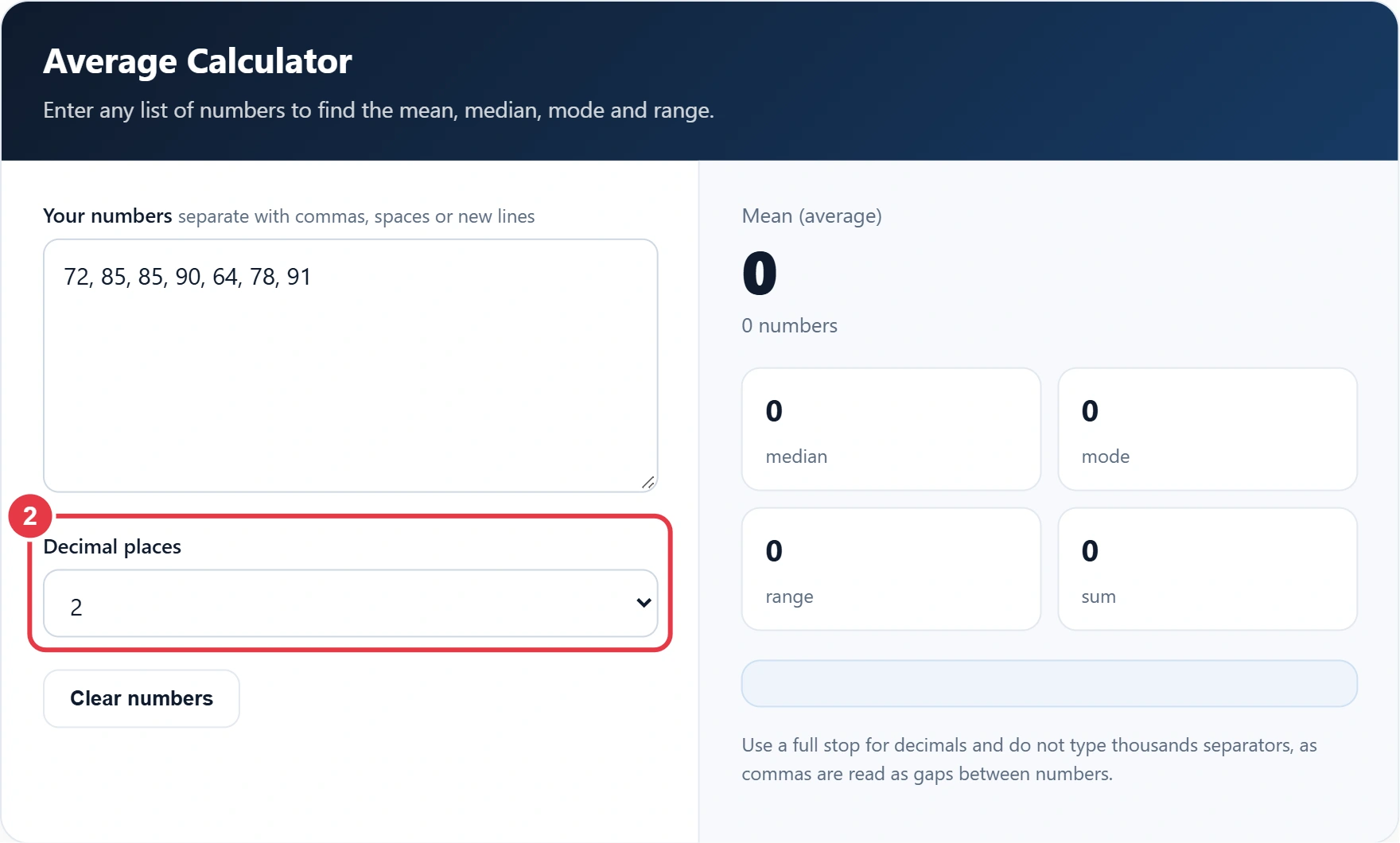
Pick how many decimal places you want in the results. Two is right for most purposes, including money. If you need to express a decimal answer as a share of something, the fraction to decimal calculator helps you move between fractions, decimals and percentages without any guesswork.
Step 3: Read the Mean, Median and Mode
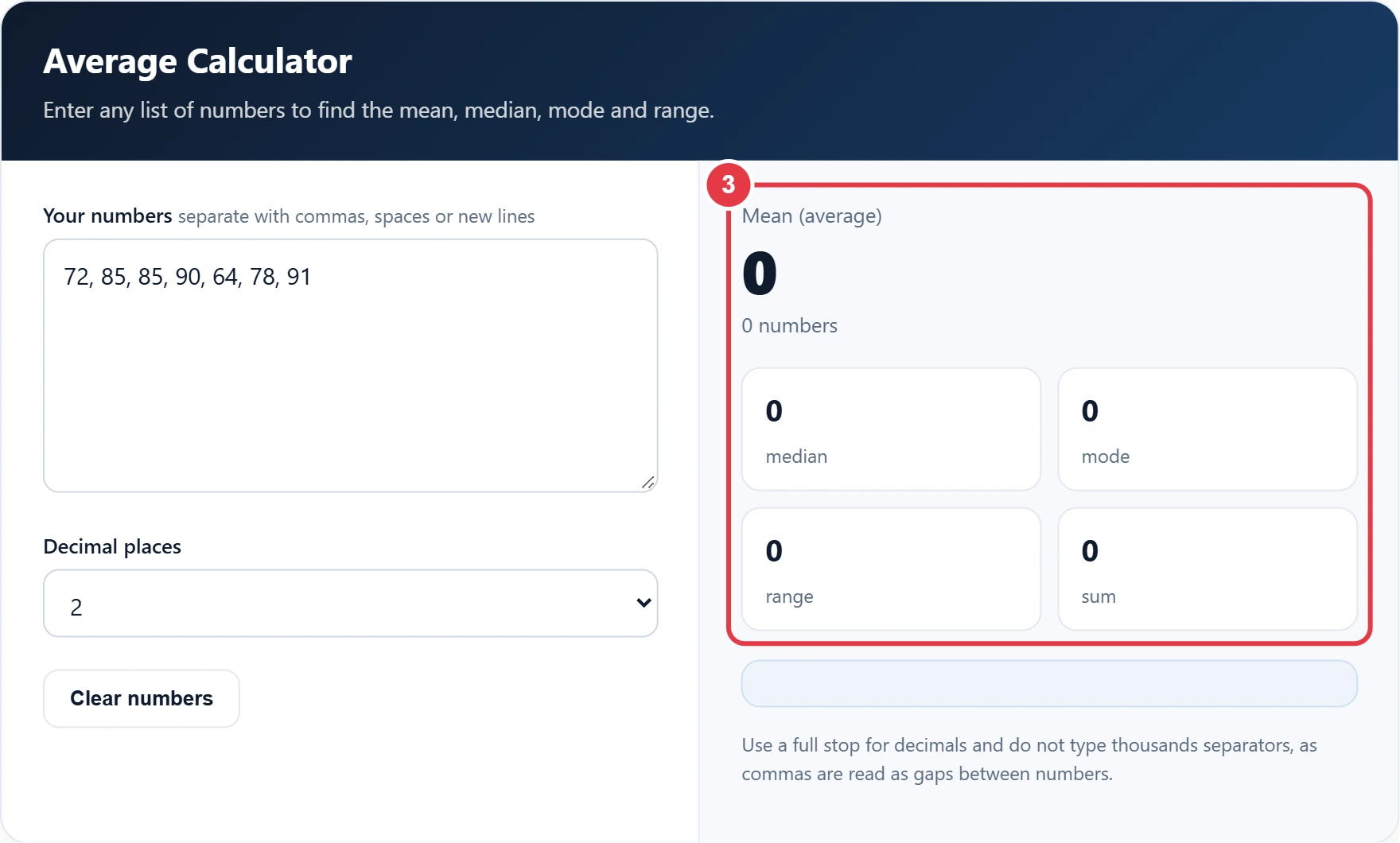
The mean appears in large type, with the median, mode, range and sum below it. If no number repeats, the mode shows as None. If several values tie for most common, each one is listed.
Step 4: Check the Working
The working box shows the sum divided by the count and the full sorted list, so you can follow every step. To see how much one average has moved since last month, the percentage increase calculator compares the two figures and shows the change as a percentage.
Mean, Median or Mode: Which Should You Use?
| Average | How it works | Best for |
|---|---|---|
| Mean | Sum ÷ count | Even data without extreme values, such as test scores |
| Median | Middle value when sorted | Data with outliers, such as house prices or salaries |
| Mode | Most common value | Categories or repeated values, such as shoe sizes |
| Range | Highest minus lowest | Showing how spread out the data is |
A few very large values can pull the mean upwards, which is why official statistics on pay and house prices often quote the median as the typical value instead of the mean. When the mean and median are far apart, your data is skewed and the median is usually the fairer figure to report.
</>Embed this calculator on your website
Add the free Average Calculator to your own site or blog. Copy the code below and paste it into an HTML block. It resizes itself and works on phones.
How we checked this tool: the Tools Veria Editorial Team built this tool by hand, checked it against the official rules or published standards where they apply, and tested it against worked examples. Results are estimates for planning, not personal financial or tax advice. Read our editorial policy and disclaimer, or report an error.
Frequently Asked Questions
How do you calculate the average of a set of numbers?
Add all the numbers together, then divide by how many numbers there are. For 4, 6 and 8, the average is 18 ÷ 3 = 6.
What is the difference between mean and median?
The mean is the total divided by the count. The median is the middle value once the numbers are sorted, so it is not affected by a few very high or very low values.
How do you find the median of an even set of numbers?
Sort the numbers and take the two in the middle. The median is the mean of those two values.
What if there is no mode?
If every number appears only once, the set has no mode. If two or more values share the highest count, the set has more than one mode.
Can I use negative numbers and decimals?
Yes. Enter negative numbers with a minus sign and decimals with a full stop, for example -2.5.
What does the range tell you?
The range is the highest value minus the lowest. It gives a quick idea of how spread out your numbers are.