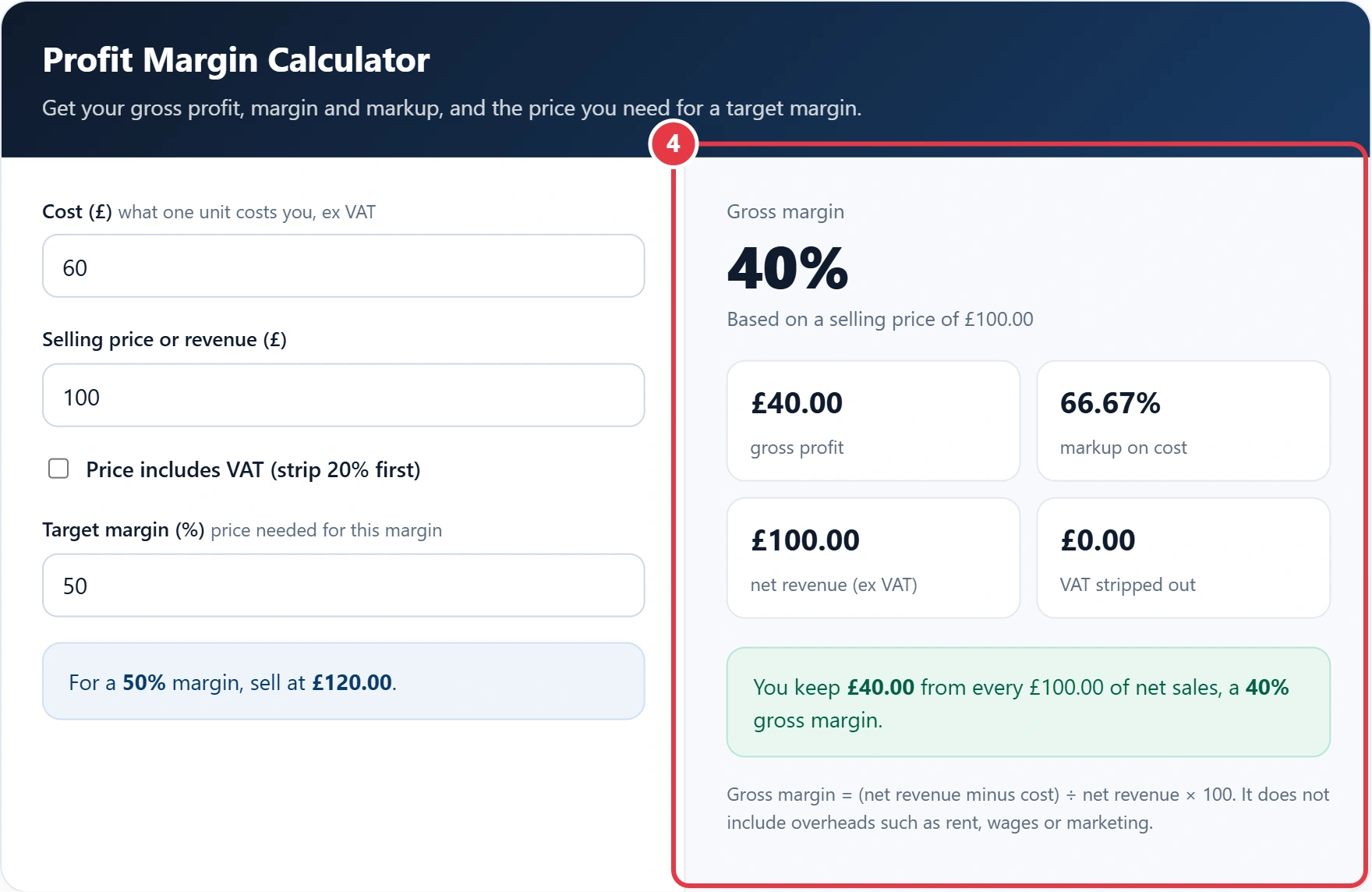
Get your gross profit, margin and markup, and the price you need for a target margin.
Gross margin = (net revenue minus cost) ÷ net revenue × 100. It does not include overheads such as rent, wages or marketing.
Knowing your margin tells you how much of each sale you actually keep. This profit margin calculator takes your cost and selling price and returns the gross profit, gross margin and markup instantly. It can strip out 20% UK VAT from a VAT inclusive price first, and it shows the price you need to charge to hit any target margin.
What Is Profit Margin?
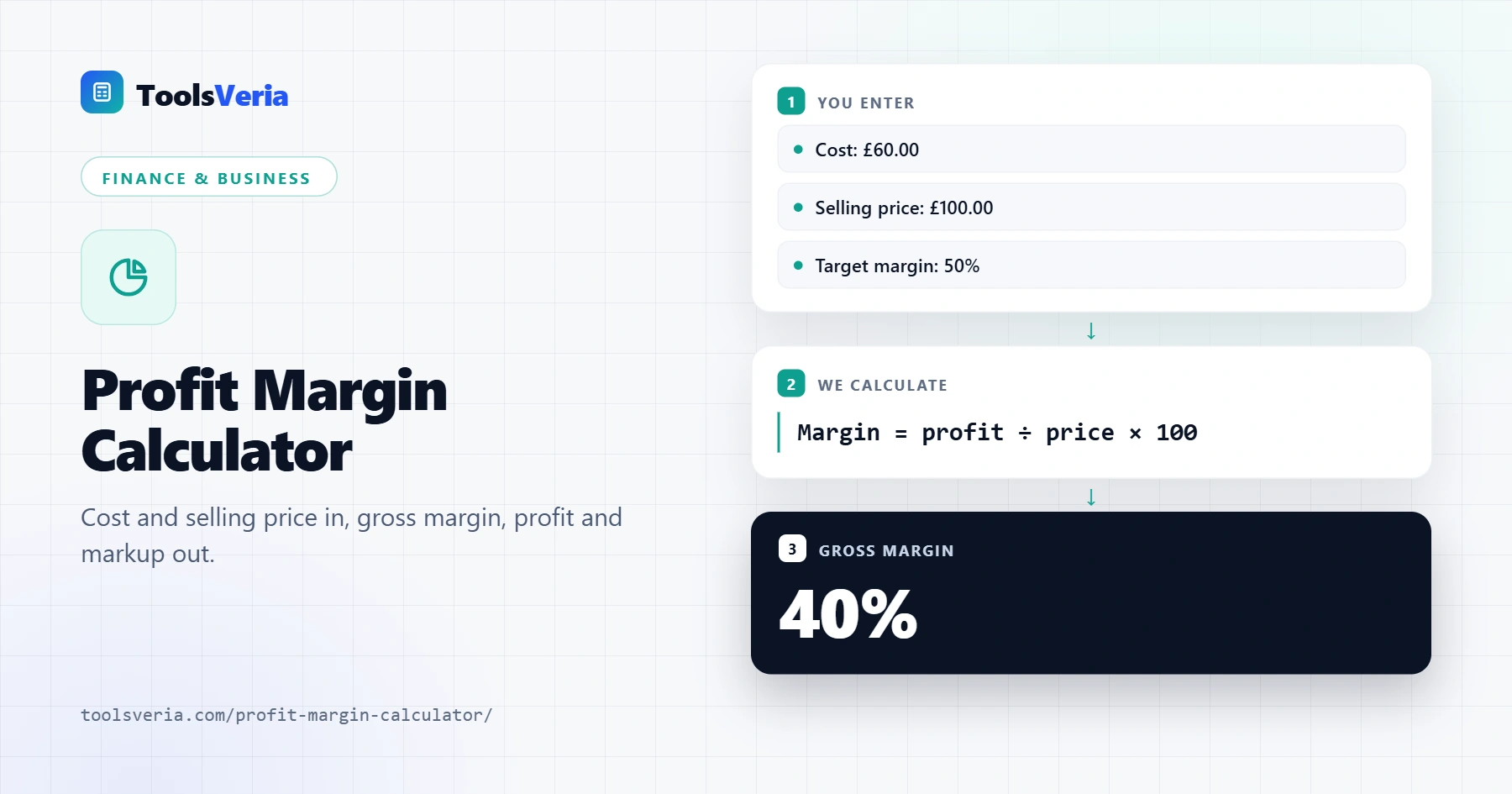
Gross profit margin is the share of your selling price that is left after paying for the product itself. If you buy something for £60 and sell it for £100, your gross profit is £40 and your margin is 40%. Margin is always based on the selling price, while markup is based on cost, and our markup calculator works that figure out for you. Mixing the two up is one of the most common pricing mistakes.
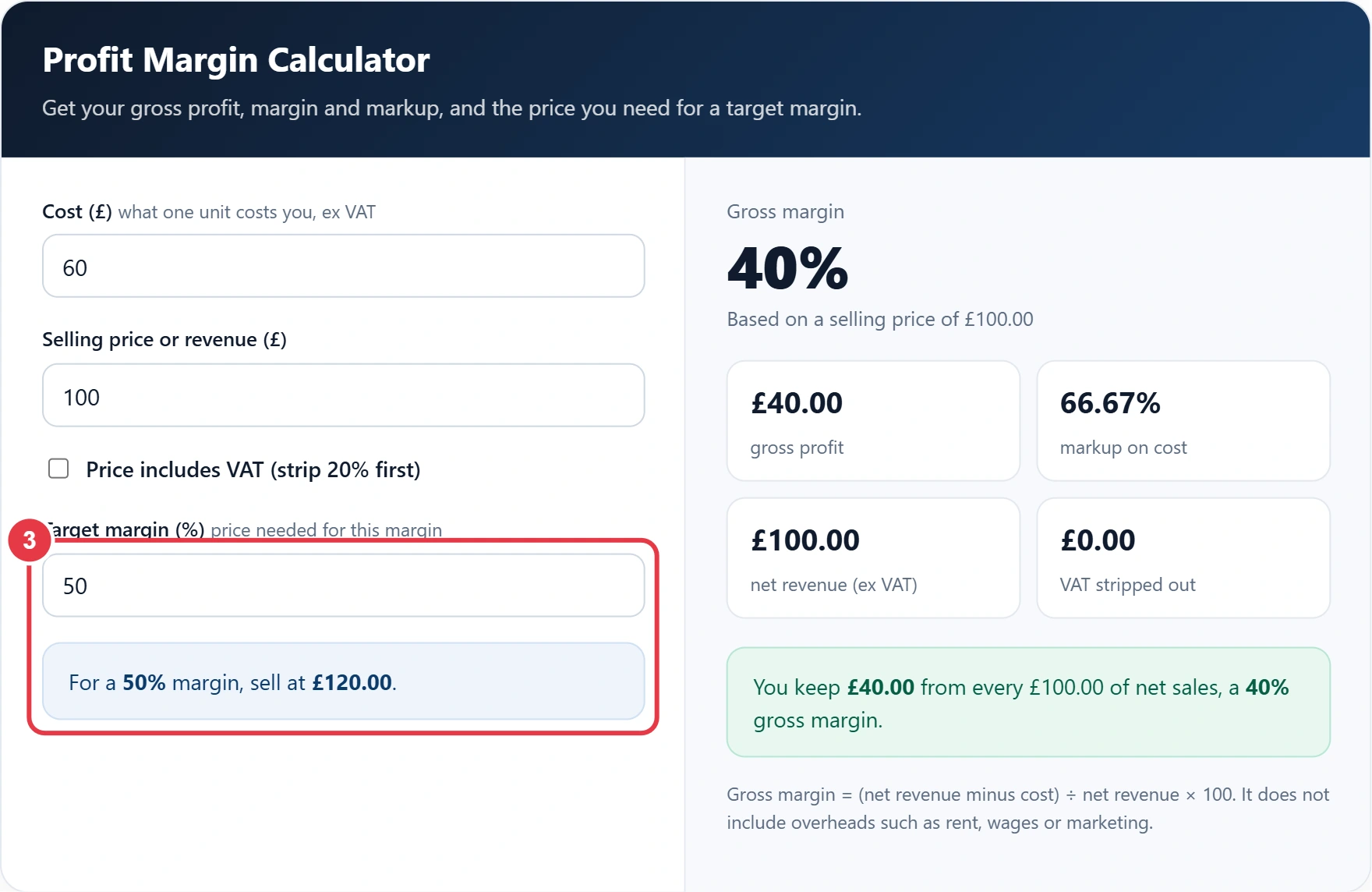
The formula is: gross margin % = (revenue minus cost) ÷ revenue × 100. To find the price for a target margin, use price = cost ÷ (1 minus target margin). For a 50% margin on a £60 cost, that is £60 ÷ 0.5 = £120.
How to Use the Profit Margin Calculator
Step 1: Enter Your Cost
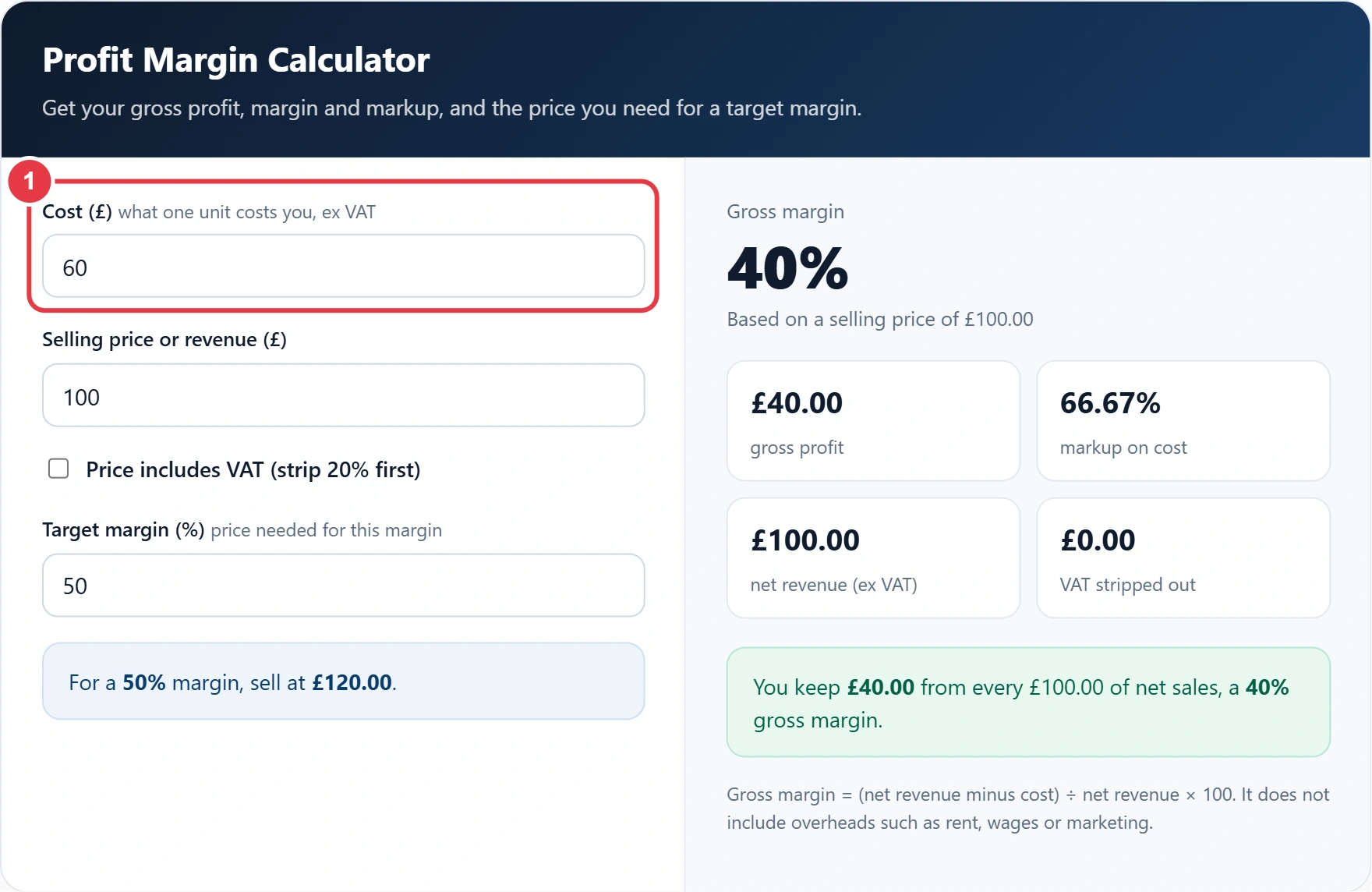
Type what one unit costs you, excluding any VAT you reclaim. For a service, use the direct cost of delivering it, such as materials and subcontractor fees.
Step 2: Enter the Selling Price
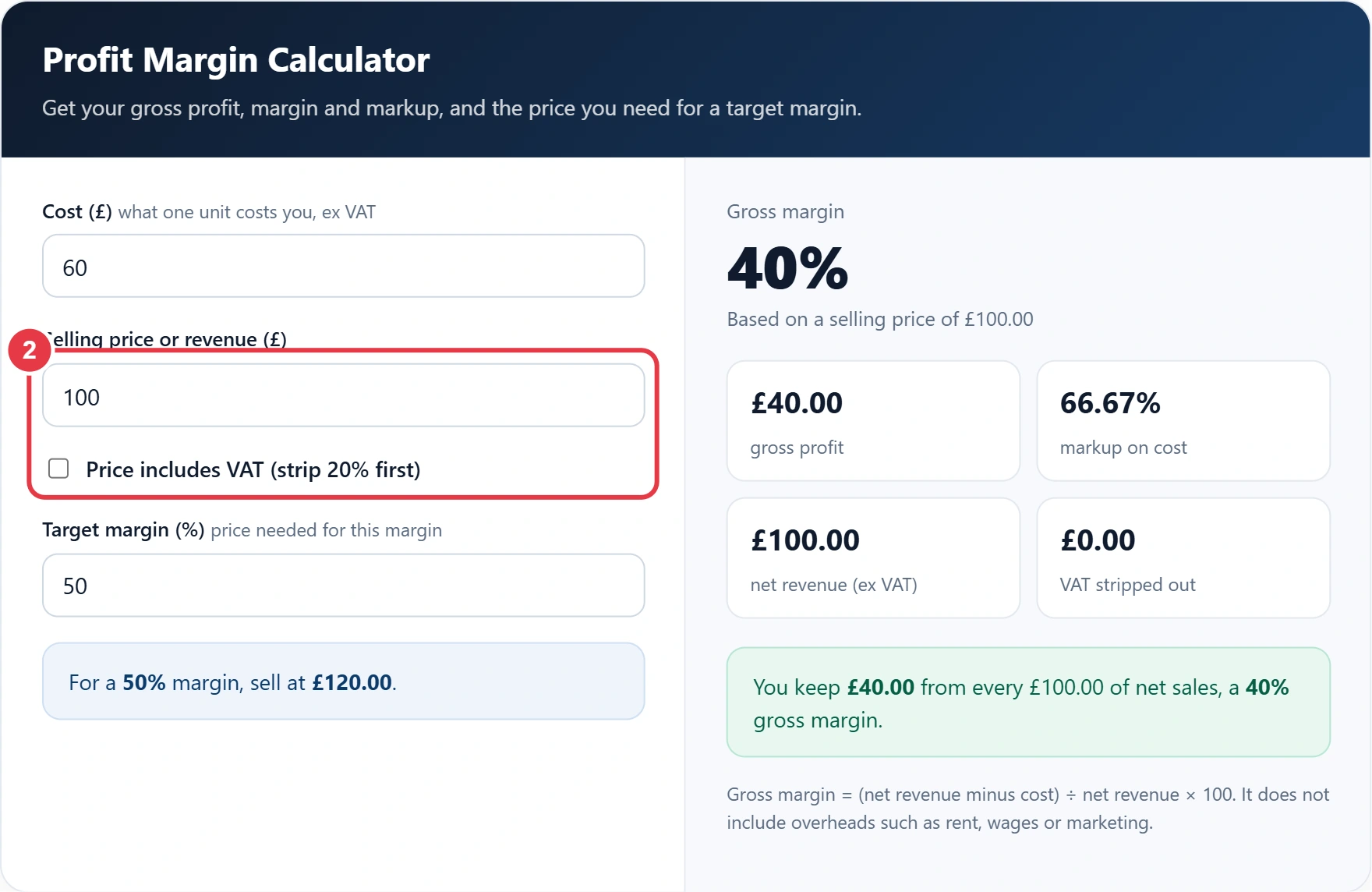
Enter the price you charge or your total revenue. If the figure includes VAT, tick the box so the calculator divides it by 1.2 first, the same sum the reverse VAT calculator uses. VAT is collected for HMRC, so it should never count towards your margin.
Step 3: Set a Target Margin
Enter the margin you want to reach and the calculator shows the selling price you need. If the VAT box is ticked, it also shows that price with VAT added for your shelf or invoice.
Step 4: Read Your Results
You get your gross margin, gross profit, markup on cost, net revenue and any VAT removed. A red warning appears if you are selling below cost.
Profit Margin Examples
| Cost | Selling price | Gross profit | Margin | Markup |
|---|---|---|---|---|
| £60 | £100 | £40 | 40% | 66.67% |
| £25 | £40 | £15 | 37.5% | 60% |
| £80 | £100 | £20 | 20% | 25% |
| £7.50 | £12 inc VAT (£10 net) | £2.50 | 25% | 33.33% |
The last row shows why VAT matters. Most goods carry the standard 20% rate, but the current UK VAT rates on gov.uk list items that are reduced or zero rated. On a £12 standard rated price you only keep £10, so your margin is 25%, not the 37.5% you would get by ignoring VAT.
Frequently Asked Questions
How do I calculate profit margin?
Subtract the cost from the selling price, divide by the selling price and multiply by 100. Selling a £60 item for £100 gives a 40% margin.
What is the difference between gross and net profit margin?
Gross margin only takes off the direct cost of the product. Net margin also takes off overheads such as rent, wages, marketing and tax.
Should I include VAT when working out margin?
No. If you are VAT registered, remove VAT from the selling price first because it is paid to HMRC, not kept by you.
How do I find the price for a target margin?
Divide your cost by 1 minus the target margin as a decimal. For a 40% margin on a £30 cost, £30 ÷ 0.6 = £50.
Is a 50% margin the same as a 50% markup?
No. A 50% markup on £100 gives a £150 price and a 33.33% margin. A 50% margin needs a 100% markup.
Can profit margin be over 100%?
No. Margin is profit as a share of the price, so it can never reach 100% unless the cost is zero. Markup, however, can go above 100%.