A free JSON formatter and validator that beautifies, minifies and sorts JSON in your browser.
Checks strict JSON (RFC 8259). Comments, single quotes and trailing commas are reported as errors. Numbers longer than 15 significant digits may lose precision when reformatted.
This JSON formatter turns minified or messy JSON into clean, indented text and tells you exactly where it is broken, for developers, testers, analysts and students working with APIs and config files. It is also a JSON validator and minifier, it can sort keys alphabetically, and every step runs in your browser using the same JSON.parse method that browsers provide, so private data such as tokens and customer records never leaves your device.
Quick answer: Paste your JSON into the box and this JSON formatter validates it instantly. Valid JSON is re-indented with 2 spaces, 4 spaces or tabs, or minified to one line. Invalid JSON shows the line, the column and a plain English reason, such as a trailing comma or a missing double quote, with a pointer to the exact character.
In This Guide
What Is a JSON Formatter?
A JSON formatter is a tool that adds consistent line breaks and indentation to JSON so people can read it, without changing any of the data. It is sometimes called a JSON beautifier or pretty printer, and the reverse operation, removing all optional whitespace, is called minifying.
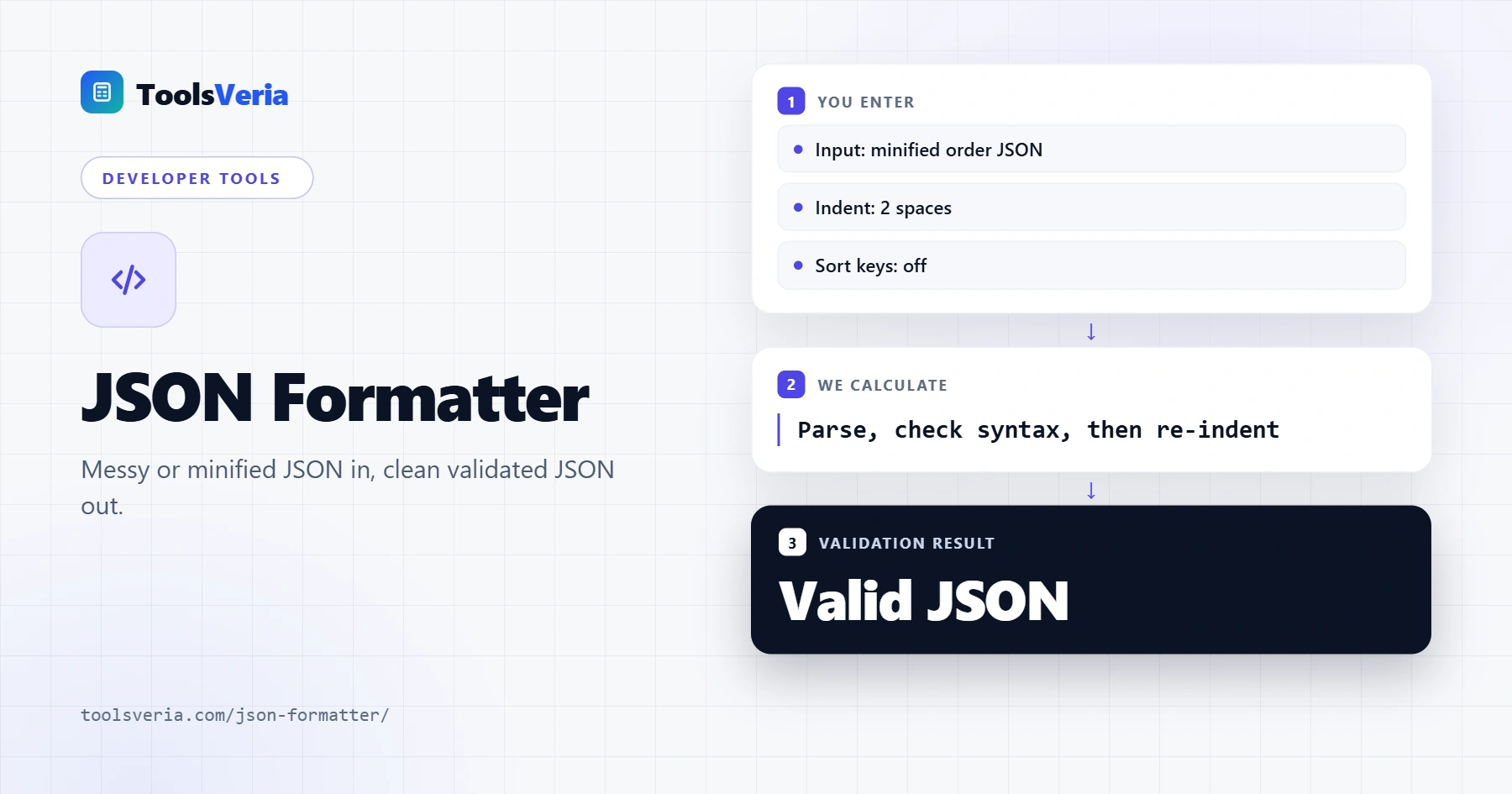
The process has three steps: parse the text, check it against the JSON grammar, then print it again with the chosen indent. JSON (JavaScript Object Notation) is defined by RFC 8259 and ECMA-404, and it allows only six kinds of value: objects, arrays, strings, numbers, true or false, and null. Anything else, including comments and single quoted strings, makes the whole document invalid.
How to Use the JSON Formatter
Step 1: Paste or Open Your JSON
Paste JSON into the input box, or press Open .json file to load one from your computer. The file is read by your browser only. Press Load sample to try the tool with an example order.

Step 2: Choose the Indent and Options
Select 2 spaces, 4 spaces, a tab or Minify. Tick Sort keys A to Z to order every object's keys alphabetically at every level, which makes two versions of a file much easier to compare.

Step 3: Check the Validation Result
A green box means the JSON is valid and shows the number of keys and the nesting depth. A red box gives the line and column of the first error, the reason, and the offending line with a caret underneath. Duplicate keys and very long numbers trigger a warning even when the JSON is technically valid.

Step 4: Copy or Download the Result
Press Copy to put the formatted JSON on your clipboard or Download .json to save it. The output size and the change in bytes show how much space indentation adds or minifying saves. If you need the data in a spreadsheet next, the JSON to CSV converter flattens arrays of objects into rows.

What Are the Most Common JSON Errors?
The most common JSON errors are trailing commas, single quotes, unquoted keys and comments, because they are allowed in JavaScript code but not in strict JSON. The JSON validator reports each of them with the reason shown below.
| Mistake | Invalid example | Valid fix |
|---|---|---|
| Trailing comma | {"a": 1,} | {"a": 1} |
| Single quotes | {'a': 'x'} | {"a": "x"} |
| Unquoted key | {a: 1} | {"a": 1} |
| Comment | {"a": 1 // note} | Remove the comment or store it as a "note" key |
| Leading zero | {"id": 007} | {"id": 7} or {"id": "007"} |
| Undefined or NaN | {"a": undefined} | {"a": null} |
| Raw line break in a string | "line one, then a real new line" | Use the escape sequence for a new line |
How Do You Find an Error in JSON? A Worked Example
You find an error in JSON by validating it and reading the line and column of the first problem, then fixing that one and validating again, because one error can hide others further down.
Worked example: Sam, a QA tester, copies a config from a chat message into the JSON beautifier and gets "Invalid JSON on line 7, column 1: Trailing comma before the closing brace". Line 6 ends with "timeout": 30 followed by a comma, and line 7 holds only the closing brace. Sam deletes the comma, the box turns green and reports 5 keys nested 1 level deep. A second warning then flags "retries" appearing twice, so Sam removes the stale copy before deploying.
Is It Safe to Paste JSON Into an Online Formatter?
It is safe to paste JSON into this online formatter because nothing is sent to a server: parsing, validation and formatting all happen in your browser tab. You can confirm this by loading the page, switching off your internet connection and carrying on formatting.
Even so, treat API keys and passwords with care and rotate any secret you have shared by mistake. For hashing a value before you store or compare it, the SHA-256 generator also works entirely offline. The history and syntax of JSON explain why the format stays strict: every language can then read the same file in the same way. Page checked October 2026.
Key JSON Formatter Terms Explained
These definitions explain the syntax rules the JSON formatter checks, so validation messages about objects, escapes and duplicate keys make immediate sense.
- RFC 8259
- The Internet standard that defines JSON text, alongside ECMA-404. It fixes the six value types, requires double quoted strings and forbids comments, which is why the validator rejects syntax that ordinary JavaScript code would accept.
- Object and array
- The two container types in JSON. An object holds key and value pairs inside curly braces, while an array holds an ordered list inside square brackets; the maximum depth figure counts how many of these sit inside each other.
- Escape sequence
- A backslash followed by a character, used to put quotes, line breaks or other special characters inside a string. A unicode escape needs exactly four hexadecimal digits, and any other backslash combination is reported as invalid.
- Minification
- Removing every optional space, tab and line break so the JSON fits on one line. It shrinks files sent over networks without changing the data, and the output size panel shows the byte difference.
- Duplicate key
- The same property name appearing twice in one object. The standard does not forbid it, but parsers disagree on which value to keep and most keep only the last, so the tool raises a warning rather than an error.
</>Embed this calculator on your website
Add the free JSON Formatter to your own site or blog. Copy the code below and paste it into an HTML block. It resizes itself and works on phones.
How we checked this tool: the Tools Veria Editorial Team built this tool by hand, checked it against the official rules or published standards where they apply, and tested it against worked examples. Results are estimates for planning, not personal financial or tax advice. Read our editorial policy and disclaimer, or report an error.
Frequently Asked Questions
Does formatting change my JSON data?
No. Formatting only changes whitespace between values, so keys, strings and numbers stay the same. The exceptions are sorting, which reorders keys, and numbers over 15 significant digits, which JavaScript may round.
What is the difference between a JSON formatter and a JSON validator?
A validator checks whether text follows the JSON rules and reports errors. A formatter also rewrites valid JSON with indentation or minifies it. This tool always validates first, then formats only when the JSON is valid.
Should I use 2 or 4 spaces for JSON?
Either is fine. Two spaces keep deeply nested files narrower and are common in JavaScript projects, while four spaces suit Python style guides. Tabs let each reader choose their own display width.
Why are comments not allowed in JSON?
The JSON specification has no comment syntax, so a slash anywhere outside a string is an error. If you need notes, add a key such as "_comment" or use a format like JSONC or YAML.
How much smaller does minified JSON get?
It depends on how much whitespace the file had. The sample order on this page is 279 bytes with 2 space indentation and 172 bytes minified, about 38% smaller. The tool shows the exact bytes for your own file.
Can I format a very large JSON file?
Yes, within the limits of your device's memory, because the file never leaves your browser. Files of several megabytes are fine on most laptops, although very large files may make the page slow while the output box renders.