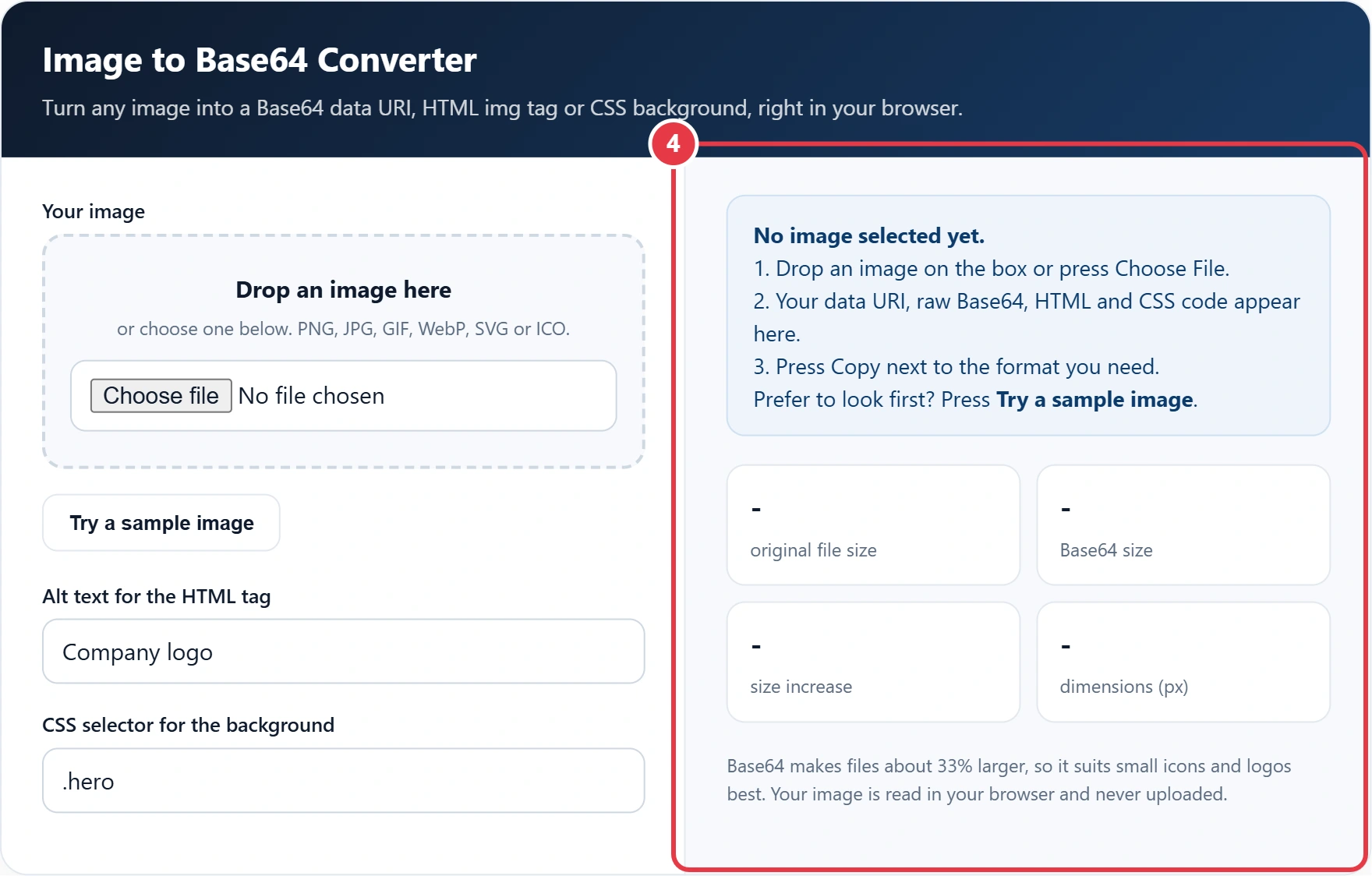
Turn any image into a Base64 data URI, HTML img tag or CSS background, right in your browser.
1. Drop an image on the box or press Choose File.
2. Your data URI, raw Base64, HTML and CSS code appear here.
3. Press Copy next to the format you need.
Prefer to look first? Press Try a sample image.
Base64 makes files about 33% larger, so it suits small icons and logos best. Your image is read in your browser and never uploaded.
Want to embed a small logo in an email template, a single file HTML page or a CSS stylesheet without hosting a separate file? This image to Base64 converter encodes your image as text using the standard Base64 alphabet from RFC 4648, then gives you the code in four ready to paste formats: a data URI, raw Base64, an HTML img tag and a CSS background rule. Your image is read in your browser and never leaves your device.
What Is Base64 Image Encoding?
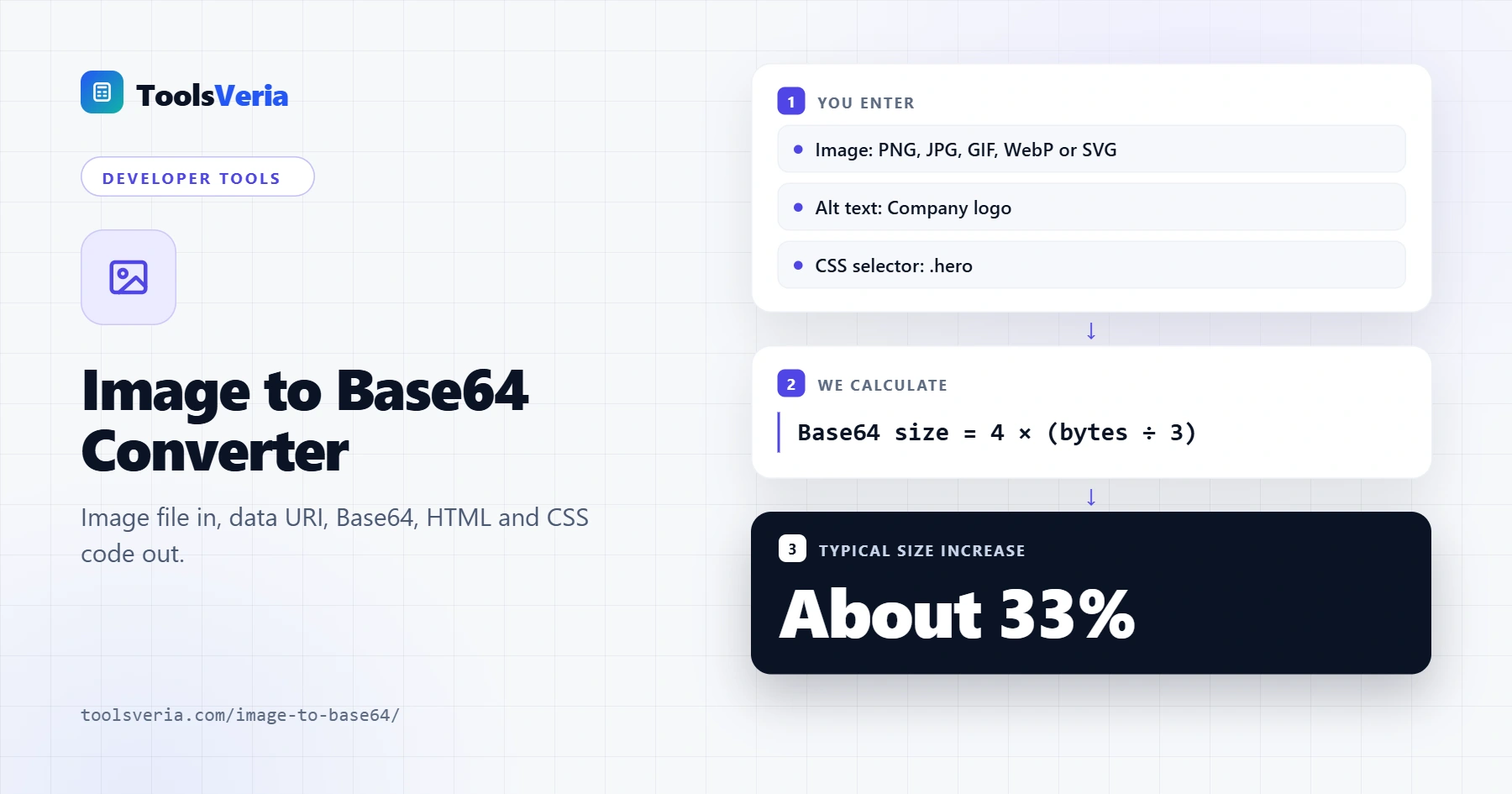
Base64 turns binary data, such as the bytes of a PNG or JPG, into plain text made of 64 safe characters: A to Z, a to z, 0 to 9, plus and slash. That text can sit inside HTML, CSS, JSON or an email, where raw binary would break. A browser reads it back as an image when it is written as a data URI, for example data:image/png;base64, followed by the encoded text.
Every 3 bytes of the original file become 4 Base64 characters, so the encoded size is 4 × (original bytes ÷ 3), rounded up to a whole group. That is roughly a 33% increase. A 12 KB logo becomes about 16 KB of text, which is fine, but a 1 MB photo would add over 330 KB, so Base64 works best for small images.
How to Use the Image to Base64 Converter
Step 1: Choose Your Image
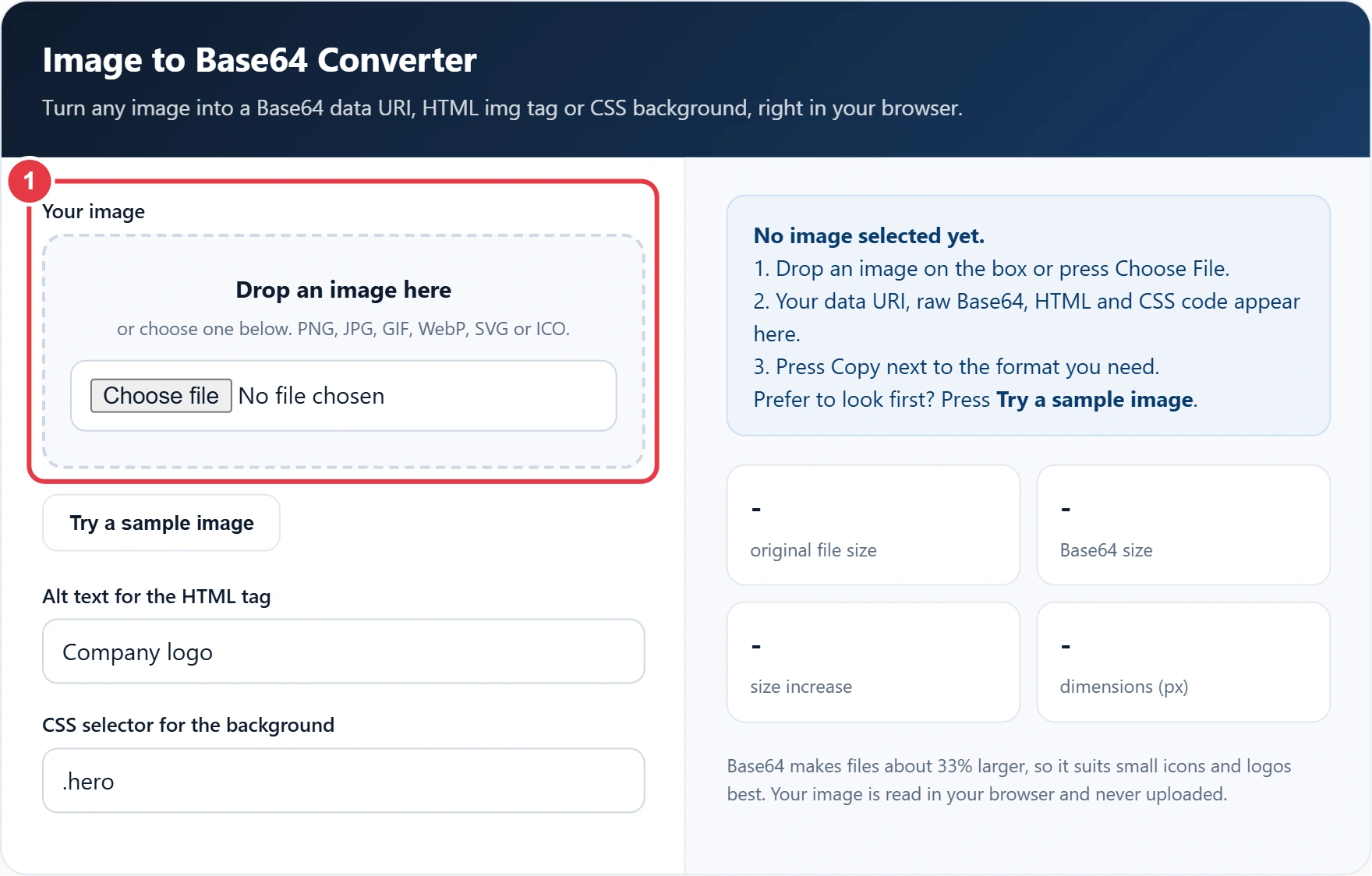
Drag an image onto the drop zone or press Choose File. PNG, JPG, GIF, WebP, SVG and ICO all work. If you just want to see how it works, press Try a sample image.
Step 2: Set the Alt Text and Selector
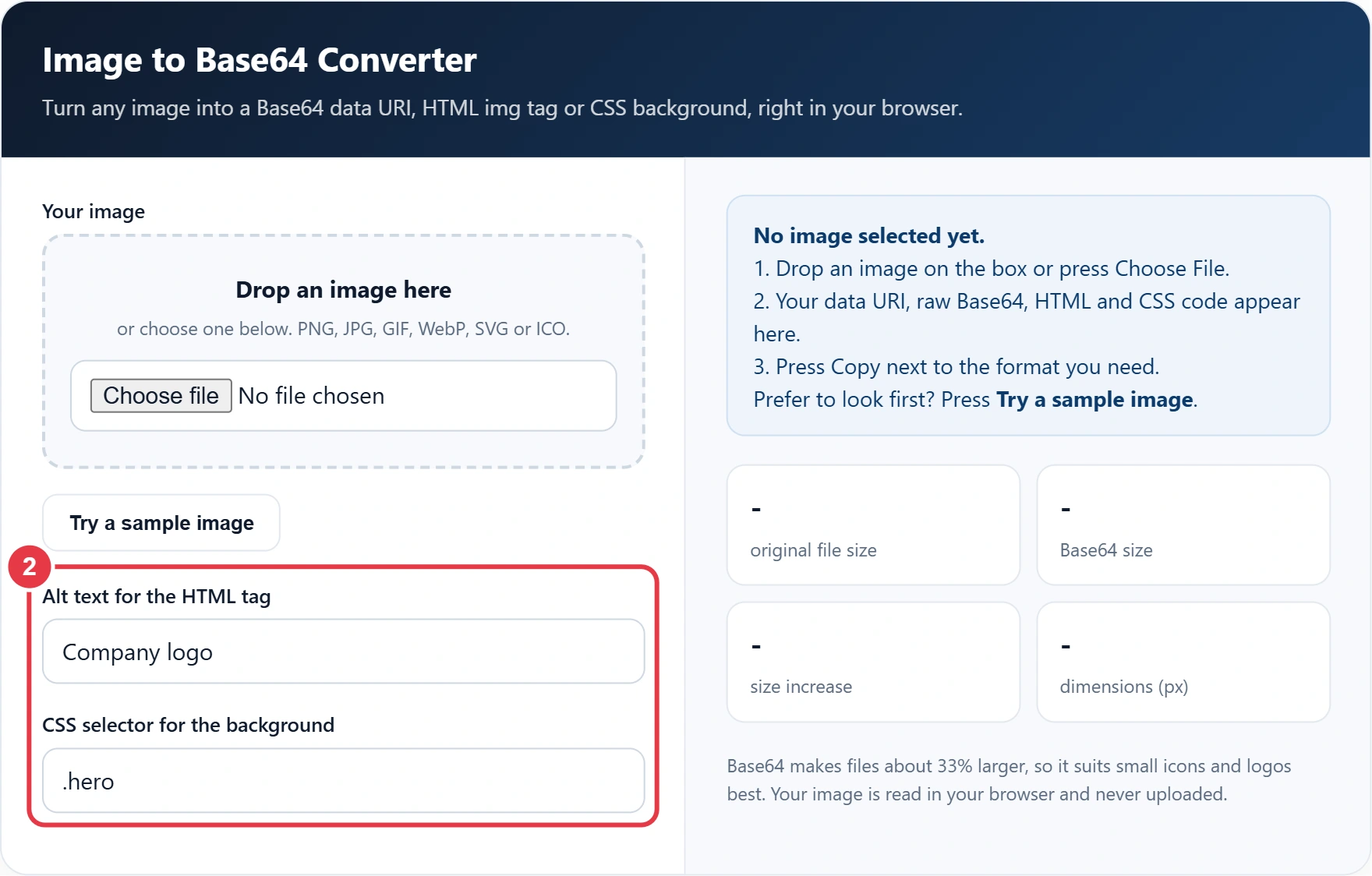
Type descriptive alt text so the HTML tag is accessible to screen reader users, and enter the CSS selector you want the background applied to. The code updates as you type.
Step 3: Check the File Sizes
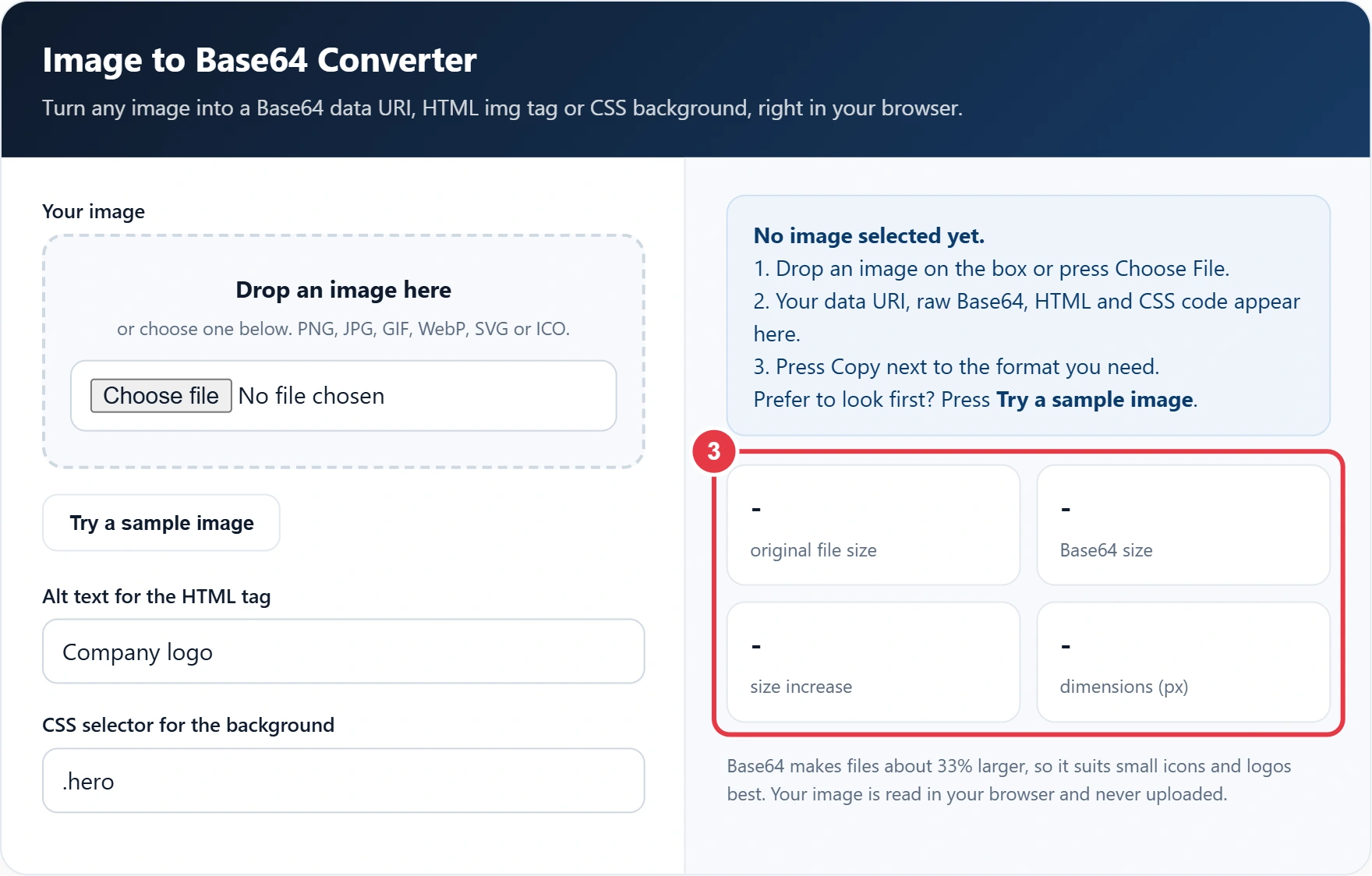
The stats compare the original file with its Base64 version and show the percentage increase and the image dimensions. If the encoded size is large, linking to a normal image file is usually the faster option.
Step 4: Copy the Code
Press the copy button under the format you need. Use the data URI anywhere a URL is accepted, the raw Base64 for APIs and JSON, or the ready made HTML and CSS snippets. To confirm two encoded strings match, paste each into the SHA-256 generator and compare the hashes. Press Clear to convert another image.
When Should You Use Base64 Images?
| Situation | Use Base64? | Why |
|---|---|---|
| Small icons and logos under 10 KB | Yes | Saves a separate download |
| Single file HTML reports or demos | Yes | Everything stays in one file |
| Sending images through a JSON API | Yes | JSON cannot hold raw binary |
| Large photos and hero images | No | About 33% bigger and not cached separately |
| Images reused on many pages | No | A normal file is cached once by the browser |
Some email clients block or strip data URIs, so test before sending a campaign. The MDN guide to data URLs covers the full syntax and browser support. When you send Base64 images inside JSON, the JSON to CSV converter turns the other fields of an API response into a spreadsheet for checking.
Frequently Asked Questions
How do I convert an image to Base64?
Drop the image into the converter or choose it with the file button. The Base64 text and a ready made data URI appear instantly, ready to copy.
Why is the Base64 version bigger than my image?
Base64 uses 4 characters to store every 3 bytes, so the result is about 33% larger than the original file.
How do I use a Base64 image in HTML?
Put the data URI in the src attribute of an img tag, as in the HTML snippet the tool creates. The browser decodes it and displays the image.
What is the difference between a data URI and raw Base64?
Raw Base64 is just the encoded text. A data URI adds a prefix such as data:image/png;base64, so browsers know the file type.
Is there a size limit?
The tool accepts images up to 25 MB, but Base64 is best for small files. Large encoded images slow pages down.
Is my image uploaded to a server?
No. The image is read and encoded in your browser, so it never leaves your device.