Create random version 4 UUIDs (GUIDs) in bulk and validate any UUID you paste.
UUIDs are created in your browser with its cryptographically secure random number generator. Nothing is sent to a server or stored.
Building a database, writing tests or setting up an API and need unique IDs fast? This UUID generator creates random version 4 UUIDs, also known as GUIDs, from one to 500 at a time. Every ID follows the format defined in RFC 9562, the current UUID standard, and you can choose uppercase, hyphen free, braces or quoted output, copy the whole list in one click, and check any existing UUID with the built in validator.
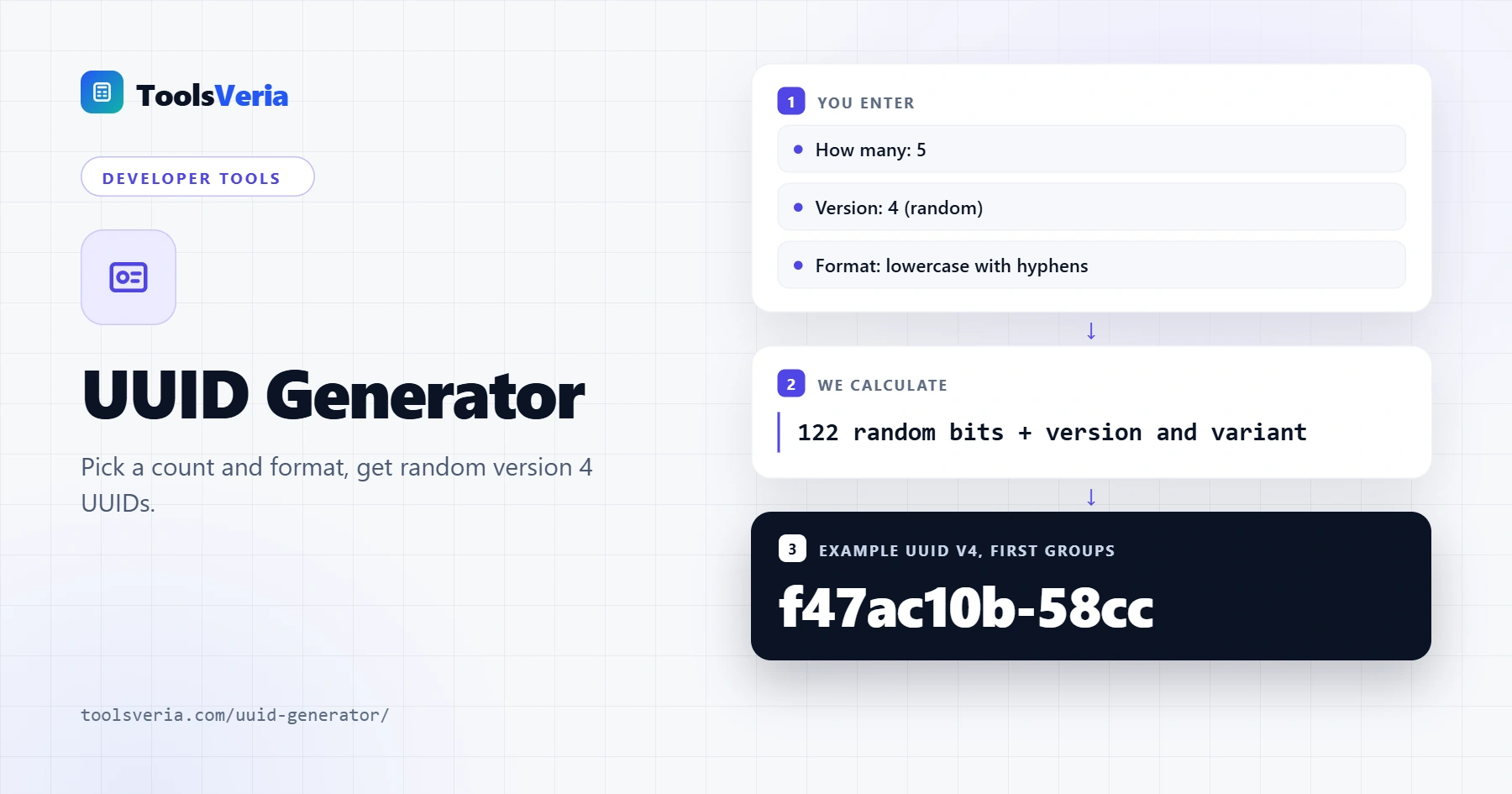
What Is a UUID?
A UUID (universally unique identifier) is a 128 bit value written as 32 hexadecimal characters in five groups, such as f47ac10b-58cc-4372-a567-0e02b2c3d479. GUID is simply Microsoft's name for the same thing. Because UUIDs can be created anywhere without a central register, separate systems can generate IDs independently and still avoid clashes.
A version 4 UUID is random. Six bits are fixed to mark the version (the first digit of the third group is always 4) and the variant (the first digit of the fourth group is 8, 9, a or b), leaving 122 random bits. That gives about 5.3 × 1036 possible values, so the chance of two random UUIDs matching is negligible in practice.
How to Use the UUID Generator
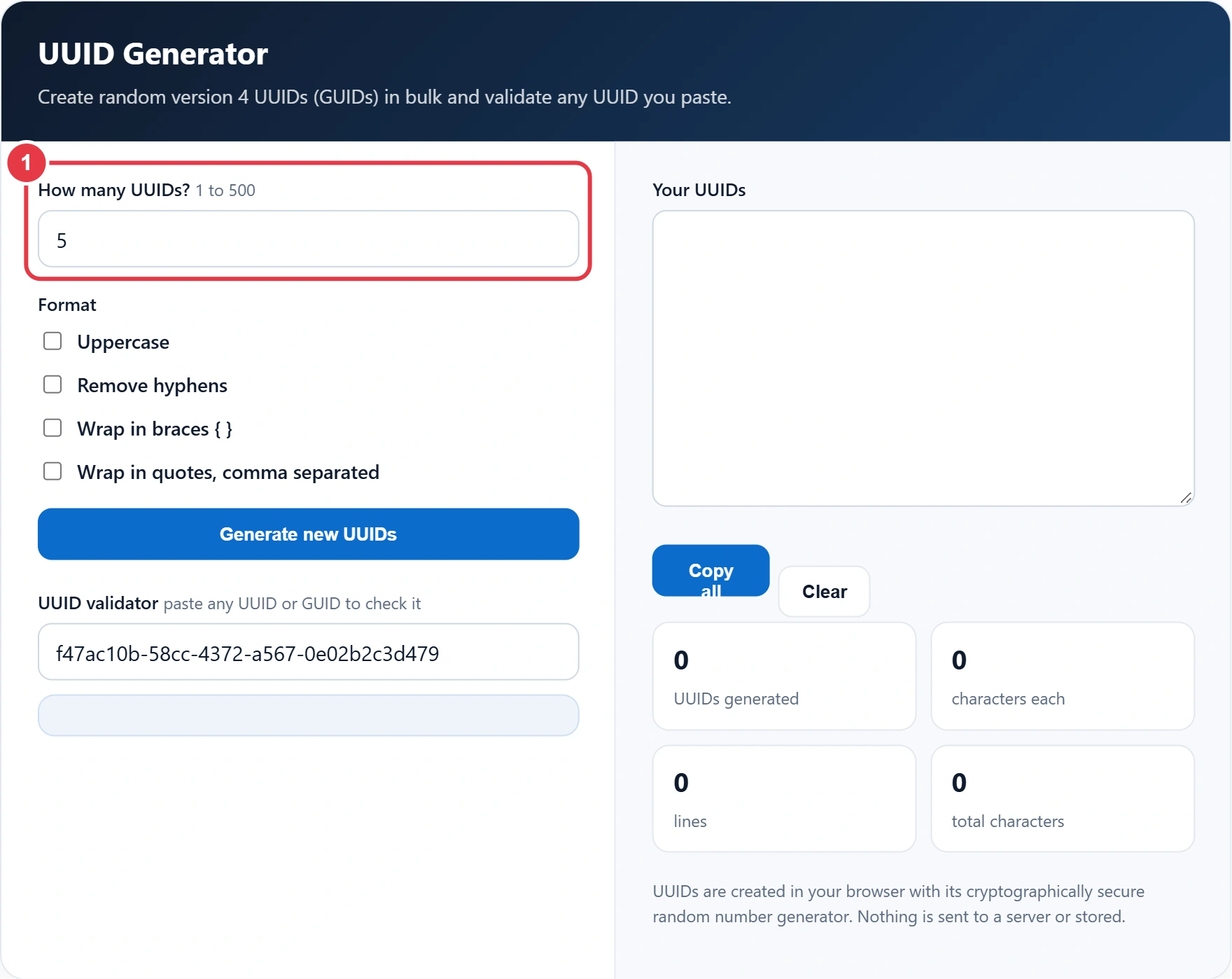
Step 1: Choose How Many
Enter any number from 1 to 500. Five UUIDs are created on load so you can see the output immediately, and the list grows or shrinks as you change the number.
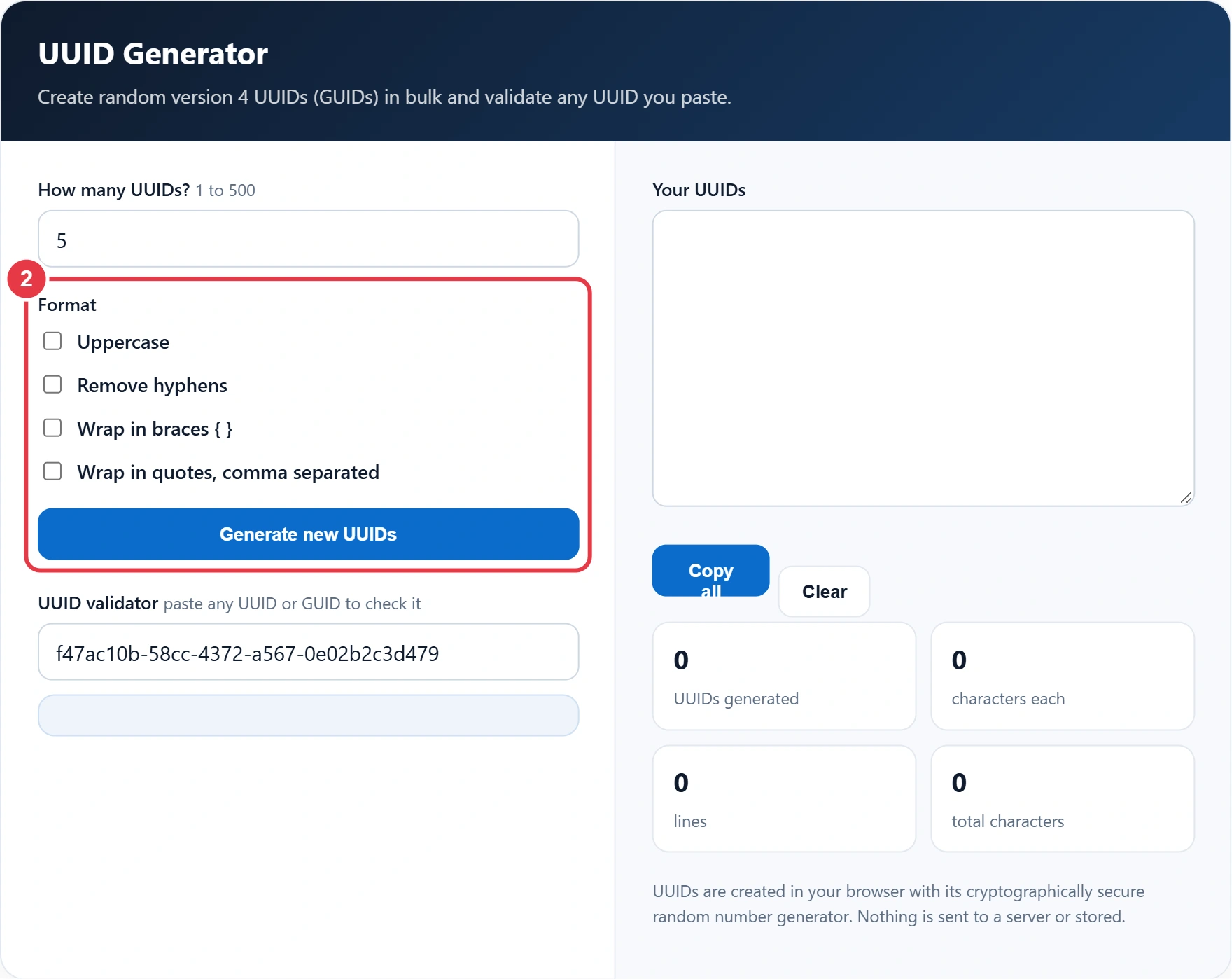
Step 2: Pick a Format
Tick Uppercase for systems that expect capitals, Remove hyphens for a compact 32 character string, or Wrap in braces for the classic Windows GUID style. The quotes option adds commas too, ready to paste into a JSON array or SQL list. Press Generate new UUIDs for a fresh batch.
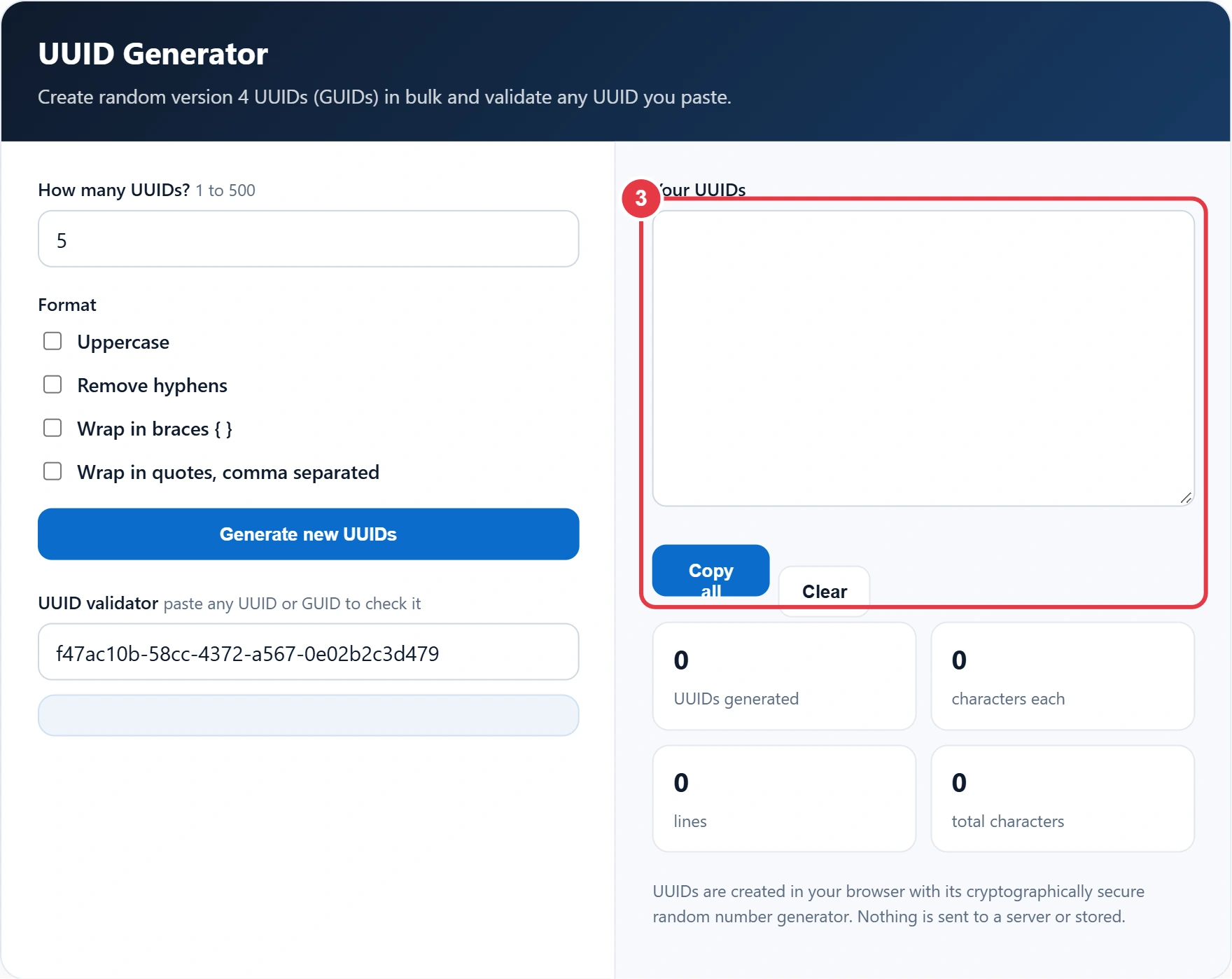
Step 3: Copy Your UUIDs
Press Copy all to send the full list to your clipboard, one UUID per line. Need a fixed fingerprint of some data rather than a random ID? The SHA256 generator creates the same hash every time for the same input. The stats confirm how many UUIDs were generated and how many characters each one has in your chosen format.
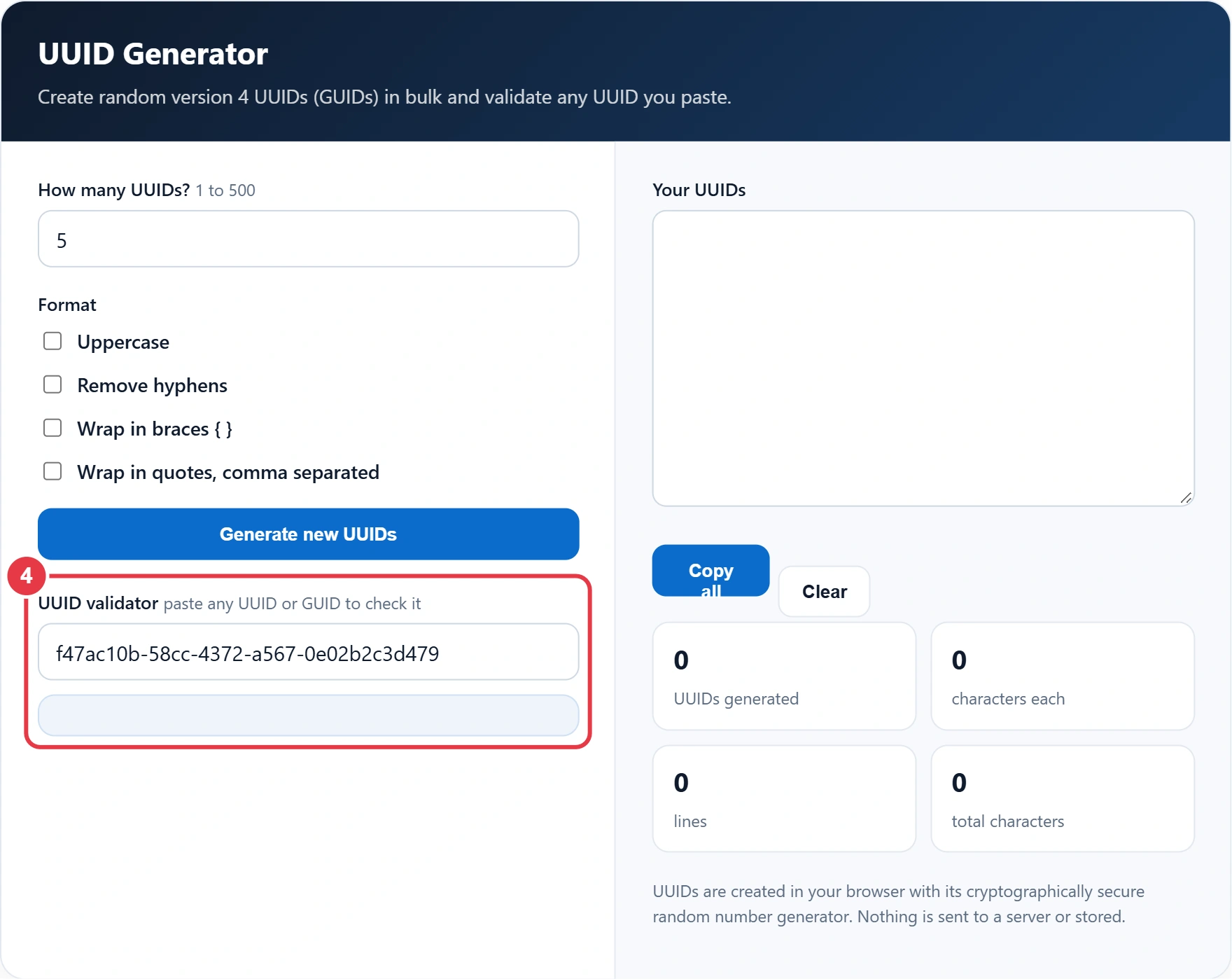
Step 4: Validate a UUID
Paste any UUID into the validator to check that it is well formed. When IDs sit next to raw epoch times in your logs, the Unix timestamp converter turns those numbers into readable dates. The validator accepts hyphens, braces, quotes and the urn:uuid: prefix, then tells you the version and variant, so you can confirm whether an ID is random, time based or name based.
UUID Versions Explained
| Version | Based on | Typical use |
|---|---|---|
| 1 | Timestamp and MAC address | Older systems, ordered by time |
| 3 | Name hashed with MD5 | Repeatable IDs from a name |
| 4 | Random numbers | General purpose unique IDs |
| 5 | Name hashed with SHA-1 | Repeatable IDs, preferred over v3 |
| 7 | Unix time plus random bits | Database keys that sort by time |
Version 4 is the safe default for most projects. If your UUIDs are primary keys in a large database, version 7 can improve index performance because new values sort in creation order. The Wikipedia guide to UUIDs covers the history and collision maths in more depth.
Frequently Asked Questions
What is the difference between a UUID and a GUID?
There is no practical difference. GUID is the name Microsoft uses for a UUID, and both are 128 bit identifiers in the same format.
Can two UUIDs ever be the same?
In theory yes, but with 122 random bits the odds are so small that a duplicate is not a realistic concern, even across billions of IDs.
How can I tell which version a UUID is?
Look at the first character of the third group. In f47ac10b-58cc-4372-a567-0e02b2c3d479 it is 4, so it is a version 4 UUID. The validator above checks this for you.
Are these UUIDs secure enough for tokens?
They use your browser's cryptographically secure random generator, so they are unpredictable. For session or password reset tokens, a dedicated token of at least 128 random bits is still the better choice.
Are UUIDs case sensitive?
No. The standard treats uppercase and lowercase hex as the same value, though lowercase is the recommended way to write them.
How many UUIDs can I generate at once?
Up to 500 per batch. Press Generate new UUIDs as often as you like for more.