Type normal text and get small caps, superscript and subscript versions instantly.
Some letters have no small Unicode form and stay as normal characters. Screen readers may read tiny text oddly, so avoid it for important information.
Want a bio, caption or display name that looks a little different? This small text generator turns ordinary letters into three tiny styles at once: small caps, superscript and subscript. It works by swapping each character for a lookalike from the Unicode superscript and subscript sets, so the result is real text that you can paste into social media profiles, messages and documents without any special font.
Quick answer: A small text generator swaps each letter for a tiny Unicode lookalike in three styles: small caps, superscript and subscript. Because these are real characters rather than formatting, they paste anywhere plain text is accepted, though subscript only covers about 17 letters, so some characters stay normal.
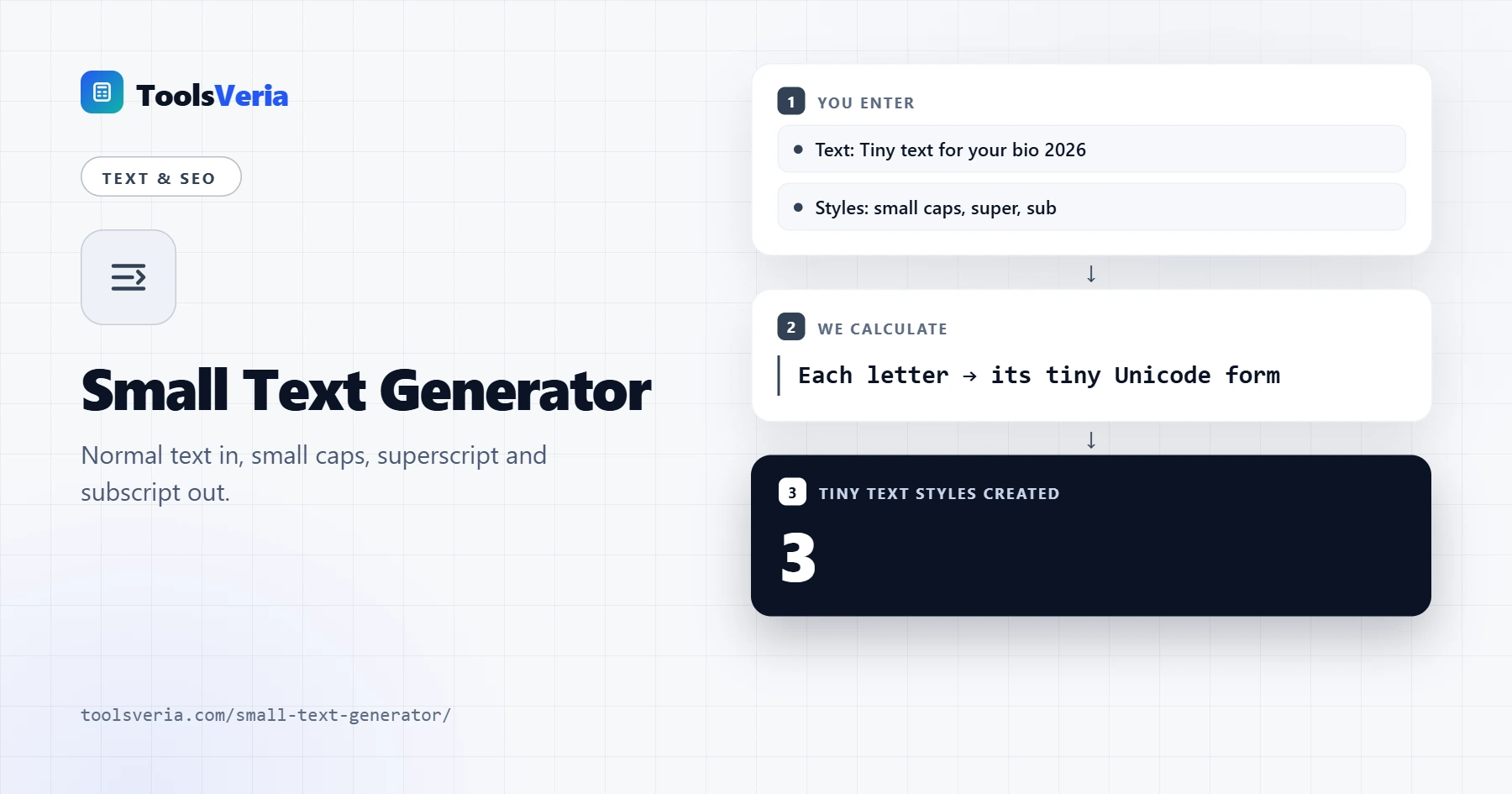
In This Guide
What Is Small Text?
Small text is not a smaller font size. It is a set of separate Unicode characters that happen to look like tiny letters. Small caps such as ᴀ and ʙ come from phonetic alphabets, while superscript characters such as ᵃ and ² sit above the line and subscript characters such as ₐ and ₂ sit below it. Because they are characters rather than formatting, they keep their look wherever plain text is accepted.
The tool reads your text one character at a time and replaces it with its tiny form if one exists. Unicode does not include a tiny version of every letter. There is no small capital x or q in common fonts, and subscript only covers about 17 letters, so anything without a match stays as a normal character.
How Do You Use the Small Text Generator?
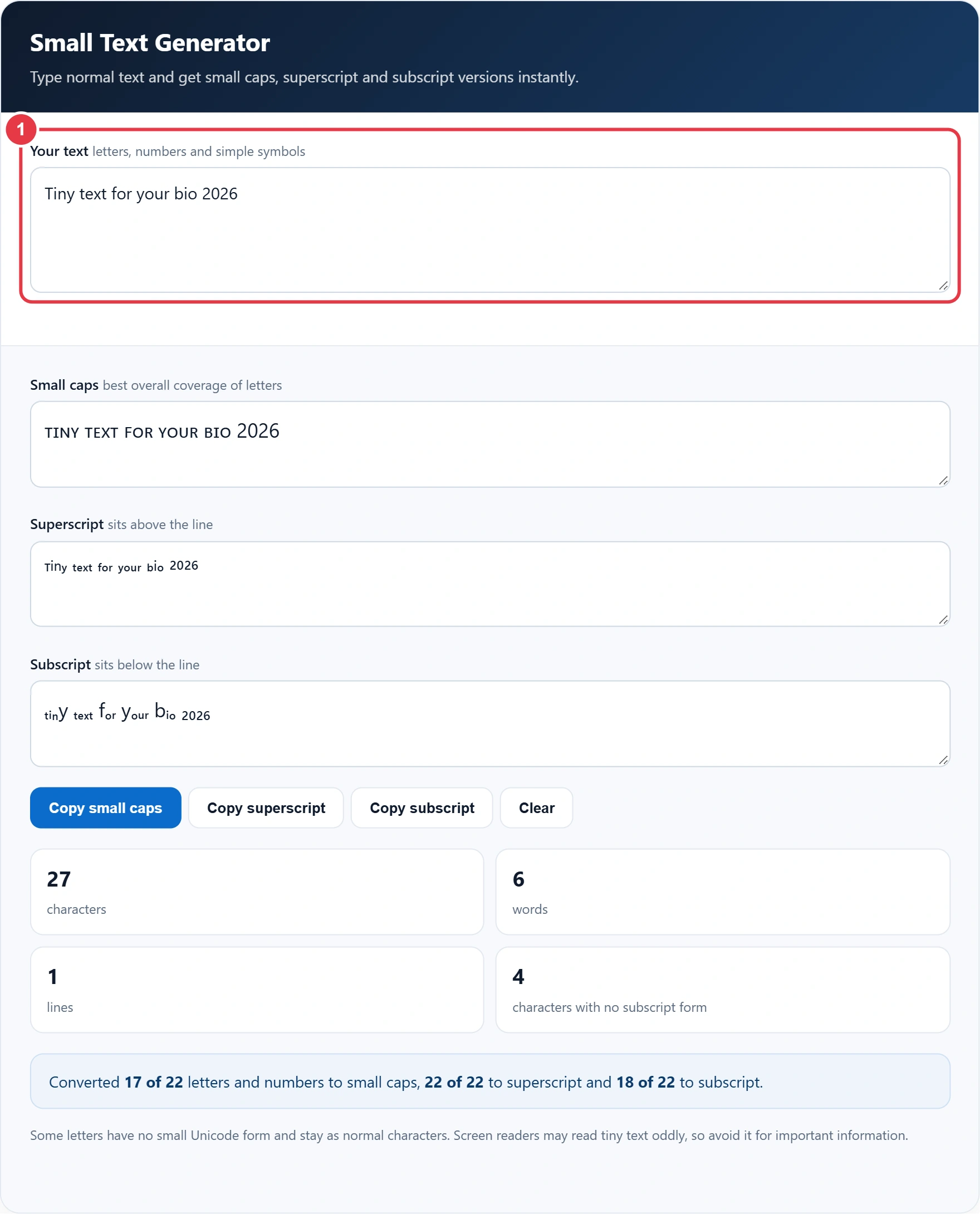
Step 1: Type Your Text
Type or paste your text into the box, where a short sample is already loaded and every style updates as you type. Type or paste your text into the box. A short sample is loaded already, and every style updates as you type.
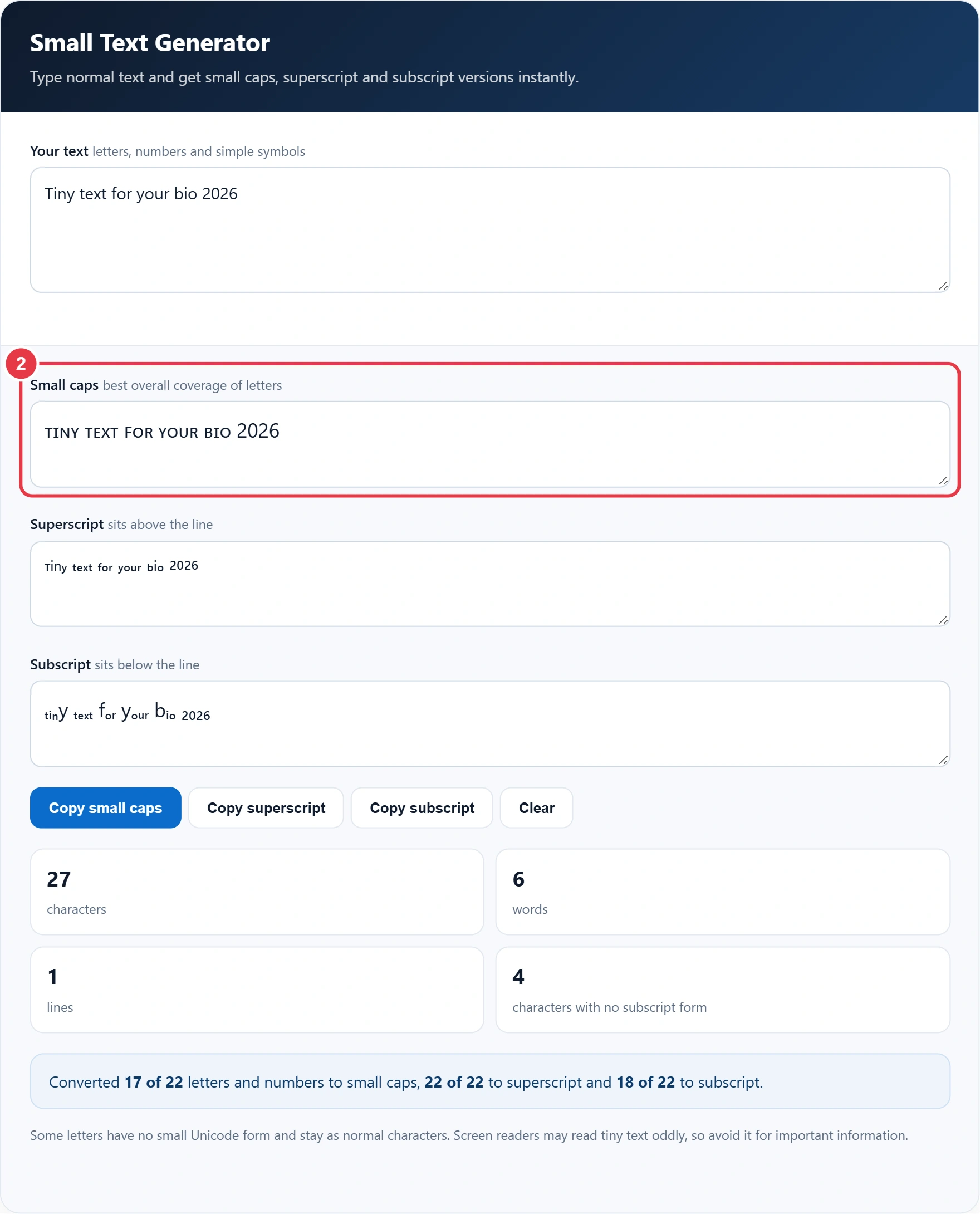
Step 2: Check the Small Caps Version
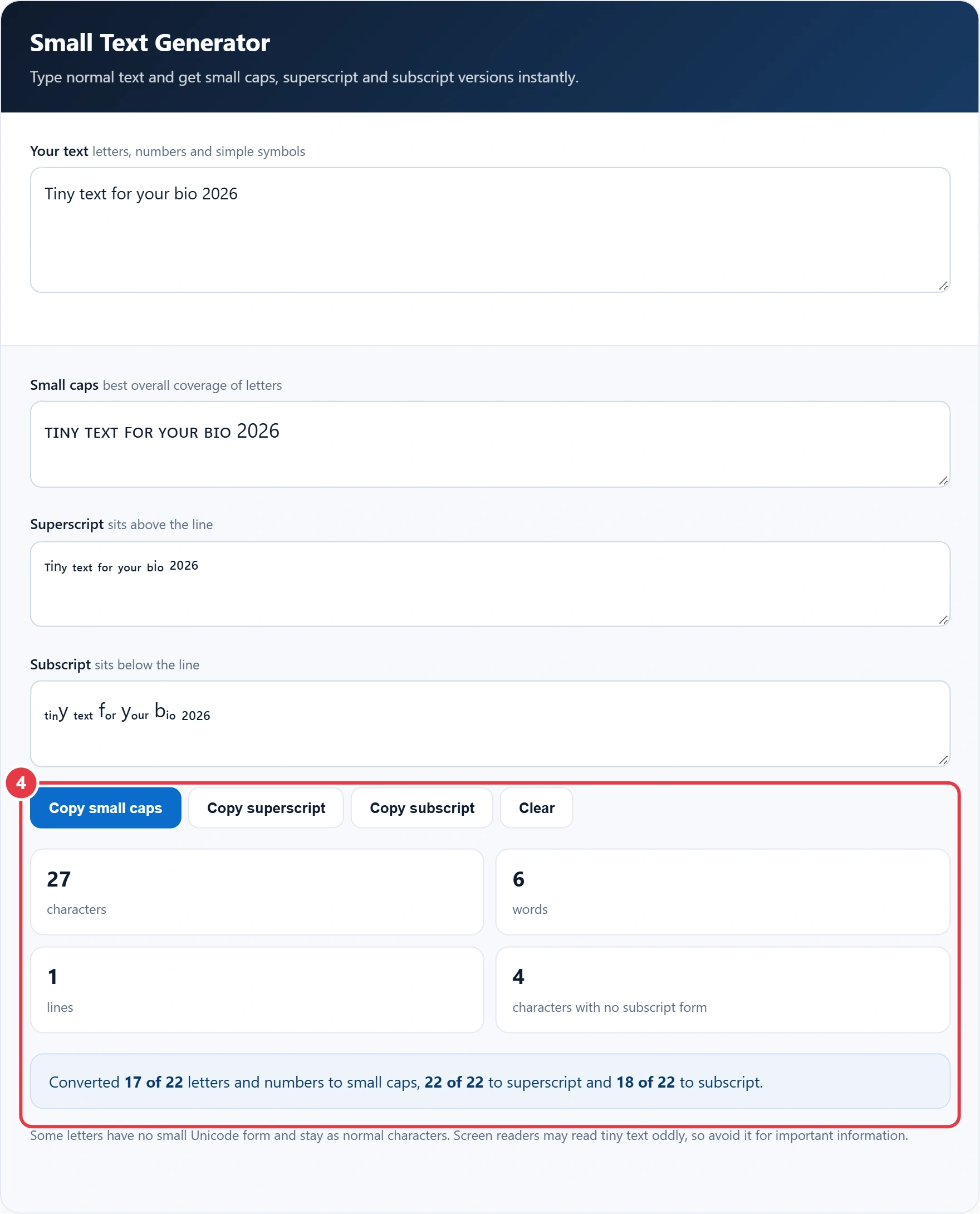
Small caps give the most complete result, as almost every letter has a match. Capital letters are converted too, so the whole line looks even. Numbers have no small caps form and stay full size.
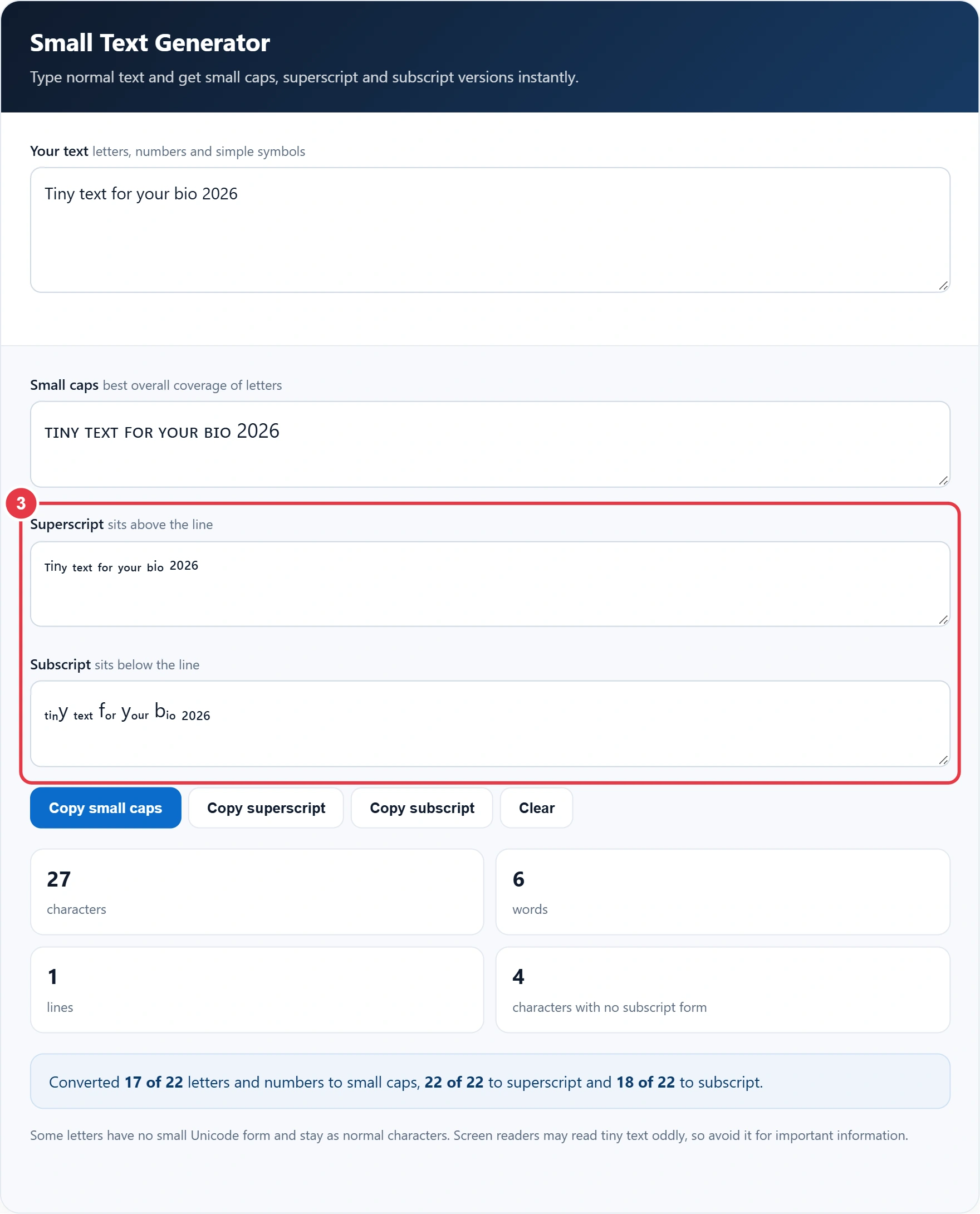
Step 3: Compare Superscript and Subscript
Superscript covers every lowercase letter and the digits, which makes it ideal for footnote marks or formulas such as x². If you want the same words flipped instead, the reverse text tool pairs well with these styles for playful bios. Subscript suits chemical formulas such as H₂O.
Step 4: Copy Your Favourite Style
Press the copy button under the style you like and paste it wherever you need it. The stats show characters, words and lines, and the summary tells you how many characters were converted in each style. For a new handle, the username generator suggests names that you can then shrink here, and Clear resets the box.
What Small Text Styles Can You Use?
| Style | Example | Best for |
|---|---|---|
| Small caps | ᴛɪɴʏ ᴛᴇxᴛ | Bios, display names, headings |
| Superscript | ᵗⁱⁿʸ ᵗᵉˣᵗ | Footnotes, powers, subtle captions |
| Subscript | ₜᵢₙy ₜₑₓₜ | Chemical formulas, maths notation |
The small text generator offers three styles: small caps for bios and display names, superscript for footnotes and powers, and subscript for chemical formulas and maths notation. Use tiny text sparingly. Screen readers can spell these characters out one by one or skip them, and the W3C accessibility guidance encourages content that everyone can read, so keep key details such as contact information in normal text. Search engines may also treat these characters differently from plain letters.
</>Embed this calculator on your website
Add the free Small Text Generator to your own site or blog. Copy the code below and paste it into an HTML block. It resizes itself and works on phones.
How we checked this tool: the Tools Veria Editorial Team built this tool by hand, checked it against the official rules or published standards where they apply, and tested it against worked examples. Results are estimates for planning, not personal financial or tax advice. Read our editorial policy and disclaimer, or report an error.
Frequently Asked Questions
How do I make small text?
Type your text into the generator and copy the small caps, superscript or subscript version. The tiny characters paste like normal text.
Can I use small text on Instagram and TikTok?
Usually yes, as the characters are standard Unicode. A few apps or fonts may not display every character, so check how it looks after posting.
Why are some letters not converted?
Unicode has no tiny version of every letter. For example, subscript has no b, c, d, f or g, so those letters stay normal size.
What is the difference between superscript and subscript?
Superscript characters sit above the normal line of text, like the 2 in x². Subscript characters sit below it, like the 2 in H₂O.
Is small text accessible?
Not fully. Screen readers may read the characters oddly, so avoid tiny text for important information such as names, links or prices.
Is my text stored anywhere?
No. The conversion happens in your browser and nothing you type is uploaded or saved.