Paste in the numbers from your ads dashboard to see what each click really costs and how often people click.
CPC = spend ÷ clicks. CTR = clicks ÷ impressions × 100. Cost per conversion = spend ÷ conversions. Platforms may count clicks slightly differently, so small gaps against your dashboard are normal.
Every paid search or social campaign boils down to two questions: how often do people click, and what does each click cost you? This CPC and CTR calculator answers both from three numbers you can copy out of any ads dashboard, and adds CPM and cost per conversion so you can see where the money goes. It suits Google Ads, Microsoft Ads, Meta, LinkedIn or any other pay per click advertising platform, and it is handy for checking an agency report line by line.
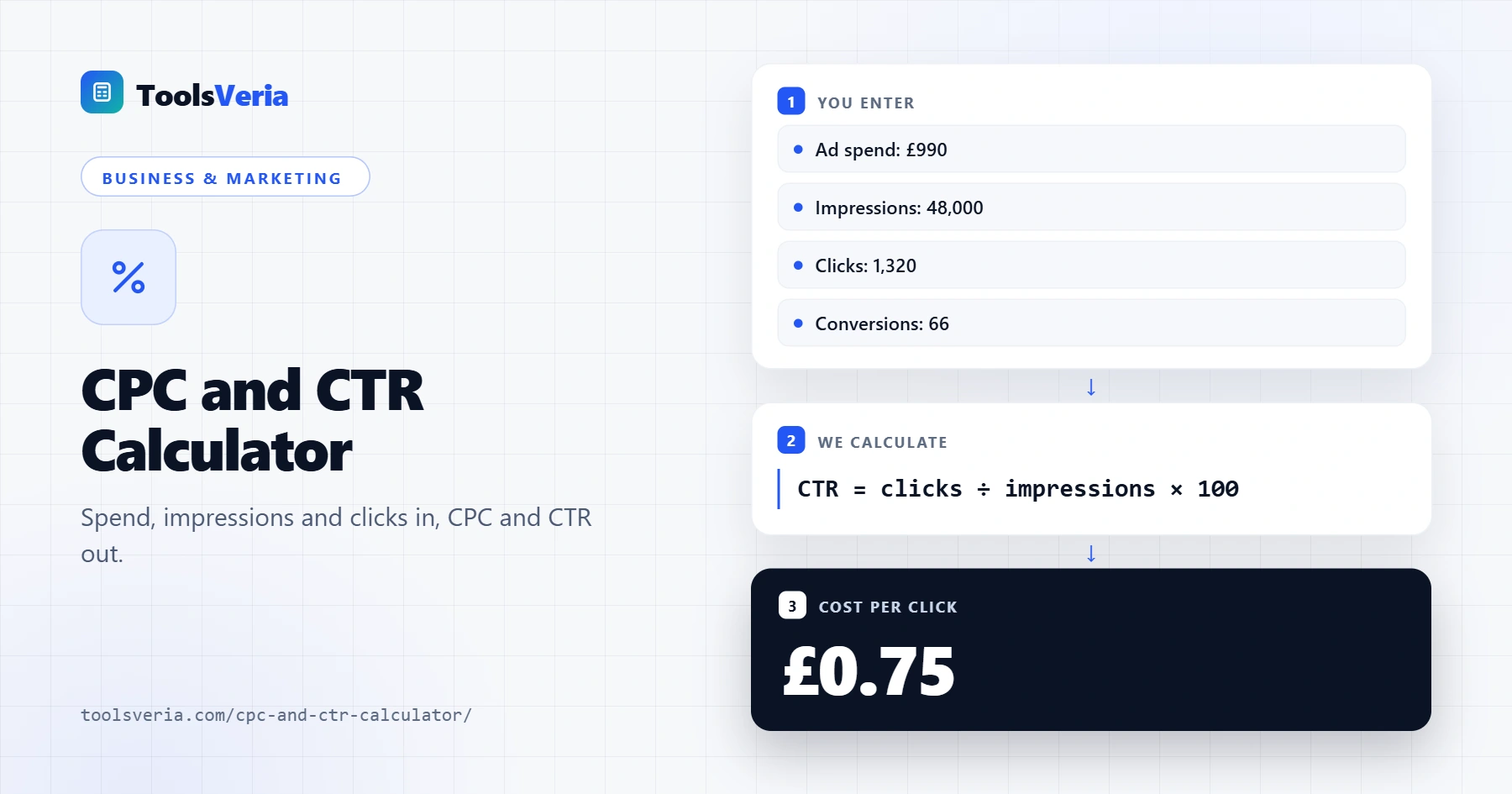
Quick answer: A CPC and CTR calculator uses two simple formulas: CPC = total spend ÷ clicks, and CTR = clicks ÷ impressions × 100. For example, £990 spent on 48,000 impressions that earn 1,320 clicks gives a CTR of 2.75% and a CPC of £0.75. Doubling CTR at the same CPM halves the cost per click.
In This Guide
What Are CPC and CTR?
Cost per click is the average you paid for each click on your advert: CPC = total spend ÷ clicks. Click through rate is the share of impressions that turned into a click: CTR = clicks ÷ impressions × 100. CTR tells you whether the advert is relevant and appealing to the people seeing it, and CPC tells you what that interest costs.
The two are linked through CPM. Because CPC equals CPM divided by (CTR × 10), a campaign that doubles its CTR at the same CPM halves its cost per click. That is why sharper headlines and better targeting often save more money than lowering bids.
How to Use the CPC and CTR Calculator
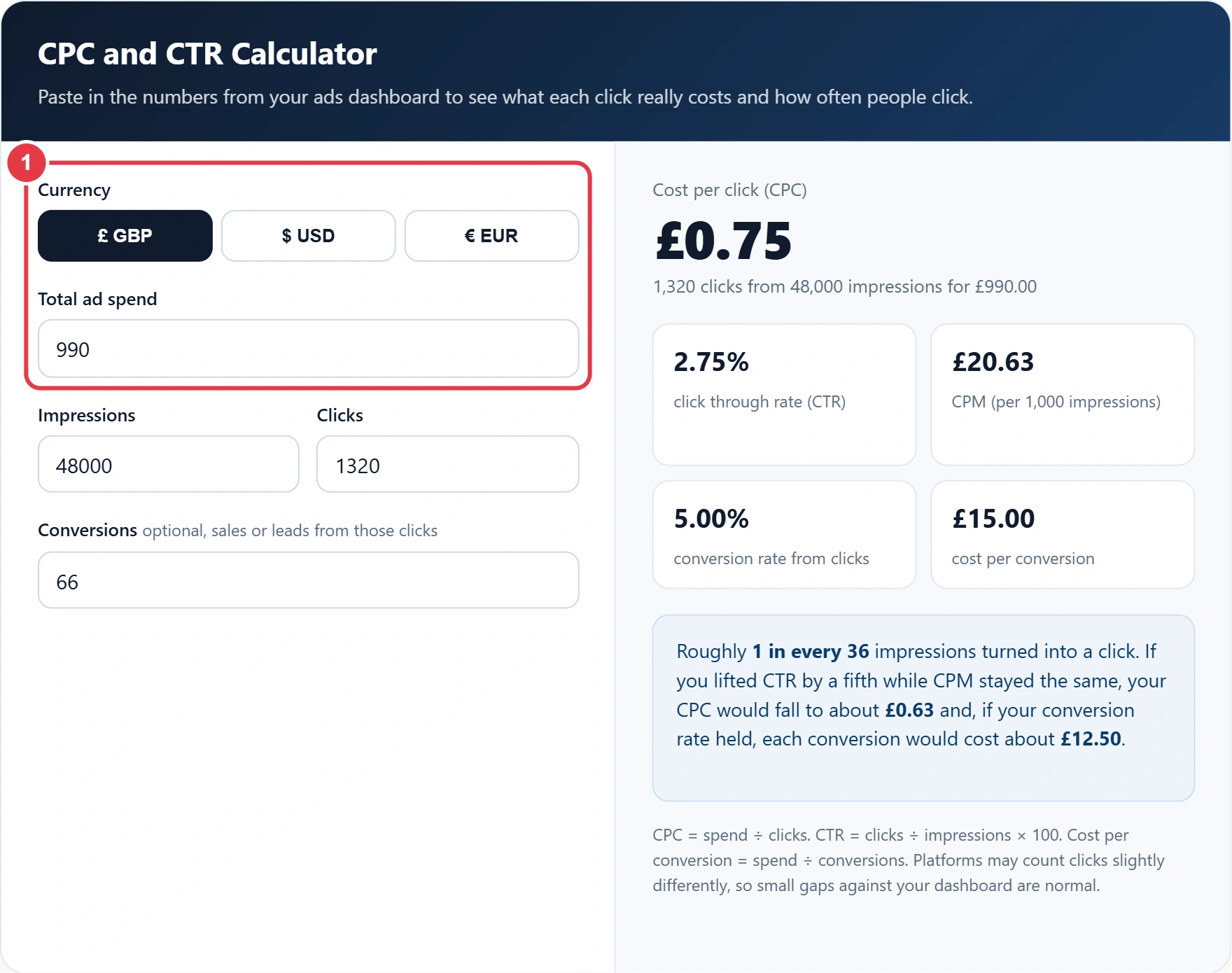
Step 1: Choose a Currency and Enter Spend
Pick £, $ or € and type the total spend for the date range you are reviewing. Use spend before any agency fee if you want to judge the platform alone.
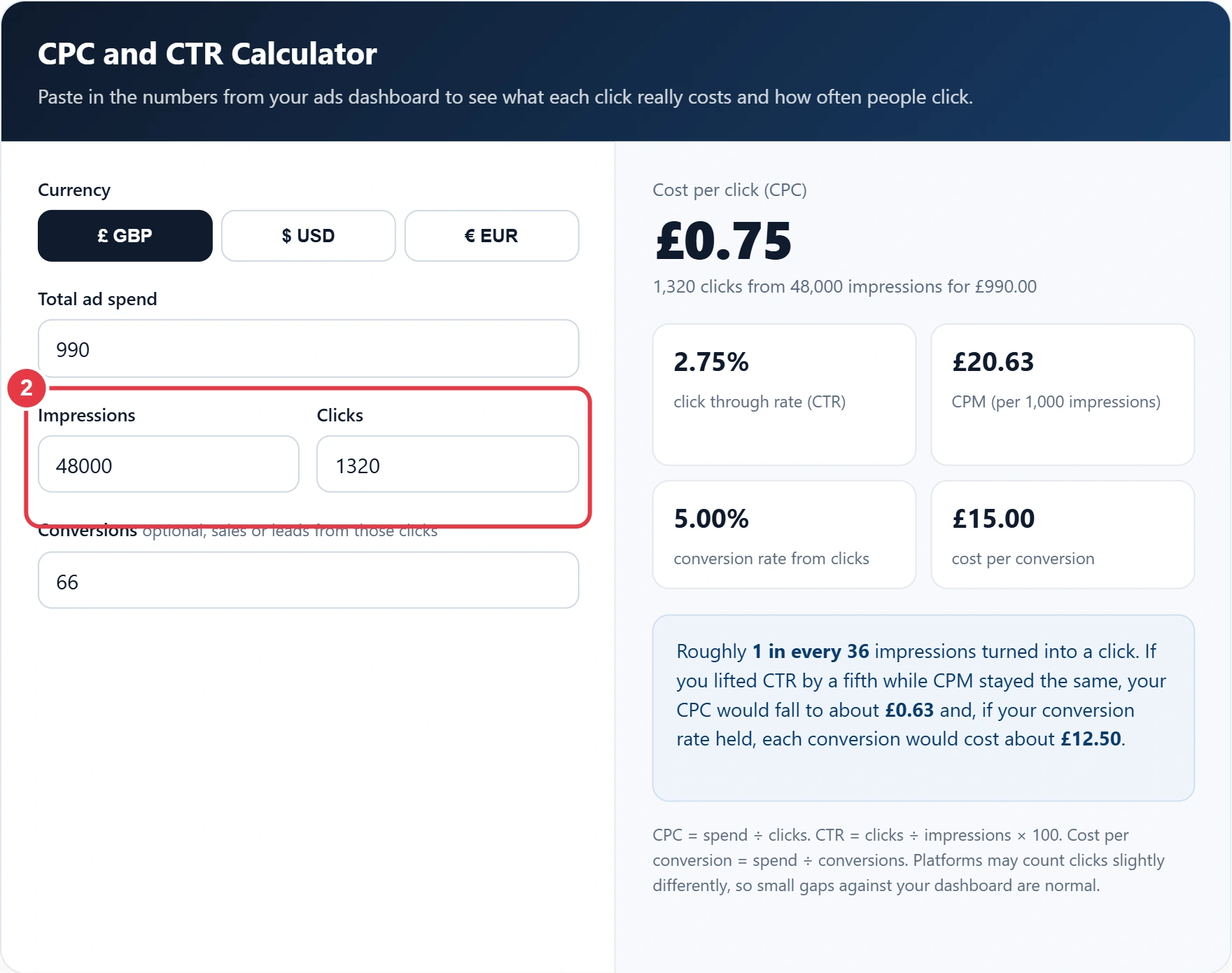
Step 2: Enter Impressions and Clicks
Copy impressions and clicks for exactly the same campaigns and dates as the spend. Mixing a single advert's clicks with a whole account's impressions is the most common reason for odd looking results.
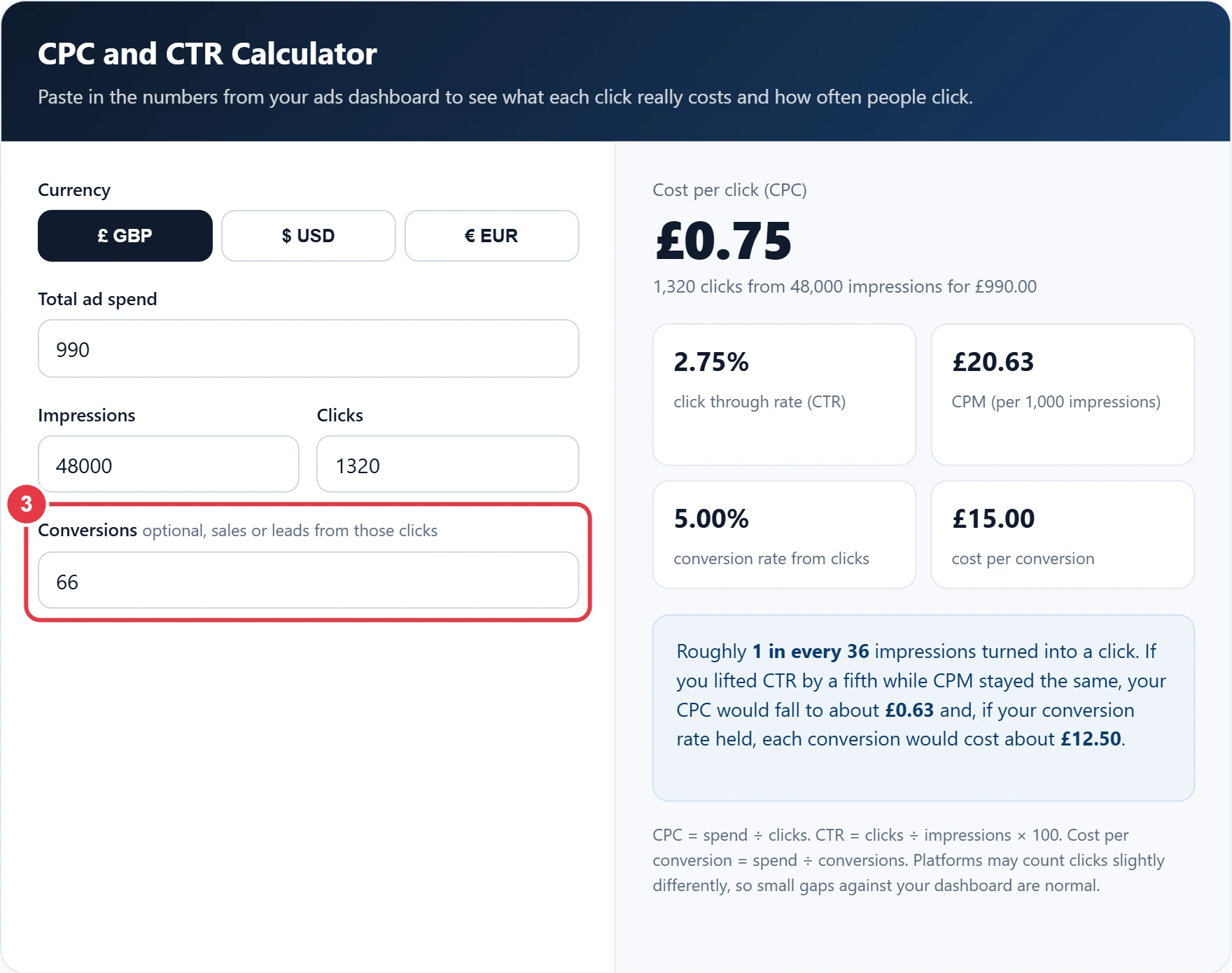
Step 3: Add Conversions
Enter sales, sign ups or leads that came from those clicks. Once you know the cost per conversion, compare it with what each sale earns you: the profit margin calculator shows how much of the order value you actually keep, which is the most you can spend to win it.
Step 4: Read the Results
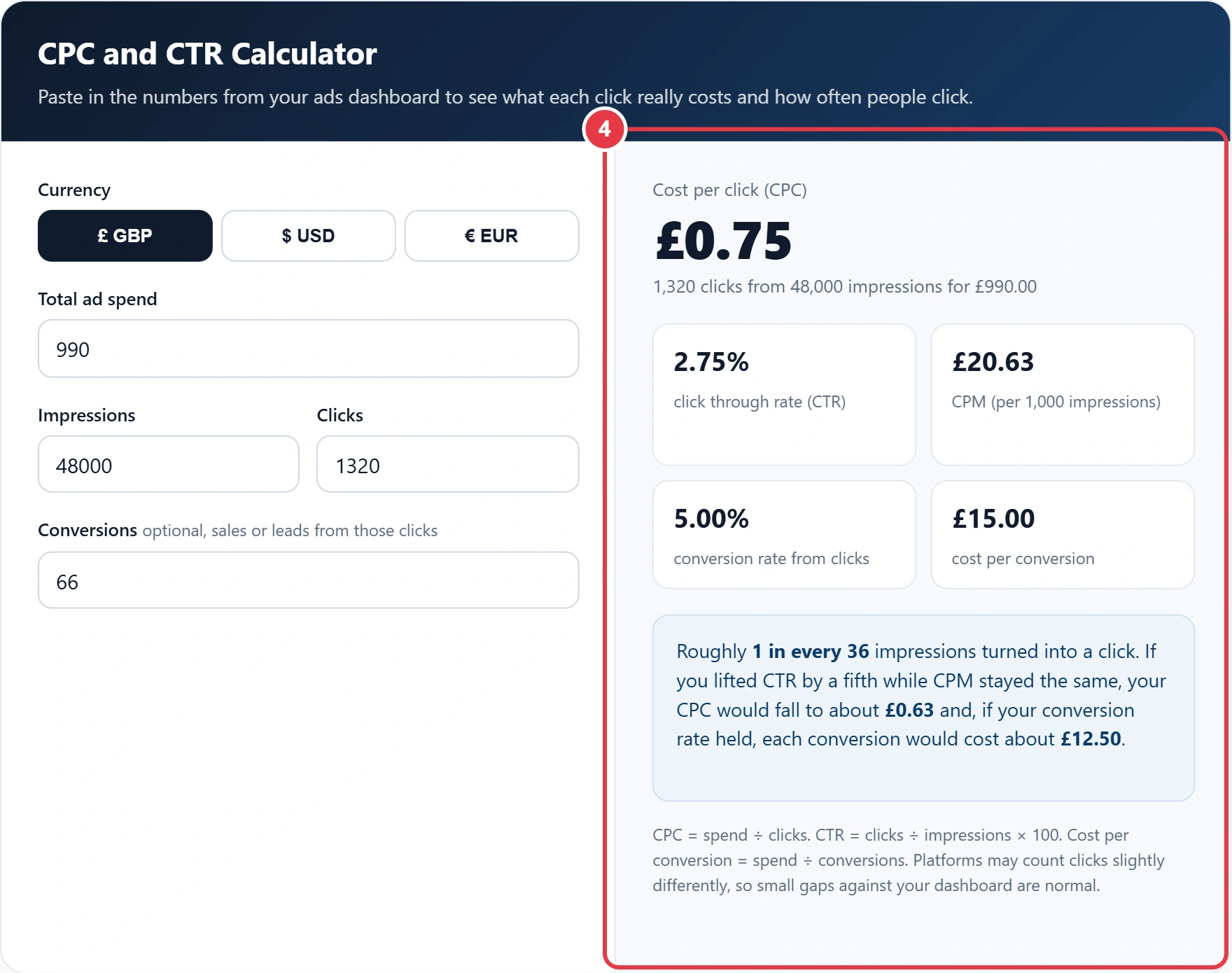
The headline shows CPC, with CTR, CPM, conversion rate and cost per conversion underneath. The summary box shows how many impressions it takes to win one click and what a 20% better CTR would save.
Worked Example: A Local Bakery's Search Campaign
Megan runs a bakery in Leeds and spent £990 on search adverts for celebration cakes in May. Her adverts were shown 48,000 times, earned 1,320 clicks and produced 66 orders. Her CTR is 1,320 ÷ 48,000 = 2.75%, her CPC is £990 ÷ 1,320 = £0.75, and each order cost £15.00 to win.
| Measure | Formula | Megan's result |
|---|---|---|
| CTR | 1,320 ÷ 48,000 × 100 | 2.75% |
| CPC | £990 ÷ 1,320 | £0.75 |
| CPM | £990 ÷ 48,000 × 1,000 | £20.63 |
| Conversion rate | 66 ÷ 1,320 × 100 | 5.00% |
| Cost per order | £990 ÷ 66 | £15.00 |
If her average cake sells for £45, spending £15 to win each order leaves room for profit. When she rewrites her headline and CTR climbs to 3.3%, the percentage increase calculator confirms a 20% improvement, which she can then quote in her monthly report. A clear explanation of how click through rate is measured is also worth reading before comparing figures across platforms, since each one counts impressions slightly differently.
Key CPC and CTR Terms Explained
These terms explain the advertising metrics the CPC and CTR calculator reports, helping you see where campaign spend goes and how to lower the cost of each result.
- Cost per click
- The average amount an advertiser pays each time someone clicks an advert, found by dividing total spend by clicks. In auction based platforms it is usually below the maximum bid because the advertiser pays only enough to beat the next competitor.
- Click-through rate
- The percentage of advert impressions that lead to a click. It signals how relevant and compelling an advert is to the audience seeing it, and a higher rate typically lowers the cost of every visit.
- Impression
- A single instance of an advert being displayed on a screen. It counts views, not people, so one person seeing the same advert several times produces several impressions.
- Pay-per-click advertising
- An online advertising model in which the advertiser is charged only when a user clicks the advert, rather than when it is shown. Search engines and social networks sell most of their ad inventory this way.
- Cost per acquisition
- The total advertising spend divided by the number of sales, sign ups or leads won. It shows what a customer actually costs to win and should be compared with the profit each conversion earns.
- Quality Score
- A rating search ad platforms give each keyword and advert based on expected click-through rate, ad relevance and landing page experience. Higher scores can lower the price paid per click and improve ad position.
</>Embed this calculator on your website
Add the free CPC and CTR Calculator to your own site or blog. Copy the code below and paste it into an HTML block. It resizes itself and works on phones.
How we checked this tool: the Tools Veria Editorial Team built this tool by hand, checked it against the official rules or published standards where they apply, and tested it against worked examples. Results are estimates for planning, not personal financial or tax advice. Read our editorial policy and disclaimer, or report an error.
Frequently Asked Questions
How do I work out cost per click?
Divide your total ad spend by the number of clicks. £990 spent for 1,320 clicks gives a CPC of £0.75.
How is click through rate calculated?
Divide clicks by impressions and multiply by 100. 1,320 clicks from 48,000 impressions is a CTR of 2.75%.
Is a high CTR always good?
Not always. A catchy advert can attract clicks from people who never buy, so check conversion rate and cost per conversion alongside CTR.
Why is my CTR on social media lower than on search?
Search adverts reach people who are already looking for something, while social adverts interrupt people scrolling for other reasons, so lower social CTRs are normal.
Does a lower CPC mean a better campaign?
Only if the clicks convert as well as before. Cheap clicks from the wrong audience can push cost per conversion up even while CPC falls.
What is the link between CPC, CTR and CPM?
CPC equals CPM divided by (CTR × 10) when CTR is a percentage. Raising CTR at the same CPM lowers your cost per click.